A radiant temple sanctuary
An aasimar cleric standing in a shaft of golden light beneath a soaring domed ceiling, glowing motes drifting in the air, warm and cool light blending across pale stone.
Edit prompt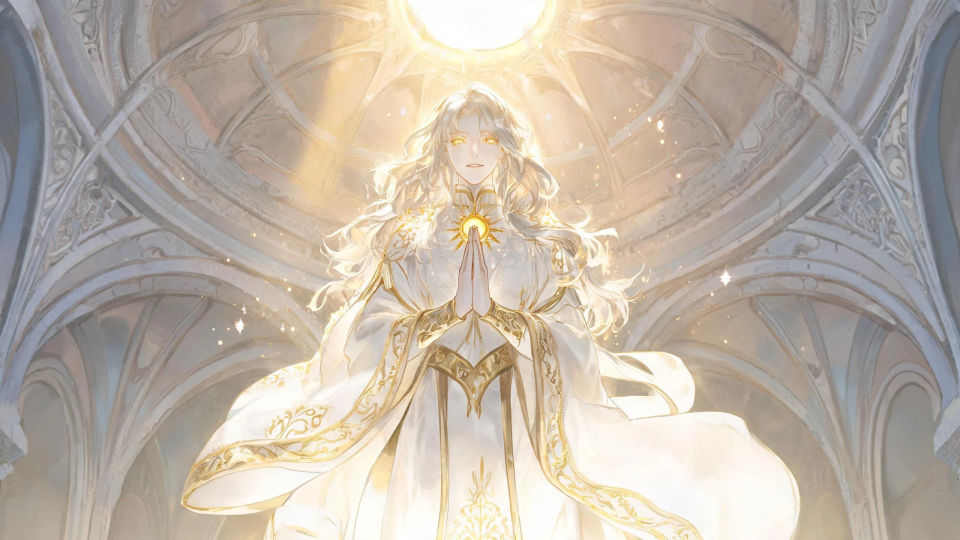
Design celestial-touched aasimar in your browser with Morphic's aasimar AI image generator. Generate a radiant paladin with a faint halo, a silver-eyed healer at an altar, or a winged aasimar in golden light. Hold one look with Style Transfer, then pulse light with Image to Video.
An aasimar cleric standing in a shaft of golden light beneath a soaring domed ceiling, glowing motes drifting in the air, warm and cool light blending across pale stone.
Edit promptA winged aasimar drifting down through parting clouds on wings of light, sun breaking bright behind, soft golden rays scattering and a distant landscape glowing far below.
Edit prompt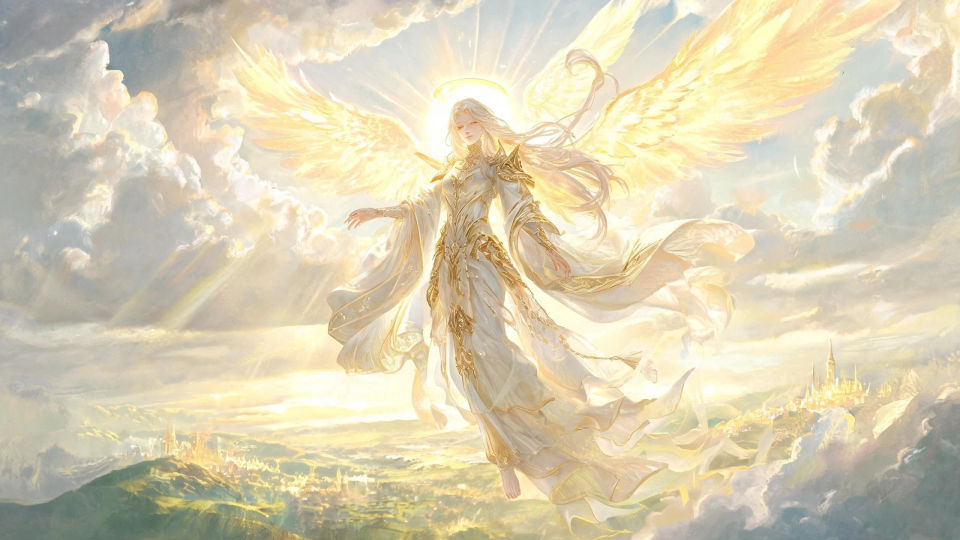
An aasimar paladin kneeling among fallen banners as first light breaks, faint halo glowing, mist and drifting ash lit gold and a broken sword planted in the churned earth.
Edit prompt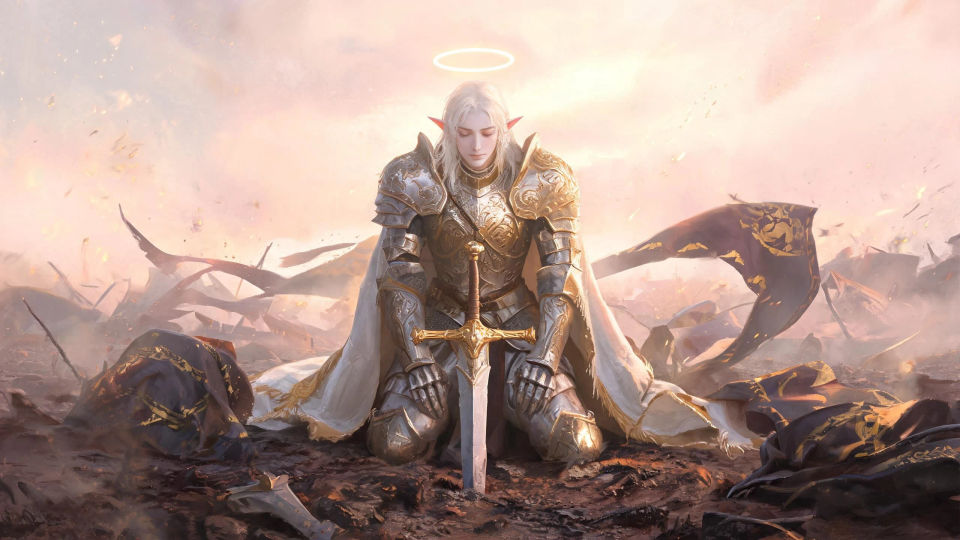
An aasimar healer kneeling over a wounded figure amid broken pillars, warm light spilling from open hands, dust motes bright in the beams and shadows soft at the edges.
Edit prompt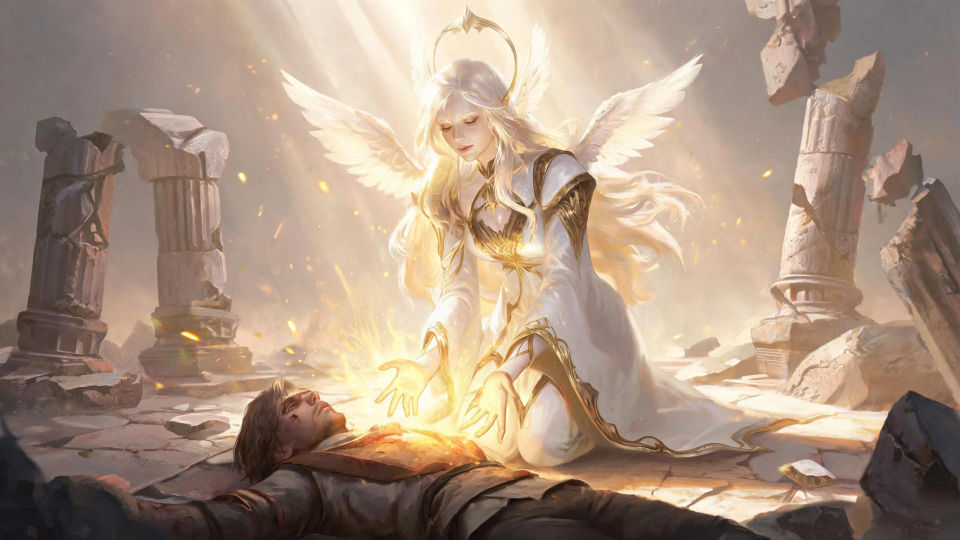
Jelaskan Aasimar yang Anda inginkan, dengan kata-kata sederhana.
Morphic membuat gambar bersih yang siap diterbitkan di canvas Anda dalam hitungan detik.
Ubah prompt, buat ulang variasi, lalu unduh atau bagikan frame-nya.

Take any character image and generate 6 distinct facial expressions on a single reference sheet.

Share a scene description with character references. Get a full storyboard with shot angles and mood.

Turn any photo or description into an animated chibi sprite. Dance, jump, wave, attack, and more.

All your characters on a single lineup image, side by side with height comparison.

Professional 7-panel location reference sheet from a single photo.
Restyle any video in a completely new visual style. Every frame transforms, all motion stays intact.
Tiefling AI Images
Create AI tiefling images on Morphic. Horned warlocks, rogues, paladins, and infernal-touched heroes with tails and jewel skin, from plain-language prompts.
Dragonborn AI Images
Create AI dragonborn images on Morphic. Scaled warriors, clerics, sorcerers, and draconic heroes in metallic and chromatic hide, from plain-language prompts.
Genasi AI Images
Create AI genasi images on Morphic. Fire, water, air, and earth genasi with flame hair, flowing skin, and stone hide, from plain-language prompts.
Wizard AI Images
Create AI Wizard images with Morphic. Generate Wizard portraits, designs, and character art for any project in seconds.
Mulai gratis hari ini, dengan opsi untuk upgrade atau membatalkan kapan saja.
Basic
1100 bulanan kredit
1 pengguna saja
Semua model
Workflows
Standard
3625 bulanan kredit
1 pengguna saja
Semua model
Workflows
Pro
6350 bersama bulanan kredit
1 pengguna
Semua model
Workflows
Pro Max
24650 bersama bulanan kredit
1 pengguna
Semua model
Workflows
Enterprise
Untuk batas yang lebih tinggi
Khusus
ketentuan harga dan penagihan

Free
Untuk bereksperimen
$0
gratis selamanya