Underwater scene
An underwater coloring scene of fish, coral, and seaweed in clean bold outline, layered shapes, bubbles rising, plain white background, no fill.
Edit prompt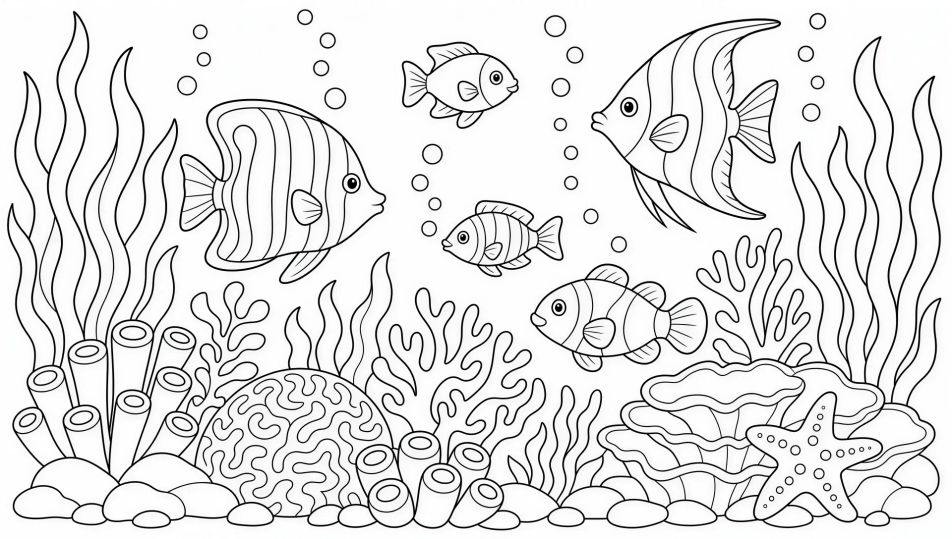
Draw coloring book pages in your browser with Morphic's coloring book page AI image generator. Generate a friendly dragon in clean bold outline, a detailed mandala flower, or a busy underwater scene. Hold one line weight with Style Transfer, then arrange and print the finished pages from the Canvas.
An underwater coloring scene of fish, coral, and seaweed in clean bold outline, layered shapes, bubbles rising, plain white background, no fill.
Edit promptA garden coloring scene of big flowers, a butterfly, a watering can, and a low fence in clean black outline, bold even lines, white background.
Edit prompt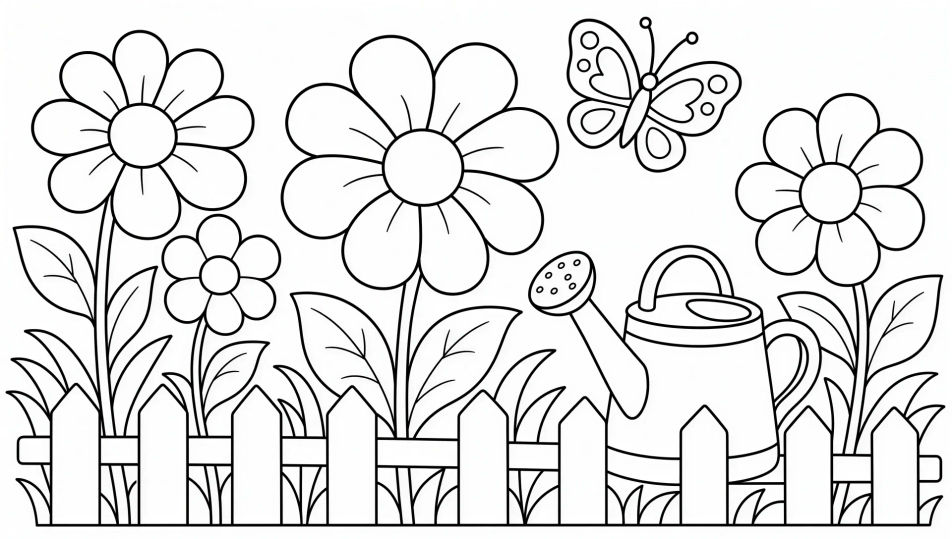
A simple city skyline of buildings, windows, and a few clouds in clean bold outline, balanced detail, plain white background ready to colour.
Edit prompt
A forest coloring scene of layered trees, a winding path, a deer, and toadstools in clean black outline, generous open areas, white background.
Edit prompt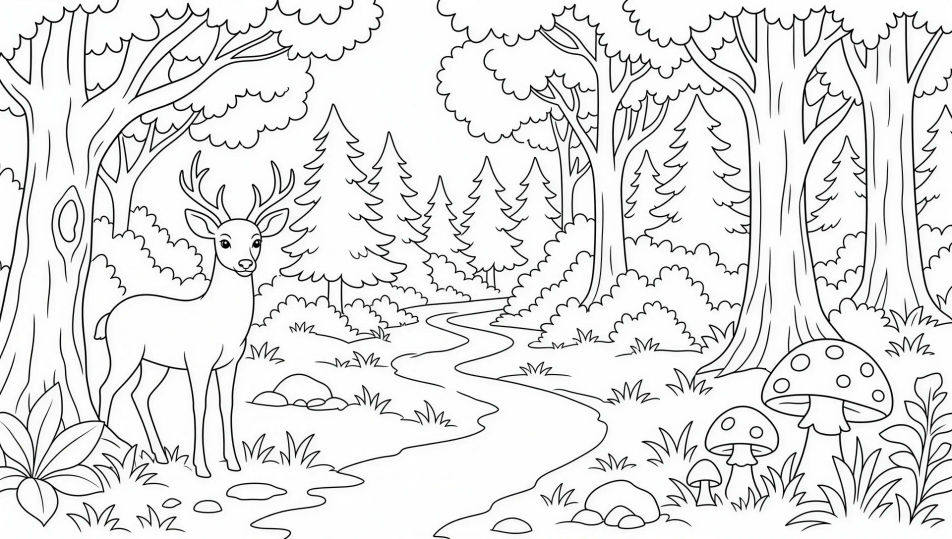
Jelaskan Coloring book page yang Anda inginkan, dengan kata-kata sederhana.
Morphic membuat gambar bersih yang siap diterbitkan di canvas Anda dalam hitungan detik.
Ubah prompt, buat ulang variasi, lalu unduh atau bagikan frame-nya.

Share a scene description with character references. Get a full storyboard with shot angles and mood.

Feed in a single image. Get 9 cinematic beats laid out as a 3x3 storyboard grid.
One image to a 9-scene cinematic video.

Take any character image and generate 6 distinct facial expressions on a single reference sheet.
Cinematic time-freeze short film for any scene
Drop in a photo of yourself. Get a 12-second cinematic movie with animation and a matched soundtrack.
Children's book AI Images
Create children's book illustrations with Morphic. Friendly characters with consistent looks, age-appropriate imagery, and full page spreads generated from a single prompt.
Storybook illustration AI generator
Create storybook illustration with Morphic. Warm painterly narrative art, consistent characters, and page-spread compositions from a single prompt.
Kawaii art AI generator
Create kawaii art with Morphic. Rounded pastel mascots, oversized-eye characters, sticker sheets, and super-cute illustrations from a single prompt.
Picture book character AI generator
Create picture book characters with Morphic. Original character designs, turnaround sheets, expression sets, and on-model art across every page.
Mulai gratis hari ini, dengan opsi untuk upgrade atau membatalkan kapan saja.
Basic
2400 bulanan kredit
1 pengguna saja
Semua model
Workflows
Standard
3625 bulanan kredit
1 pengguna saja
Semua model
Workflows
Pro
6350 bersama bulanan kredit
1 pengguna
Semua model
Workflows
Max
24650 bersama bulanan kredit
1 pengguna
Semua model
Workflows
Enterprise
Untuk batas yang lebih tinggi
Khusus
ketentuan harga dan penagihan

Free
Untuk bereksperimen
$0
gratis selamanya