Portrait print layout
A tall portrait composition with the main motif in the upper two-thirds and a clean band at the bottom reserved for event details.
Edit prompt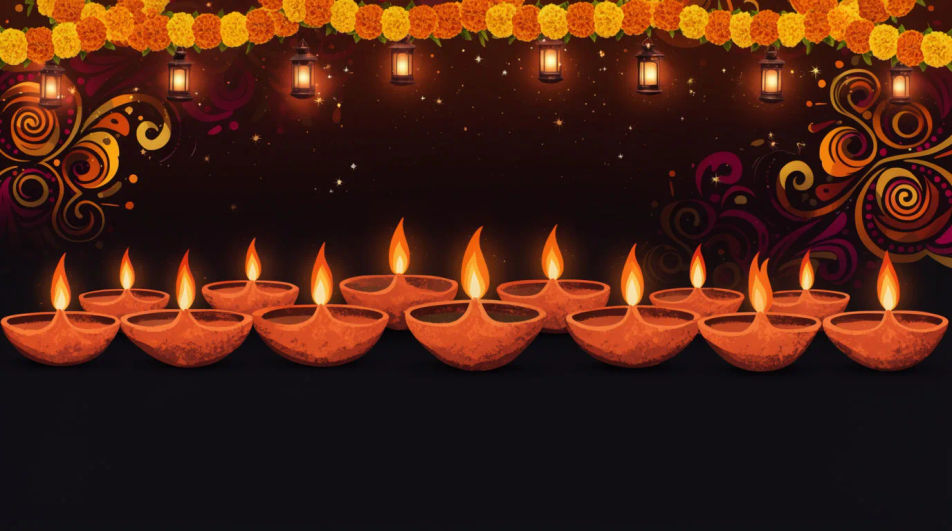
Design a Diwali poster in Morphic by describing the layout, the lights, and the motifs you want, from a minimal single-diya design to a full rangoli border. Generate a few options to compare, then export a version sized for print, Instagram, or WhatsApp.
A tall portrait composition with the main motif in the upper two-thirds and a clean band at the bottom reserved for event details.
Edit promptA balanced square layout with the festive motif centred and even margins, built to sit cleanly in an Instagram grid.
Edit prompt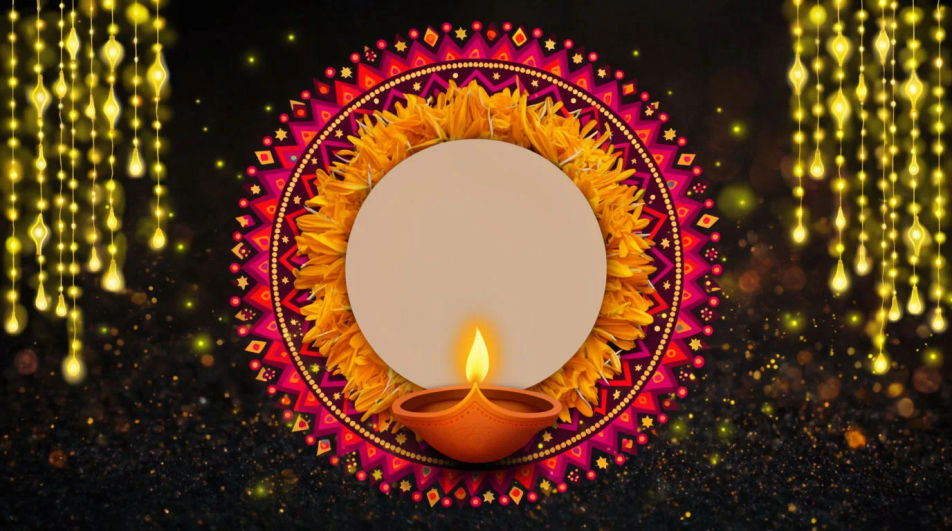
A tall narrow crop with the brightest part of the design kept near the centre so it still reads well in a small chat preview.
Edit prompt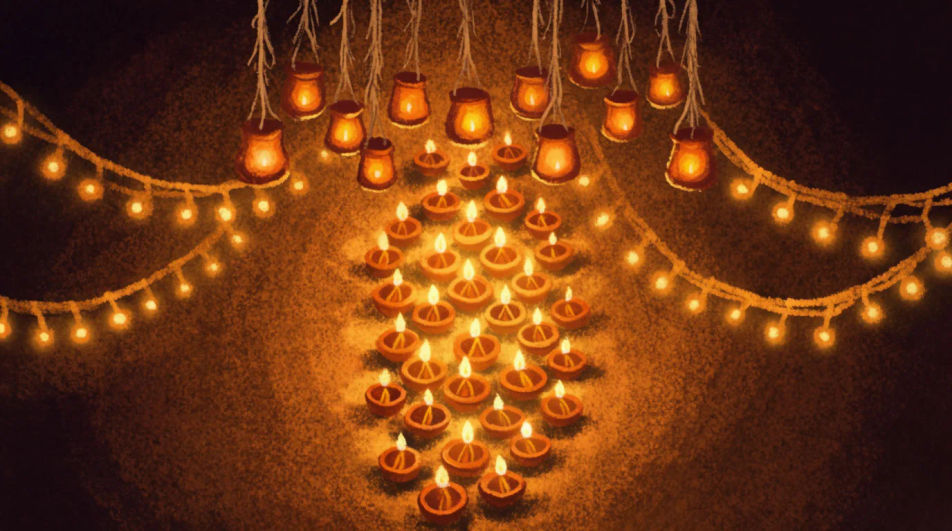
A wide landscape layout with the motif running along one side and open space on the other for a shop name or offer line.
Edit prompt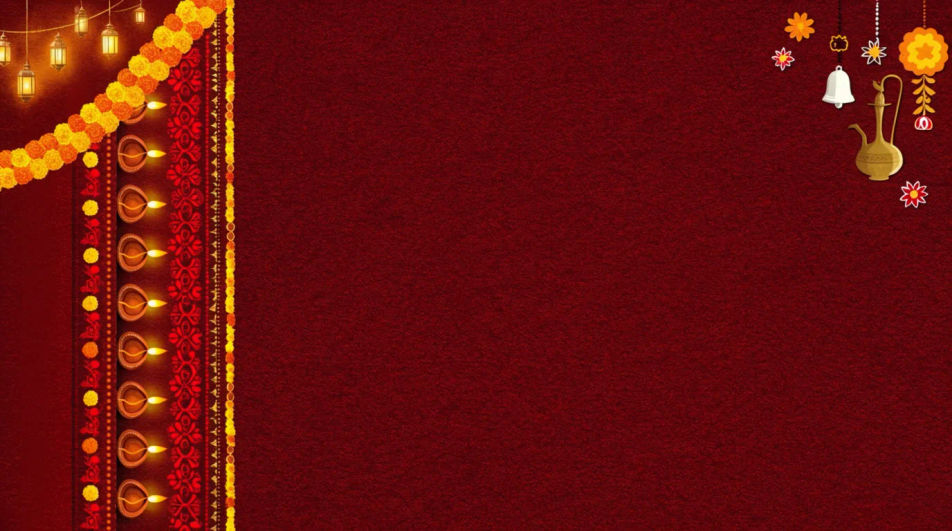
Jelaskan Diwali Poster yang Anda inginkan, dengan kata-kata sederhana.
Morphic membuat gambar bersih yang siap diterbitkan di canvas Anda dalam hitungan detik.
Ubah prompt, buat ulang variasi, lalu unduh atau bagikan frame-nya.
Convert any image to a new aspect ratio. Smart crop or extend the edges to fit.
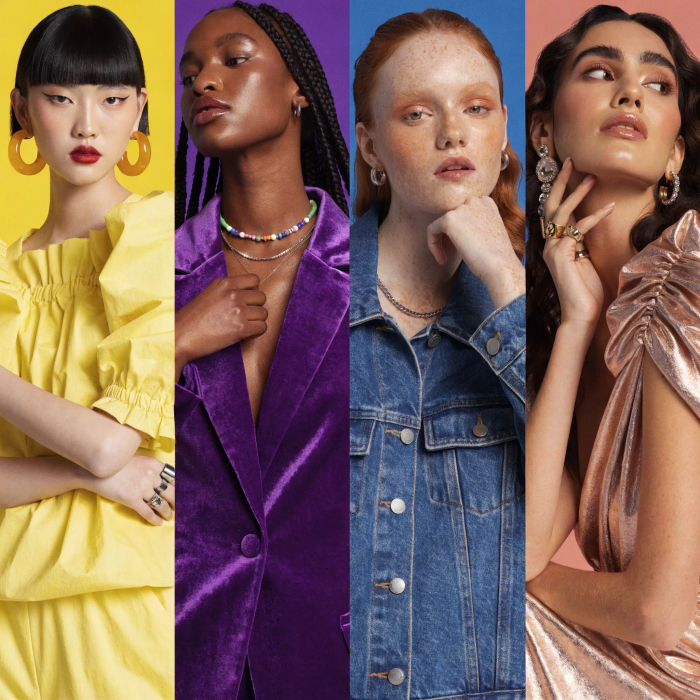
Generate a female AI influencer. Vertical output, ready for socials.

Dramatize any text conversation into a cinematic multi-shot video.
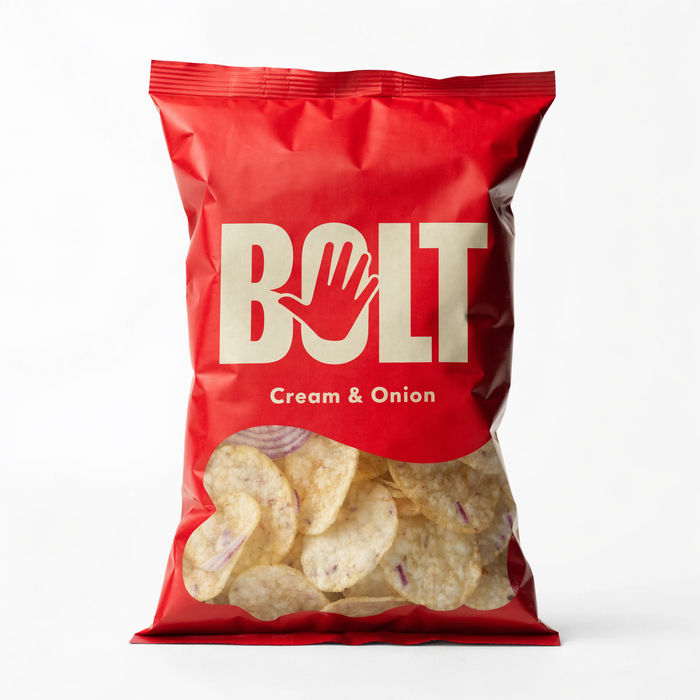
Dramatic 5-second product reveal video with audio.
Cinematic time-freeze short film for any scene
Pair a character image with a reference video. Your character picks up that exact motion.
Happy Diwali AI Images
Create AI Happy Diwali images in your browser with Morphic's generator. Design festival greetings, glowing oil lamps, fireworks, and rangoli art for the Festival of Lights. Original HD visuals, no design skills needed, ready to share on social.
Festival poster AI Images
Create AI festival poster images with Morphic. Generate authentic festival poster artwork, scenes, and visuals for any project in seconds.
Generator Poster AI
Desain poster dari satu prompt. Event, film, promo, siap cetak.
Diwali Offer Poster and Sale Banner Ideas
Create Diwali offer posters and sale banners for your store in Morphic. Generate festive layouts with your product, discount and brand colours.
Mulai gratis hari ini, dengan opsi untuk upgrade atau membatalkan kapan saja.
Basic
2400 bulanan kredit
1 pengguna saja
Semua model
Workflows
Standard
3625 bulanan kredit
1 pengguna saja
Semua model
Workflows
Pro
6350 bersama bulanan kredit
1 pengguna
Semua model
Workflows
Max
24650 bersama bulanan kredit
1 pengguna
Semua model
Workflows
Enterprise
Untuk batas yang lebih tinggi
Khusus
ketentuan harga dan penagihan

Free
Untuk bereksperimen
$0
gratis selamanya