Flat lay with ring
The invitation laid flat beside a ring box and a few loose petals, styled for a save-worthy photo of the finished design.
Edit prompt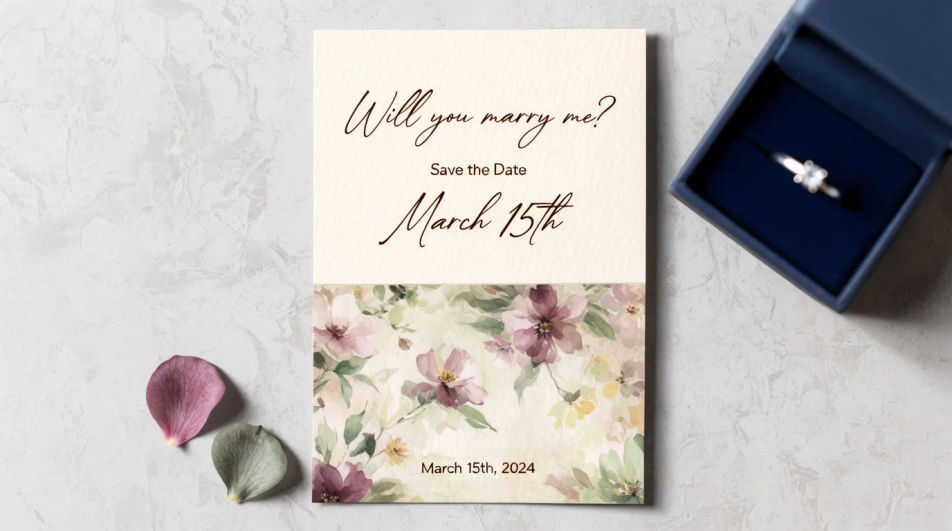
Design an engagement invitation in Morphic by describing the style, palette, and motif you want, from a floral border to a minimal modern layout. Add the couple's names, the date, and the venue, then download the card to share digitally or send to print.
The invitation laid flat beside a ring box and a few loose petals, styled for a save-worthy photo of the finished design.
Edit promptAn open invitation showing the cover and the interior details line together, a coordinated two-panel layout.
Edit prompt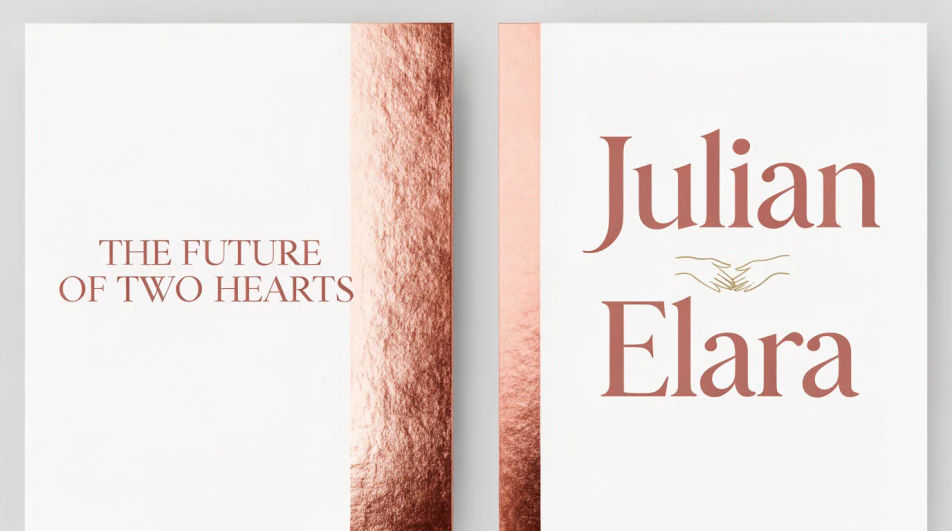
A square crop of the same design, built to read clearly as a thumbnail when shared in a chat or on a social story.
Edit prompt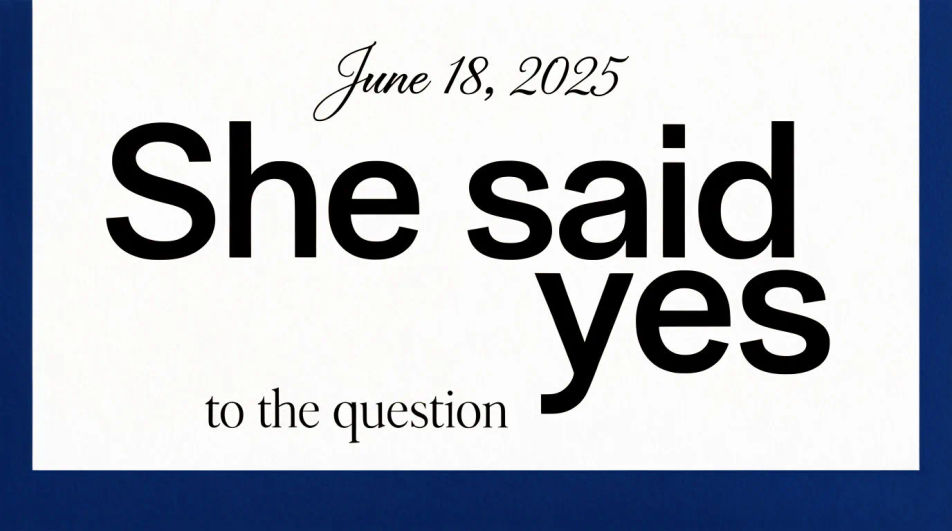
Several cards fanned to show the invitation design extended across a matching detail card and thank-you note.
Edit prompt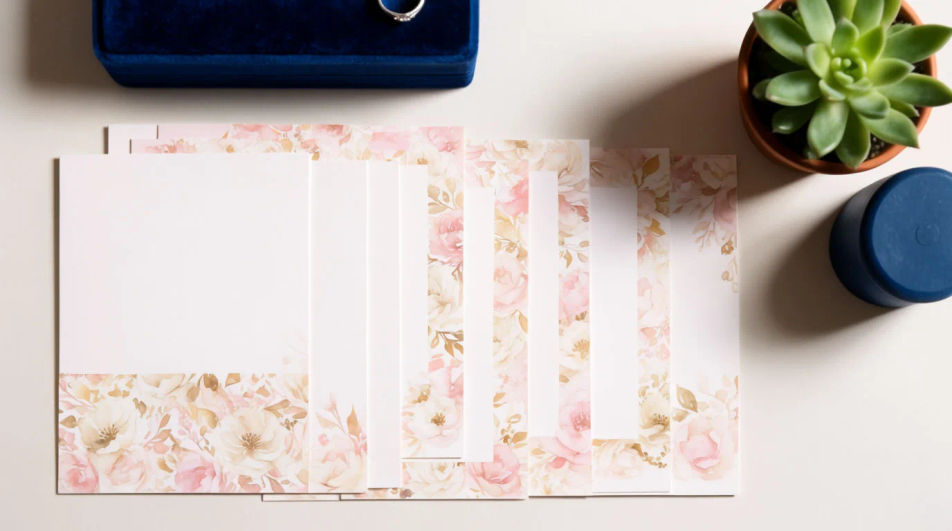
Jelaskan Engagement invitation yang Anda inginkan, dengan kata-kata sederhana.
Morphic membuat gambar bersih yang siap diterbitkan di canvas Anda dalam hitungan detik.
Ubah prompt, buat ulang variasi, lalu unduh atau bagikan frame-nya.
Product photo plus a format. Get a realistic UGC-style ad with someone naturally using your product.
Multi-shot product pitch video from a still, a person, and a script.
Cinematic time-freeze short film for any scene
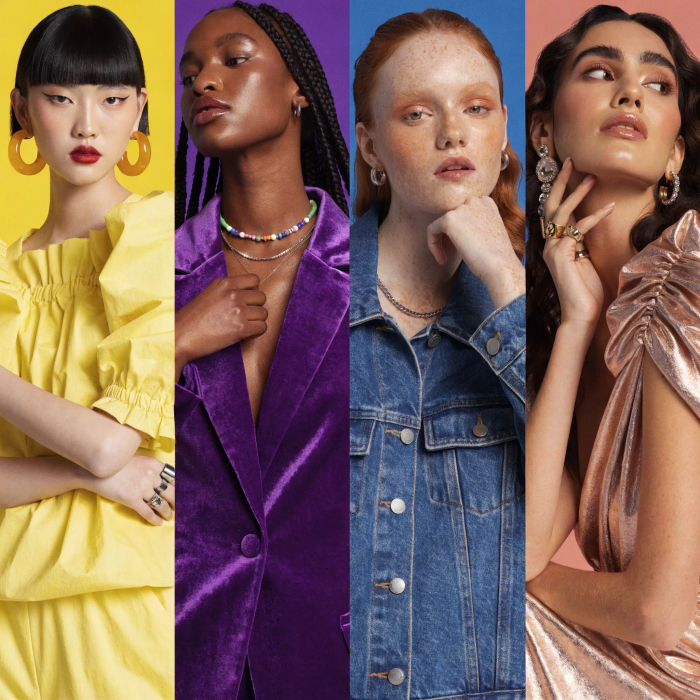
Generate a female AI influencer. Vertical output, ready for socials.
Stitch 2-10 frames into a perfectly looping video with smooth cinematic transitions between each one.
Convert any image to a new aspect ratio. Smart crop or extend the edges to fit.
Invitation card AI designs
Create invitation card designs with Morphic's AI invitation generator. Design wedding, party, formal, and themed invites in seconds. No design skills needed, describe the event, colors, and tone, then download HD cards to print or share with guests.
Wedding Invitation AI Designs
Generate wedding invitation design with AI in seconds. Generate variations until one lands, then refine it. Yours to use commercially.
Pembuat Video Undangan Pernikahan AI
Ubah detail acara jadi film pendek. Visual, gerak, musik, satu file.
Google Display Ad Banner AI Images
Turn a brief into google display ad banner instantly. Test ten versions of the idea for the cost of briefing one. Commercial rights included.
Mulai gratis hari ini, dengan opsi untuk upgrade atau membatalkan kapan saja.
Basic
2400 bulanan kredit
1 pengguna saja
Semua model
Workflows
Standard
3625 bulanan kredit
1 pengguna saja
Semua model
Workflows
Pro
6350 bersama bulanan kredit
1 pengguna
Semua model
Workflows
Max
24650 bersama bulanan kredit
1 pengguna
Semua model
Workflows
Enterprise
Untuk batas yang lebih tinggi
Khusus
ketentuan harga dan penagihan

Free
Untuk bereksperimen
$0
gratis selamanya