Hibiscus on the branch
One open hibiscus and a closed bud drawn in technical pen on a leafy branch, serrated leaves stippled lightly behind the bloom.
Edit prompt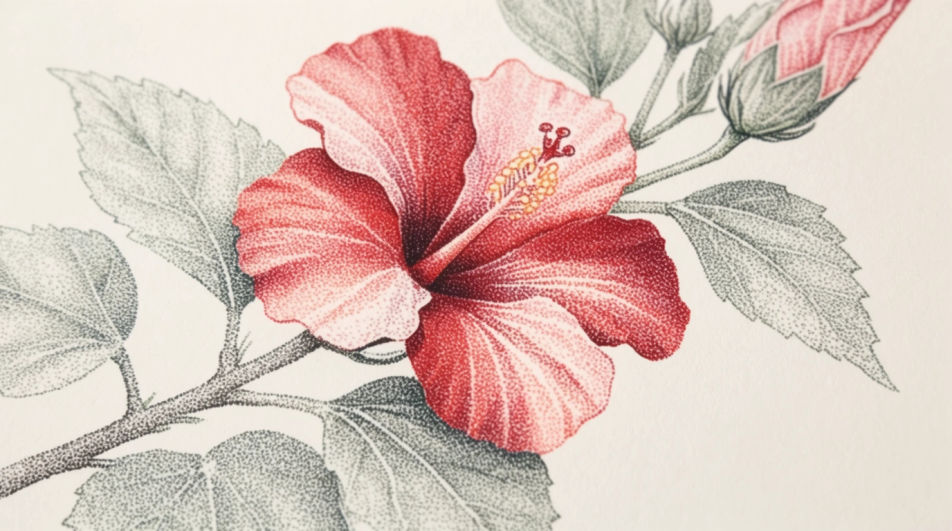
Draw a hibiscus in your browser with Morphic's Image tool by naming the five overlapping petals, the long staminal column, and the ruffled edge you want along each petal. Pick the medium and the crop on the Canvas, then download a finished hibiscus drawing in HD.
One open hibiscus and a closed bud drawn in technical pen on a leafy branch, serrated leaves stippled lightly behind the bloom.
Edit promptThree hibiscus flowers on one sheet, drawn front on, in profile and from behind, each in pencil with a light handwritten note beneath.
Edit prompt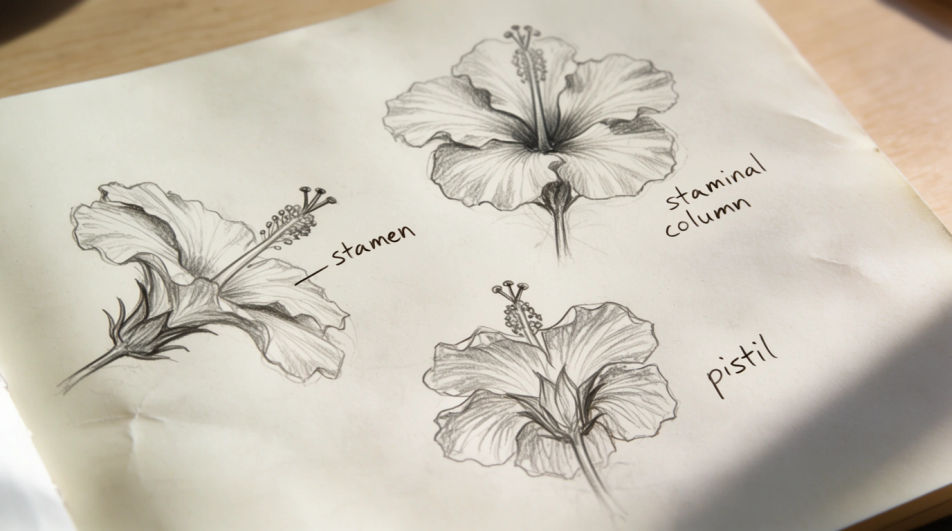
A loose spray of hibiscus in watercolour and ink, two blooms and three leaves, washes kept light so the pen line stays dominant.
Edit prompt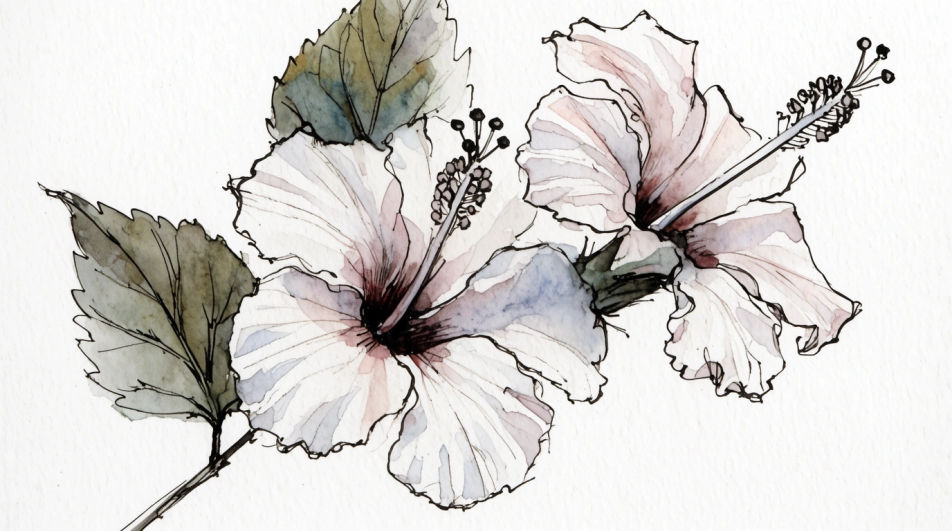
An extreme crop of the hibiscus centre in ink, the staminal column crossing the frame with pollen anthers stippled into fine texture.
Edit prompt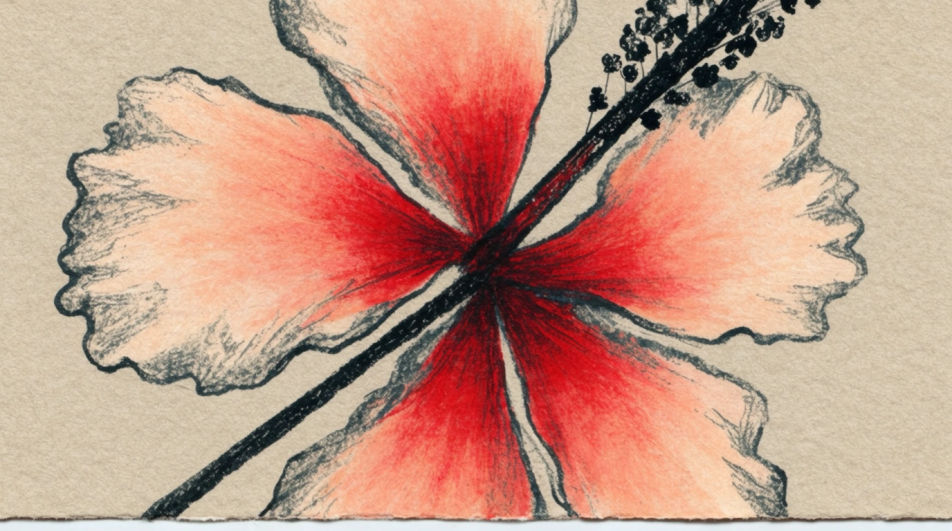
Jelaskan Hibiscus drawing yang Anda inginkan, dengan kata-kata sederhana.
Morphic membuat gambar bersih yang siap diterbitkan di canvas Anda dalam hitungan detik.
Ubah prompt, buat ulang variasi, lalu unduh atau bagikan frame-nya.
Choose your viewing angles and get precise perspective shifts of any image with full camera control.
Pick a reference image, apply its visual style to your own photo or artwork.
Convert any image to a new aspect ratio. Smart crop or extend the edges to fit.
Pair a garment photo with a person photo. See them wearing it, identity stays intact.
Set the look with one reference image. Apply that exact grade to any scene or batch.
Fix plastic-looking AI skin. Adds natural texture, pores, and imperfections for realism.
Hibiscus flower drawing generator
Turn a hibiscus flower drawing idea into a finished image in Morphic. Describe the line work and style, generate variations, then refine it on the canvas.
Hibiscus images - AI photography
Explore hibiscus images in HD. Browse a fresh AI-generated collection to download and use anywhere, or generate your own custom version with Morphic.
Flower AI Drawings
Create beautiful flower drawings with Morphic's AI generator. Design botanical sketches, watercolor blooms, ink line art, and detailed pencil studies in seconds. No drawing experience needed. Download original HD artwork to use anywhere you like.
Palm tree drawing generator
Turn a palm tree drawing idea into a finished image in Morphic. Describe the line work and style, generate variations, then refine it on the canvas.
Mulai gratis hari ini, dengan opsi untuk upgrade atau membatalkan kapan saja.
Basic
2400 bulanan kredit
1 pengguna saja
Semua model
Workflows
Standard
3625 bulanan kredit
1 pengguna saja
Semua model
Workflows
Pro
6350 bersama bulanan kredit
1 pengguna
Semua model
Workflows
Max
24650 bersama bulanan kredit
1 pengguna
Semua model
Workflows
Enterprise
Untuk batas yang lebih tinggi
Khusus
ketentuan harga dan penagihan

Free
Untuk bereksperimen
$0
gratis selamanya