Splash page hero entrance
Single full-page panel: hero stepping into frame under a broken sky, thick ink outline, dramatic screentone shadow behind, page-edge bleed.
Edit prompt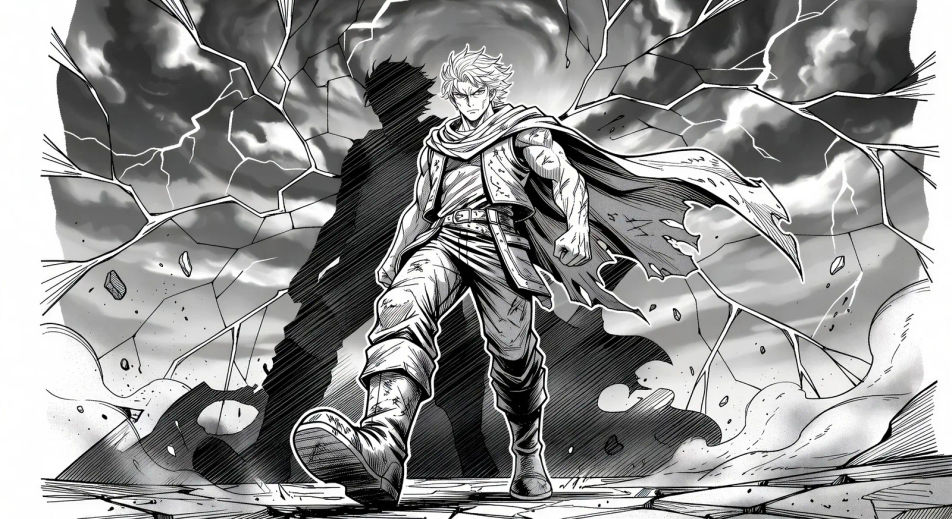
Render Japanese sequential art in your browser with Morphic's Manga AI image generator. Create a splash-page hero in thick ink and screentone or a one-eye cliffhanger close-up, lock faces with Character Lineup, then animate the spread with Image to Video.
Single full-page panel: hero stepping into frame under a broken sky, thick ink outline, dramatic screentone shadow behind, page-edge bleed.
Edit promptTop panel: hero glances over the shoulder, eyes lit. Bottom panel: villain mirrors the glance from across the city. Thin gutter for fast read.
Edit prompt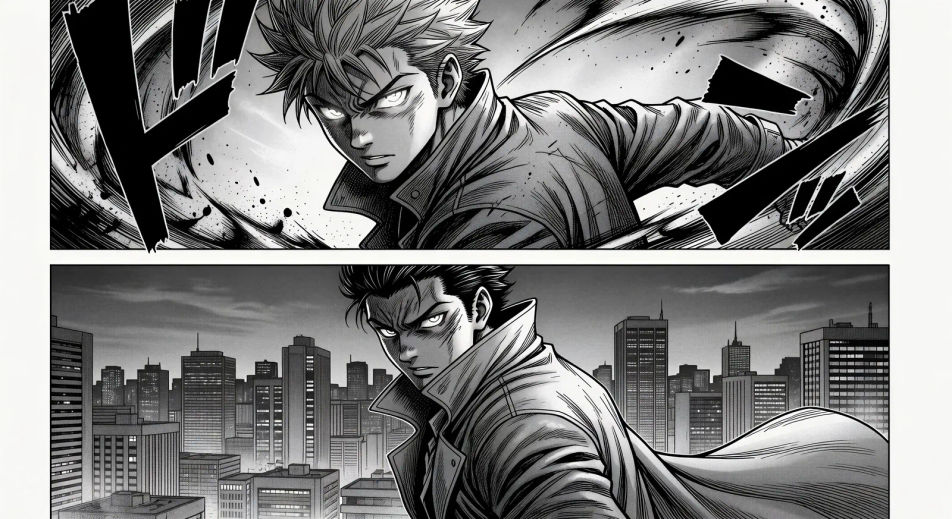
Tilted impact panel, silhouette explosion at the centre of frame, motion lines radiating, debris drifting, single onomatopoeia stamp at the corner.
Edit prompt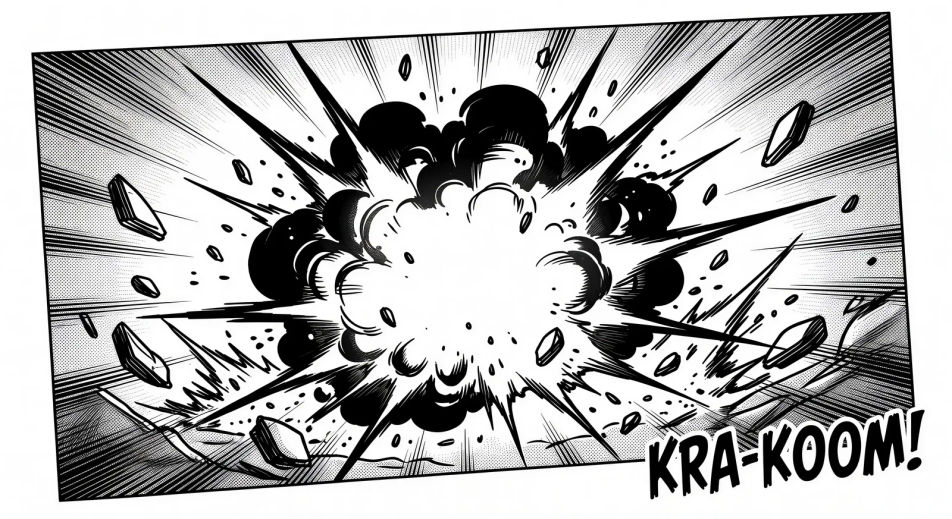
Two characters kneeling at a low table, single tea cup steaming between them, soft daylight through shoji panels, no dialogue.
Edit prompt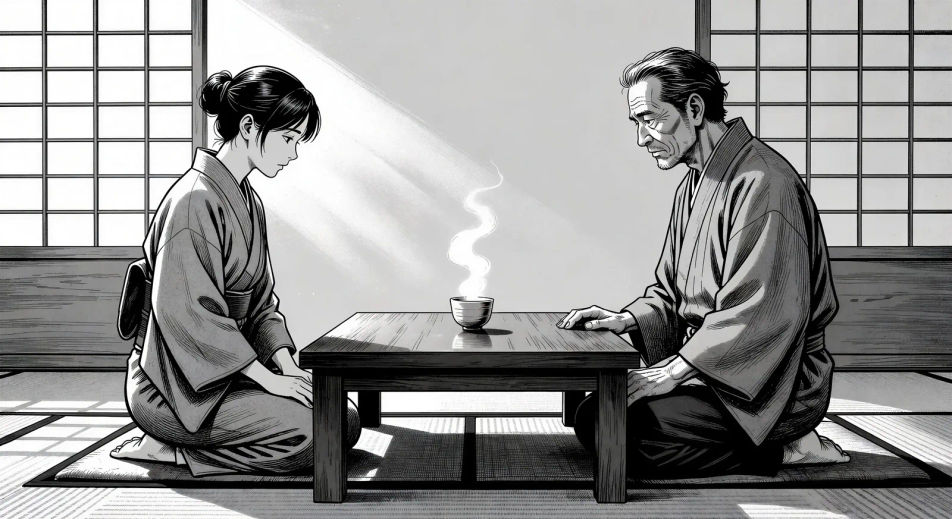
Jelaskan Manga yang Anda inginkan, dengan kata-kata sederhana.
Morphic membuat gambar bersih yang siap diterbitkan di canvas Anda dalam hitungan detik.
Ubah prompt, buat ulang variasi, lalu unduh atau bagikan frame-nya.

Pick any anime illustration as your style guide. Apply its look to any image.

Turn any sketch or drawing into a finished render.

Take any character image and generate 6 distinct facial expressions on a single reference sheet.

All your characters on a single lineup image, side by side with height comparison.
Reimagine any anime character as a photorealistic, high-fashion live-action portrait.

Turn any photo or description into an animated chibi sprite. Dance, jump, wave, attack, and more.
Gambar Manhwa AI
Buat panel Manhwa, desain karakter, dan episode penuh dengan Morphic. Webtoon Korea vertical-scroll dalam subgenre regression, hunter, chaebol, dan villainess dari satu prompt.
Comic book AI Images
Create comic book panels, character designs, and full pages with Morphic. Splash pages, action sequences, decompressed beats, and indie-comic styles from a single prompt.
Video AI Anime
Buat video AI Anime dengan Morphic. Hasilkan adegan slice-of-life, shot Mecha, transformasi gadis ajaib, dan episode Anime lengkap dari satu prompt.
Video AI Anime
Buat adegan pertarungan anime, duel pedang, pertempuran sihir, dan bentrokan Mecha dengan Morphic. Hasilkan, animasikan, narasikan, dan beri musik dari satu prompt.
Mulai gratis hari ini, dengan opsi untuk upgrade atau membatalkan kapan saja.
Basic
2400 bulanan kredit
1 pengguna saja
Semua model
Workflows
Standard
3625 bulanan kredit
1 pengguna saja
Semua model
Workflows
Pro
6350 bersama bulanan kredit
1 pengguna
Semua model
Workflows
Max
24650 bersama bulanan kredit
1 pengguna
Semua model
Workflows
Enterprise
Untuk batas yang lebih tinggi
Khusus
ketentuan harga dan penagihan

Free
Untuk bereksperimen
$0
gratis selamanya