Three-quarter noblewoman
An invented noblewoman turned three-quarters to the viewer, a brocade dress and pearl jewellery softly modeled in sfumato against a dark chiaroscuro ground, serene and dignified.
Edit prompt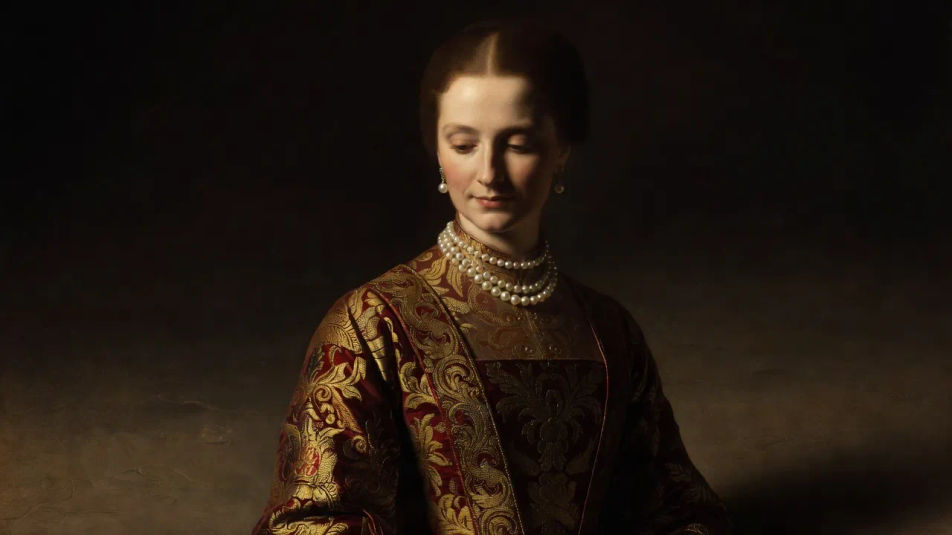
Create Renaissance-style portraits in your browser with Morphic's AI image generator. Generate an invented noblewoman in brocade, a serene scholar at a desk, or a young patron in soft sfumato light. Drop the finished portrait into the Canvas to refine the framing.
An invented noblewoman turned three-quarters to the viewer, a brocade dress and pearl jewellery softly modeled in sfumato against a dark chiaroscuro ground, serene and dignified.
Edit promptA thoughtful invented scholar seated at a plain desk in a dark robe, a quiet book at hand and warm soft light shaping the face against a shadowed background.
Edit prompt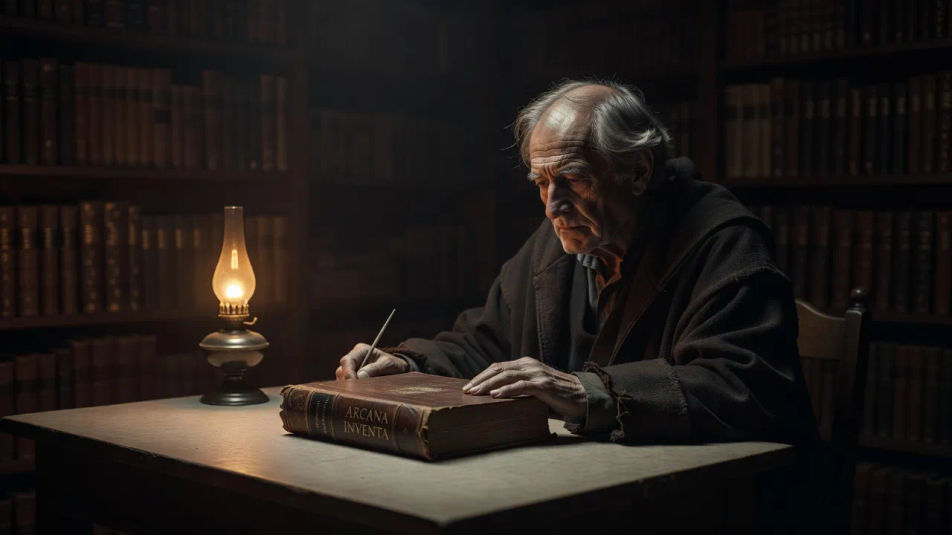
A tight bust of an invented sitter with delicate sfumato modeling and a calm level gaze, set against a muted dark ground in the restrained early Renaissance manner.
Edit prompt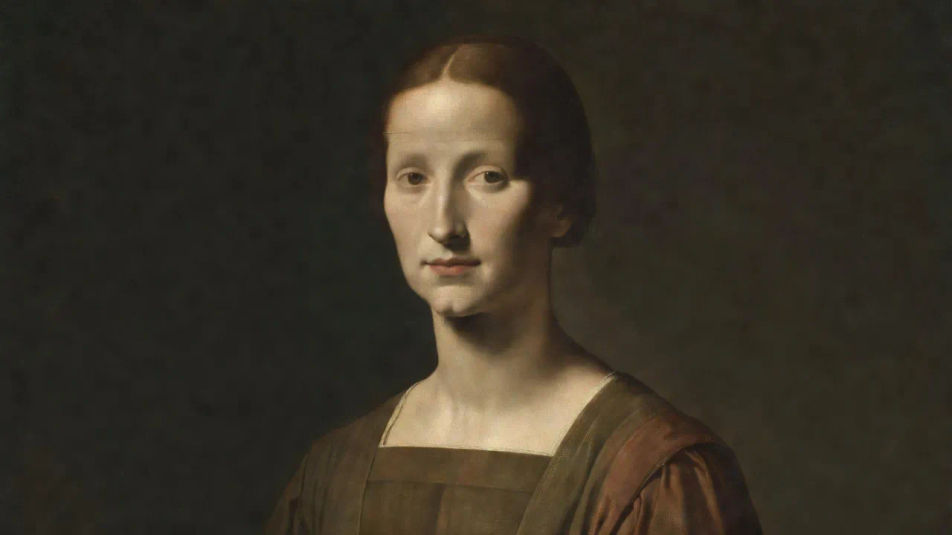
An invented musician holding a lute with soft hands and a gentle downward glance, warm chiaroscuro light falling across the figure against a shadowed background.
Edit prompt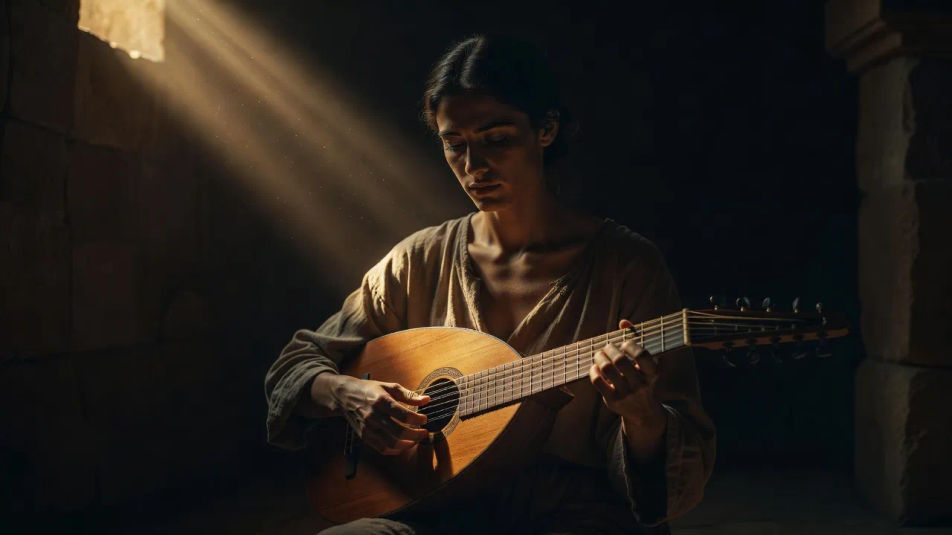
Jelaskan Renaissance-style portrait yang Anda inginkan, dengan kata-kata sederhana.
Morphic membuat gambar bersih yang siap diterbitkan di canvas Anda dalam hitungan detik.
Ubah prompt, buat ulang variasi, lalu unduh atau bagikan frame-nya.
Fix plastic-looking AI skin. Adds natural texture, pores, and imperfections for realism.
One selfie becomes a set of professional headshots. Studio-quality, multiple styles.
Convert any image to a new aspect ratio. Smart crop or extend the edges to fit.
Pick a reference image, apply its visual style to your own photo or artwork.

Get a detailed prompt extracted from a reference image, and then a fresh recreation.
Full model photoshoot from one photo of you
Baroque-style portrait AI Images
Create AI Baroque-style portrait images with Morphic. Generate authentic Baroque-style portrait artwork, scenes, and visuals for any project in seconds.
Victorian portrait style AI Images
Create AI Victorian portrait style images with Morphic. Generate authentic Victorian portrait style artwork, scenes, and visuals for any project in seconds.
Art nouveau portrait AI Images
Create AI art nouveau portrait images with Morphic. Generate authentic art nouveau portrait artwork, scenes, and visuals for any project in seconds.
Renaissance AI Images
Create AI Renaissance images with Morphic. Generate authentic Renaissance artworks, scenes, and visuals for any project in seconds.
Mulai gratis hari ini, dengan opsi untuk upgrade atau membatalkan kapan saja.
Basic
2400 bulanan kredit
1 pengguna saja
Semua model
Workflows
Standard
3625 bulanan kredit
1 pengguna saja
Semua model
Workflows
Pro
6350 bersama bulanan kredit
1 pengguna
Semua model
Workflows
Max
24650 bersama bulanan kredit
1 pengguna
Semua model
Workflows
Enterprise
Untuk batas yang lebih tinggi
Khusus
ketentuan harga dan penagihan

Free
Untuk bereksperimen
$0
gratis selamanya