Pure profile head and shoulders
A side profile drawing of a head at exactly ninety degrees, shoulders cropped low, soft graphite shading, plain pale background, nothing behind the head.
Edit prompt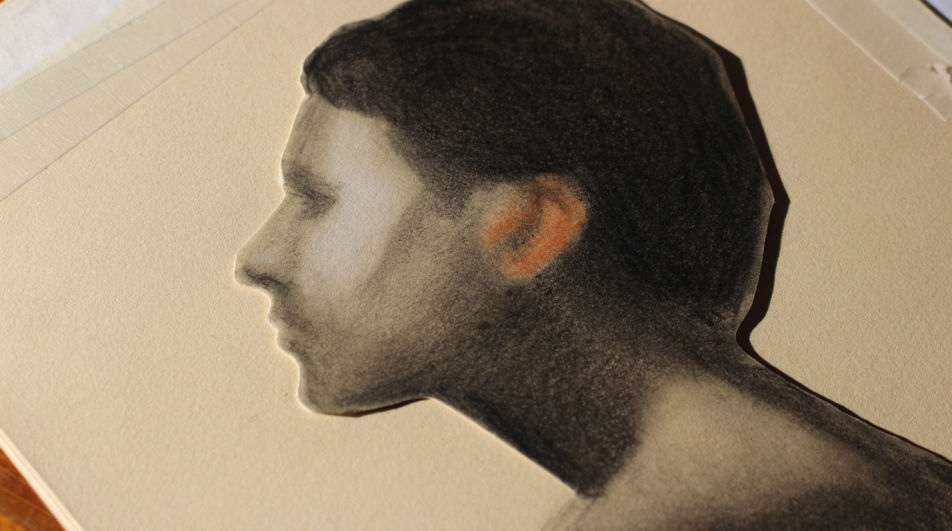
Make a side profile drawing in Morphic's Image tool by describing the head angle, the features along the profile line, and the drawing medium. You control the line weight, the shading, the hairline, and the crop, and you leave with a finished profile study you can download in HD.
A side profile drawing of a head at exactly ninety degrees, shoulders cropped low, soft graphite shading, plain pale background, nothing behind the head.
Edit promptA side profile drawing turned slightly toward the viewer so the far eyebrow just appears past the nose, fine pencil line, soft shadow under the cheekbone.
Edit prompt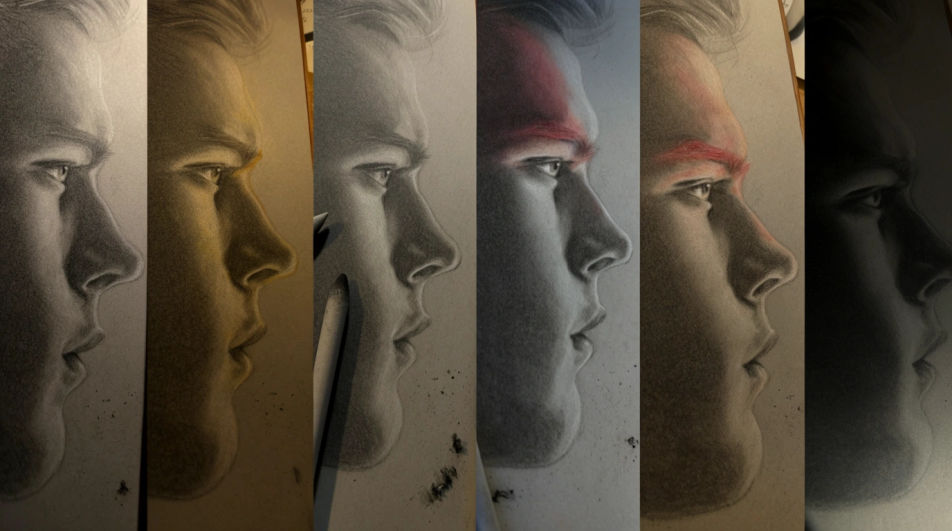
A close side profile drawing of the lips, chin, and jaw edge only, fine graphite hatching, highlight left as bare paper, everything else blank.
Edit prompt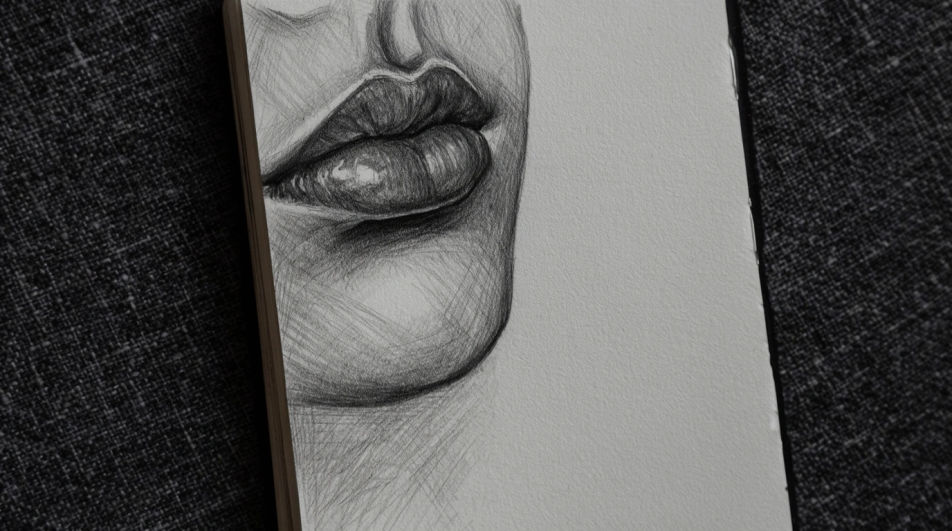
A side profile drawing of two heads facing each other with even negative space between them, clean single line weight, flat white background.
Edit prompt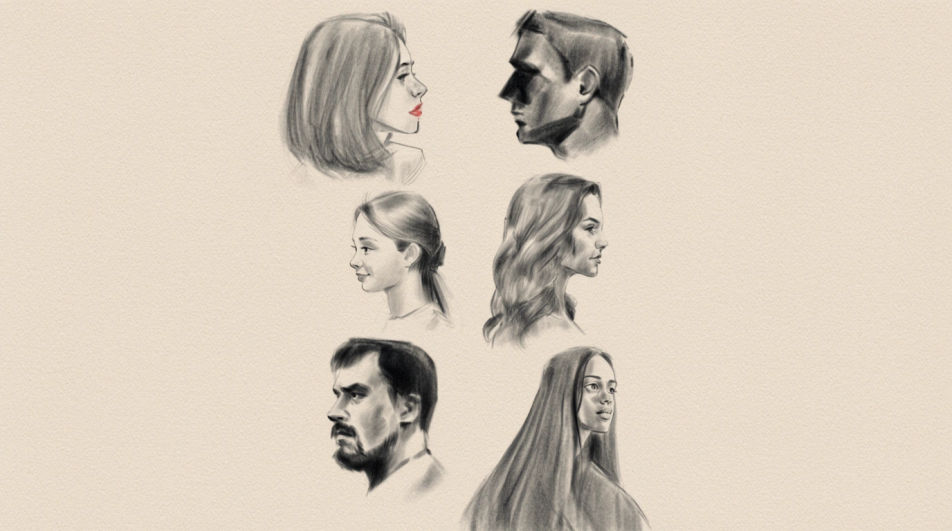
Jelaskan Side profile drawing yang Anda inginkan, dengan kata-kata sederhana.
Morphic membuat gambar bersih yang siap diterbitkan di canvas Anda dalam hitungan detik.
Ubah prompt, buat ulang variasi, lalu unduh atau bagikan frame-nya.
One selfie becomes a set of professional headshots. Studio-quality, multiple styles.
Fix plastic-looking AI skin. Adds natural texture, pores, and imperfections for realism.
Choose your viewing angles and get precise perspective shifts of any image with full camera control.
Convert any image to a new aspect ratio. Smart crop or extend the edges to fit.
Set the look with one reference image. Apply that exact grade to any scene or batch.
Bring back any damaged, blurry, or low-res image. Get a sharp, detailed 4K version with natural clarity restored.
Face AI drawing
Create AI face drawings with our face drawing generator. Find detailed face drawings for any project in seconds.
Nose drawing generator
Turn a nose drawing idea into a finished image in Morphic. Describe the line work and style, generate variations, then refine it on the canvas.
Hair drawing generator
Turn a hair drawing idea into a finished image in Morphic. Describe the line work and style, generate variations, then refine it on the canvas.
Person drawing generator
Turn a person drawing idea into a finished image in Morphic. Describe the line work and style, generate variations, then refine it on the canvas.
Mulai gratis hari ini, dengan opsi untuk upgrade atau membatalkan kapan saja.
Basic
2400 bulanan kredit
1 pengguna saja
Semua model
Workflows
Standard
3625 bulanan kredit
1 pengguna saja
Semua model
Workflows
Pro
6350 bersama bulanan kredit
1 pengguna
Semua model
Workflows
Max
24650 bersama bulanan kredit
1 pengguna
Semua model
Workflows
Enterprise
Untuk batas yang lebih tinggi
Khusus
ketentuan harga dan penagihan

Free
Untuk bereksperimen
$0
gratis selamanya