Stereocard pair
A wide vintage side-by-side stereo pair of a garden scene on a sepia mount, the twin frames offset by a subtle parallax, aged paper edges and soft daylight.
Edit prompt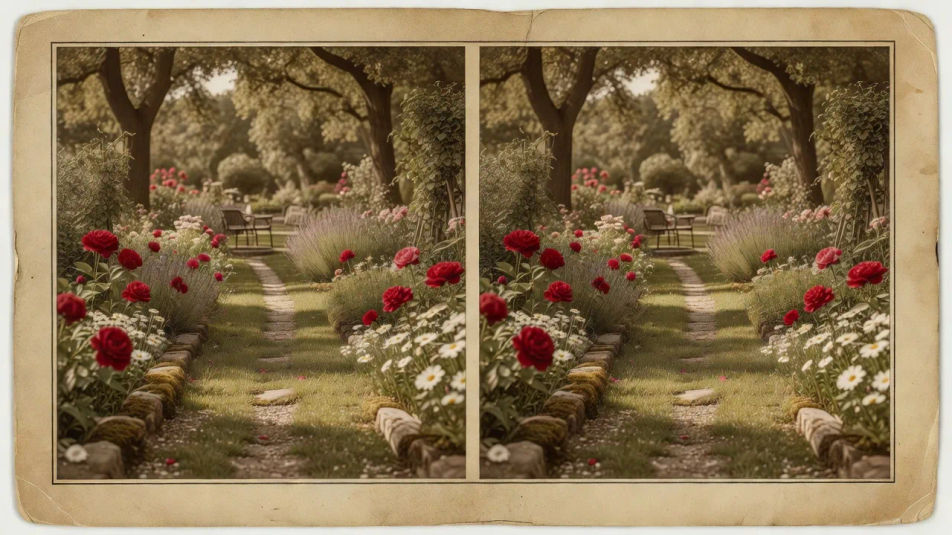
Build stereoscopic photography images in your browser with Morphic's AI image generator. Generate a side-by-side Victorian stereocard, a red-cyan anaglyph street scene, or a parallax-rich forest with layered planes. Pair every piece with Style Transfer, then animate any still with Image to Video.
A wide vintage side-by-side stereo pair of a garden scene on a sepia mount, the twin frames offset by a subtle parallax, aged paper edges and soft daylight.
Edit promptA wide red-cyan anaglyph of a city street with colored fringing along every edge, deep depth pushing the foreground forward under flat even daylight.
Edit prompt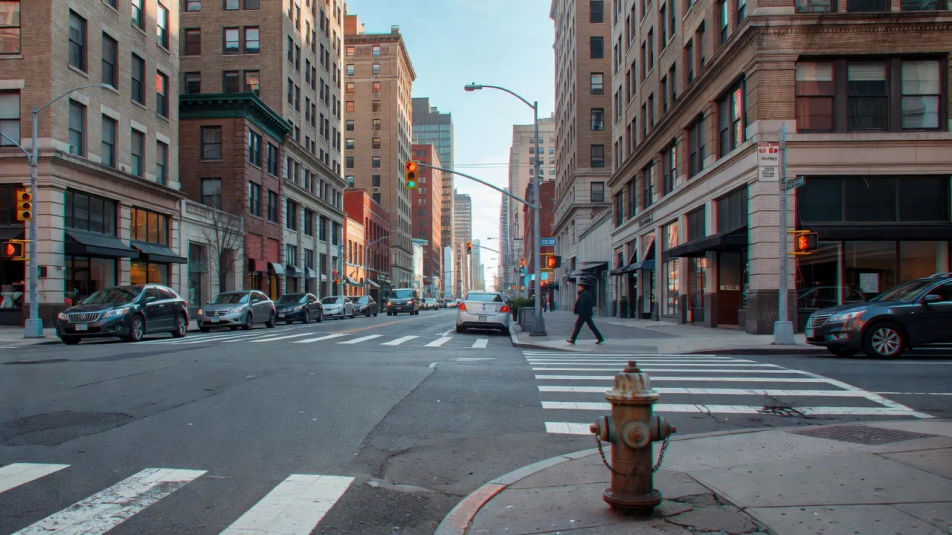
A wide forest with strongly separated planes, sharp foreground ferns and receding distant trunks, exaggerated parallax and cool green shafted light.
Edit prompt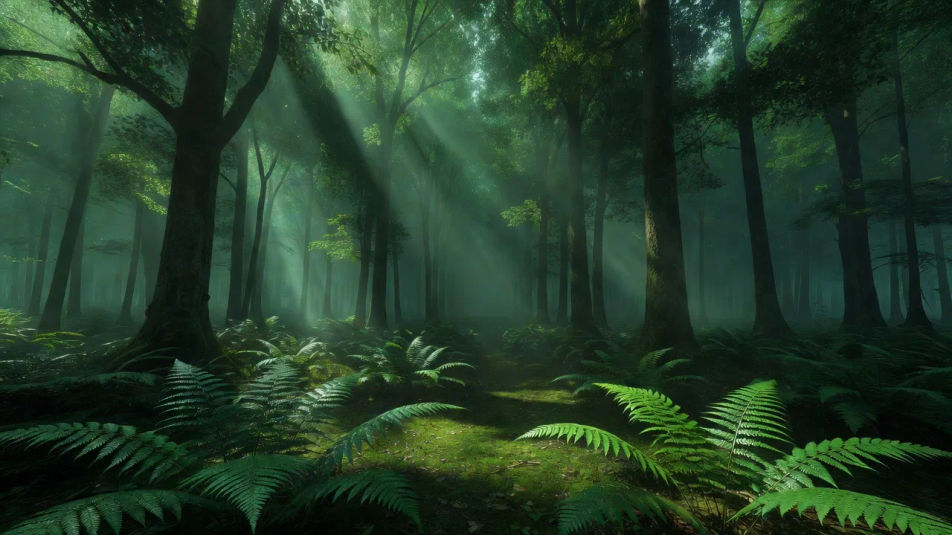
A wide red-cyan anaglyph mountain valley with layered ridgelines, colored edge fringing marking the depth and cool hazy atmosphere between the planes.
Edit prompt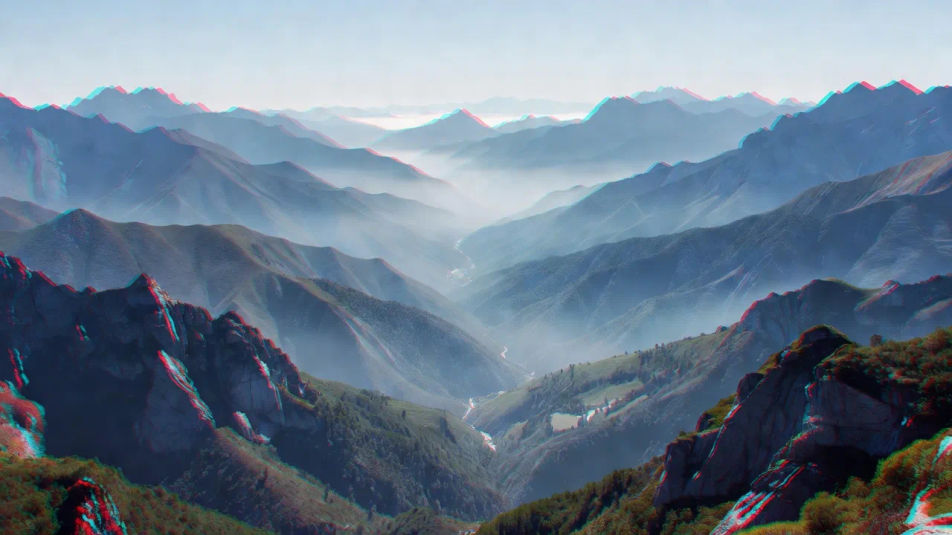
Jelaskan Stereoscopic photography yang Anda inginkan, dengan kata-kata sederhana.
Morphic membuat gambar bersih yang siap diterbitkan di canvas Anda dalam hitungan detik.
Ubah prompt, buat ulang variasi, lalu unduh atau bagikan frame-nya.
Fix plastic-looking AI skin. Adds natural texture, pores, and imperfections for realism.
One selfie becomes a set of professional headshots. Studio-quality, multiple styles.
Choose your viewing angles and get precise perspective shifts of any image with full camera control.
Convert any image to a new aspect ratio. Smart crop or extend the edges to fit.
Set the look with one reference image. Apply that exact grade to any scene or batch.
Bring back any damaged, blurry, or low-res image. Get a sharp, detailed 4K version with natural clarity restored.
360 photography AI images
Make 360 photography AI images in your browser: equirectangular street panoramas, immersive interiors, little-planet shots. Build a scene. Start creating.
Composite photography AI images
Make composite photography AI images in your browser: figures in dramatic skies, floating products, double-exposure blends. Build a composite. Start creating.
Photomontage AI images
Make photomontage AI images in your browser: Dada cut-and-paste collages, surreal scale clashes, torn-paper posters. Build one from a prompt. Start creating.
Photogram AI images
Make photogram AI images in your browser: white leaf silhouettes, translucent glassware, glowing feathers on black. Build a camera-less print. Start creating.
Mulai gratis hari ini, dengan opsi untuk upgrade atau membatalkan kapan saja.
Basic
2400 bulanan kredit
1 pengguna saja
Semua model
Workflows
Standard
3625 bulanan kredit
1 pengguna saja
Semua model
Workflows
Pro
6350 bersama bulanan kredit
1 pengguna
Semua model
Workflows
Max
24650 bersama bulanan kredit
1 pengguna
Semua model
Workflows
Enterprise
Untuk batas yang lebih tinggi
Khusus
ketentuan harga dan penagihan

Free
Untuk bereksperimen
$0
gratis selamanya