Taco plate with lime and salsa
A wide drawing of three tacos on a plate with lime wedges and a small bowl of salsa, ink contour with light wash, the plate rim kept simple.
Edit prompt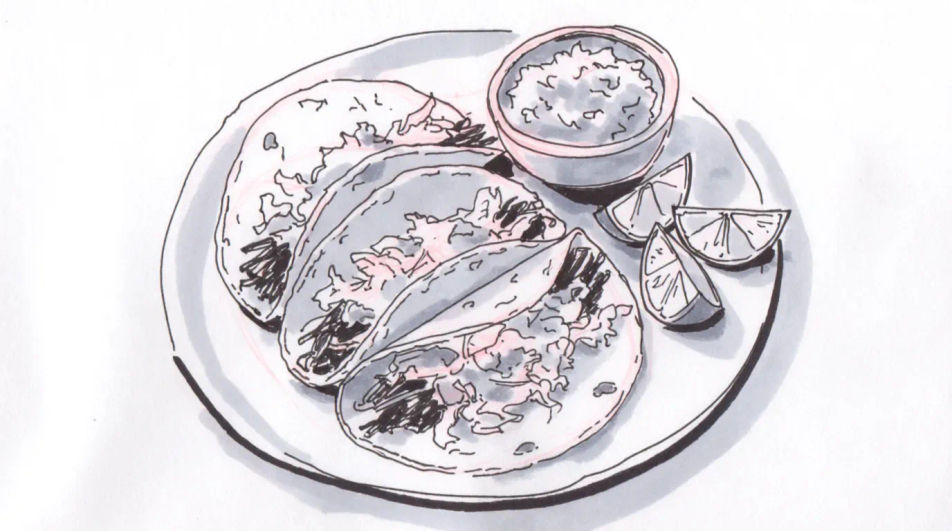
Describe the taco you want in Morphic's Image tool, from a quick ink menu sketch to a shaded study of a loaded shell. Set the fill, the shell type, the line weight and the paper, adjust the drawing on the Canvas, then download it in HD for a menu or a print.
A wide drawing of three tacos on a plate with lime wedges and a small bowl of salsa, ink contour with light wash, the plate rim kept simple.
Edit promptA charcoal composition of a small street food stand with a hanging light, a cook at the griddle and a queue suggested by a few loose figures.
Edit prompt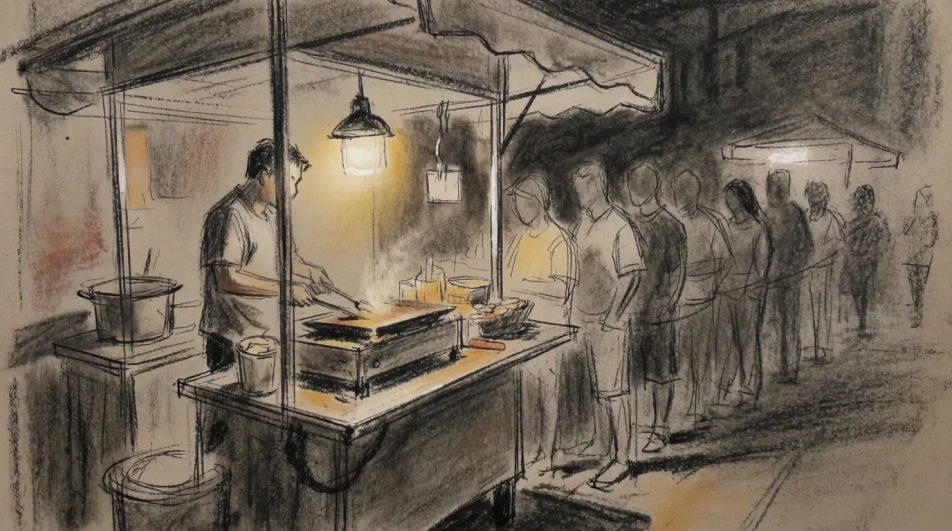
A flat line drawing of four tacos arranged in a row with space left beneath each for a name and a price, even stroke weight throughout.
Edit prompt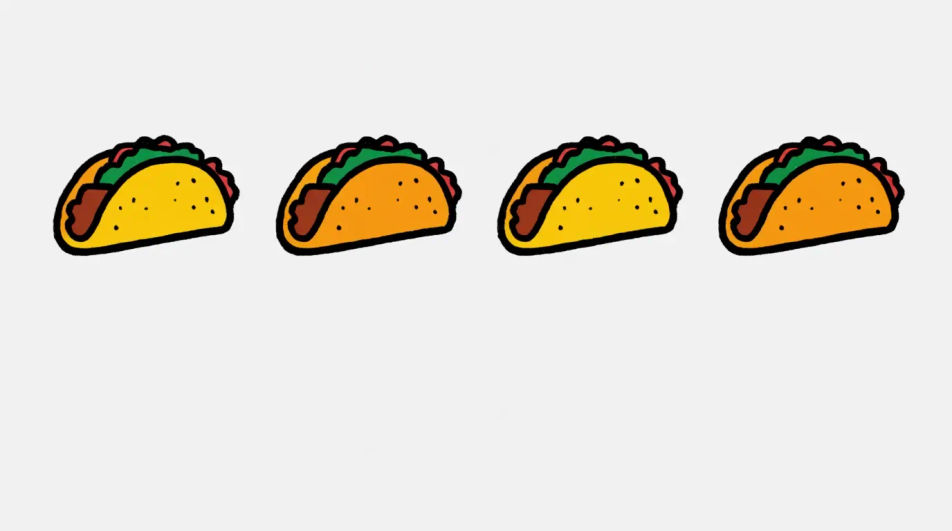
A close wide drawing of a taco held mid meal with one bite taken, filling visible at the cut edge, the background left as bare paper.
Edit prompt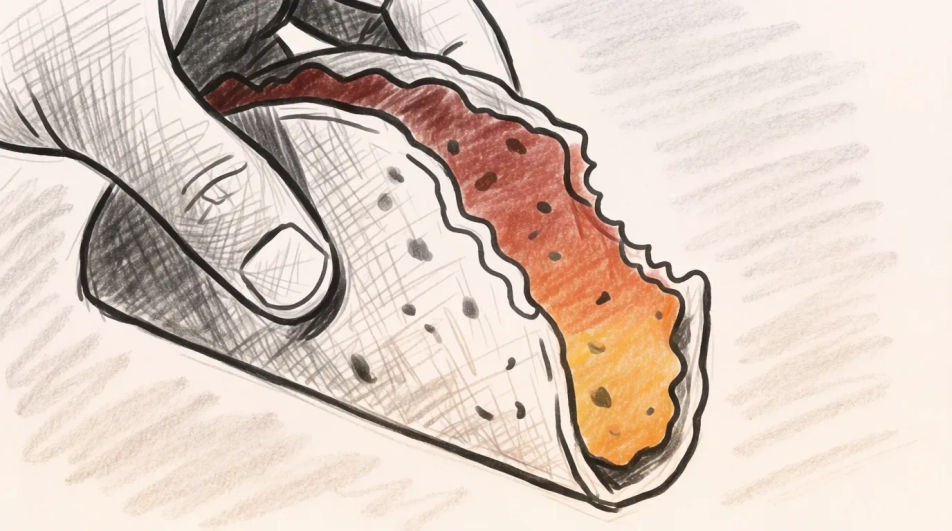
Jelaskan Taco drawing yang Anda inginkan, dengan kata-kata sederhana.
Morphic membuat gambar bersih yang siap diterbitkan di canvas Anda dalam hitungan detik.
Ubah prompt, buat ulang variasi, lalu unduh atau bagikan frame-nya.
Pair a garment photo with a person photo. See them wearing it, identity stays intact.
Choose your viewing angles and get precise perspective shifts of any image with full camera control.
Multi-shot product pitch video from a still, a person, and a script.

Dramatic 5-second product reveal video with audio.

One product shot becomes a full campaign pack with hero shots, angles, and format variations.
Convert any image to a new aspect ratio. Smart crop or extend the edges to fit.
Tamales drawing generator
Turn a tamales drawing idea into a finished image in Morphic. Describe the line work and style, generate variations, then refine it on the canvas.
Food drawing generator
Turn a food drawing idea into a finished image in Morphic. Describe the line work and style, generate variations, then refine it on the canvas.
Burger drawing generator
Turn a burger drawing idea into a finished image in Morphic. Describe the line work and style, generate variations, then refine it on the canvas.
Lemon drawing for food and menu art
Turn a lemon drawing idea into a finished image in Morphic. Describe the line work and style, generate variations, then refine it on the canvas.
Mulai gratis hari ini, dengan opsi untuk upgrade atau membatalkan kapan saja.
Basic
2400 bulanan kredit
1 pengguna saja
Semua model
Workflows
Standard
3625 bulanan kredit
1 pengguna saja
Semua model
Workflows
Pro
6350 bersama bulanan kredit
1 pengguna
Semua model
Workflows
Max
24650 bersama bulanan kredit
1 pengguna
Semua model
Workflows
Enterprise
Untuk batas yang lebih tinggi
Khusus
ketentuan harga dan penagihan

Free
Untuk bereksperimen
$0
gratis selamanya