Gaya yang bisa Anda terapkan
Terapkan filter AI dalam tiga langkah
- 01
Buka Morphic
Daftar dan mulai berkarya di kanvas visual tanpa batas yang bebas mengalir.
- 02
Unggah foto Anda
Masukkan gambar yang ingin Anda ubah gayanya.
- 03
Jelaskan gaya yang diinginkan
Sebutkan gayanya, sempurnakan, lalu unduh foto hasil filter.
Gaya filter yang bisa Anda terapkan
Gradasi sinematik
Warna teal-oranye, grain lembut, dan kontras filmis. Nuansa still dari sebuah film.

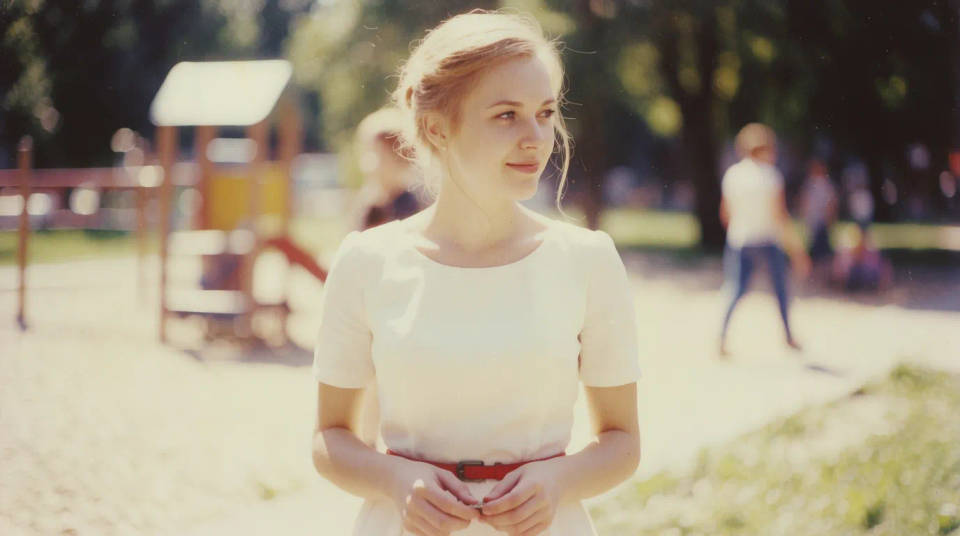
Film vintage
Warna pudar, tone hangat, dan grain lembut. Nuansa retro shot-on-film seketika.
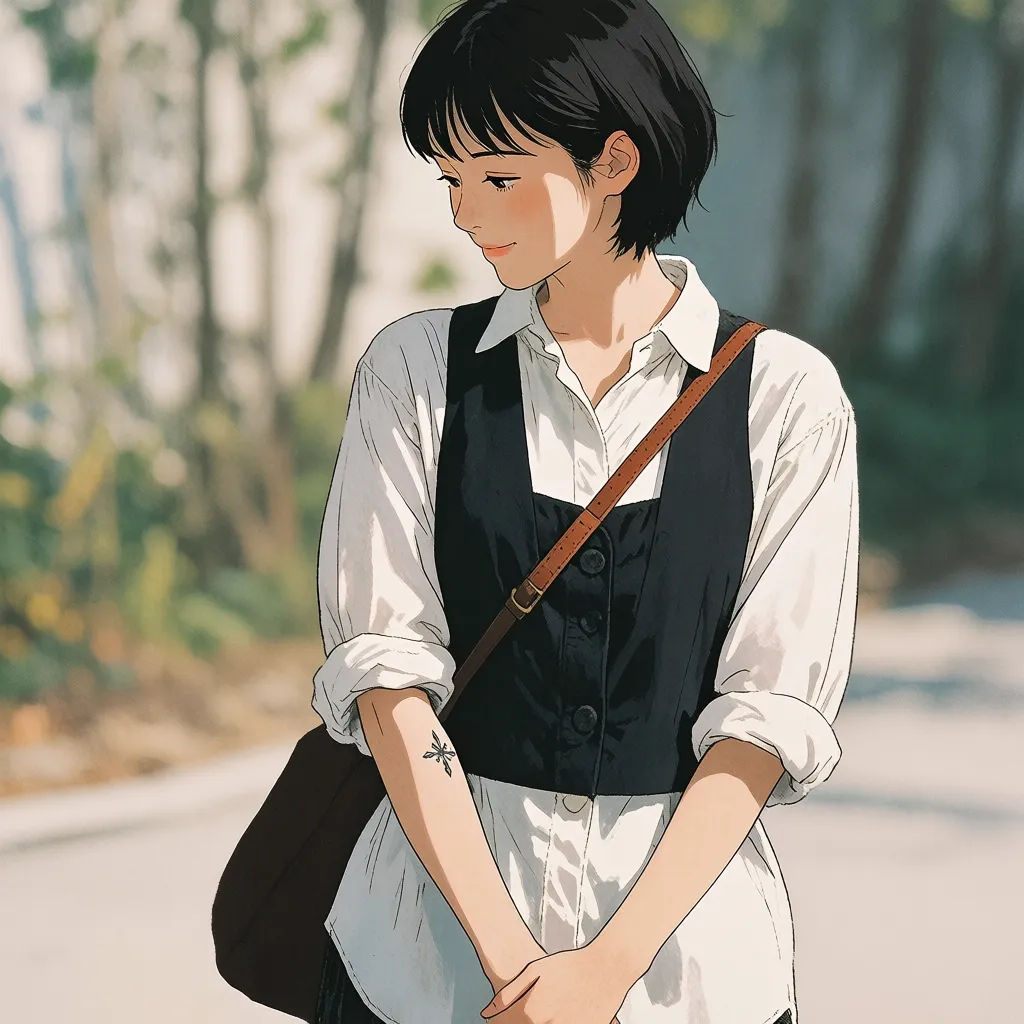
Anime dan ilustrasi
Garis bersih, shading gaya lukisan, atau tekstur cat minyak. Ubah foto jadi ilustrasi bergaya dalam satu langkah.

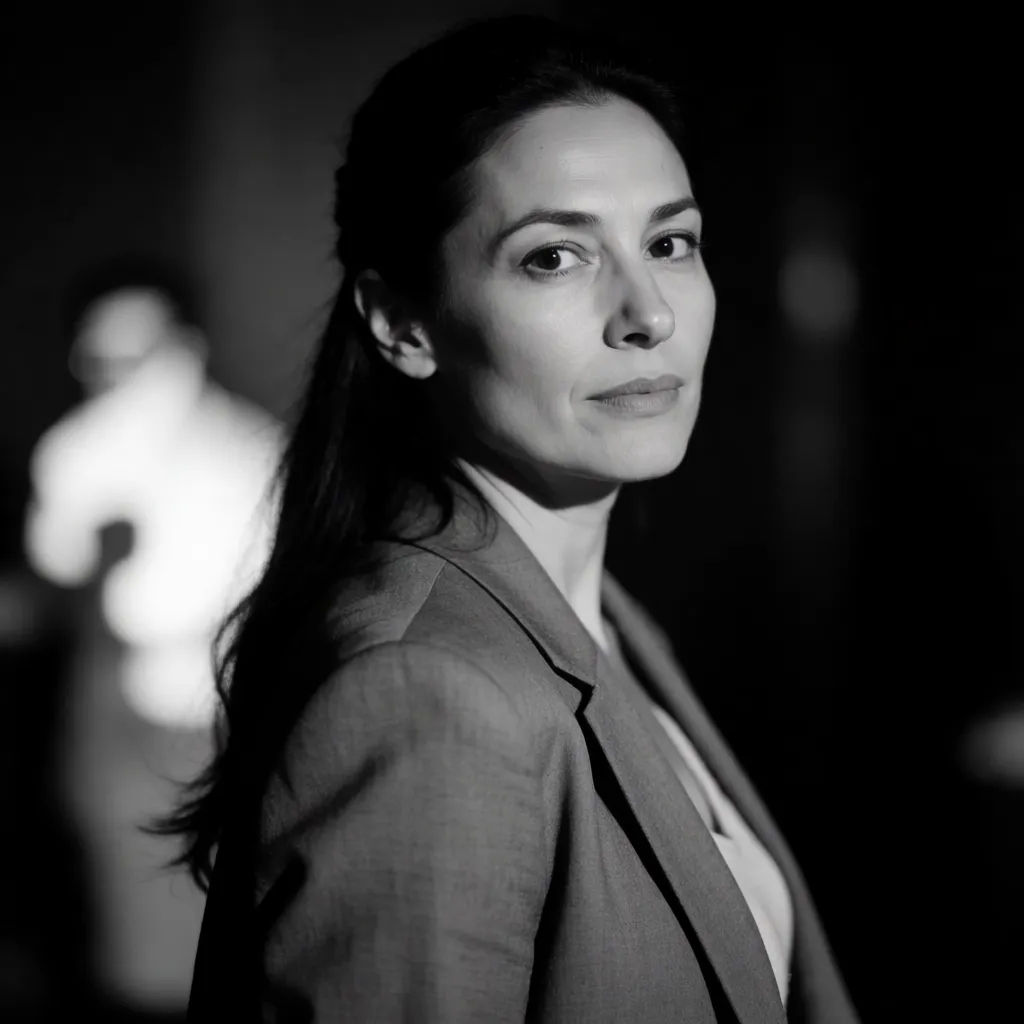
Noir hitam putih
Kontras dalam, hitam pekat, dan cahaya dramatis. Suasana monokrom yang timeless.

Contoh prompt filter untuk dicoba
Semua dimulai dari foto Anda sendiri. Buka salah satu prompt untuk mengubahnya dan buat versi Anda.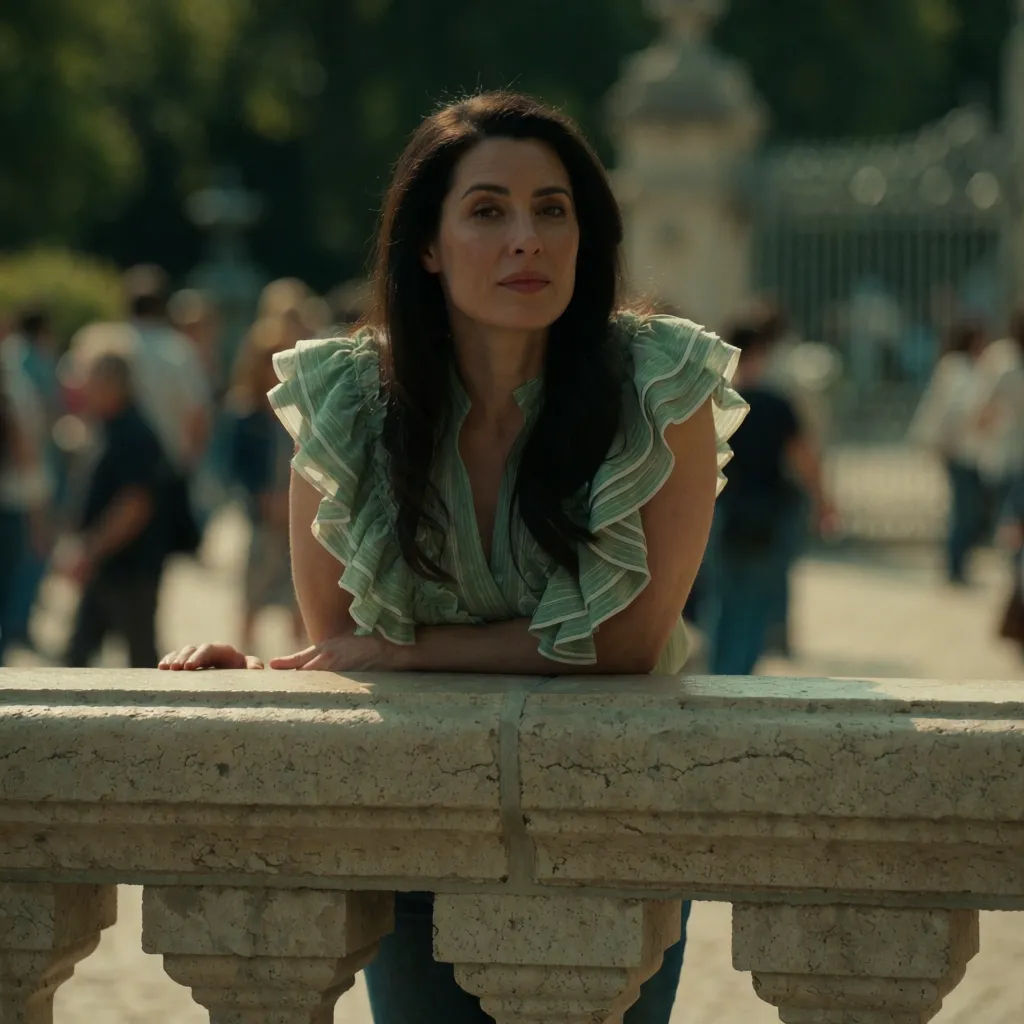
Gradasi sinematik
Terapkan gradasi sinematik hangat ke foto ini, grain film lembut, bayangan teal
Edit prompt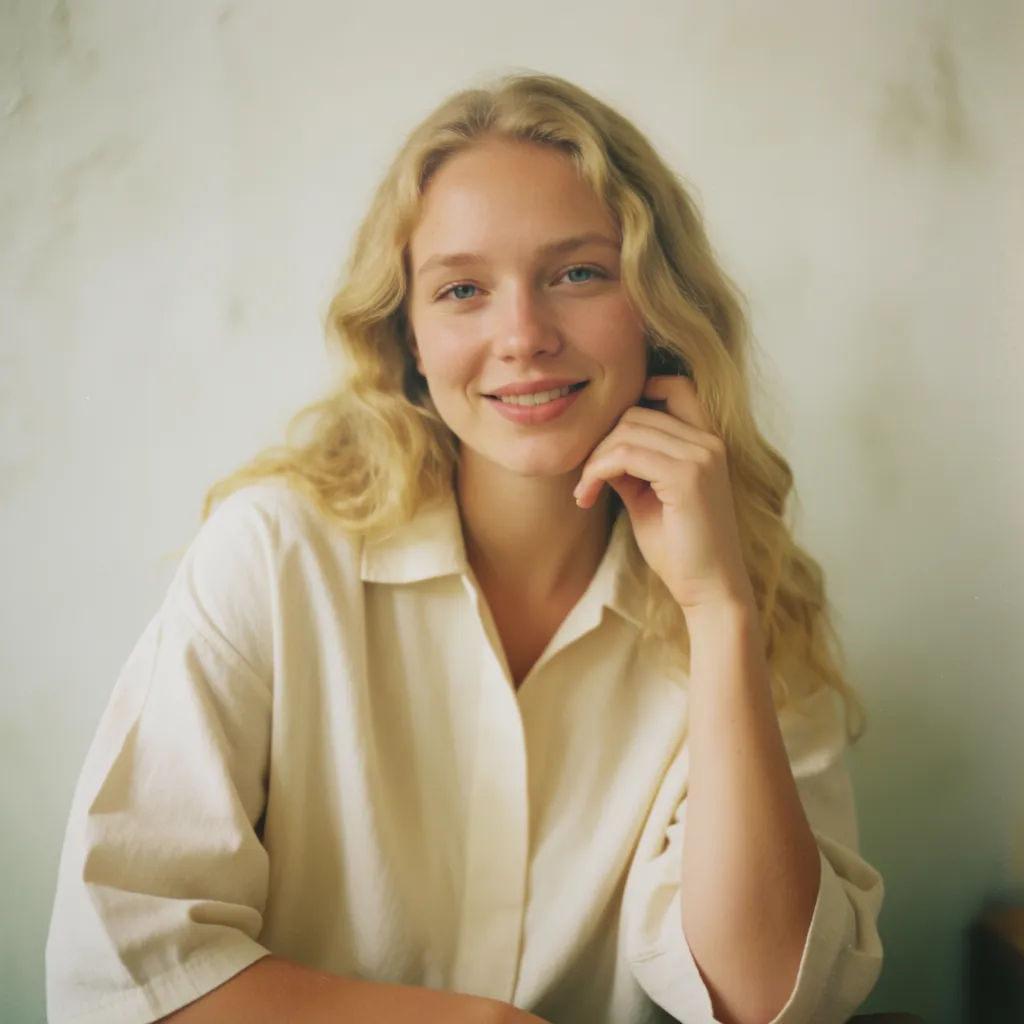
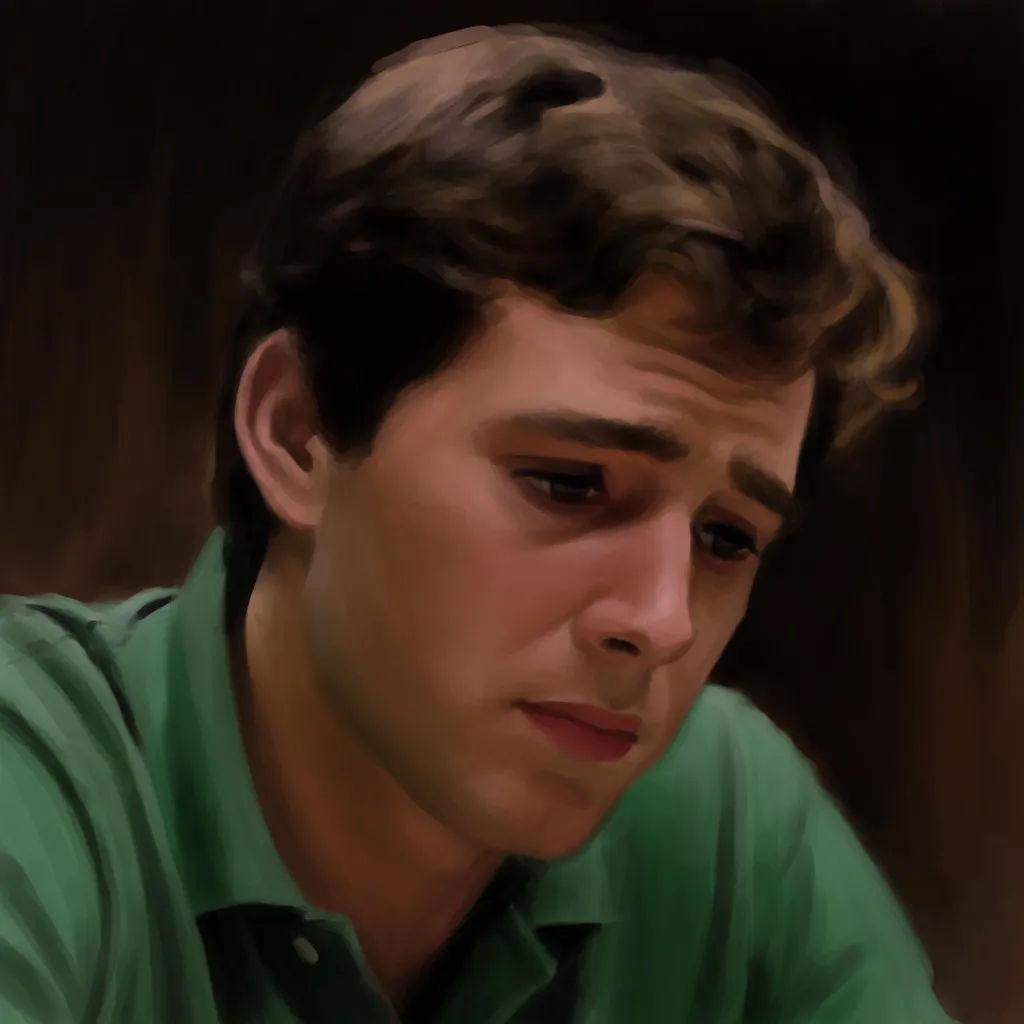
Lukisan cat minyak
Ubah foto ini jadi lukisan cat minyak, sapuan kuas terlihat, tone warna kaya
Edit prompt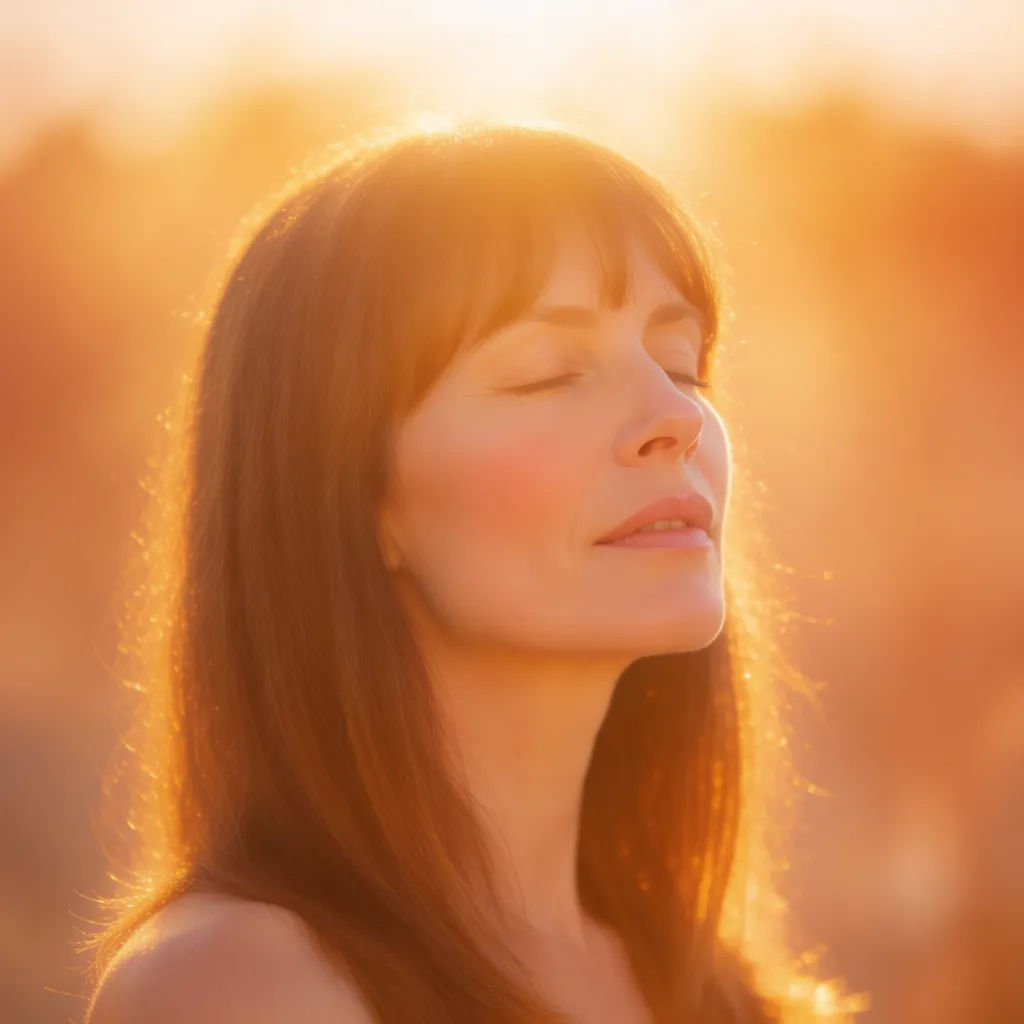
Art style transfer
Pick a reference image, apply its visual style to your own photo or artwork.

Sketch to render
Turn any sketch or drawing into a finished render.

Anime style transfer
Pick any anime illustration as your style guide. Apply its look to any image.

Expressions
Take any character image and generate 6 distinct facial expressions on a single reference sheet.

Chibi sprite animation
Turn any photo or description into an animated chibi sprite. Dance, jump, wave, attack, and more.

Character lineup
All your characters on a single lineup image, side by side with height comparison.
Semua ada di Morphic
Gaya apa pun bisa Anda jelaskan, diterapkan dalam satu langkahModel
Nano Banana 2, Flux 2 Pro, Grok Imagine, Seedream 5, dan lainnya. Pilih model yang paling pas untuk gaya Anda, dan ganti kapan saja.
Prompt, bukan preset
Jelaskan gaya apa pun dengan kata-kata, tanpa perlu mencari-cari di paket filter yang itu-itu saja.
Komposisi tetap sama
Filter mengubah warna dan suasana, sementara komposisi dan subjek foto Anda tetap seperti aslinya.
Workflows
Simpan gaya andalan Anda sebagai Workflow dan terapkan ke setiap foto baru dalam satu klik.
