Gaya rambut yang bisa Anda coba
Ubah gaya rambut Anda dalam tiga langkah
- 01
Buka Morphic
Daftar dan mulai berkarya di kanvas visual tanpa batas yang bebas mengalir.
- 02
Unggah selfie Anda
Unggah foto jelas menghadap depan agar model AI mengenali wajah asli Anda.
- 03
Coba gaya baru
Minta potongan, warna, atau panjang tertentu. Bandingkan beberapa pilihan lalu unduh yang paling pas.
Contoh penggunaan
Lihat dulu sebelum potong beneran
Coba gaya pixie, poni, atau warna berani di wajah Anda sendiri sebelum duduk di kursi salon. Hasilnya mengikuti bentuk wajah asli Anda, jadi preview-nya benar-benar mencerminkan Anda.

Bandingkan warna berdampingan
Blonde, tembaga, atau hitam pekat di foto yang sama, jadi pilihannya jelas kelihatan. Susun beberapa warna berdampingan dan pilih yang paling cocok sekali lihat.

Kasih referensi jelas ke stylist
Tunjukkan ke stylist referensi persis, bukan screenshot rambut orang lain. Anda berdua mulai dari gambar yang sama, jadi hasilnya sesuai permintaan.

Eksplorasi tanpa risiko
Coba gaya yang tidak akan Anda beranikan di dunia nyata, lalu bagikan hasilnya. Bereksperimen tidak butuh biaya, jadi bebas coba yang berani sebelum memutuskan.

Gaya rambut yang bisa Anda coba
Setiap gaya berawal dari selfie Anda sendiri. Buka prompt mana pun untuk mengubahnya dan buat versi Anda.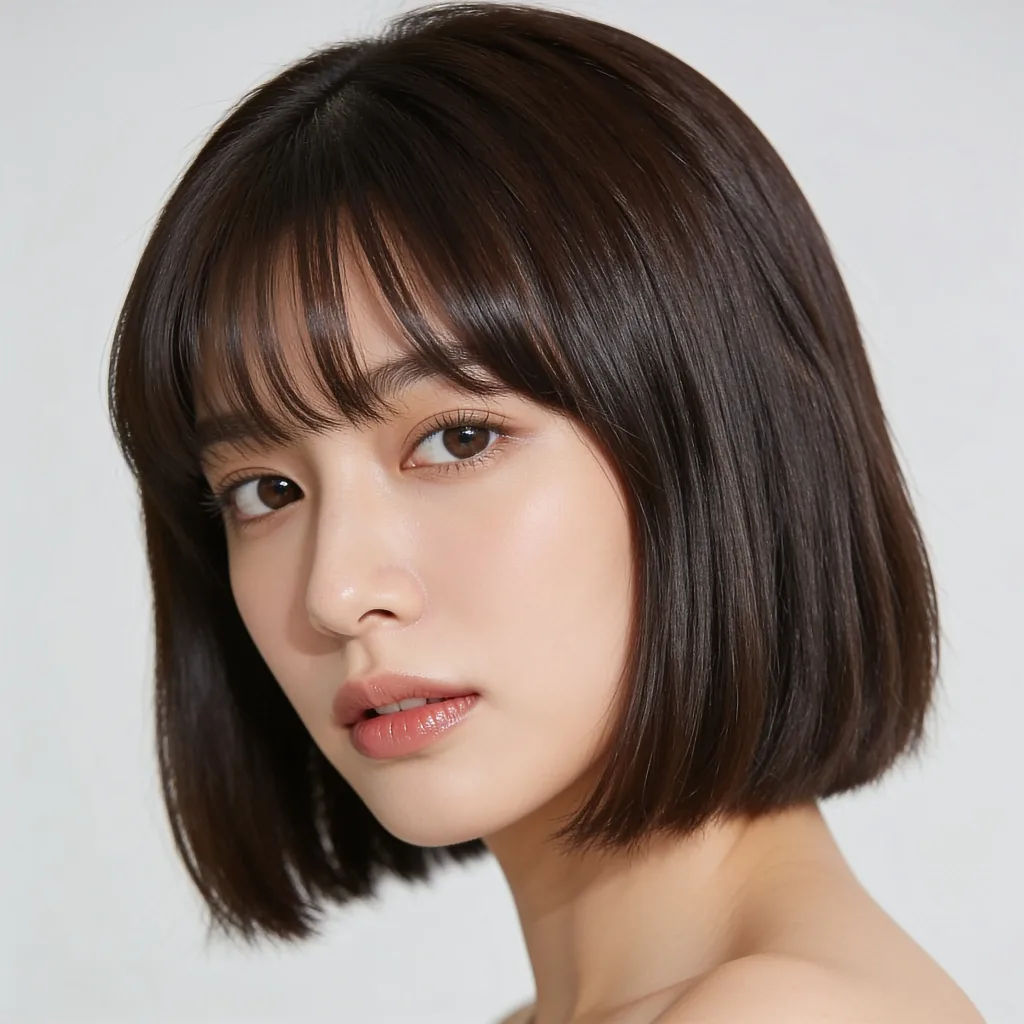
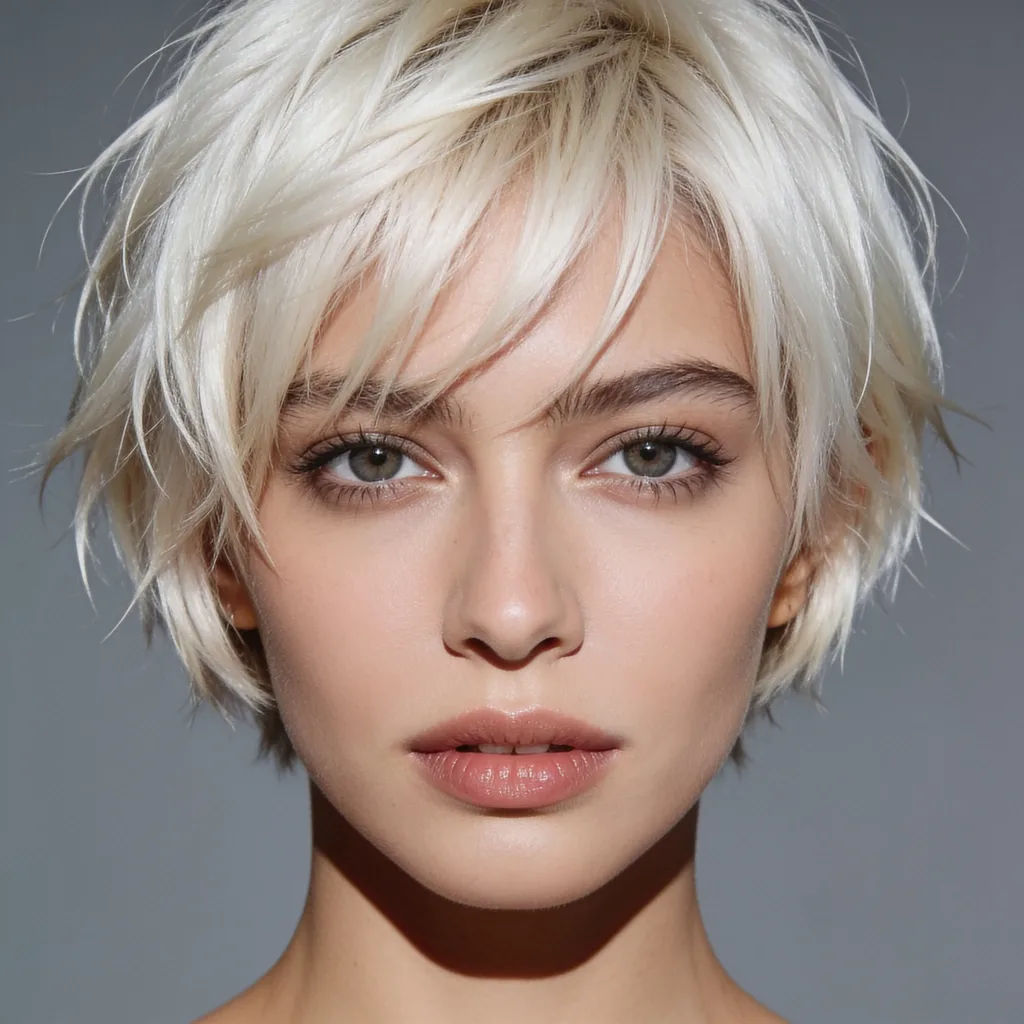
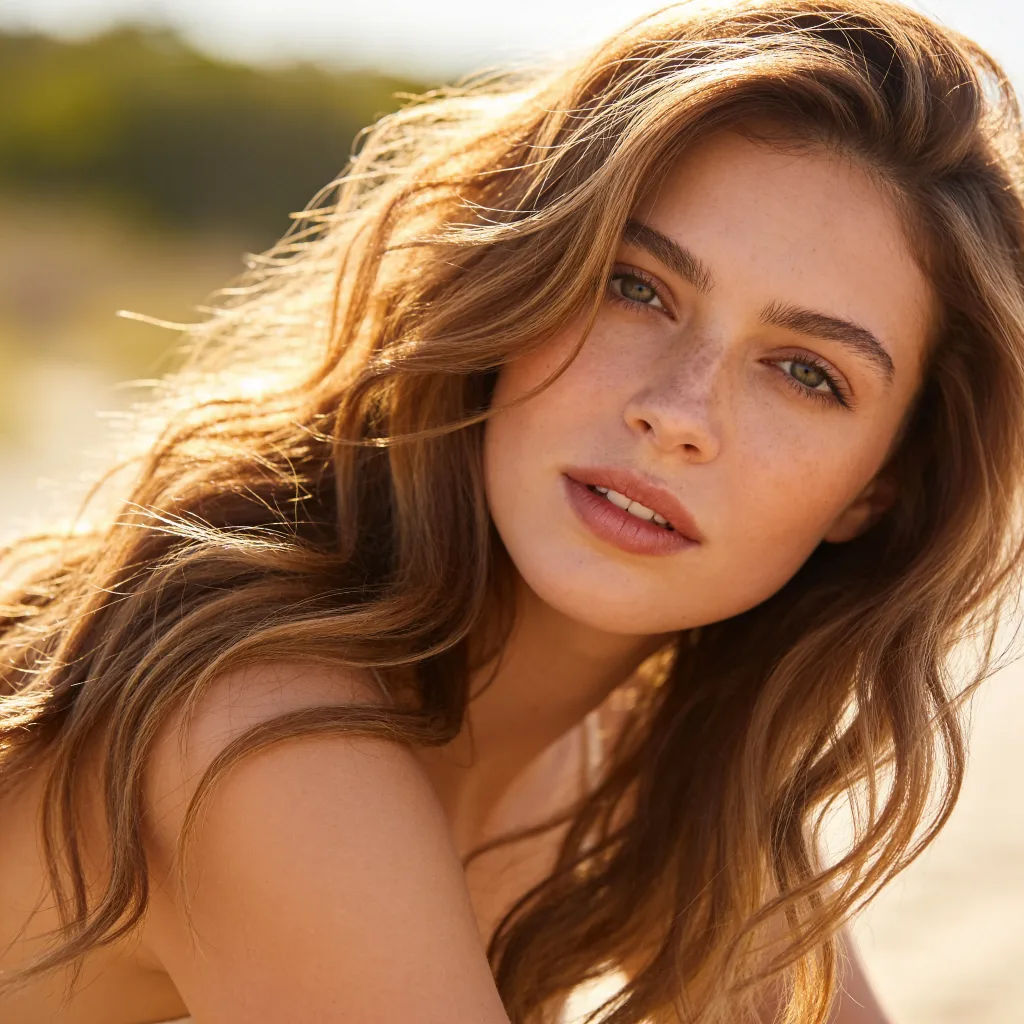
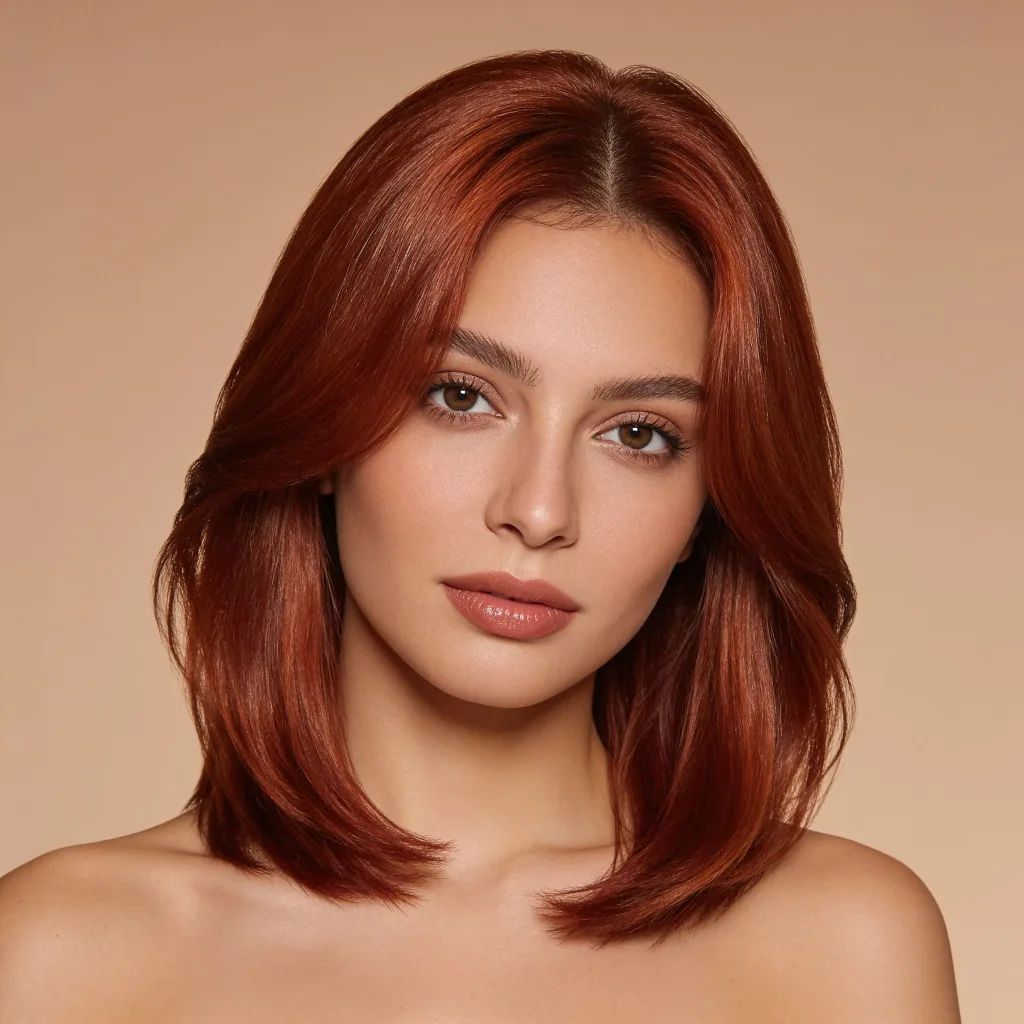
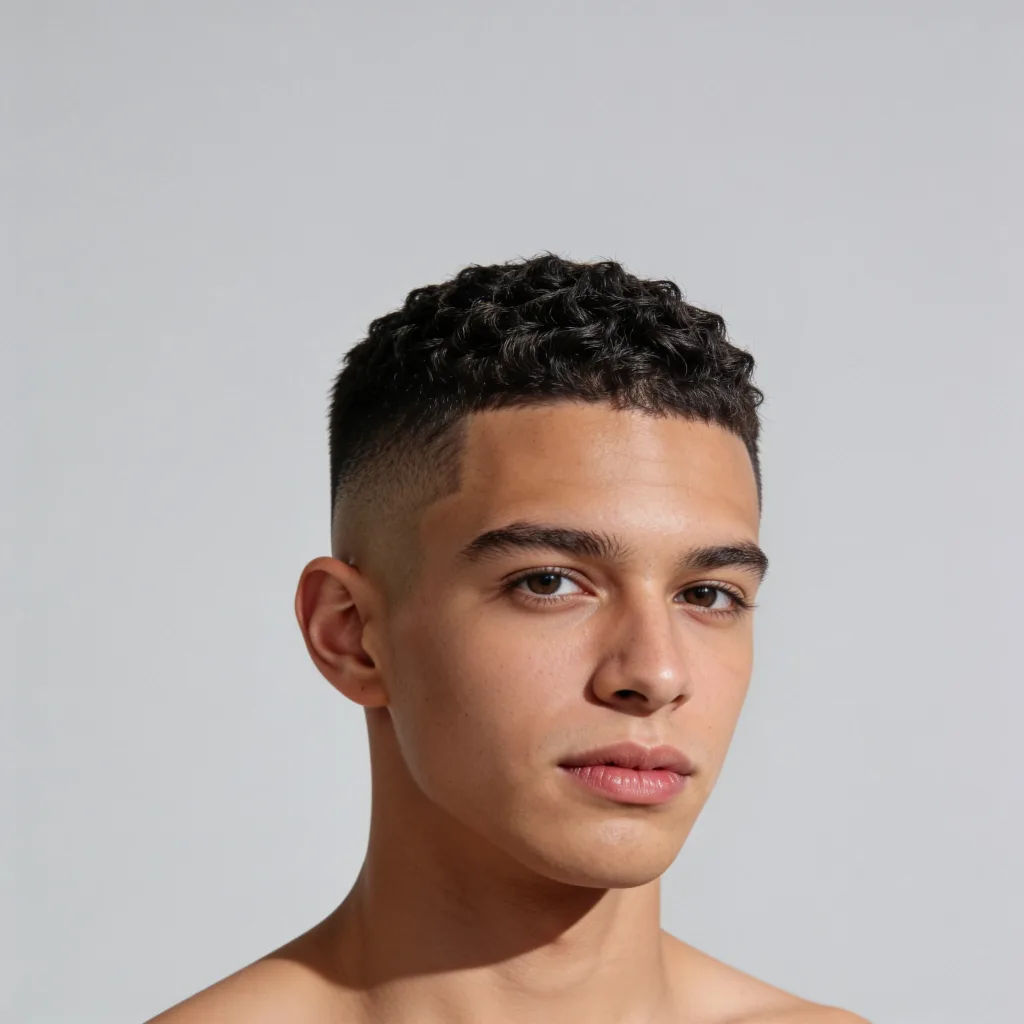
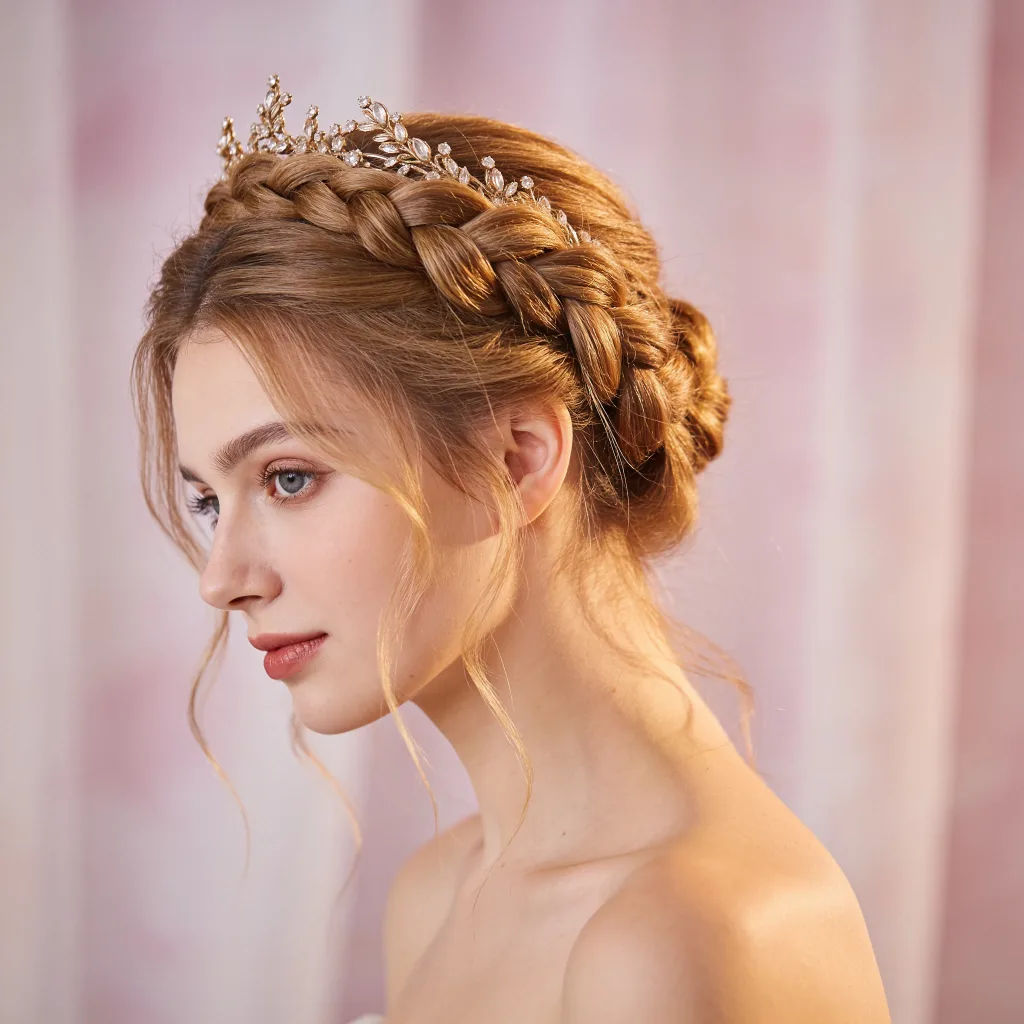

Image reverse engineer
Get a detailed prompt extracted from a reference image, and then a fresh recreation.

Character age progression
Upload a photo of a person or character and get a single grid image showing them at different life stages, from baby to elderly.

Female AI influencer
Generate a female AI influencer. Vertical output, ready for socials.

Anime style transfer
Pick any anime illustration as your style guide. Apply its look to any image.
Skin enhancer
Fix plastic-looking AI skin. Adds natural texture, pores, and imperfections for realism.
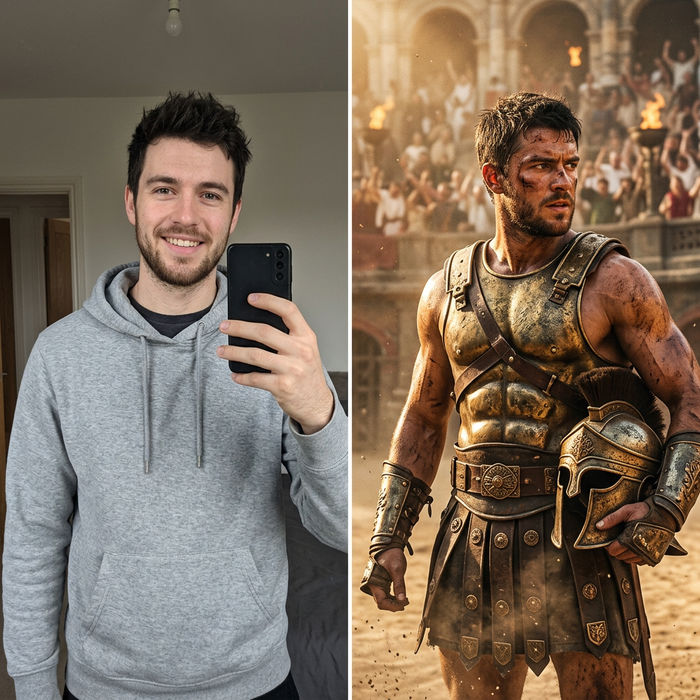
Character look book
Character photo plus costume descriptions. Multiple styled looks across angles and lighting.
Semua di Morphic
Setiap potongan dan warna, dicoba dulu sebelum ke salonModel
Nano Banana 2, Flux 2 Pro, Grok Imagine, Seedream 5, dan lainnya. Pilih model yang menjaga kulit dan rambut paling natural, dan ganti kapan saja.
Wajah tetap terjaga
Image-to-image hanya mengedit bagian rambut, jadi fitur wajah dan ekspresi Anda tetap persis seperti aslinya.
Potongan dan warna
Ubah panjang, tekstur, poni, atau warna dalam satu kali edit, lalu bandingkan beberapa pilihan.
Workflows
Simpan gaya favorit sebagai Workflow dan terapkan lagi ke foto baru hanya dengan satu klik.
