Restorasi yang bisa Anda buat
Restorasi foto dalam tiga langkah
- 01
Buka Morphic
Daftar dan mulai berkarya di kanvas visual tanpa batas yang bebas mengalir.
- 02
Unggah foto lama
Unggah hasil scan atau foto yang ingin Anda perbaiki.
- 03
Restorasi dan unduh
Perbaiki kerusakan, pertajam, opsional warnai, lalu unduh.
Contoh penggunaan
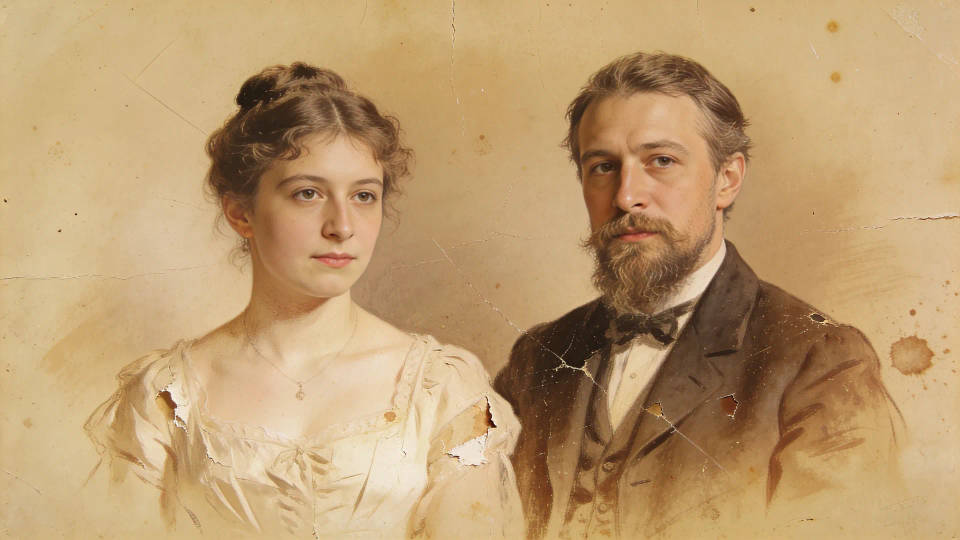
Selamatkan foto cetak rusak
Hilangkan goresan, sobekan, dan noda tanpa mengubah momen aslinya. Kerusakan hilang, tapi wajah dan detail tetap sama persis seperti aslinya.
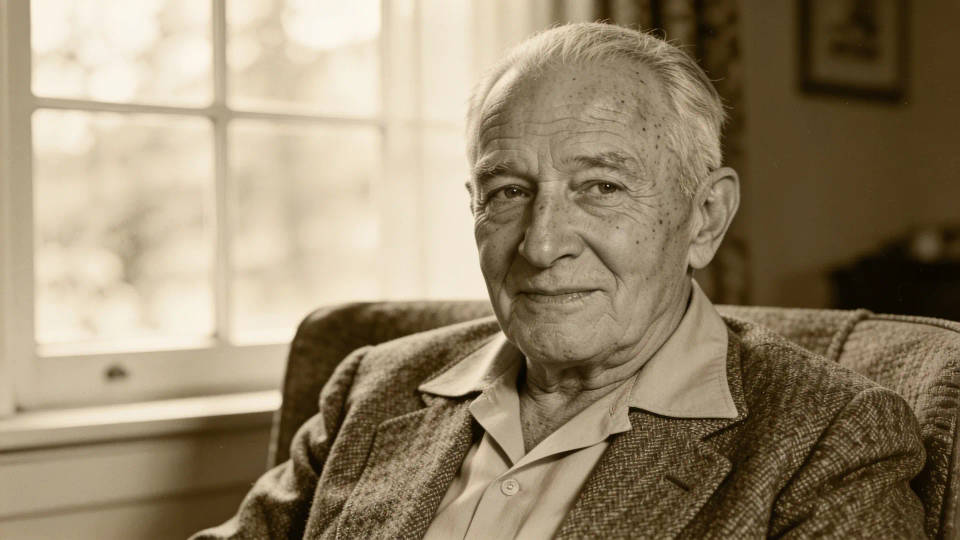
Warnai foto hitam putih
Tambahkan warna alami ke potret lama tanpa mengubah orangnya. Nuansa warna yang sesuai zamannya menghidupkan foto tanpa mengorbankan keasliannya.
Pertajam hasil scan yang buram
Tingkatkan detail dan resolusi agar foto yang buram kembali terlihat jelas. Hasil scan yang pudar atau buram jadi lebih tajam dan siap dicetak.

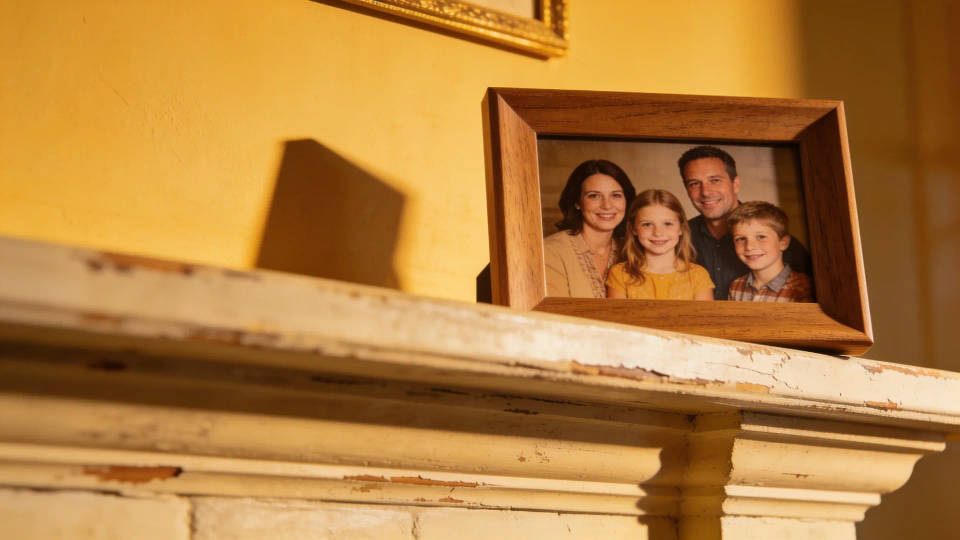
Cetak ulang untuk keluarga
Restorasi foto kenangan ke resolusi tinggi, siap dipigura atau dihadiahkan. Hidupkan kembali foto keluarga dan bagikan ke semua orang.
Contoh prompt
Setiap contoh berawal dari foto Anda sendiri. Buka salah satu prompt untuk mengubahnya dan buat versi Anda.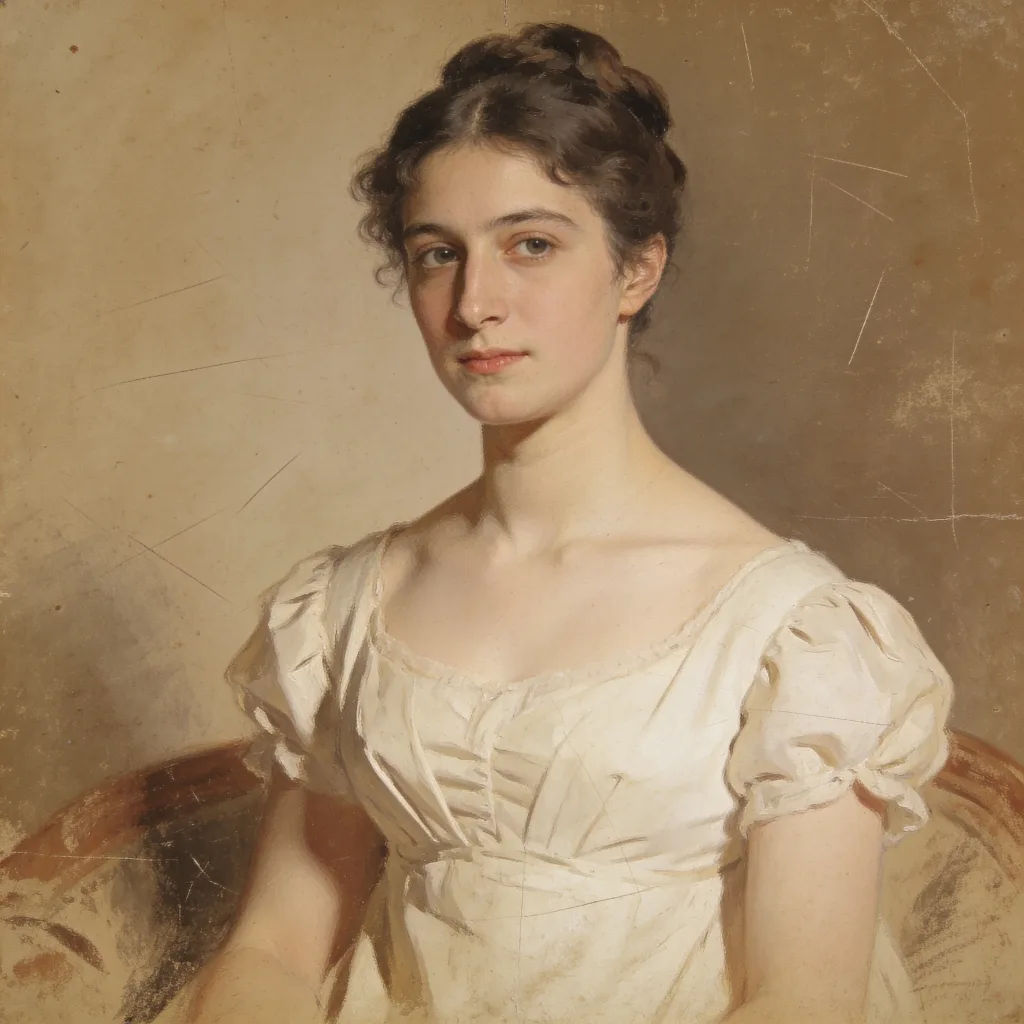
Perbaikan goresan dan pudar
Restorasi foto lama ini, hilangkan goresan dan warna pudar, jaga wajah tetap utuh
Edit prompt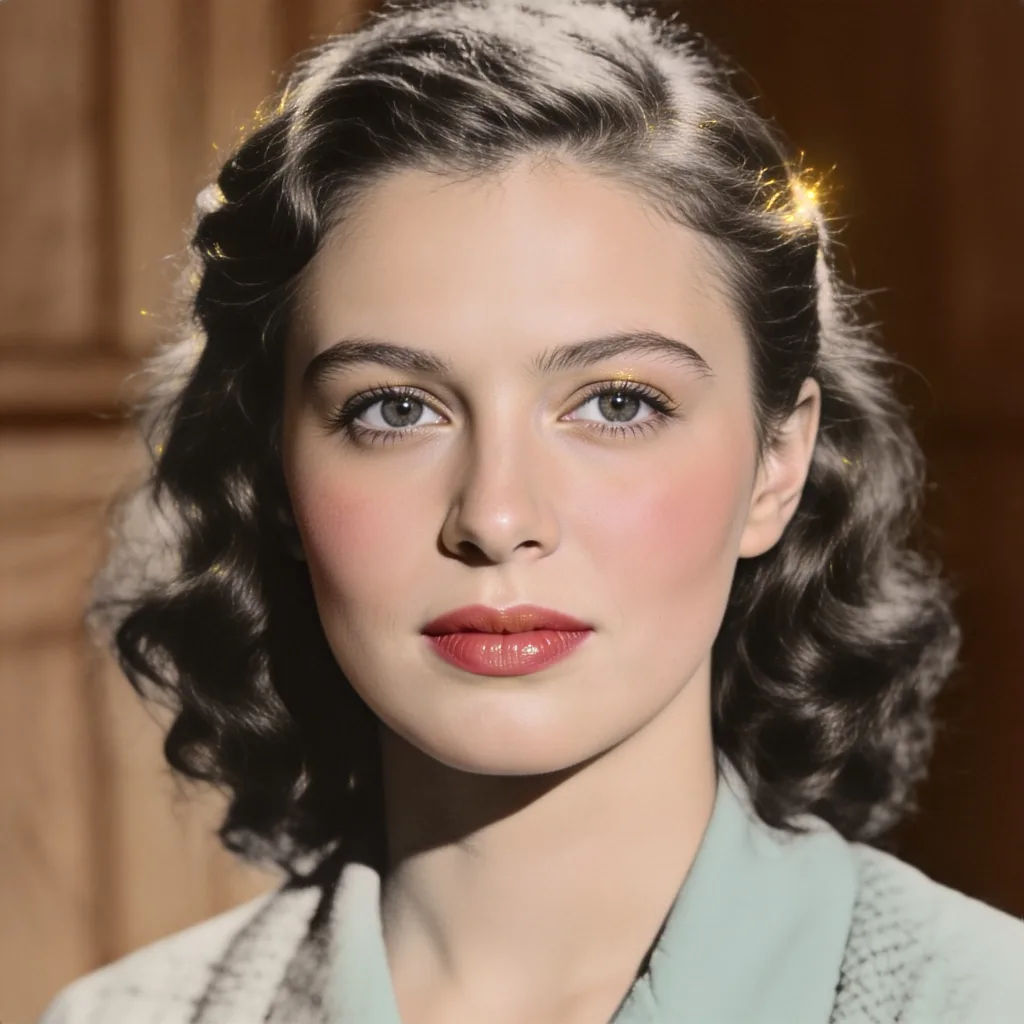
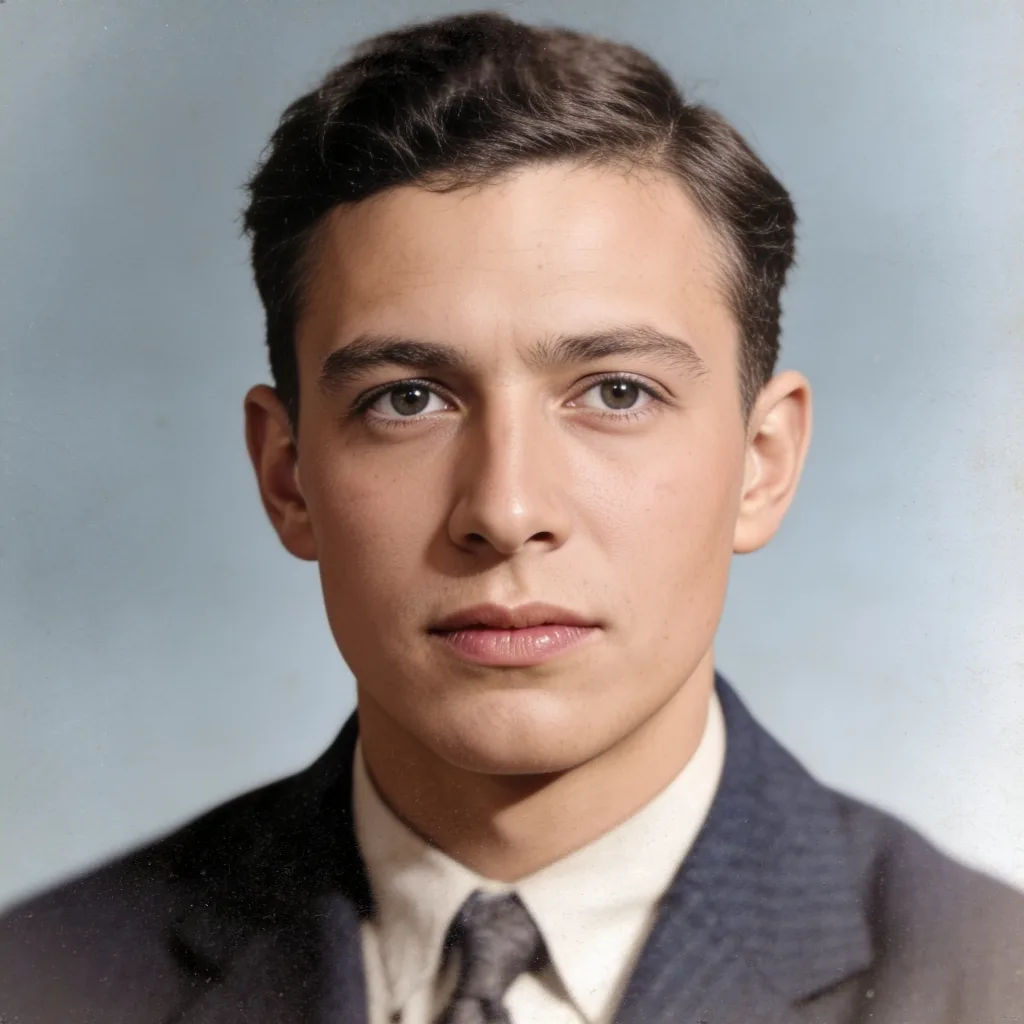
Hilangkan buram dan pertajam
Pertajam foto lama yang buram ini, pulihkan detail, jaga hasil tetap alami
Edit prompt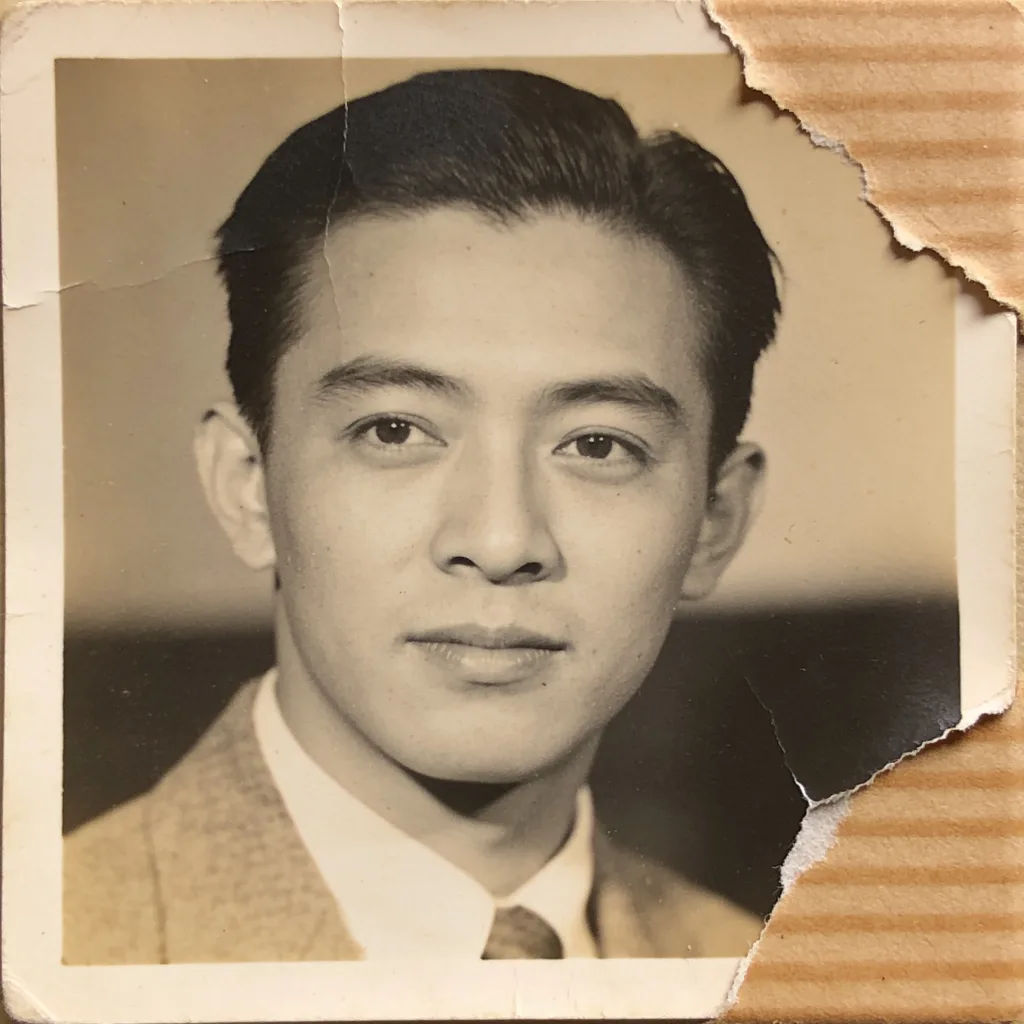
Perbaiki foto sobek
Perbaiki foto sobek ini, bangun kembali sudut yang hilang, sesuaikan tekstur grain
Edit prompt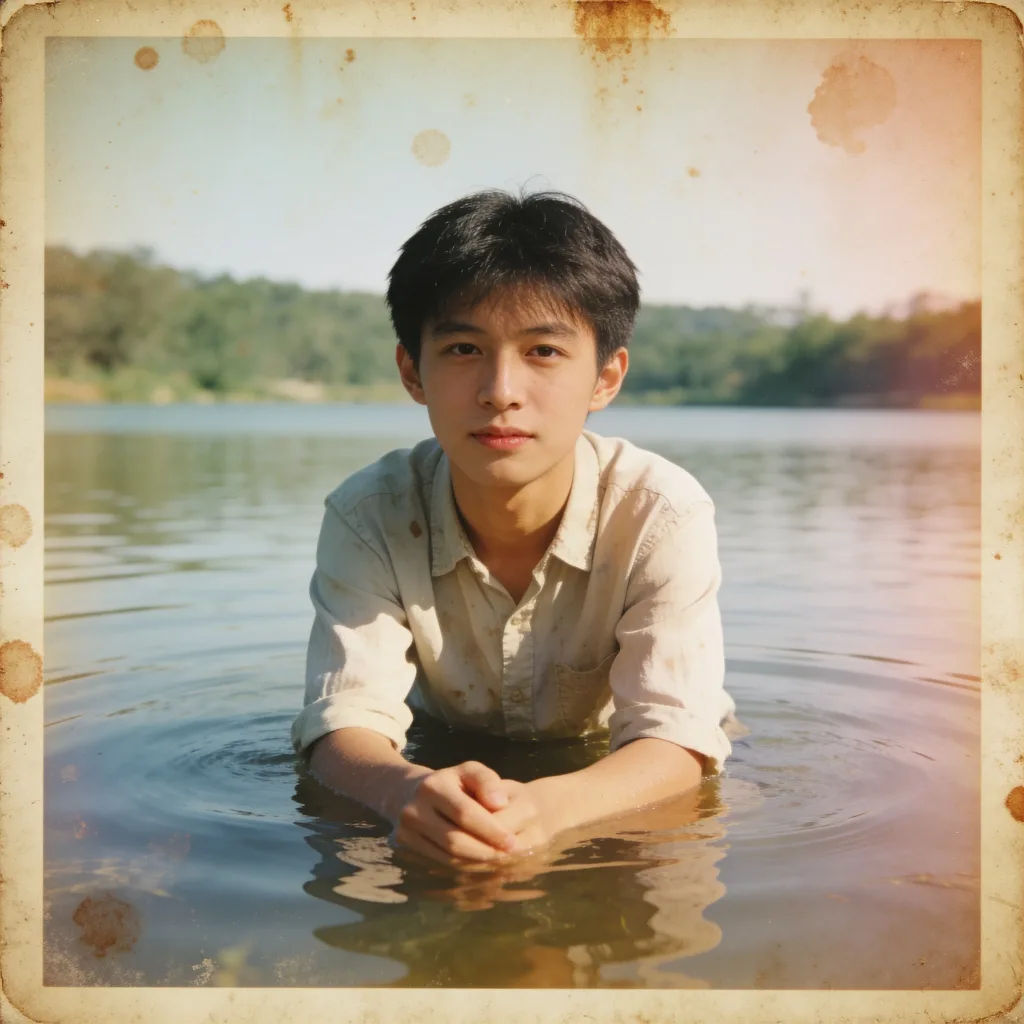
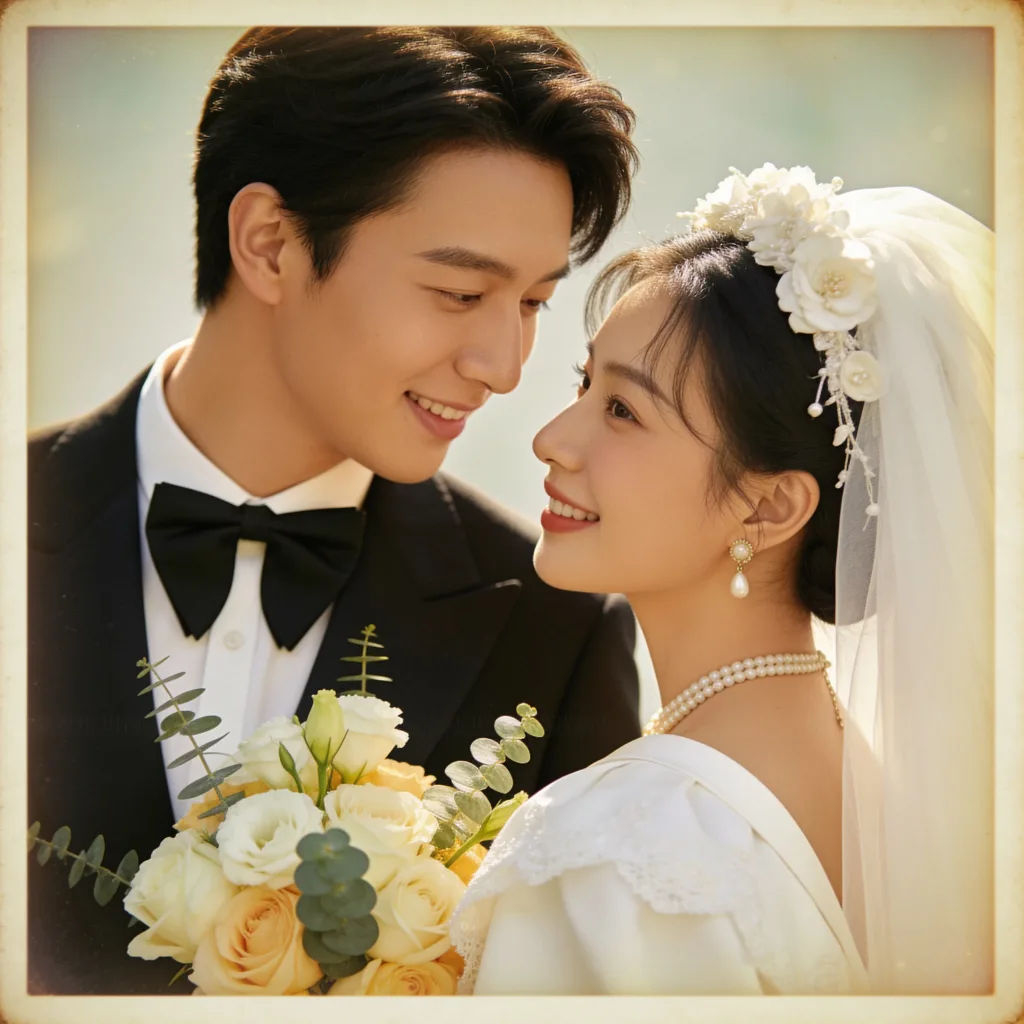
Hidupkan kembali foto pernikahan vintage
Restorasi foto pernikahan vintage ini, warna lembut, bersihkan latar belakang
Edit prompt
Image reverse engineer
Get a detailed prompt extracted from a reference image, and then a fresh recreation.

Character age progression
Upload a photo of a person or character and get a single grid image showing them at different life stages, from baby to elderly.
Skin enhancer
Fix plastic-looking AI skin. Adds natural texture, pores, and imperfections for realism.
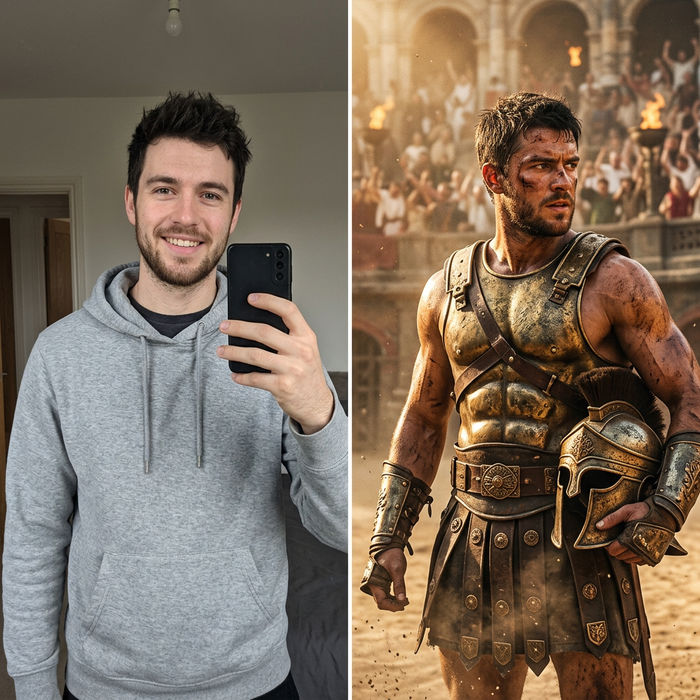
Character look book
Character photo plus costume descriptions. Multiple styled looks across angles and lighting.
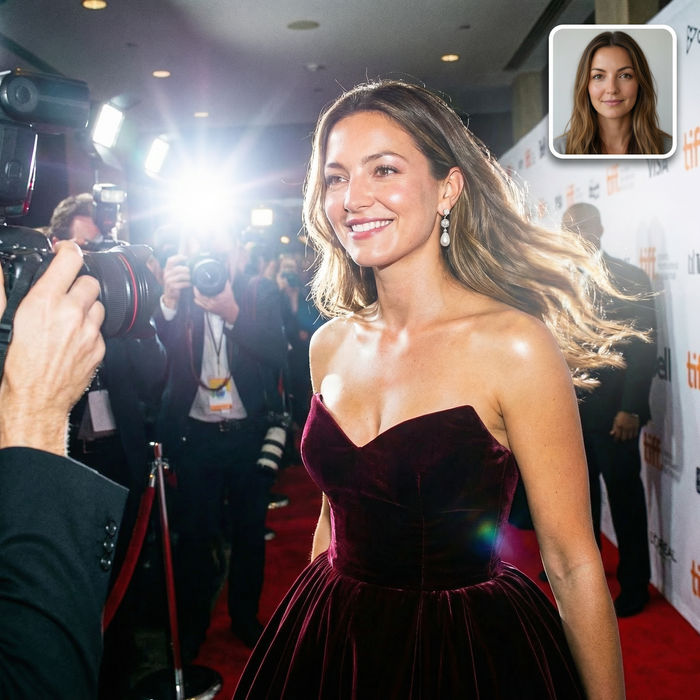
Paparazzi scene
Put anyone on a red carpet with paparazzi flashes, animated into a celebrity entrance video.

Product mockup generator
Upload a product photo and get studio-quality shots on any surface with configurable lighting, angles, and aspect ratios.
Semua di Morphic
Foto lama dan rusak, dipulihkan dengan cermatModel
Nano Banana 2, Flux 2 Pro, Seedream 5, dan lainnya. Pilih model yang memulihkan detail paling akurat, dan ganti kapan saja.
Setia pada foto asli
Image-to-image membersihkan kerusakan tanpa mengubah wajah, sehingga momennya tetap asli.
Warnai dan pertajam
Tambahkan warna alami dan tingkatkan resolusi dalam satu proses edit untuk hasil bersih yang siap dipigura.
Workflows
Simpan resep restorasi sebagai Workflow dan jalankan untuk satu album penuh sekaligus.
