Setiap model gambar
Satu ruang kerjaThumbnail untuk channel apa pun
Buat thumbnail dalam tiga langkah
- 01
Buka Morphic
Daftar dan mulai berkarya di kanvas visual tanpa batas yang bebas mengalir.
- 02
Jelaskan thumbnail-nya
Subjek, ekspresi, kontras, focal point. Sebutkan klik yang Anda incar.
- 03
Generate dan sempurnakan
Render dalam hitungan detik. Bandingkan varian berdampingan di Canvas lalu pilih pemenangnya.
Contoh penggunaan
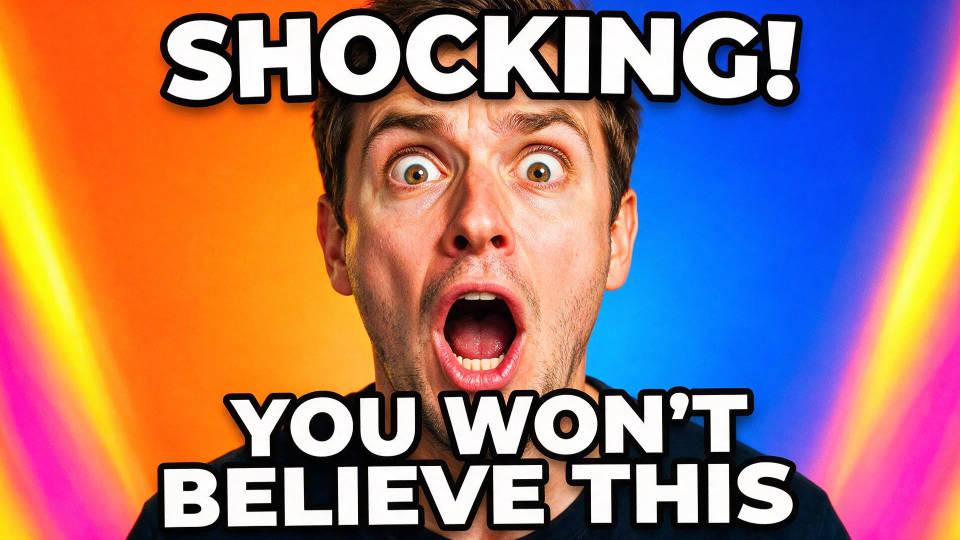
Thumbnail yang menang klik
Thumbnail tebal berkontras tinggi dengan wajah ekspresif besar dan satu focal point yang jelas. Tetap terbaca di 320px pada feed yang padat dan berhasil menarik klik.
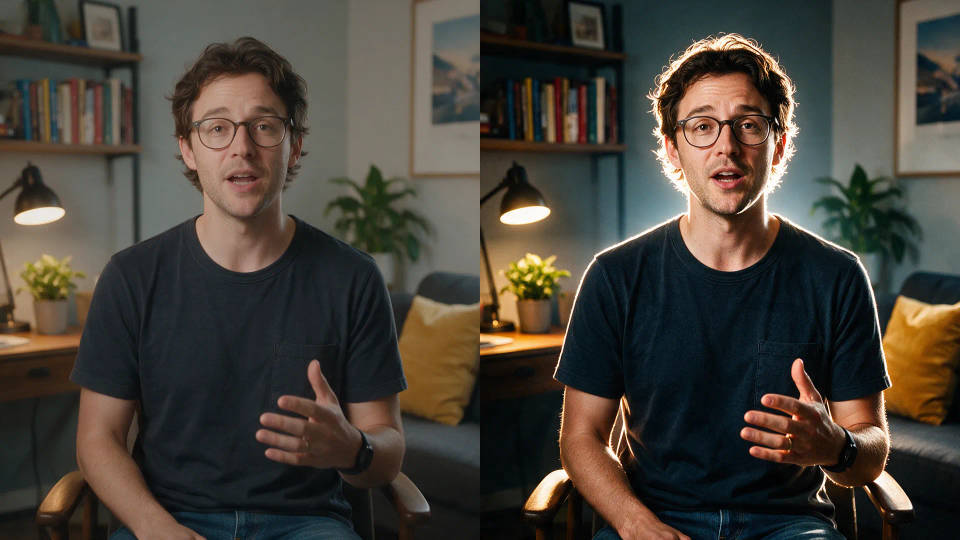
Dari frame video
Masukkan satu still dari footage Anda lalu restyle dengan image-to-image. Pertahankan momen aslinya, lalu naikkan kontras dan pertajam subjeknya.
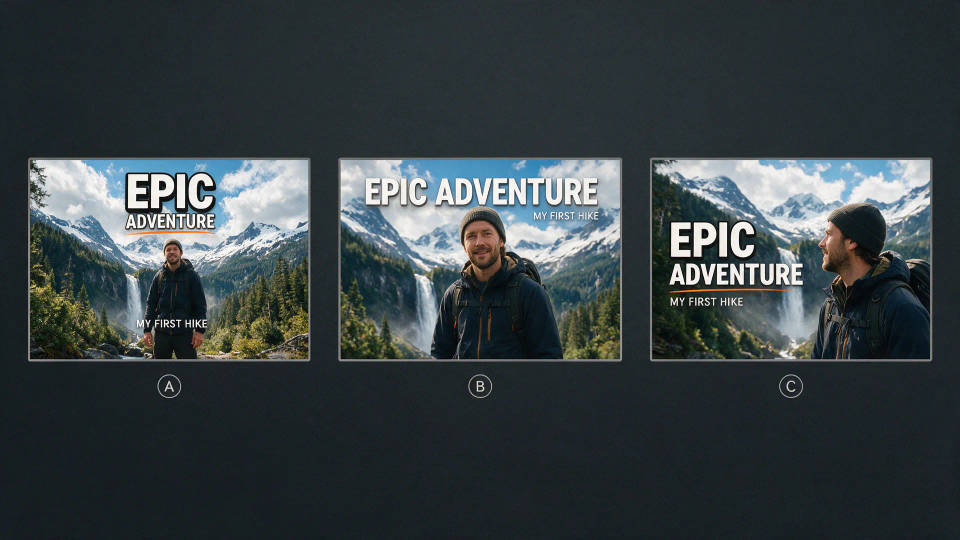
A/B test beberapa thumbnail dengan cepat
Buat beberapa angle thumbnail untuk satu video dan bandingkan berdampingan di Canvas. Publish yang menarik click-through paling tinggi.
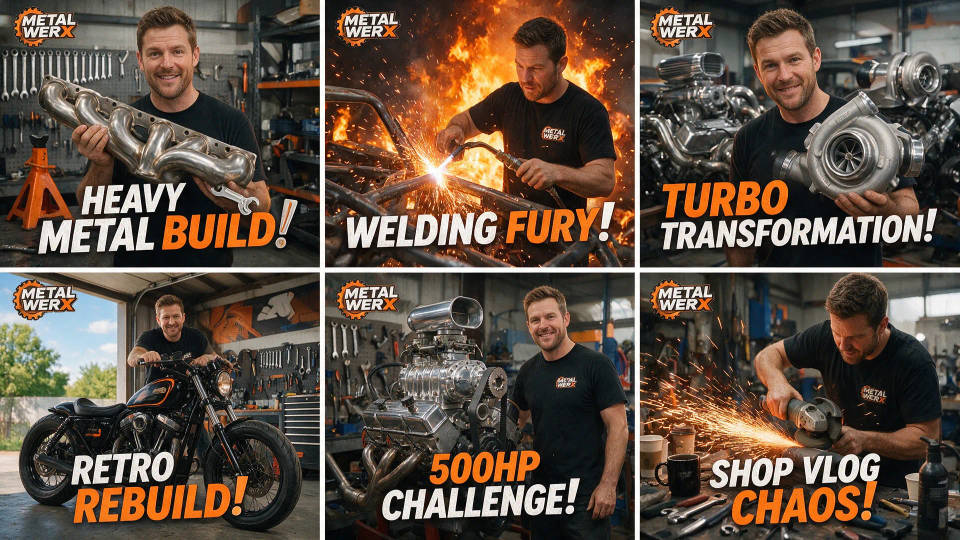
Tampilan channel yang konsisten
Kunci framing, palet warna, dan gaya Anda sekali saja. Simpan thumbnail sebagai Workflow, jalankan lagi tiap video, dan jaga channel tetap langsung dikenali.
Contoh prompt
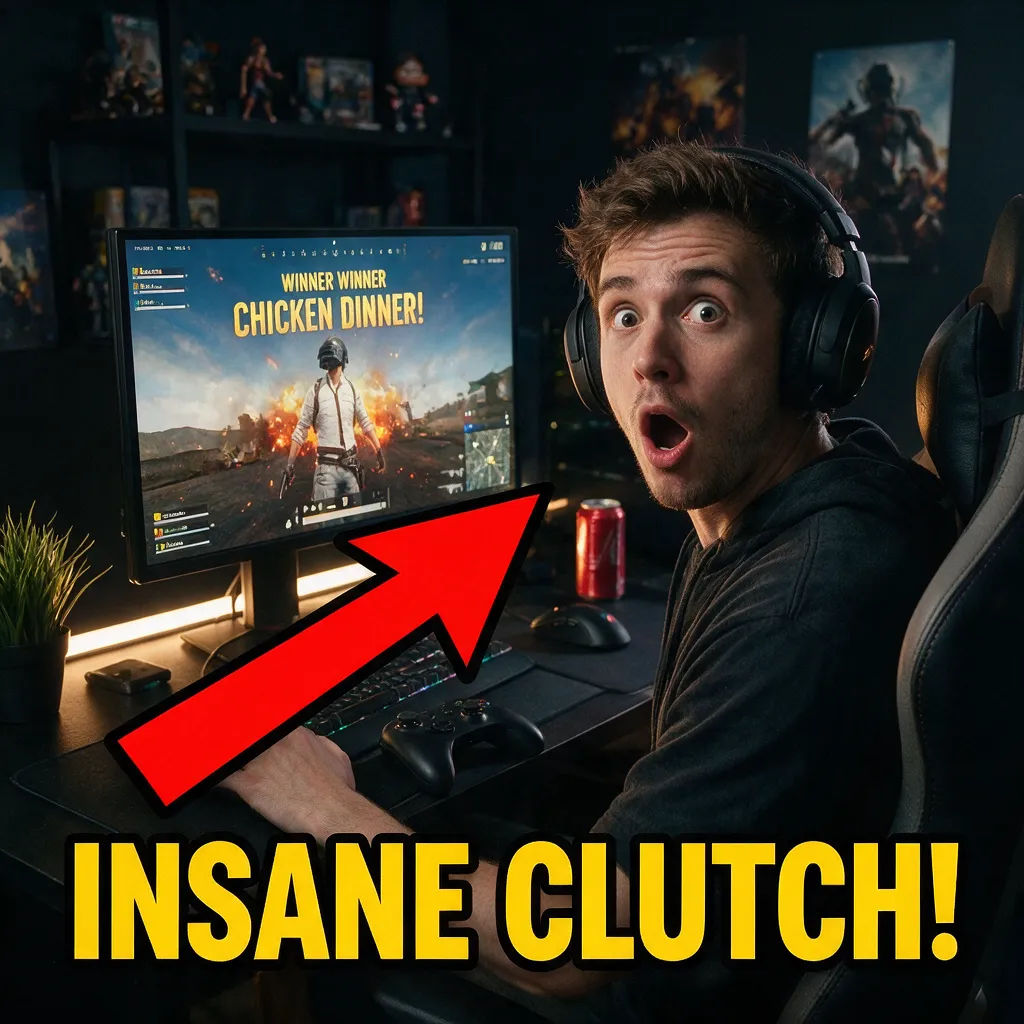
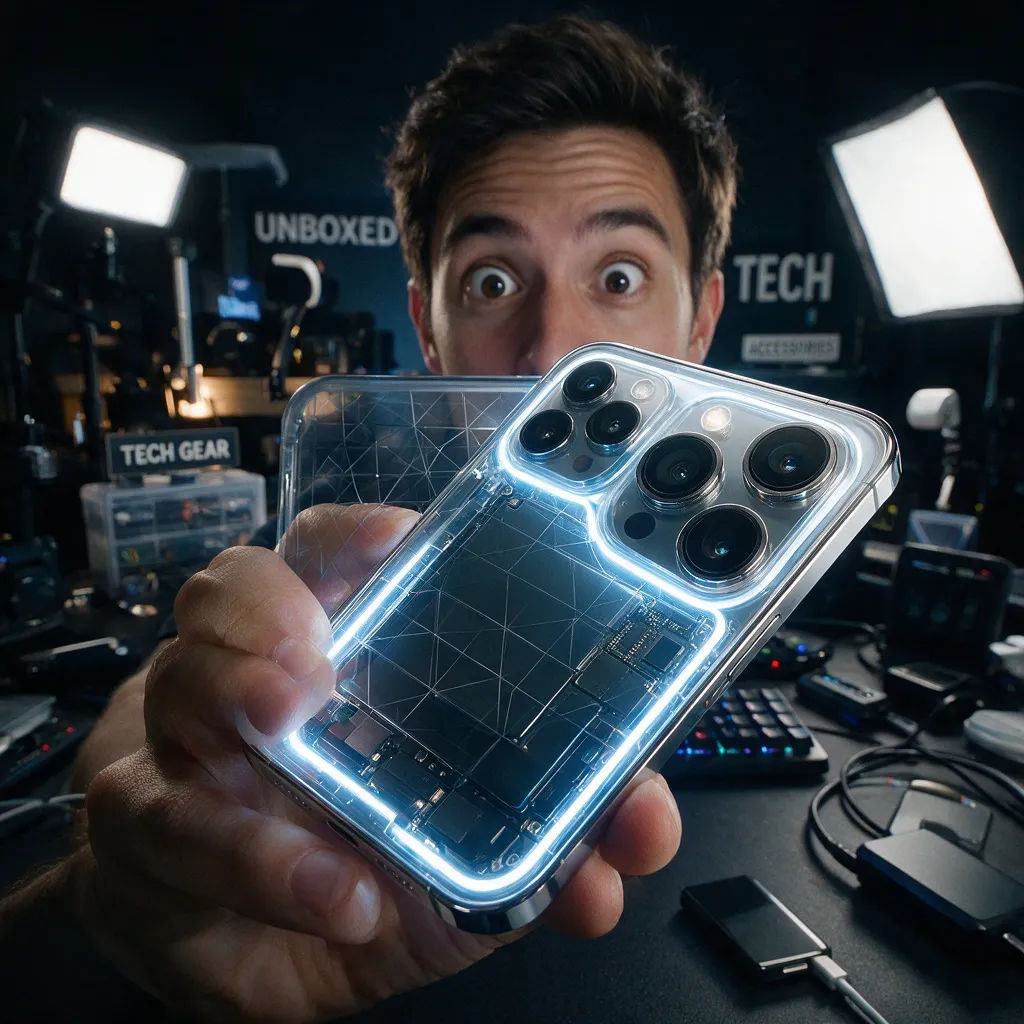
Review teknologi
Close-up ponsel baru, aksen bercahaya, reviewer mata terbelalak, kontras tinggi
Edit prompt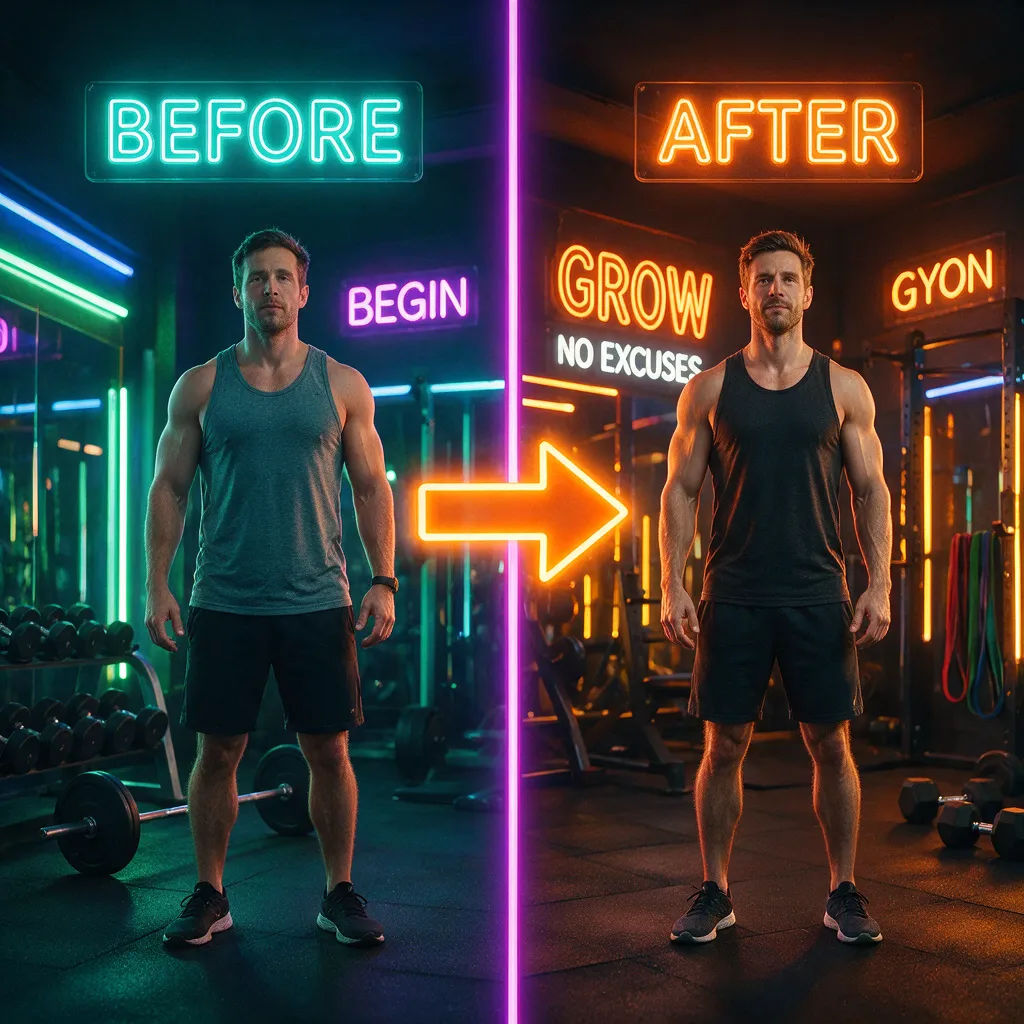
Before/after fitness
Split before dan after transformasi tubuh, panah tegas, warna mencolok
Edit prompt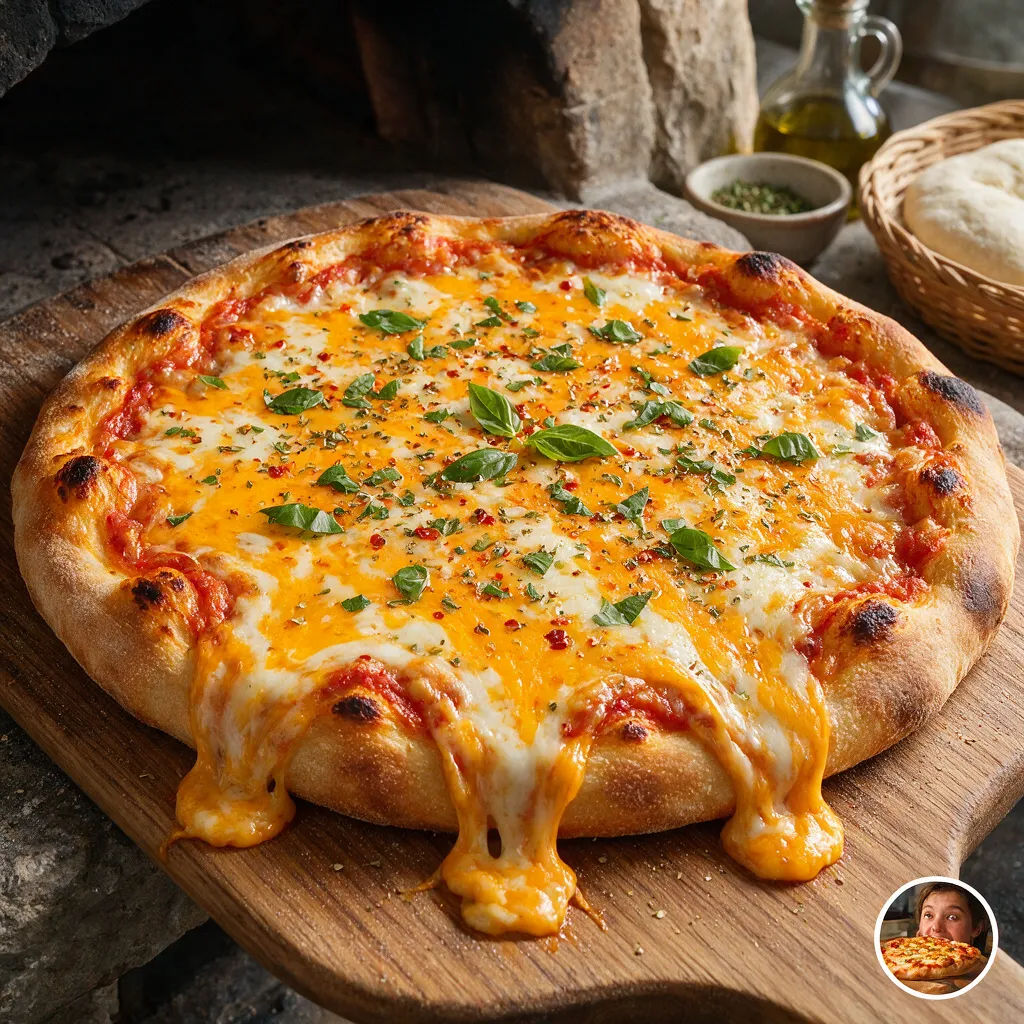
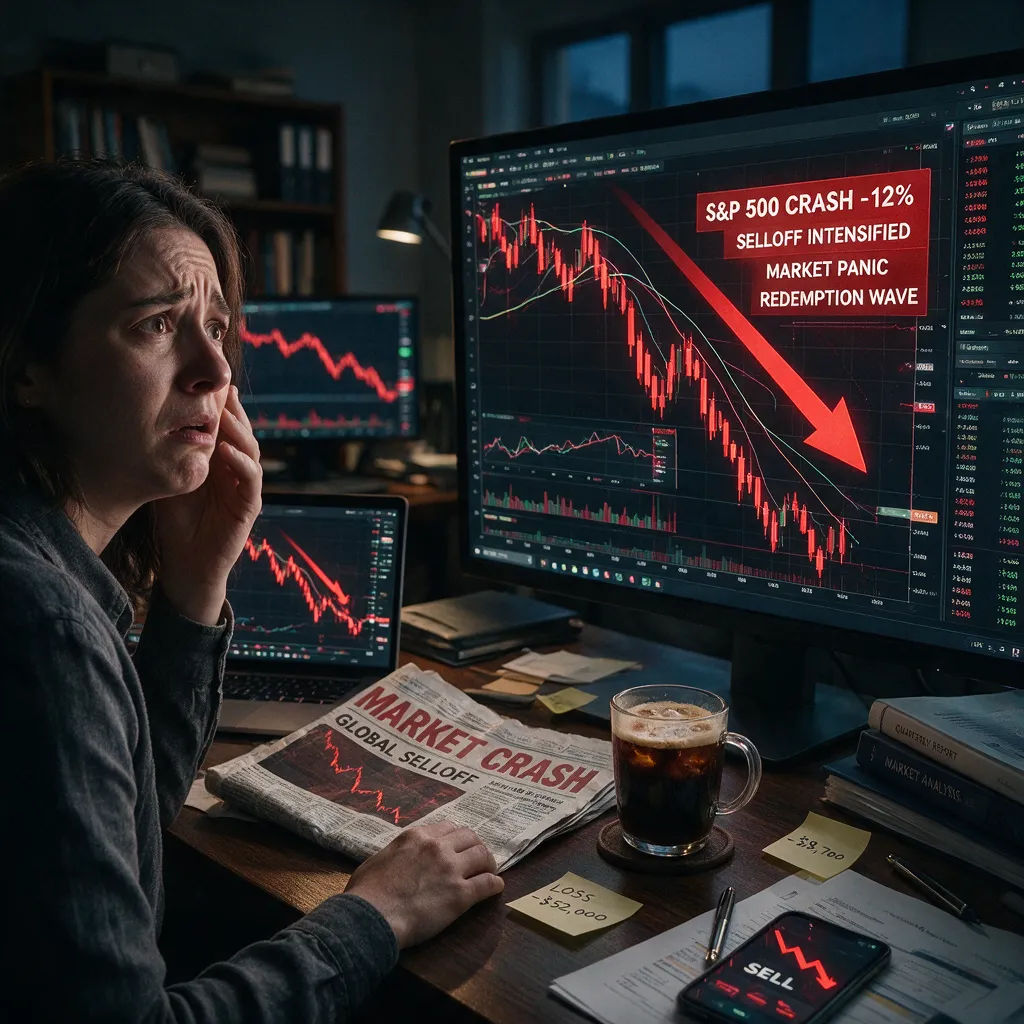
Penjelasan finansial
Wajah cemas di samping grafik merah yang anjlok, kontras tinggi, focal point tegas
Edit prompt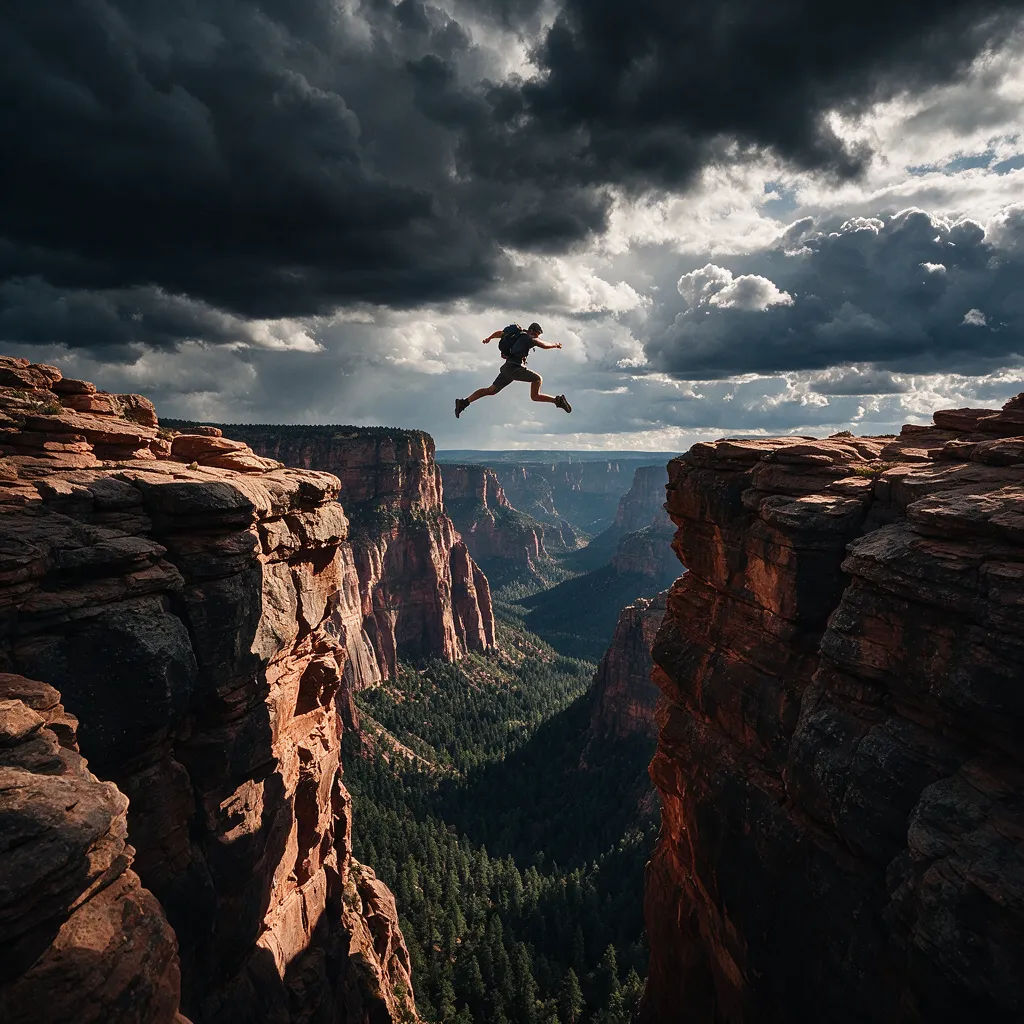
Aksi tantangan
Orang melompat di atas jurang lebar, langit dramatis, thumbnail kontras tajam
Edit prompt
Sketch to render
Turn any sketch or drawing into a finished render.
Thumbnail A/B factory
Scroll-stopping YouTube thumbnails with built-in A/B variations to test for maximum CTR.

Expressions
Take any character image and generate 6 distinct facial expressions on a single reference sheet.

Anime style transfer
Pick any anime illustration as your style guide. Apply its look to any image.

Image reverse engineer
Get a detailed prompt extracted from a reference image, and then a fresh recreation.

Cinematic storyboard
Share a scene description with character references. Get a full storyboard with shot angles and mood.
Semua di Morphic
Stack gambar lengkap AndaModel
Nano Banana 2, Flux 2 Pro, ChatGPT Images, Grok Imagine, Recraft, Seedream, dan lainnya. Pilih model yang pas untuk look-nya dan ganti di tengah proyek.
Inpainting dan outpainting
Edit satu bagian tanpa mengulang semuanya. Inpaint untuk mengganti wajah atau latar, outpaint untuk memperluas frame dan membuka adegan.
Ubah gaya
Re-skin thumbnail dari satu prompt sambil mempertahankan subjek dan komposisi. Coba palet lebih berani atau potongan lebih bersih dalam hitungan detik.
Workflows
Simpan thumbnail yang sudah jadi sebagai Workflow, lalu jalankan lagi, bagikan, atau favoritkan untuk dipakai nanti.
