Setiap model gambar
Satu ruang kerjaDibuat dengan Flux 2 Pro
Buat gambar dalam tiga langkah
- 01
Buka Morphic
Daftar dan mulai berkarya di kanvas visual tanpa batas yang bebas mengalir.
- 02
Deskripsikan gambarnya
Subjek, komposisi, cahaya, gaya. Makin spesifik, makin dekat hasil render pertama dengan yang Anda bayangkan.
- 03
Generate dan sempurnakan
Render dalam hitungan detik. Bandingkan hasil dan ganti model berdampingan di Canvas.
Apa yang bisa dibuat Flux 2 Pro
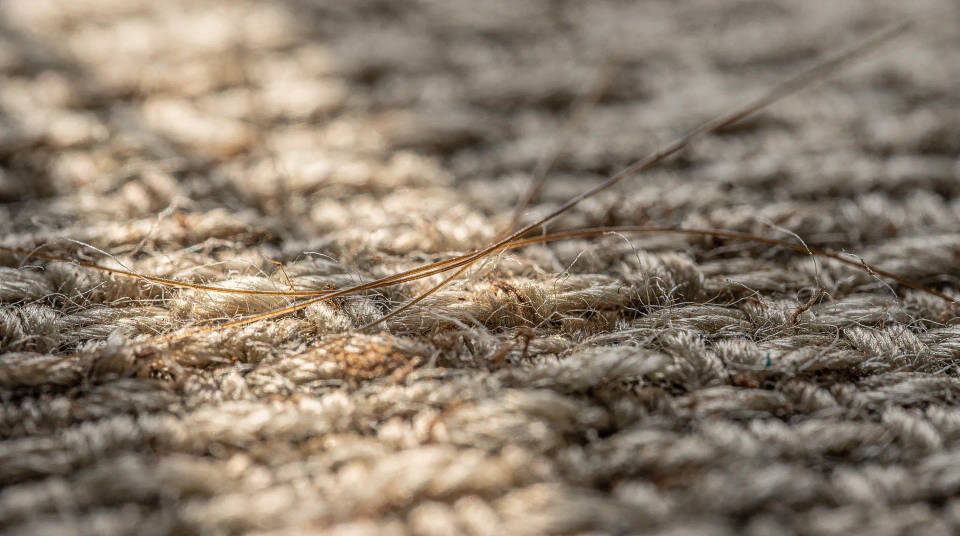
Detail premium di 2K
Tenunan kain, helai rambut, dan material permukaan tetap tajam di resolusi penuh. Detail yang tetap kuat saat dicetak atau dicrop rapat.
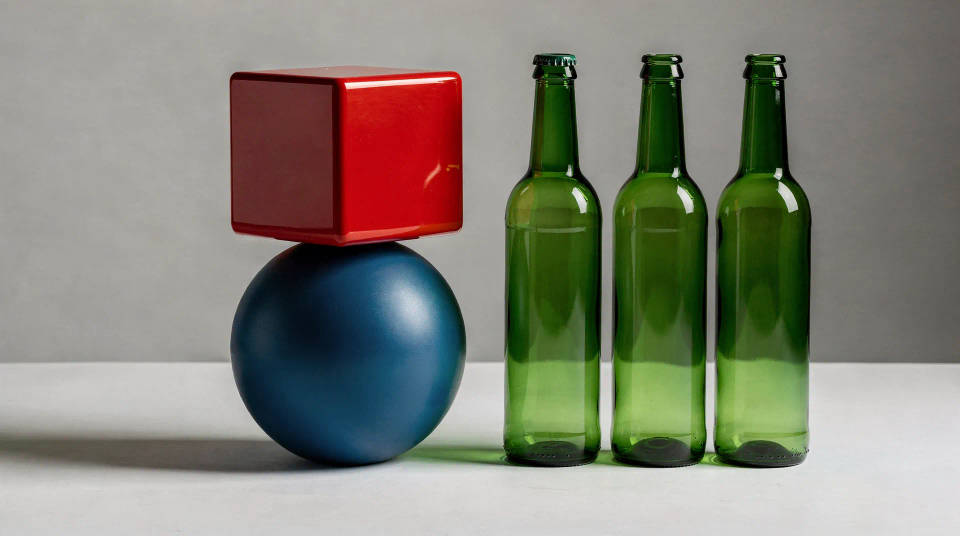
Respons prompt terbaik di keluarganya
Adegan dengan banyak elemen dan komposisi spesifik dirender secara presisi. Anda tentukan posisinya, model mengikuti instruksinya.
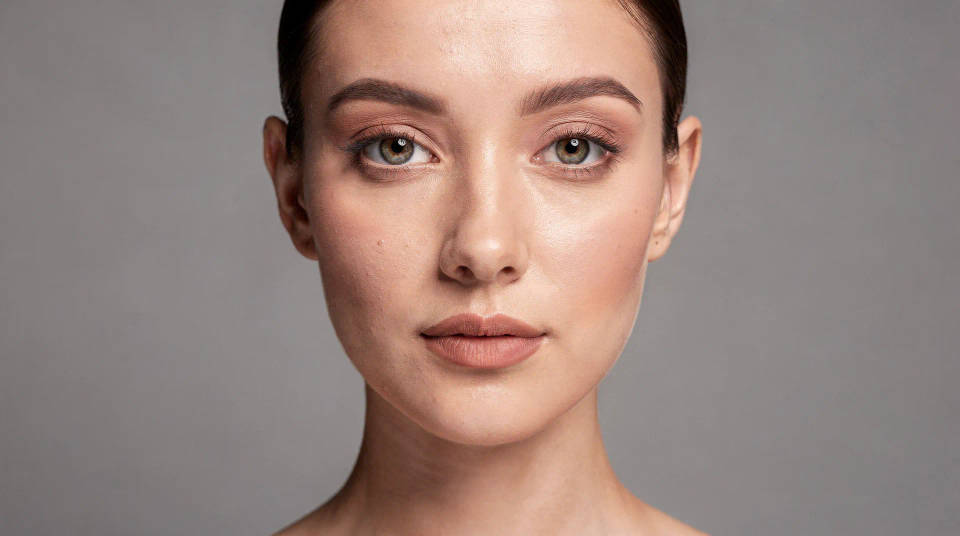
Color science tingkat profesional
Warna kulit akurat, material yang tampak nyata, dan pencahayaan bersih. Hasilnya siap dipakai untuk komersial dan cetak dengan sedikit atau tanpa retouching.
Komposisi siap pakai untuk komersial
Framing yang seimbang, kedalaman natural, dan ruang kosong yang tertata. Gambarnya terasa diarahkan dengan sengaja, bukan hasil template.

Contoh prompt
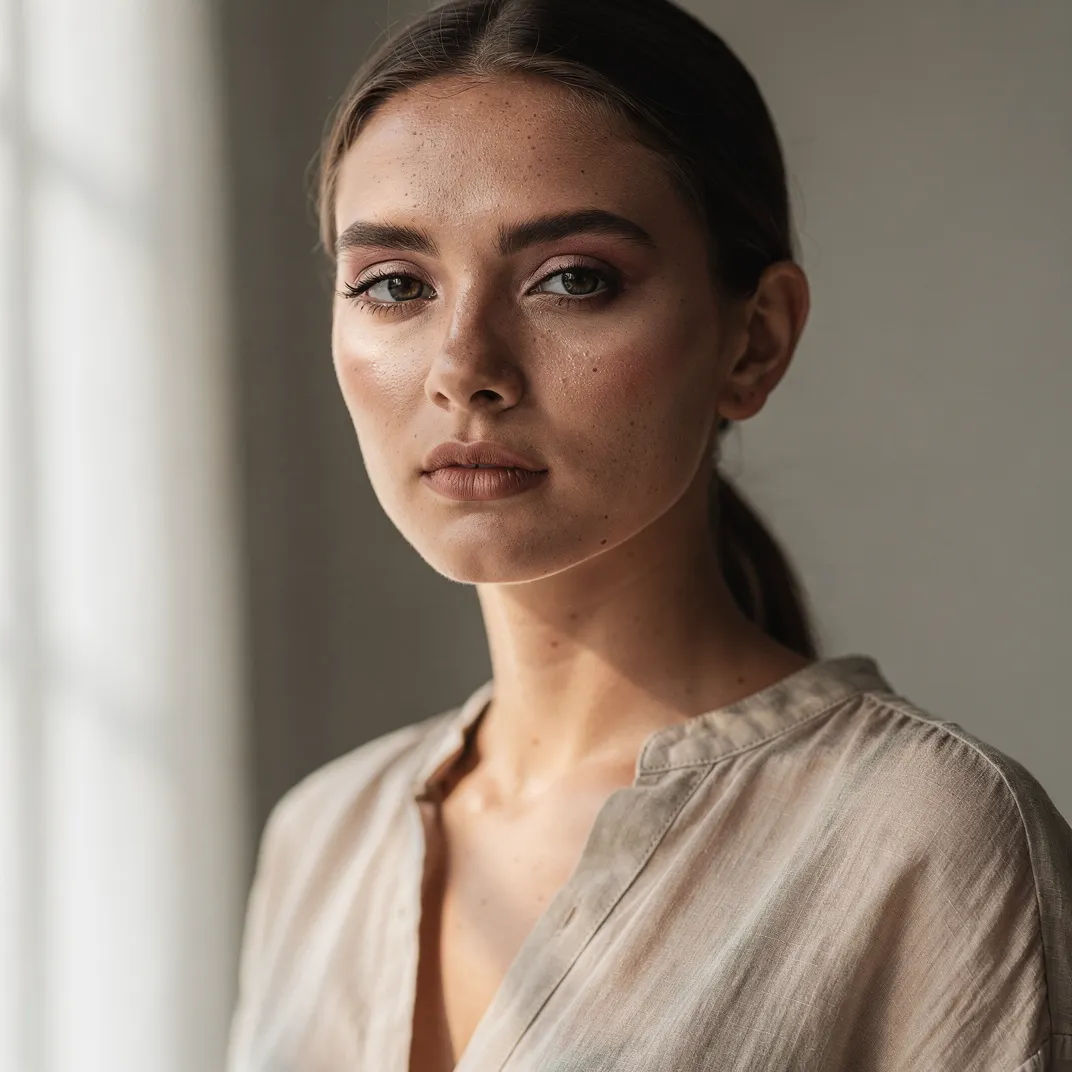
Potret editorial
Editorial studio portrait, soft window light, fine skin and fabric detail
Edit prompt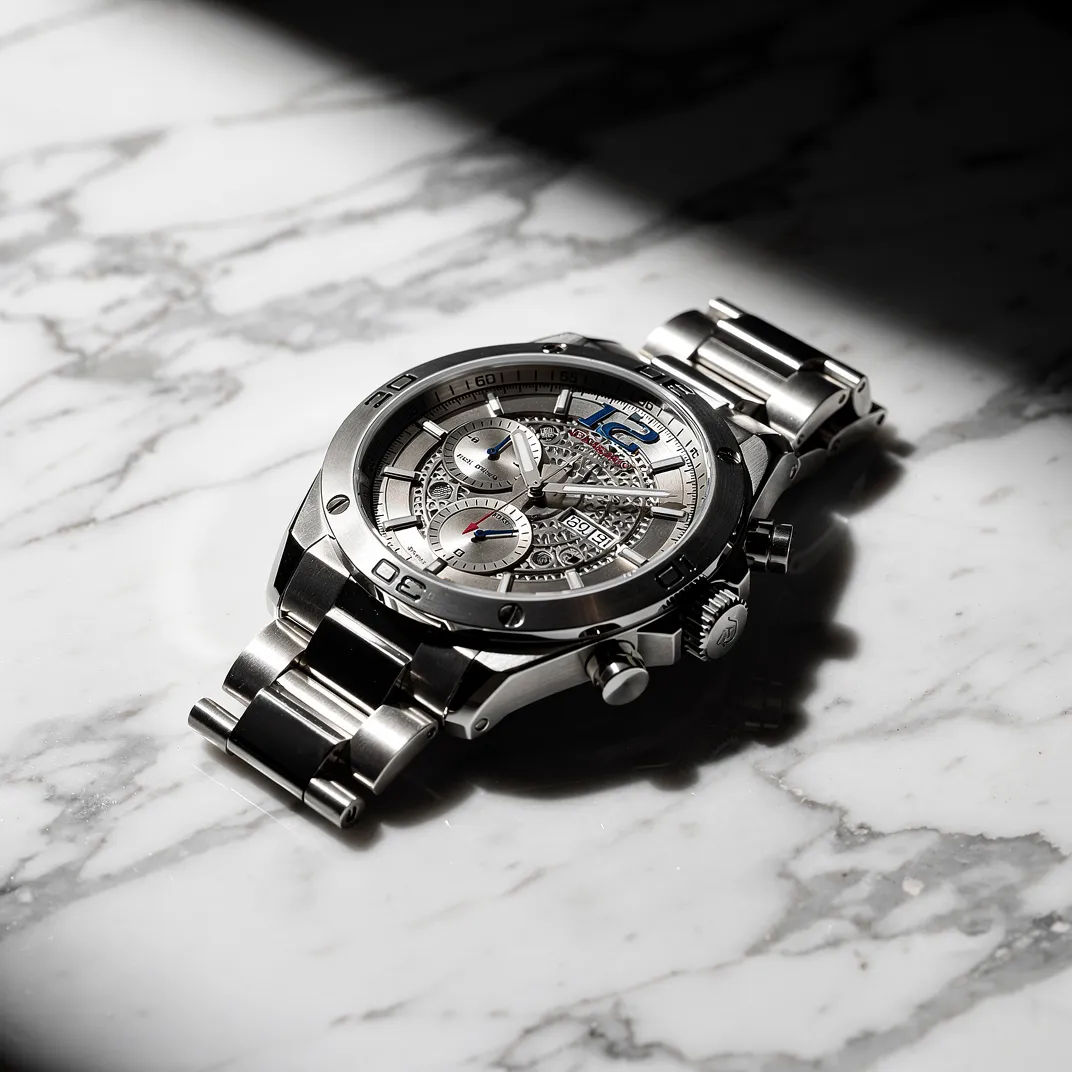
Makro jam tangan
Premium watch on marble, dramatic studio light, crisp metal and dial detail
Edit prompt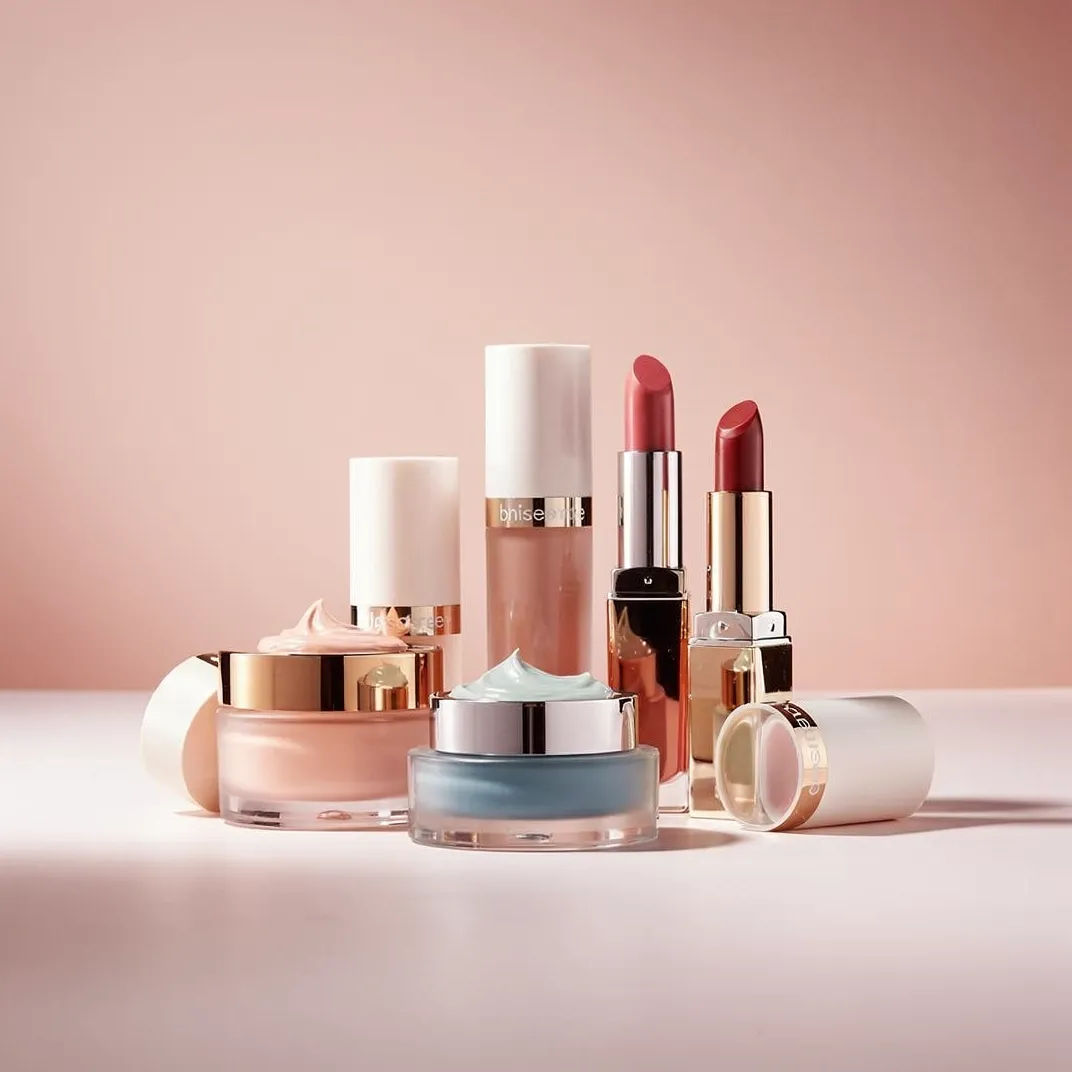
Visual kampanye
Cosmetics campaign hero, pastel palette, accurate color, clean studio light
Edit prompt


Cinematic storyboard
Share a scene description with character references. Get a full storyboard with shot angles and mood.

Title sequence
Generate a professional film title card from scratch, with optional cinematic animation.

Messages to cinematic scene
Dramatize any text conversation into a cinematic multi-shot video.

3x3 storyboard
Feed in a single image. Get 9 cinematic beats laid out as a 3x3 storyboard grid.

Chibi sprite animation
Turn any photo or description into an animated chibi sprite. Dance, jump, wave, attack, and more.

Expressions
Take any character image and generate 6 distinct facial expressions on a single reference sheet.
Semua di Morphic
Stack gambar lengkap AndaModel
Flux 2 Pro, Nano Banana Pro, Seedream 5, GPT image 2, dan lainnya. Pilih tampilan yang pas dan ganti model di tengah proyek.
Edit dan sempurnakan
Bawa hasil render Flux 2 Pro ke image-to-image untuk menyesuaikan satu area, mengubah gaya, atau merapikan tanpa harus generate ulang dari awal.
Bandingkan model
Generate prompt yang sama di beberapa model dalam satu Canvas, lalu simpan hasil dengan detail dan warna terbaik.
Workflows
Ubah gambar yang sudah jadi menjadi Workflow satu klik. Jalankan ulang, bagikan, atau favoritkan untuk dipakai kembali dengan cepat.
