Setiap model gambar
Satu ruang kerjaDibuat dengan Krea 2
Buat gambar dalam tiga langkah
- 01
Buka Morphic
Daftar dan mulai berkarya di kanvas visual tanpa batas yang bebas mengalir.
- 02
Deskripsikan gambarnya
Tambahkan referensi atau moodboard, lalu atur dial kreativitas untuk seberapa jauh Krea 2 mengembangkannya.
- 03
Generate dan sempurnakan
Render dalam hitungan detik, sesuaikan look-nya, dan ganti model berdampingan di Canvas.
Apa yang bisa dihasilkan Krea 2
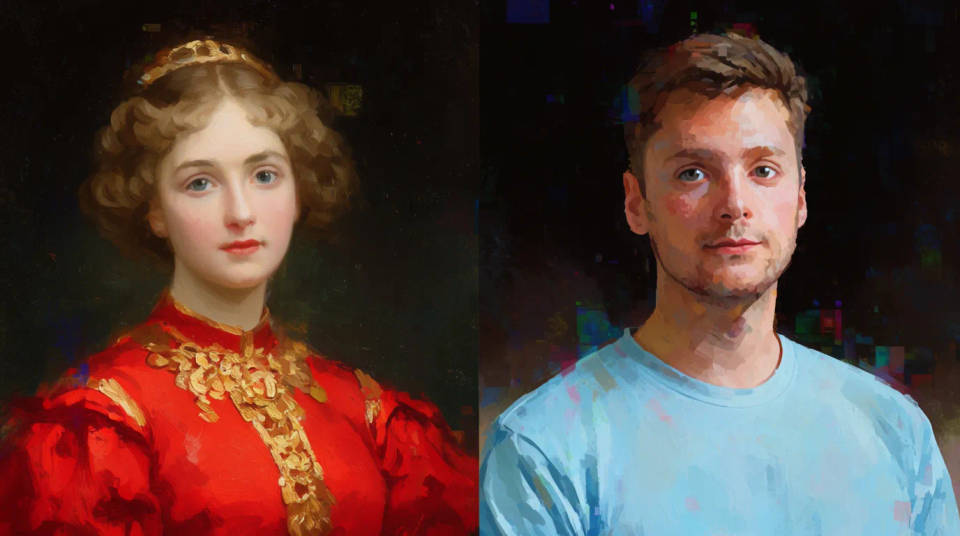
Style transfer dari referensi
Unggah gambar referensi dan Krea 2 membaca gayanya, lalu menerapkannya. Atur kekuatannya atau gabungkan beberapa referensi untuk membawa satu look tertentu ke gambar baru.
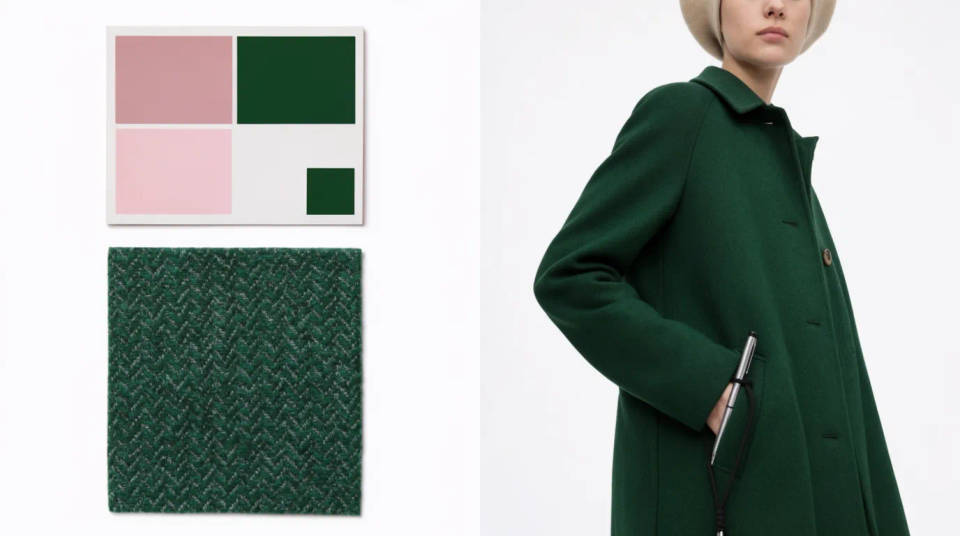
Arah visual dari moodboard
Kumpulkan gambar jadi satu moodboard dan Krea 2 bekerja dari palet, tema, dan motif di seluruh kumpulannya. Kunci arah visual dengan cepat untuk sebuah kampanye.
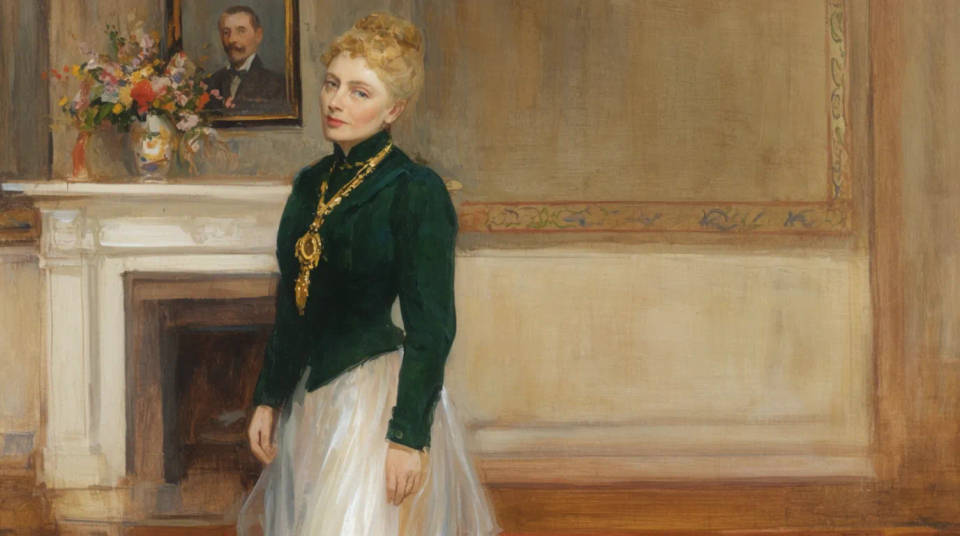
Dial kreativitas
Kontrol dari raw sampai high menentukan seberapa literal Krea 2 mengikuti prompt versus seberapa banyak kedalaman yang ditambahkan. Setia di satu ujung, ekspresif di ujung lainnya.
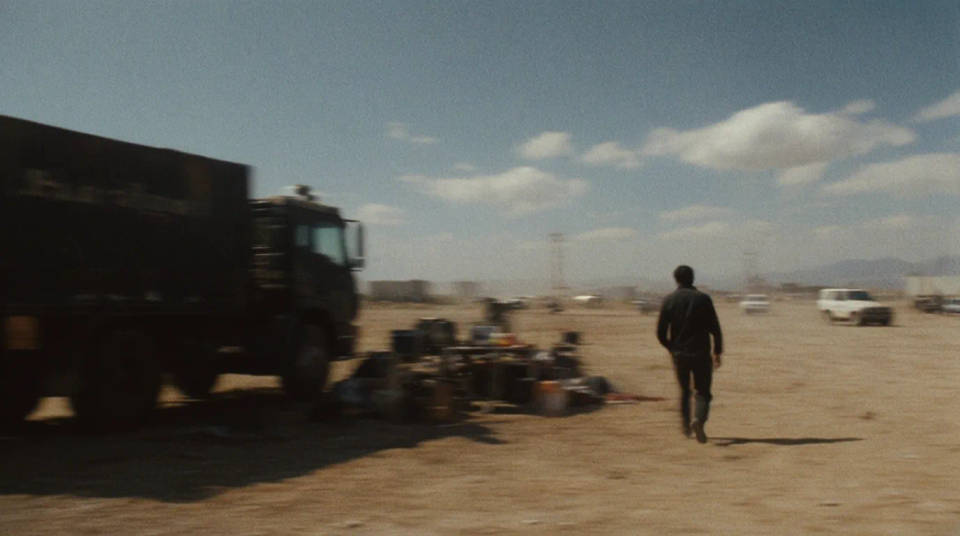
Realisme layaknya foto asli
Model versi besarnya condong ke fotorealisme. Motion blur, grain film, dan dynamic range rendah terbaca seperti hasil jepretan kamera, bukan render.
Contoh prompt
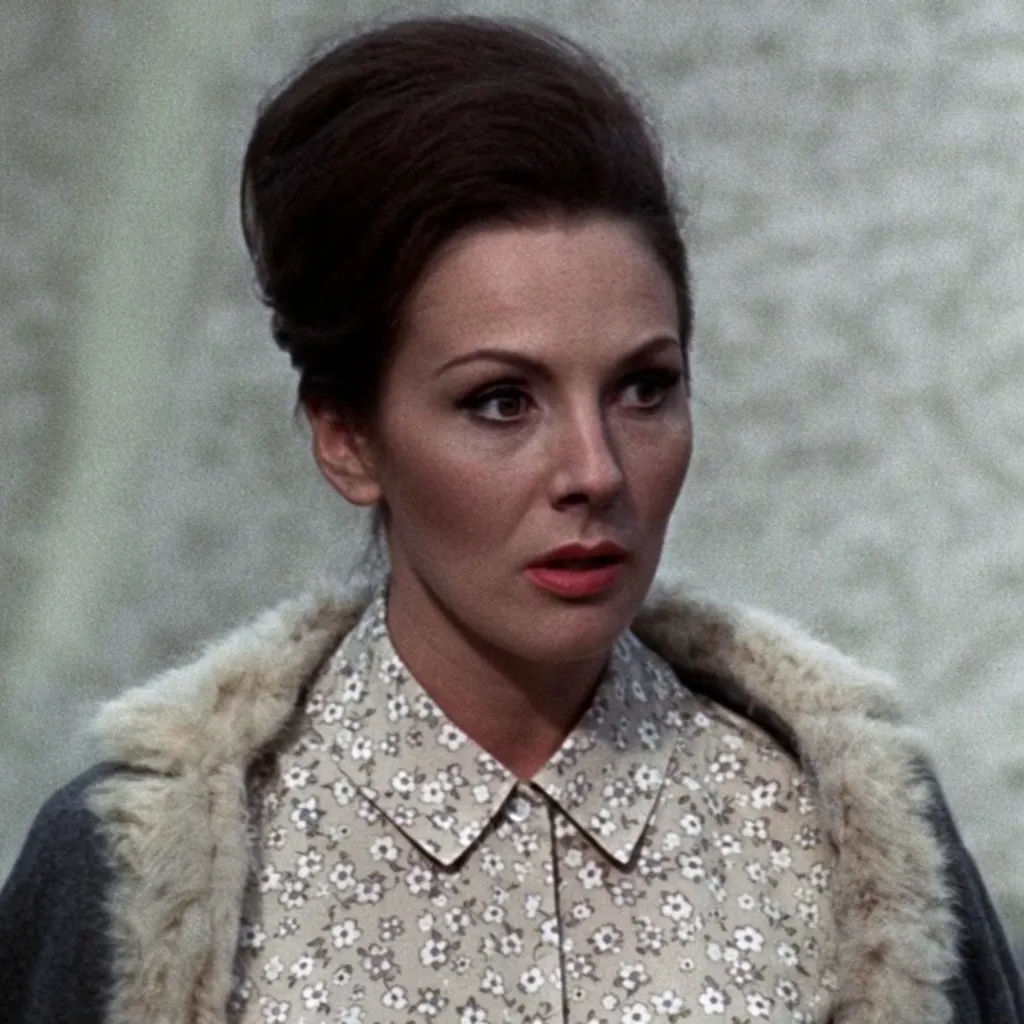
Style transfer dari referensi
Potret bergaya tiga referensi film, grain hangat, cahaya lembut low-contrast
Edit prompt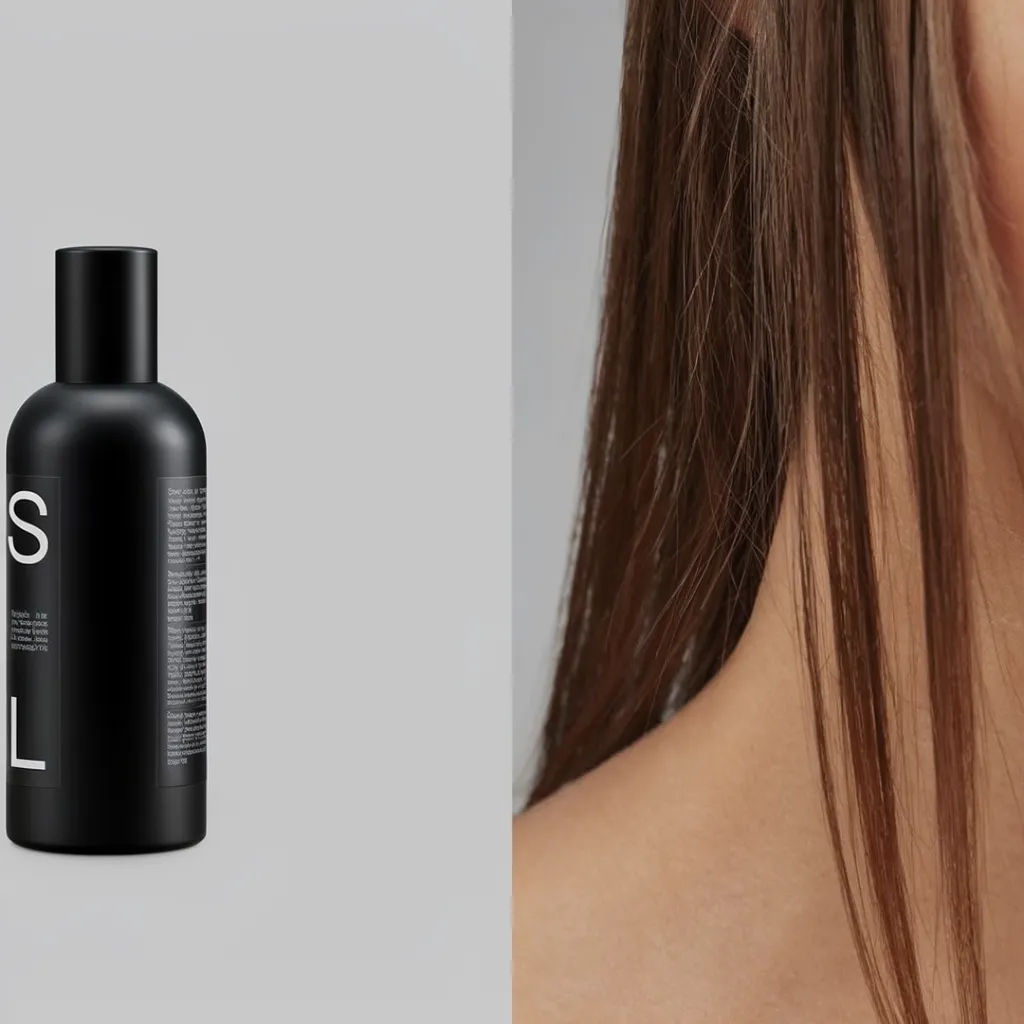
Moodboard editorial
Diptych moodboard editorial, produk matte dipadukan dengan model, palet abu-abu redup
Edit prompt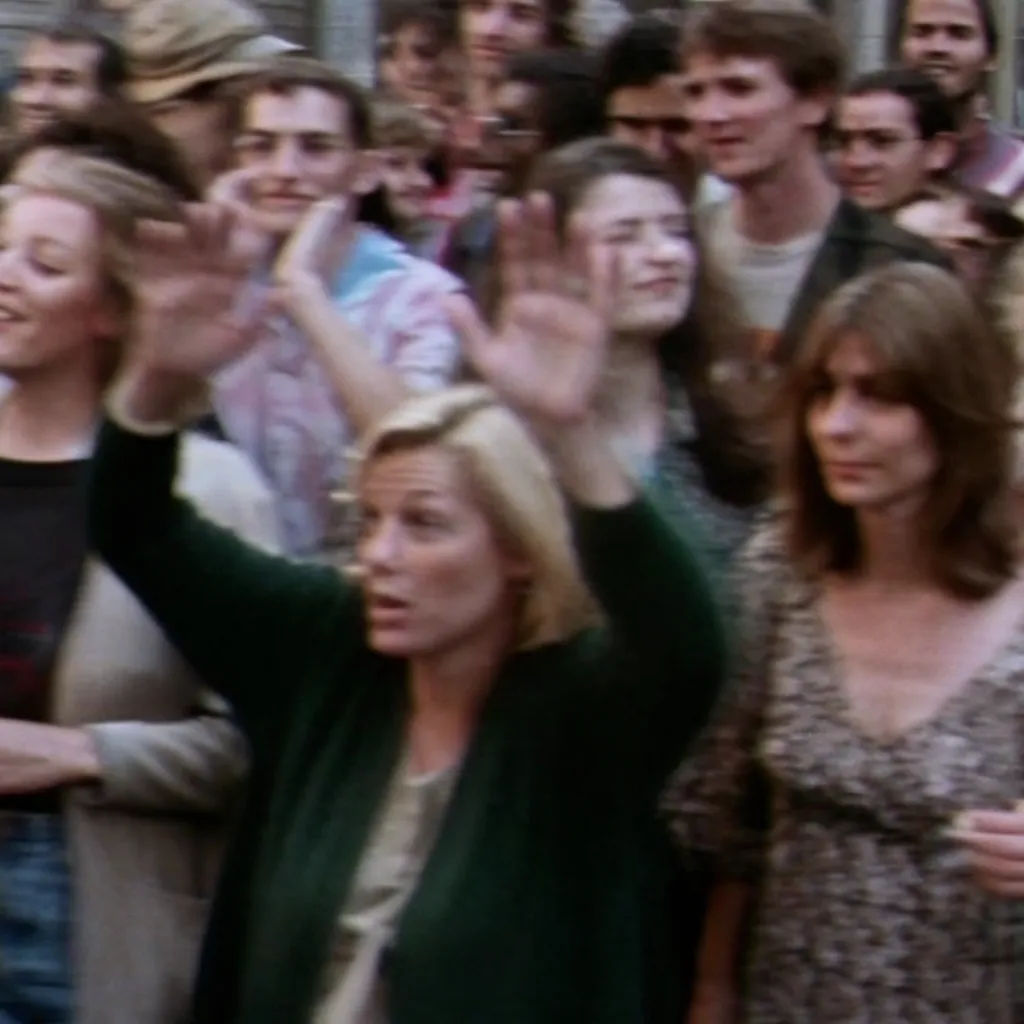
Frame film grainy
Adegan jalanan sebagai still film 35mm, motion blur, grain, dynamic range rendah
Edit prompt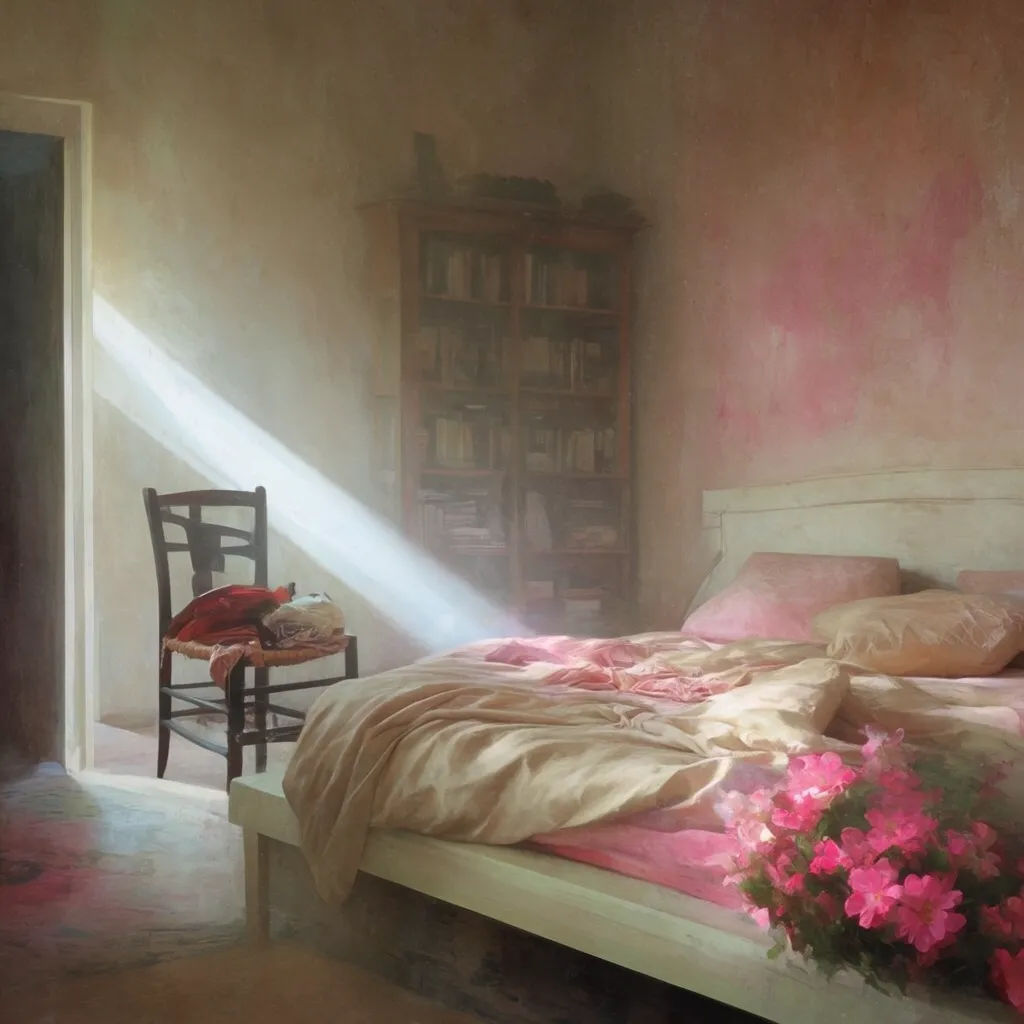
Kreativitas dinaikkan
Interior seperti mimpi, kreativitas tinggi, cahaya dan kedalaman tak terduga, suasana painterly
Edit prompt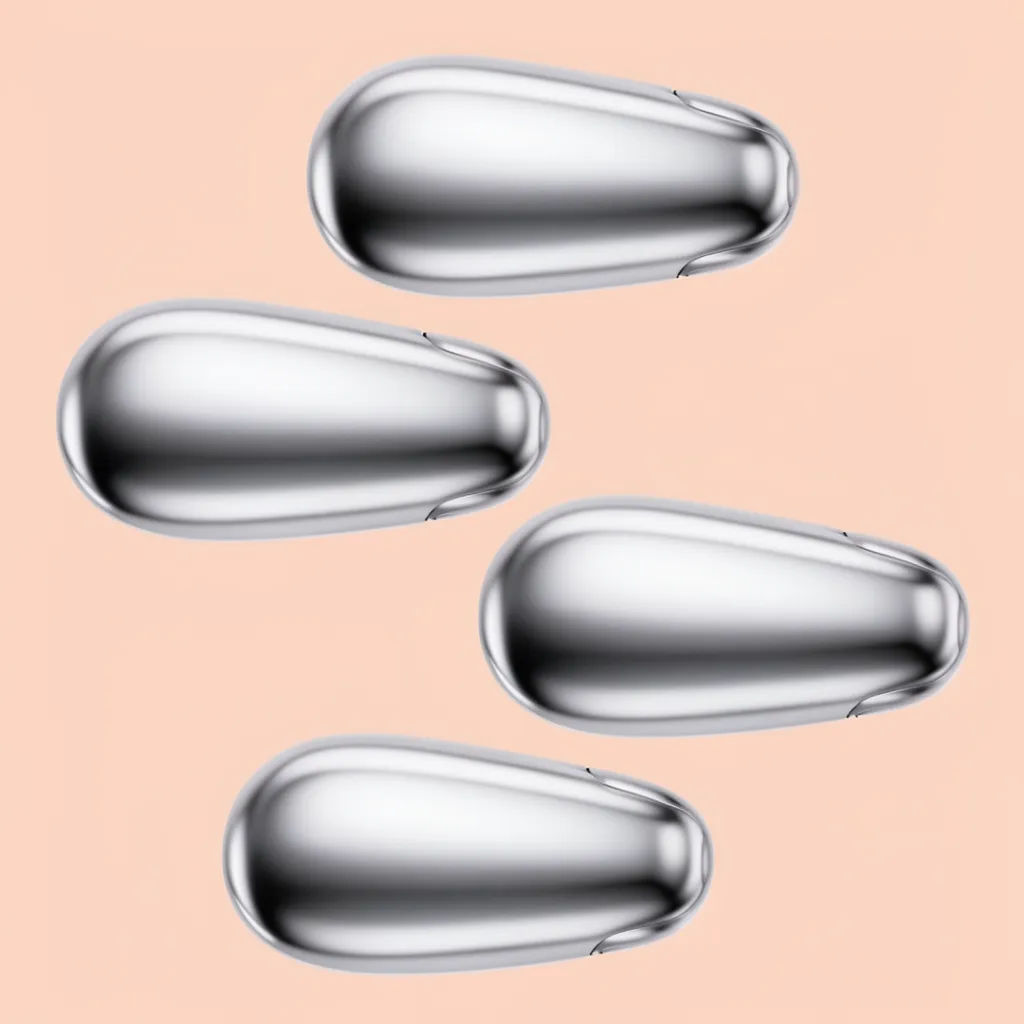
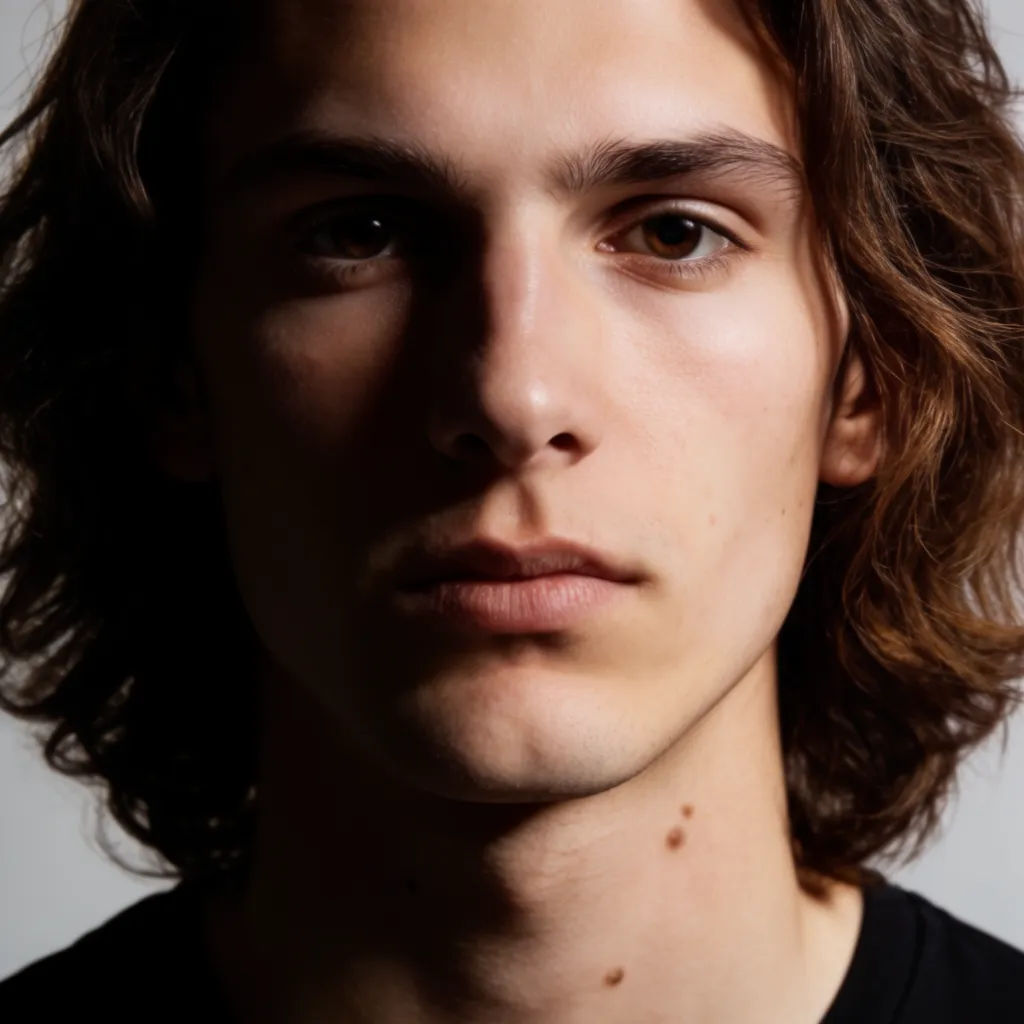
Fotoreal studio bersih
Potret studio, key light tajam, warna kulit akurat, depth of field dangkal
Edit prompt
Cinematic storyboard
Share a scene description with character references. Get a full storyboard with shot angles and mood.

Messages to cinematic scene
Dramatize any text conversation into a cinematic multi-shot video.

Title sequence
Generate a professional film title card from scratch, with optional cinematic animation.

3x3 storyboard
Feed in a single image. Get 9 cinematic beats laid out as a 3x3 storyboard grid.

Chibi sprite animation
Turn any photo or description into an animated chibi sprite. Dance, jump, wave, attack, and more.

Anime style transfer
Pick any anime illustration as your style guide. Apply its look to any image.
Semua di Morphic
Stack gambar lengkap AndaModel
Krea 2, Seedream 5.0, Flux 2 Pro, Nano Banana Pro, dan lainnya. Pilih look yang pas dan ganti di tengah proyek.
Referensi gaya
Masukkan referensi atau moodboard dan Krea 2 membawa palet serta gayanya ke setiap gambar.
Edit lokal
Pilih satu area dan ubah hanya bagian itu saja. Relight, ganti warna, atau reframe sementara bagian lain frame tetap sama.
Workflows
Ubah gambar yang sudah jadi menjadi Workflow sekali klik. Jalankan lagi, bagikan, atau favoritkan untuk dipakai ulang dengan cepat.
