Render yang bisa Anda buat
Render sketsa dalam tiga langkah
- 01
Buka Morphic
Daftar dan mulai berkarya di kanvas visual tanpa batas yang bebas mengalir.
- 02
Unggah sketsa Anda
Masukkan gambar, line art, atau coretan kasar sekalipun.
- 03
Render dan unduh
Pilih gaya, tambahkan prompt singkat, lalu ekspor gambar jadinya.
Contoh penggunaan
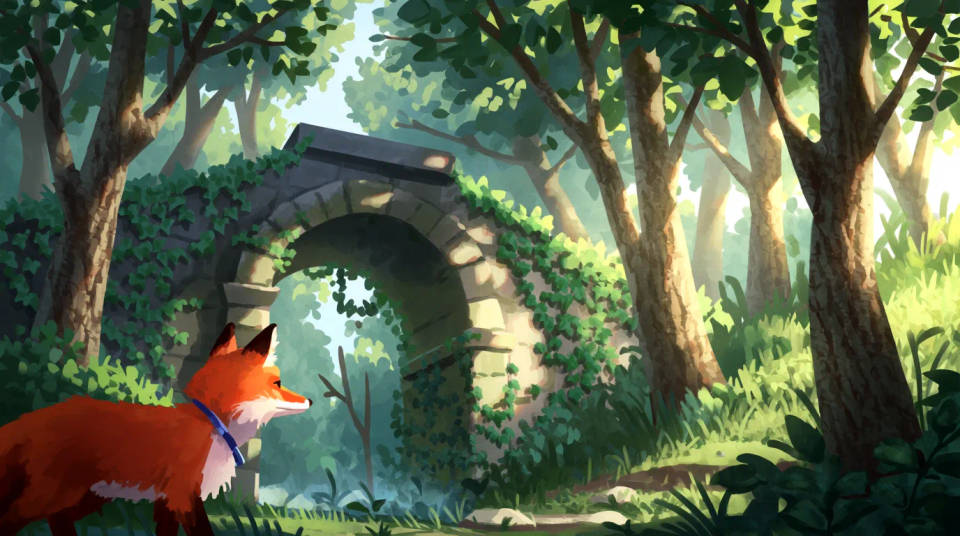
Selesaikan konsep lebih cepat
Ubah ide kasar jadi render rapi tanpa menggambar ulang dari nol. Komposisi Anda tetap terjaga, sementara detail dan warna diisi otomatis.
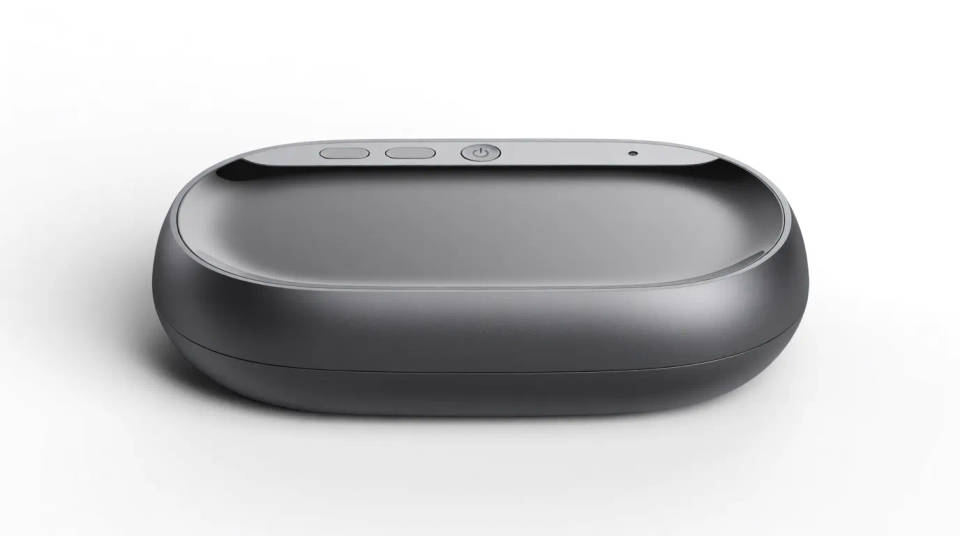
Desain produk untuk jualan
Ubah sketsa produk jadi render bersih untuk ditinjau atau dipresentasikan. Tunjukkan konsep yang sudah terlihat jadi ke tim atau calon pembeli, dari satu gambar sederhana.
Hidupkan karakter
Render sketsa karakter dalam gaya photoreal, anime, atau painterly. Lihat bagaimana satu desain tampil di beberapa gaya sebelum Anda memutuskan.
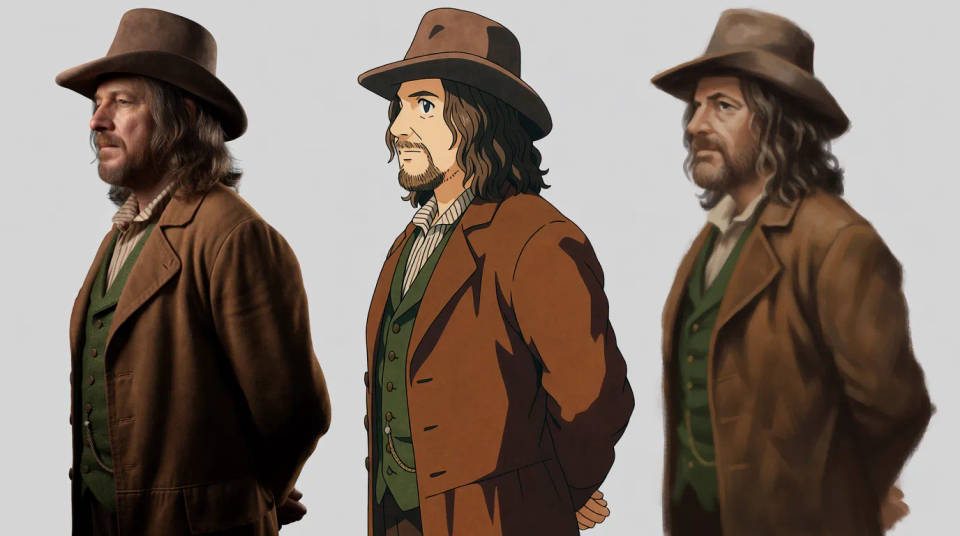
Coba banyak variasi
Uji sketsa yang sama dalam beberapa gaya untuk membandingkan arah desain. Generate beberapa versi sekaligus, lalu pilih yang paling kuat.

Render yang bisa Anda buat
Setiap contoh berawal dari sketsa Anda sendiri. Buka salah satu prompt untuk mengubahnya dan generate versi Anda.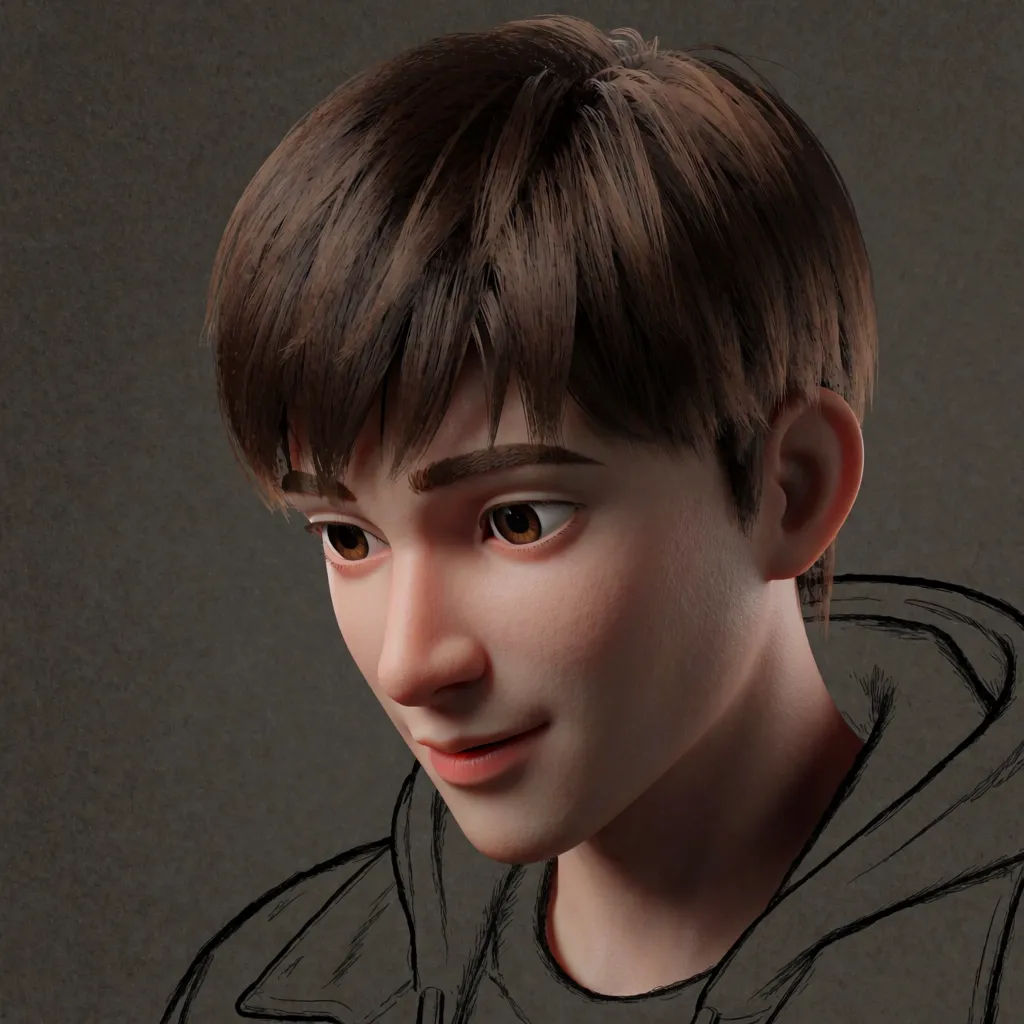
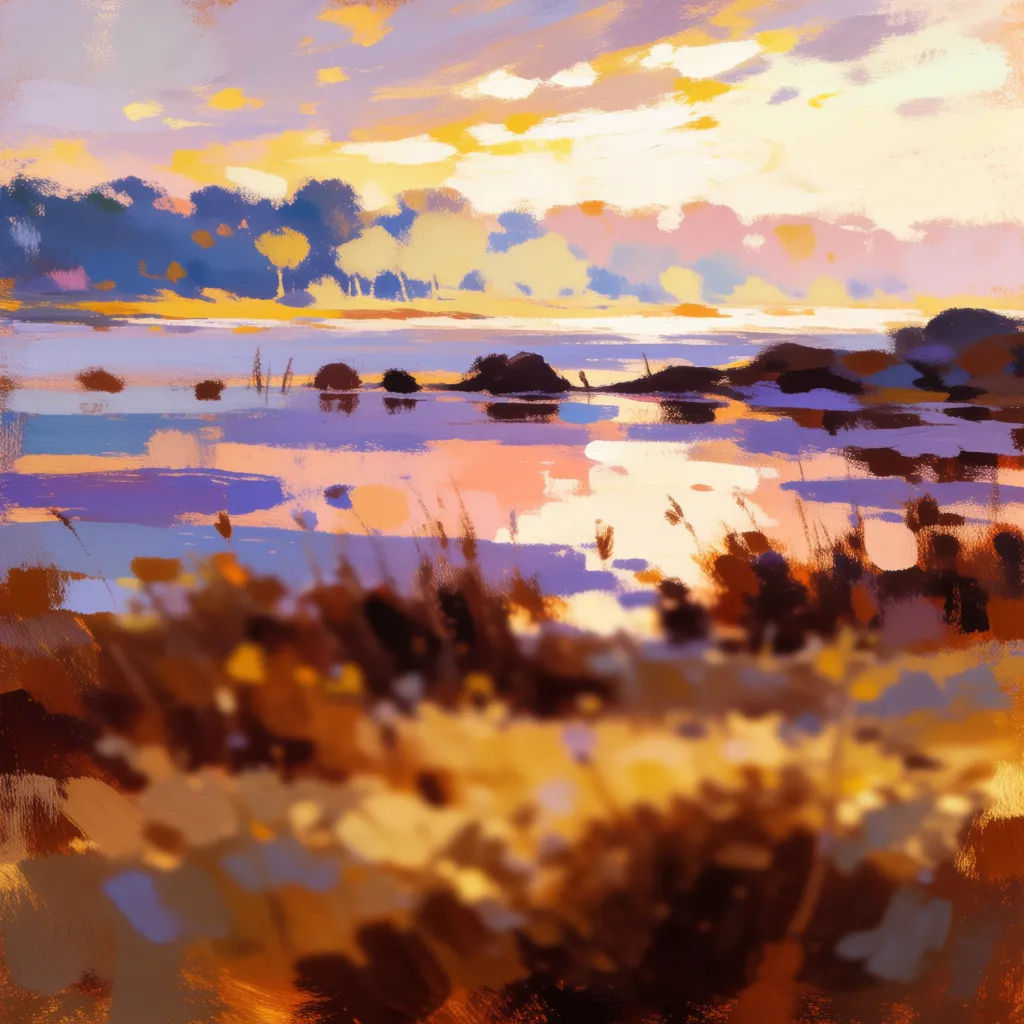
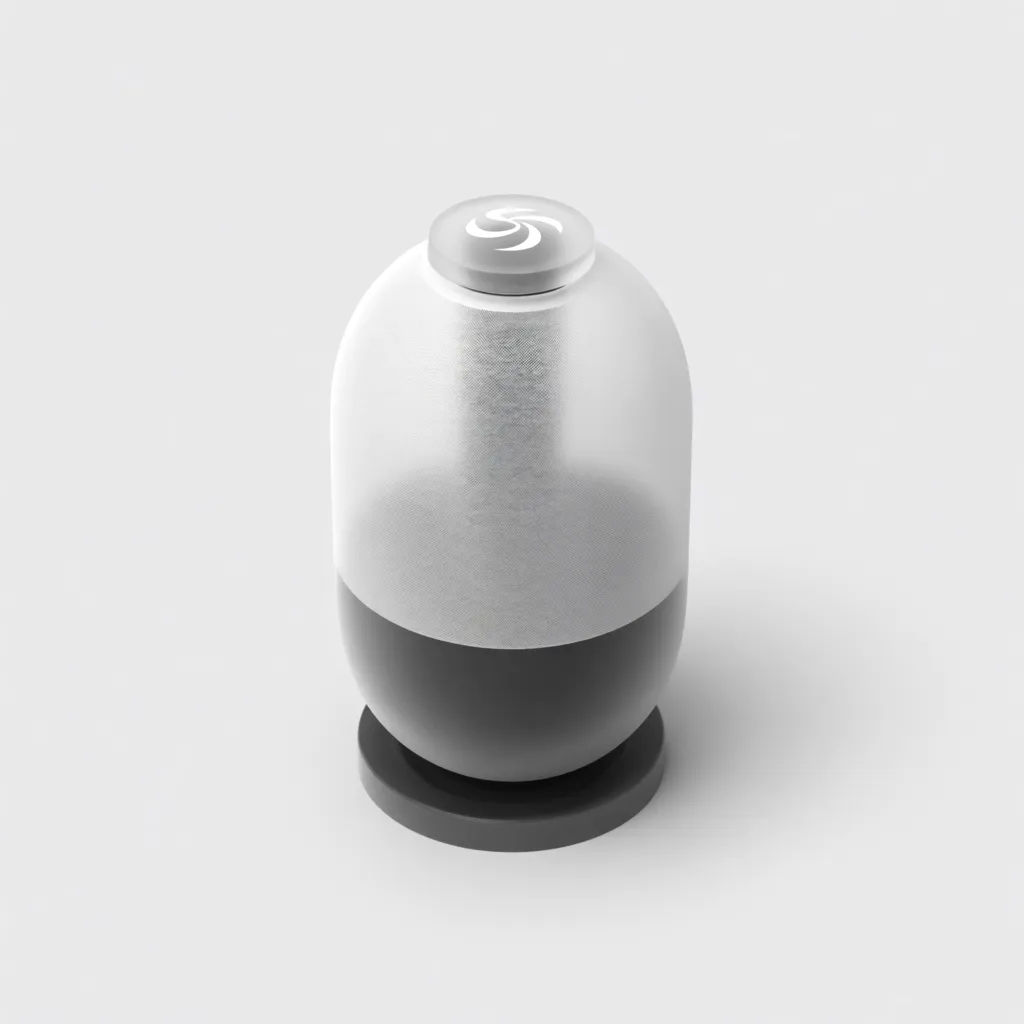
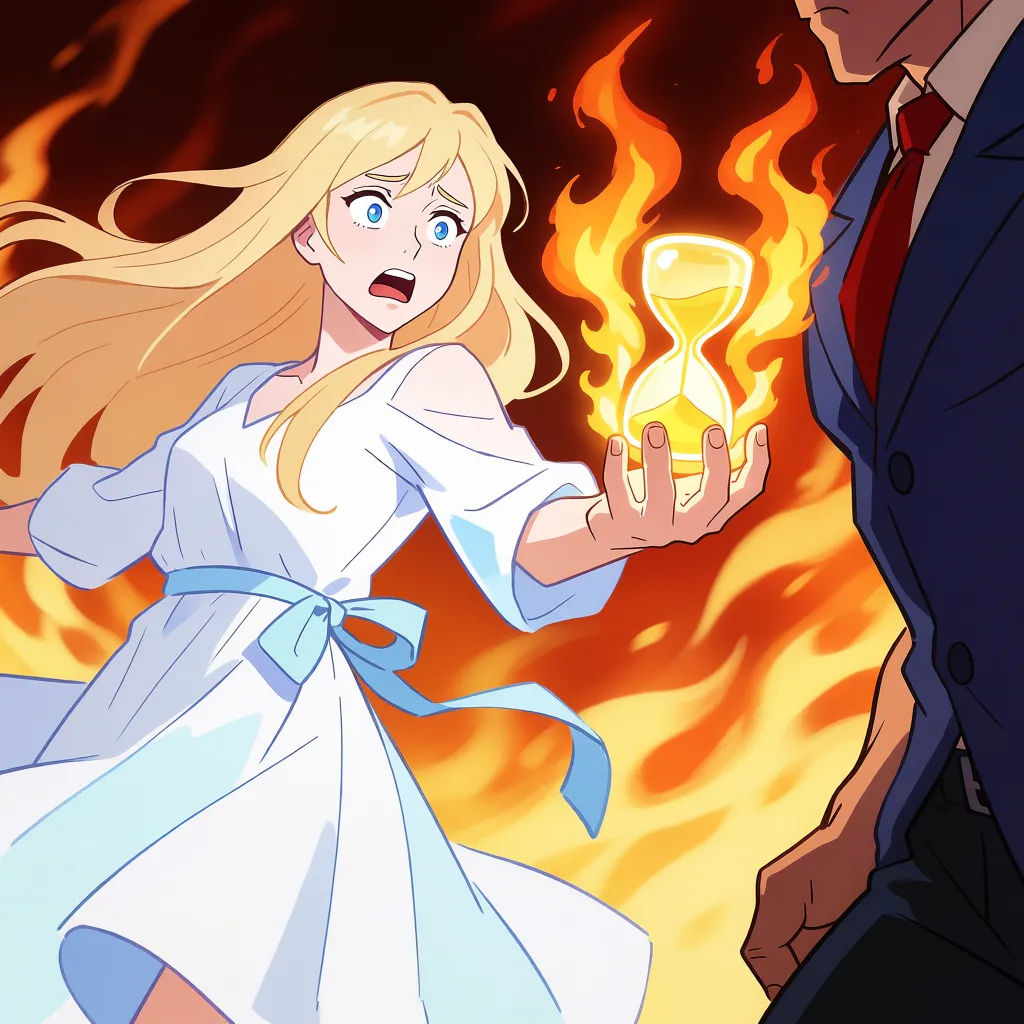
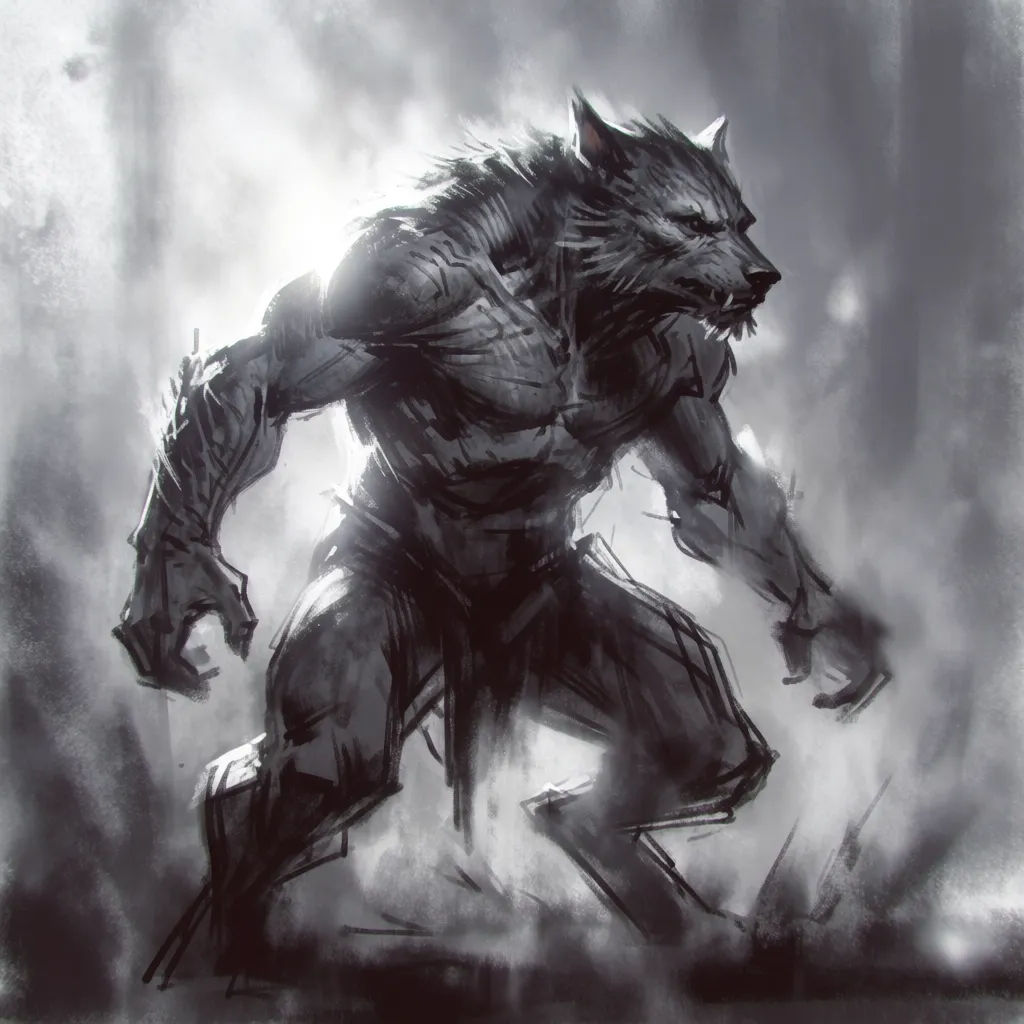
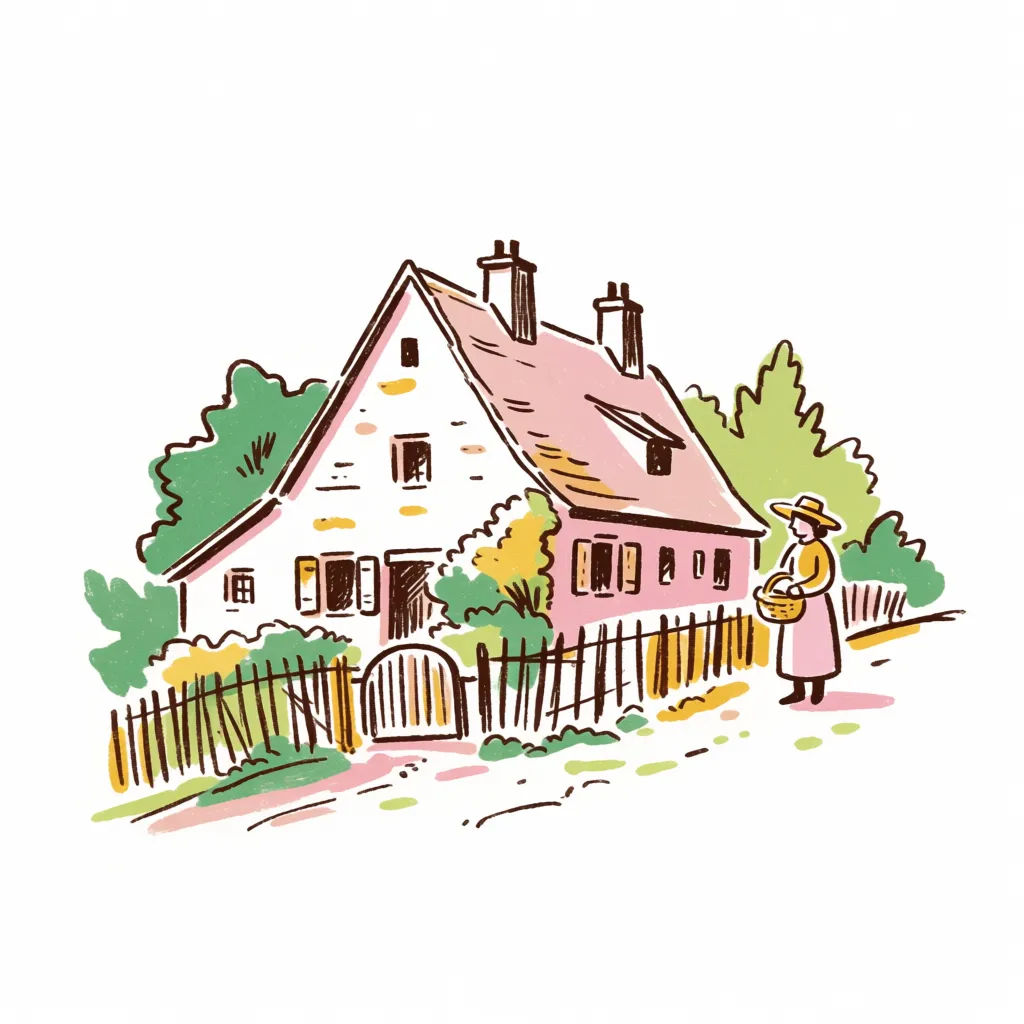
Coretan jadi karya seni
Turn this rough scribble into a detailed illustration, warm palette
Edit prompt
Expressions
Take any character image and generate 6 distinct facial expressions on a single reference sheet.

Sketch to render
Turn any sketch or drawing into a finished render.

Location reference sheet
Professional 7-panel location reference sheet from a single photo.

Character lineup
All your characters on a single lineup image, side by side with height comparison.

Chibi sprite animation
Turn any photo or description into an animated chibi sprite. Dance, jump, wave, attack, and more.

3x3 storyboard
Feed in a single image. Get 9 cinematic beats laid out as a 3x3 storyboard grid.
Semua di Morphic
Dari sketsa kasar sampai karya jadi, dalam gaya apa punModel
Nano Banana 2, Flux 2 Pro, Grok Imagine, Seedream 5, dan lainnya. Pilih model yang paling pas untuk gaya Anda, dan ganti kapan saja.
Garis tetap terjaga
Image-to-image mengikuti sketsa Anda, jadi gambar akhirnya sesuai komposisi yang Anda gambar.
Gaya bebas pilih
Photoreal, painterly, anime, atau product render. Sebut gayanya, sketsa Anda ikut menyesuaikan.
Workflows
Simpan satu gaya render sebagai Workflow dan selesaikan satu set sketsa sekaligus dengan gaya itu.
