


AI voice for podcasters

Whether you publish on Spotify, Apple Podcasts, or your own feed, paste your script and get back clean studio-quality audio in the voice you choose. No microphone, no booth, no editing session.

Example for AI voice for podcasters

How it works

  1. 1
    describe it

    Paste your script

    Drop in the words you want spoken. A rough draft in a text box is enough, and Morphic reads the punctuation and phrasing for natural pacing.

  2. 2

    Pick a voice and tone

    Choose the read you want in one plain sentence: warm host, documentary narrator, punchy promo. Tweak the words and run it again until it lands.

  3. 3

    Generate and export

    Get clean audio at full quality, ready to drop straight into your episode or ad slot.

The voices your show can run on

Every read your feed needs, from a warm host to a documentary narrator, a punchy promo, and a clean interview voice, all generated from the same script so your show sounds consistent episode to episode.

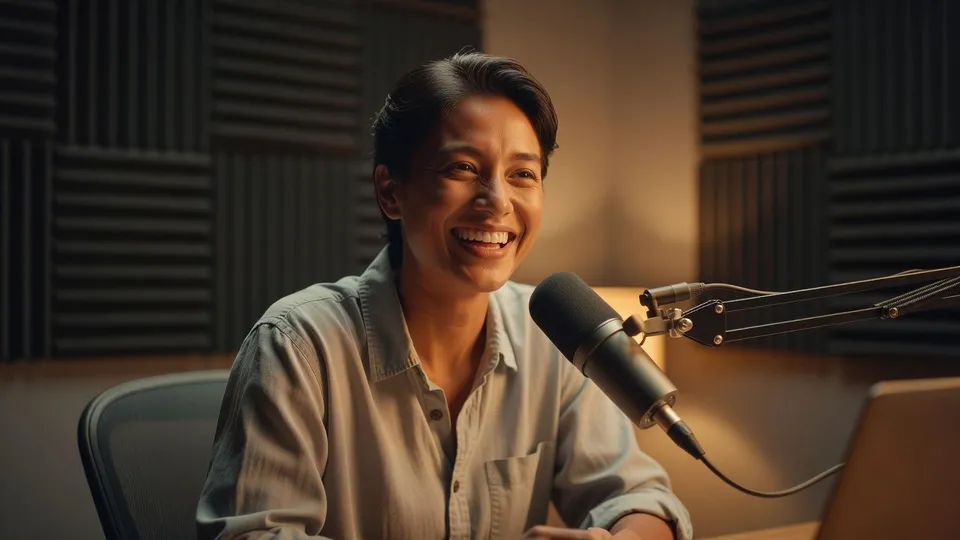
Warm host voice

A relaxed, friendly read that carries a full episode without wearing the listener out, the everyday voice most shows are built on.

0:00
0:12
Edit prompt
Warm host voice for AI voice for podcasters

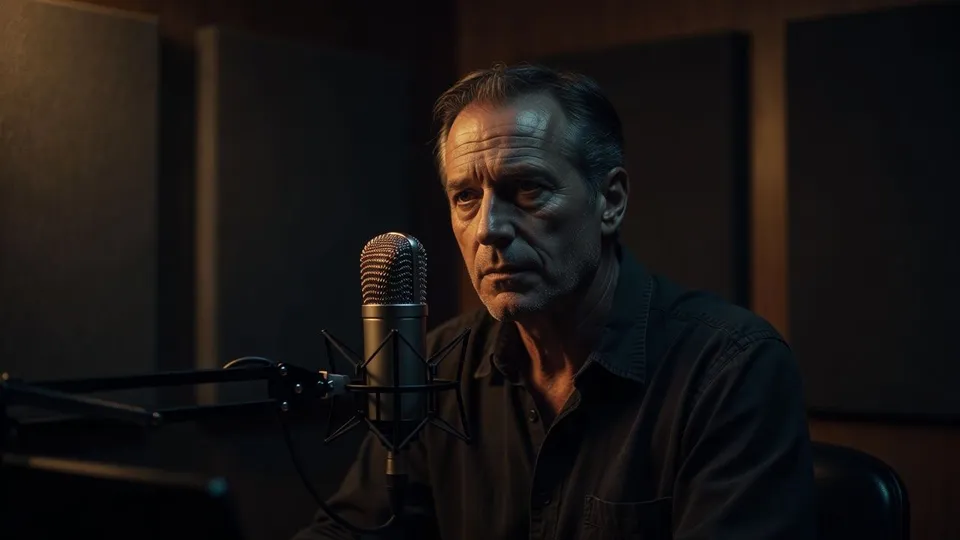
Documentary narrator

A measured, authoritative read with weight behind it, made for deep dives, history segments, and long-form storytelling.
0:00
0:12
Edit prompt
Documentary narrator for AI voice for podcasters

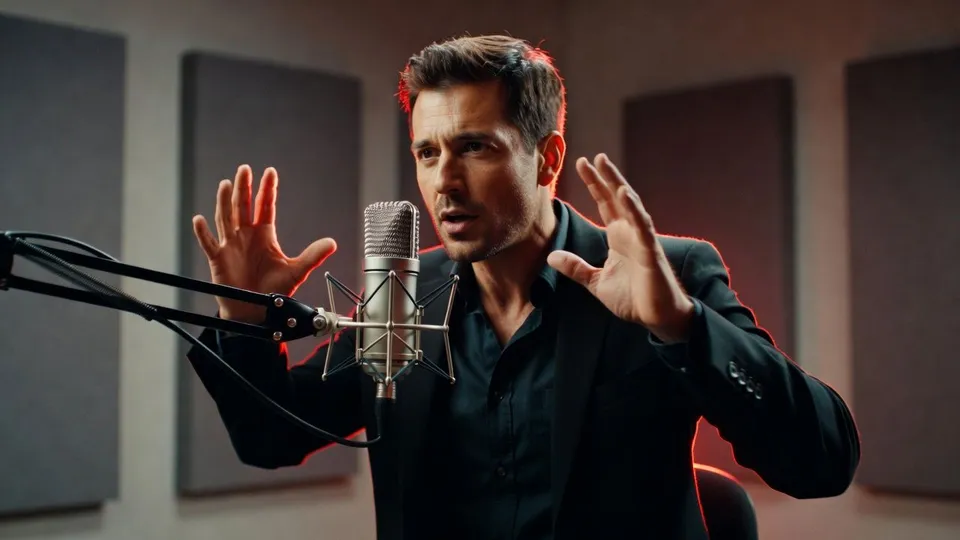
Punchy promo read

A high-energy, tense delivery that grabs attention fast, built for trailers, mid-roll ads, and episode teasers.
0:00
0:12
Edit prompt
Punchy promo read for AI voice for podcasters

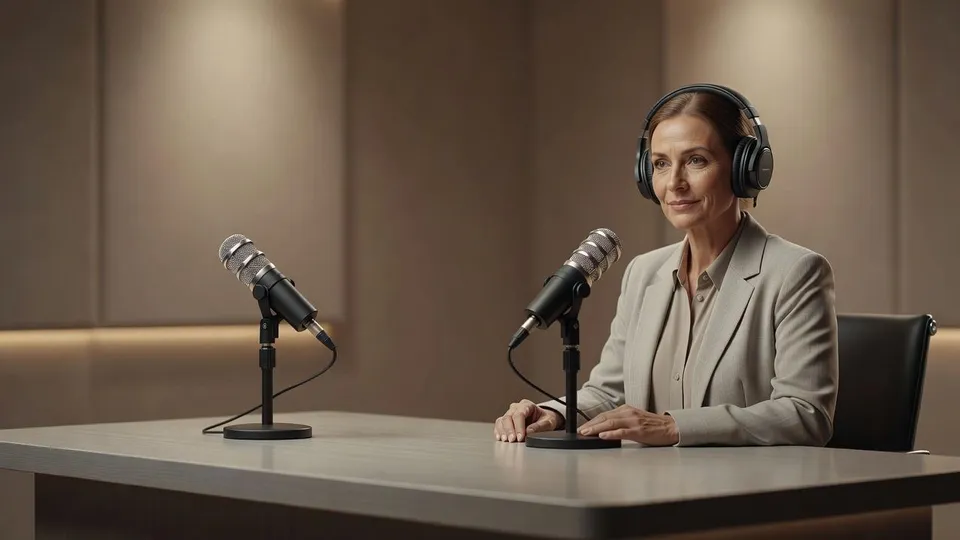
Clean interview voice

A neutral, even-toned read that sits well next to guest audio, ideal for questions, links, and host segments in interview shows.
0:00
0:12
Edit prompt
Clean interview voice for AI voice for podcasters

What it handles, and what to check

AI covers most of the work here. A few things still want your own ear on the pacing and the pronunciation before you publish an episode straight to your feed, so here is where each one sits and who owns it.

What Morphic handles well

  • Consistent voice and levels across every episode in a season
  • Quick variations for testing intros, ads, and promos
  • Turning a written script into clean audio without a mic or booth
  • Steady pacing and even room tone ready for your feed

Where you still want a person

  • Consent and likeness rights when a voice is based on a real person
  • No impersonation, so avoid cloning a voice you are not cleared to use
  • Script accuracy, since the read is only as right as the words you paste
  • A pronunciation review for names, brands, and technical terms

Harga sederhana

Mulai gratis hari ini, dengan opsi untuk upgrade atau membatalkan kapan saja.

Basic

$9/ bulan
ditagih sebagai $0 per tahun

1100 bulanan kredit

1 pengguna saja

Semua model

Workflows

Standard

$24/ bulan
ditagih sebagai $0 per tahun

3625 bulanan kredit

1 pengguna saja

Semua model

Workflows

Pro

$45/ bulan
ditagih sebagai $0 per tahun

6350 bersama bulanan kredit

1 pengguna

+ hingga 4 lainnya dengan biaya tambahan

Semua model

Workflows

Pro Max

$170/ bulan
ditagih sebagai $0 per tahun

24650 bersama bulanan kredit

1 pengguna

+ hingga 9 lainnya dengan biaya tambahan

Semua model

Workflows

Enterprise

Untuk batas yang lebih tinggi

Khusus

ketentuan harga dan penagihan

Kredit volume tinggi
Batas kursi khusus
Semua model
Workflows
Pricing Gradient

Free

Untuk bereksperimen

$0

gratis selamanya

Hingga 20 kredit
Hanya 1 pengguna
Model terbatas
Workflows

FAQ

Do I need a microphone or a recording space?
No. You paste a written script and pick a voice, and Morphic generates the audio for you. There is no mic to set up, no room to treat, and no editing session to book.
Can I use a voice based on a real person?
Only with their clear consent. If a voice is modeled on a real person, you need their permission and the rights to use it. Do not clone or impersonate a voice you are not cleared to use, and when in doubt, pick one of the general voices instead.
Will it sound robotic?
No. The reads follow your punctuation and phrasing for natural pacing and even room tone. If a line lands flat, adjust the wording or the tone you asked for and run it again until it sounds right.
How do I get names and technical terms pronounced right?
Most common words come out correctly, but unusual names, brands, and jargon are worth a quick listen before you publish. If something is off, tweak the spelling in the script to match how it should sound and regenerate that line.
Can I keep the same voice across a whole season?
Yes. Reuse the same voice and tone wording for every episode and the show reads as one continuous production. It is the fastest way to keep a series sounding consistent even when you record on different days.
Is the audio good enough to publish?
The output is clean, level, and built to drop straight into your feed or ad slot. For flagship episodes, a final human listen for pacing and pronunciation is still worth the few minutes it takes.