Lookbook still
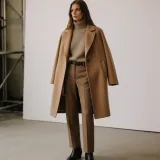
A styled lookbook still that frames the piece with editorial light and a considered backdrop, built to sit in a seasonal lookbook spread.
Edit prompt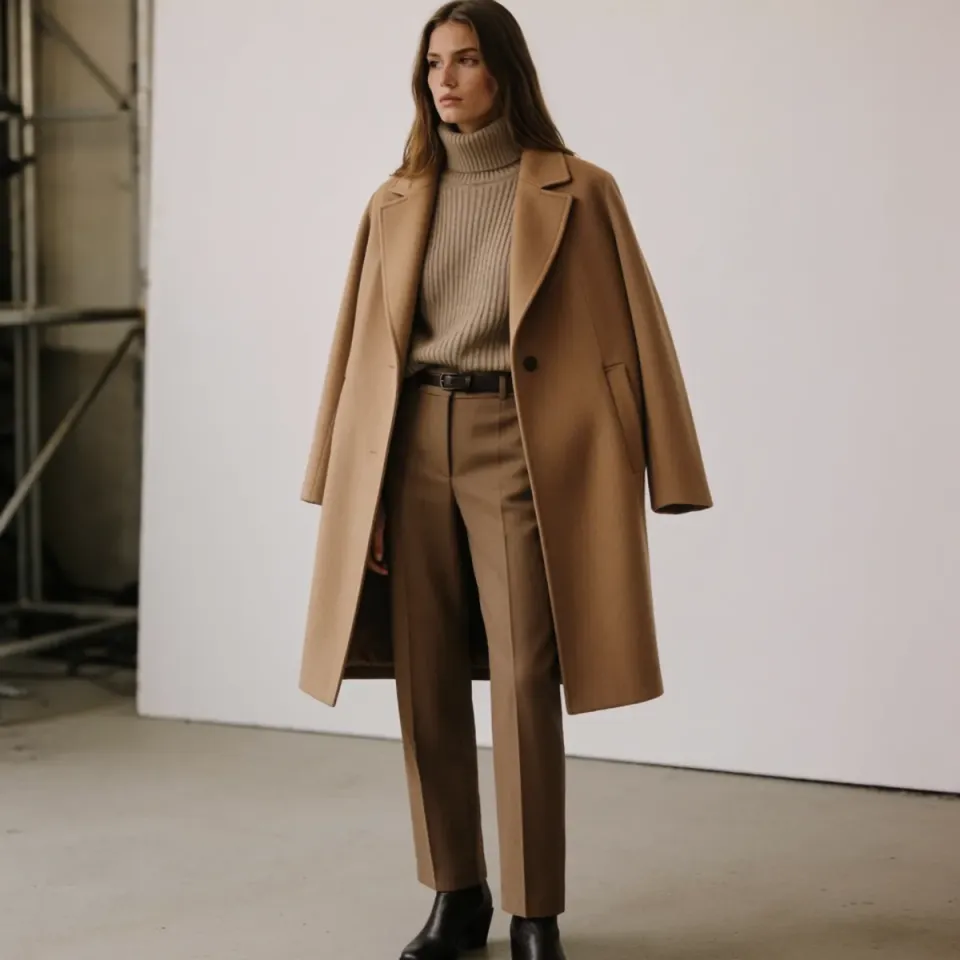
Every seasonal drop needs a campaign film, a lookbook, and on-model imagery, and rebooking the studio each time is the tax. Start from one product shoot and get back the film, the stills, and the worn shots for the whole collection. No new booking, no fitting, no waiting on the next slot.
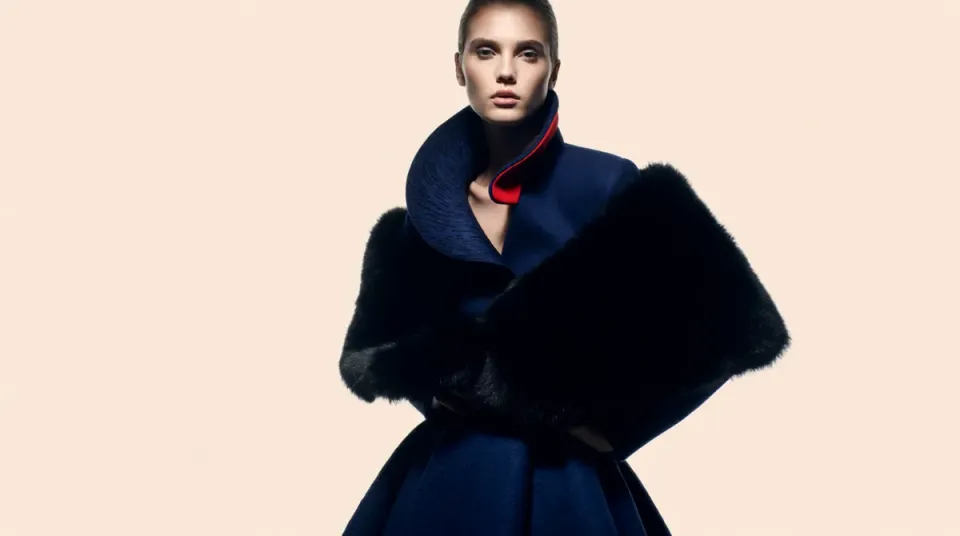
Start from the flat garment shot you already have and describe the editorial you want in a sentence. Morphic relights and restages the same piece on model and in scene, and you keep every version it makes to reuse.
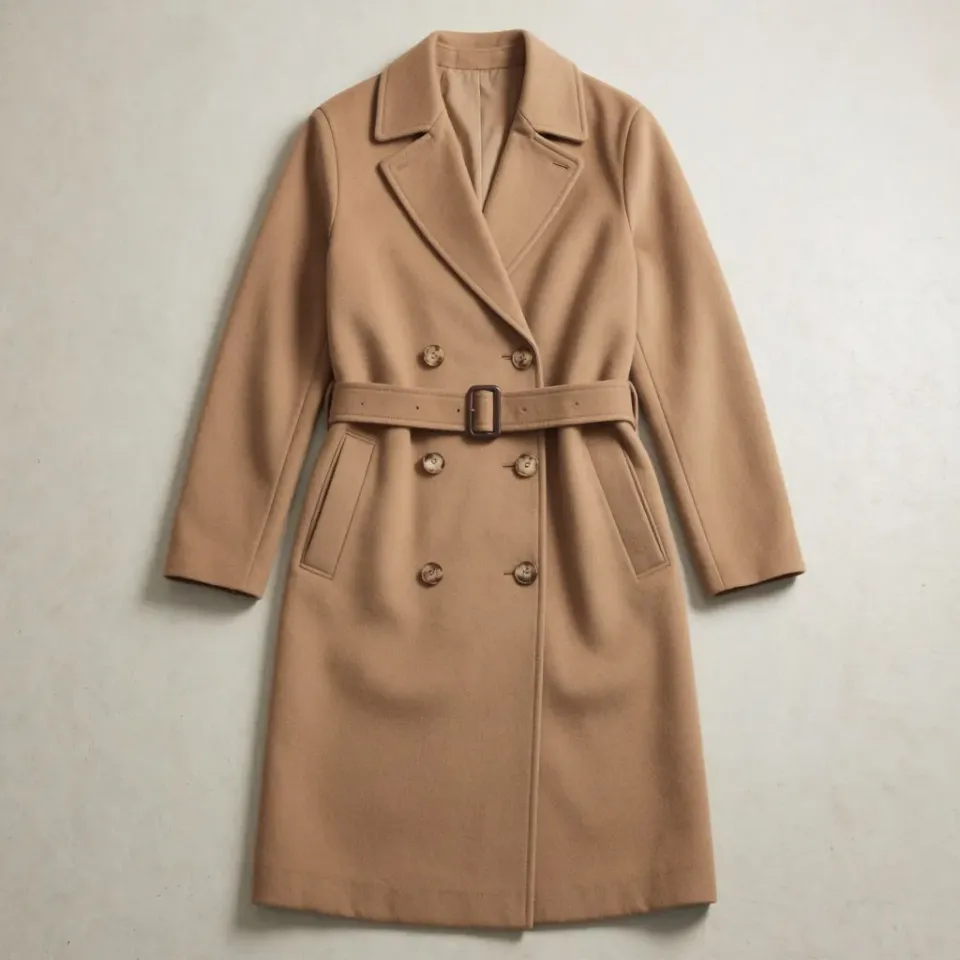
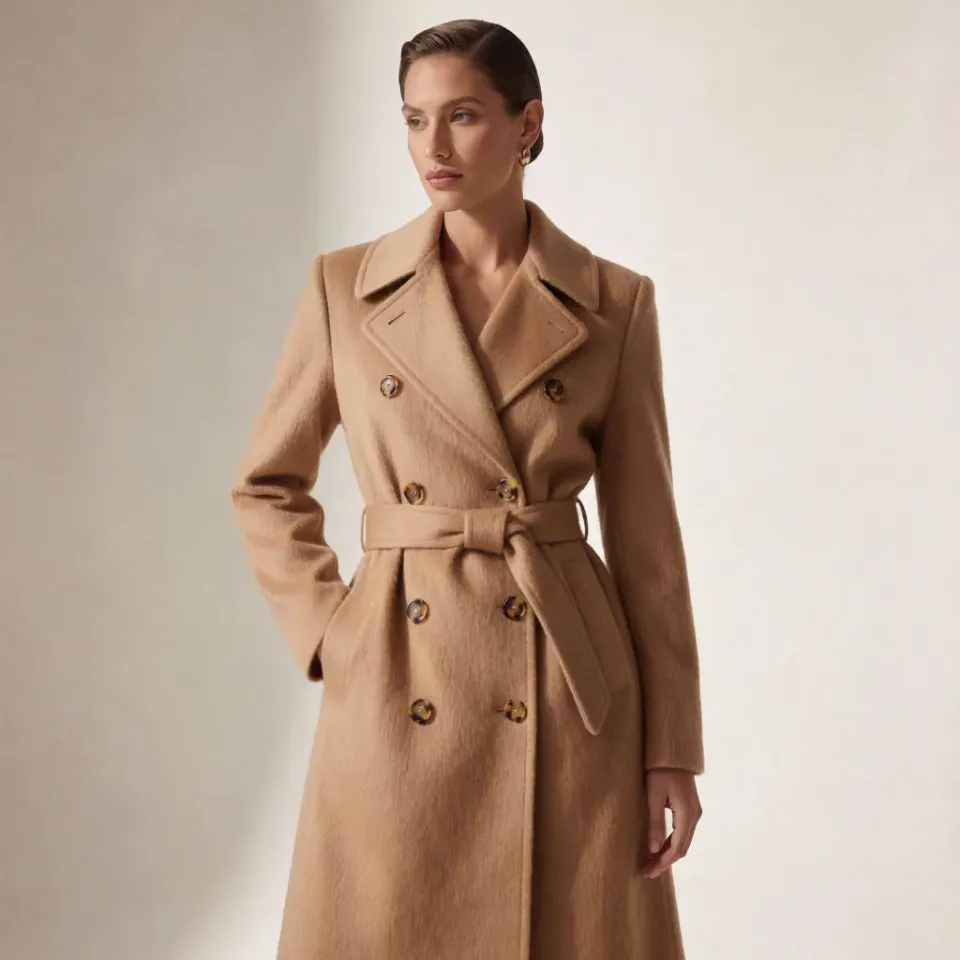
Upload a single shot of the garment. A flat lay or a rail shot is enough, and Morphic reads the cut, fabric, and color to keep the piece true.
Say what you want in one plain line: an on-model editorial, a lookbook still, a campaign film. Name the styling and the mood, then tweak the words and run it again.
Get a set of variants at full resolution, sized for the lookbook, the collection page, and the campaign, ready to drop straight in.
Every format a collection launch needs, from a lookbook still to an on-model ecommerce shot and a cinematic campaign film, all made from a single shoot so the whole drop looks like it was styled in one session.
A styled lookbook still that frames the piece with editorial light and a considered backdrop, built to sit in a seasonal lookbook spread.
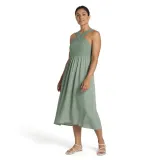
Edit promptThe garment worn by a model in even daylight, so shoppers can see how it sits and how it moves, the shot a collection page runs on.
Edit prompt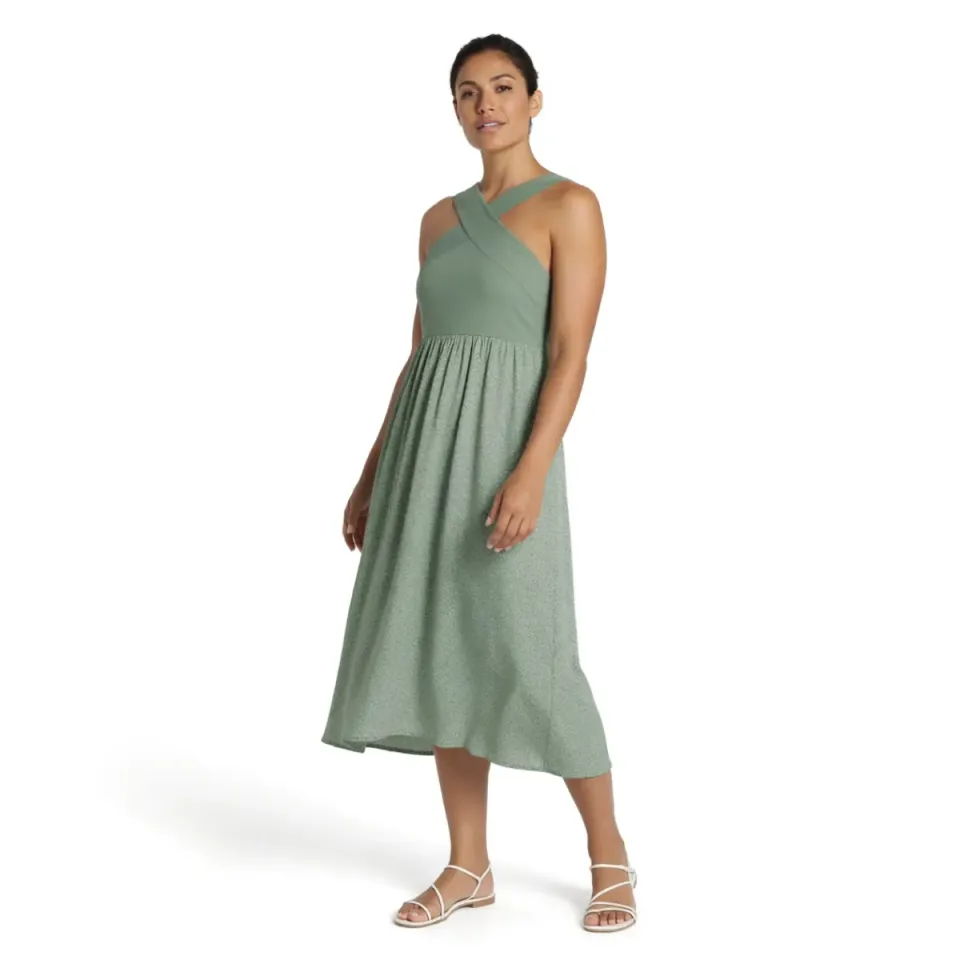
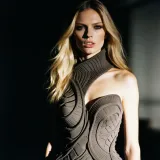
A cinematic frame from a campaign film, staged with real depth and motion, the hero clip that opens a seasonal launch.
Edit prompt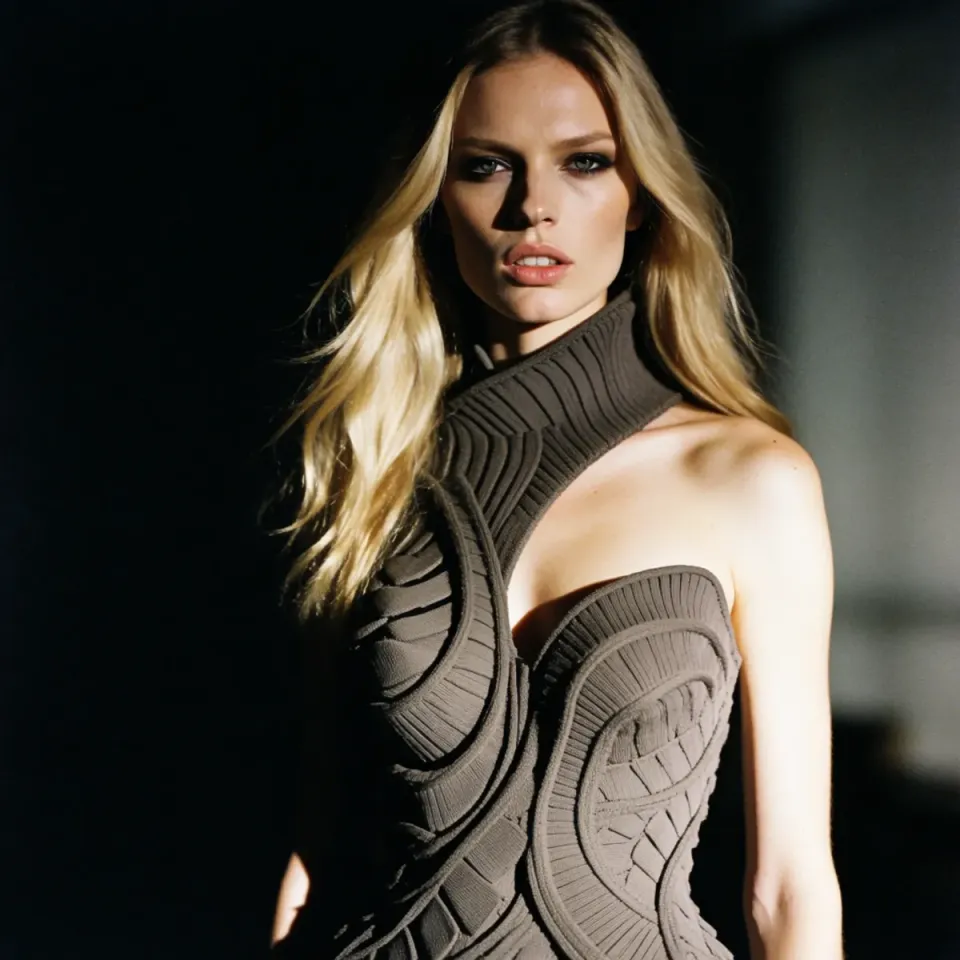
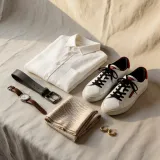
An overhead flat lay of the collection styled on a soft surface with a few props, made for social feeds and the drop announcement.
Edit prompt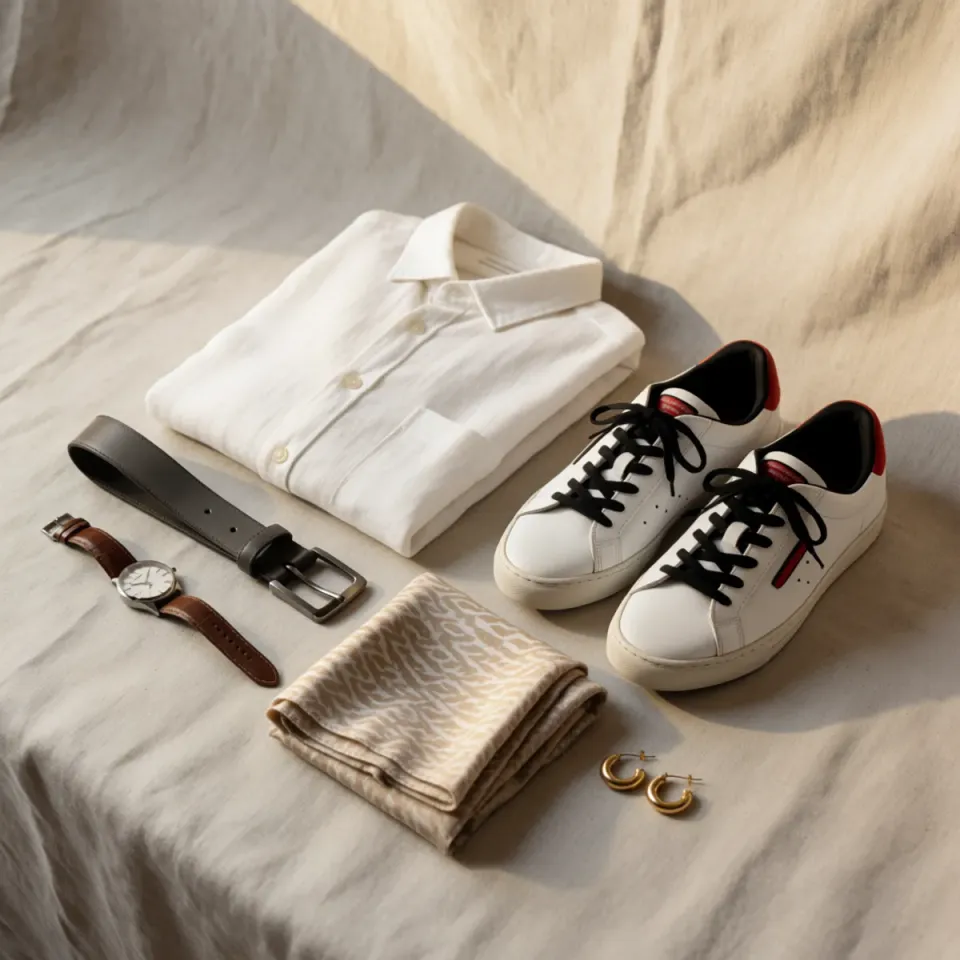
AI covers most of the production here. A few things still want your eye before anything goes live on a collection page, from exact brand colors to how a garment actually fits and drapes, so here is where each one sits.

Dramatic 5-second product reveal video with audio.
Multi-shot product pitch video from a still, a person, and a script.

One product shot becomes a full campaign pack with hero shots, angles, and format variations.

Generate a female AI influencer. Vertical output, ready for socials.

Dramatize any text conversation into a cinematic multi-shot video.
Pair a garment photo with a person photo. See them wearing it, identity stays intact.
Mulai gratis hari ini, dengan opsi untuk upgrade atau membatalkan kapan saja.
Basic
2400 bulanan kredit
1 pengguna saja
Semua model
Workflows
Standard
3625 bulanan kredit
1 pengguna saja
Semua model
Workflows
Pro
6350 bersama bulanan kredit
1 pengguna
Semua model
Workflows
Max
24650 bersama bulanan kredit
1 pengguna
Semua model
Workflows
Enterprise
Untuk batas yang lebih tinggi
Khusus
ketentuan harga dan penagihan

Free
Untuk bereksperimen
$0
gratis selamanya