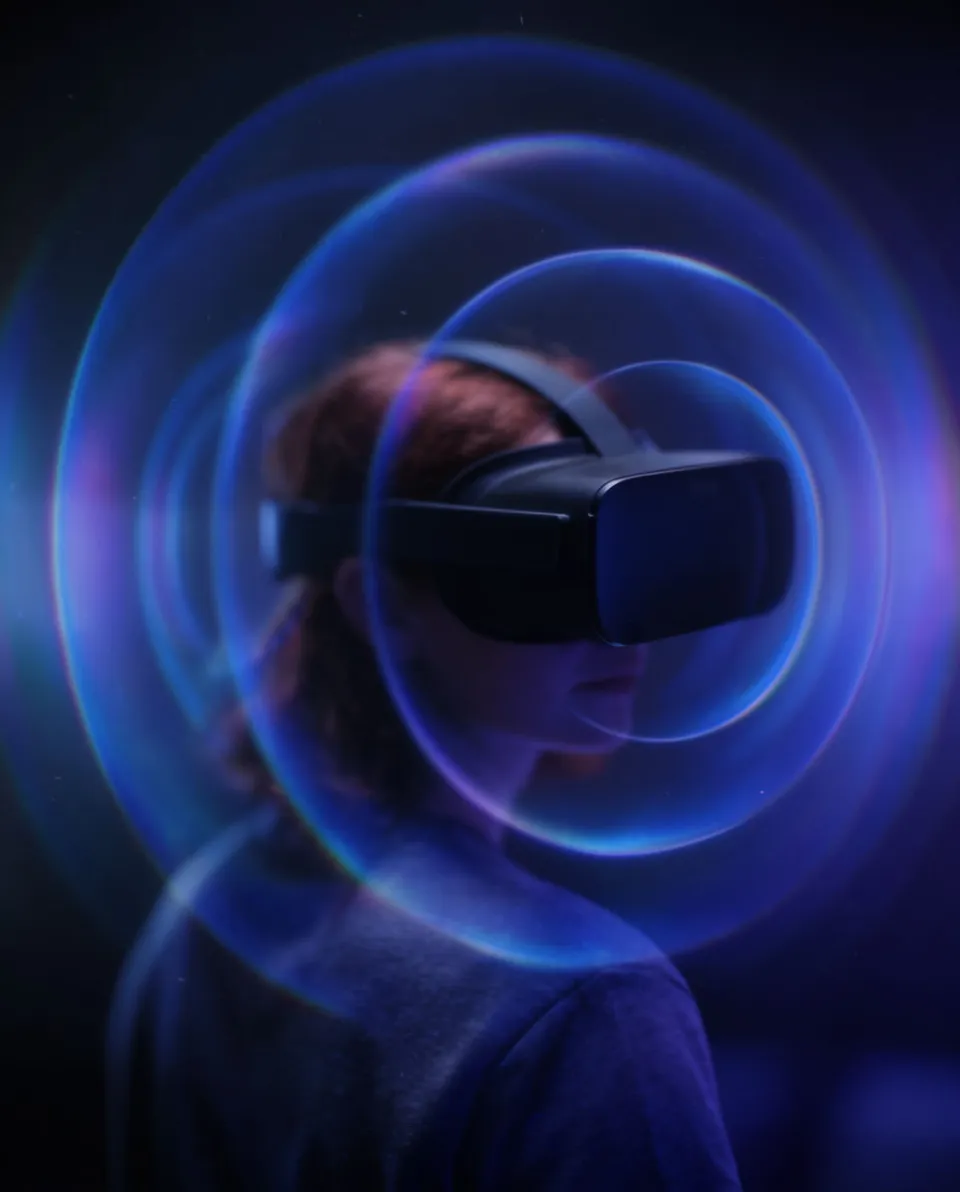



Sound effects for VR

Morphic turns a short description into original sound effects for your VR and AR scenes, so a passing object, a nearby interaction, or an ambient space feels present around the user. You describe the source, its texture and the space it lives in, and generate a clean asset to place in your engine. One workspace covers effects, ambience, and any voiceover.

Example for Sound effects for VR

How it works

  1. 1
    describe it

    Describe the source on Morphic

    Write the sound at its source, like a heavy zip up close or a small object whirring past, describing texture and how near it sits, and Morphic generates a clean mono asset.

  2. 2

    Place it in the engine

    Import the file into Unity, Unreal or your VR toolkit and attach it to a spatial audio source on the object, so the engine handles distance, direction and head movement.

  3. 3

    Test in headset

    Put the headset on and move around the source to confirm it reads from the right direction and distance, then adjust the falloff and export the build.

Effects your experience can run on

Four source sounds for objects, interactions and ambience you can position in a 3D scene.

Fly-by object

Use it on a small object that darts past the user so the pass reads as fast and close.

0:00
0:02

Edit prompt
Fly-by object for Sound effects for VR

Grabbable interaction

Use it on a bag, tool or handle the user picks up so the touch has weight and material.

0:00
0:05
Edit prompt
Grabbable interaction for Sound effects for VR

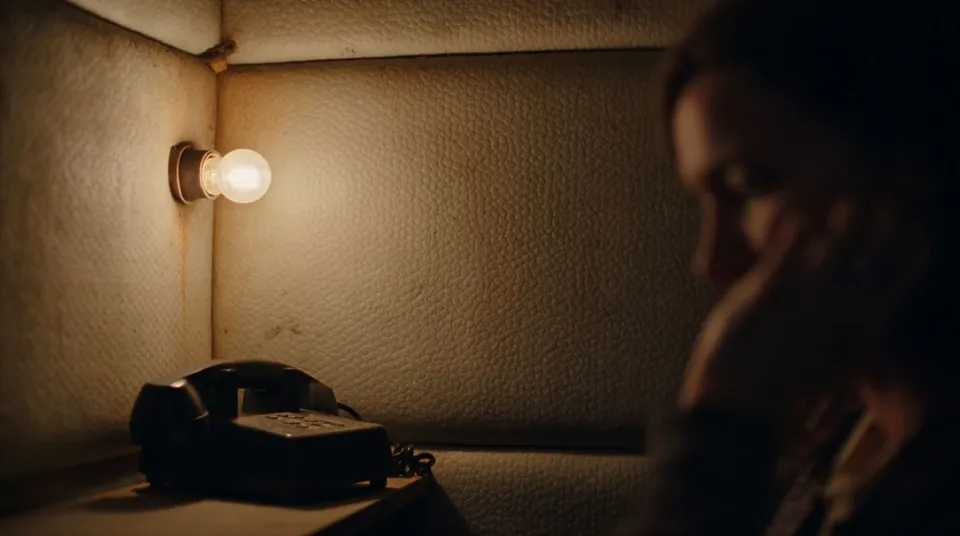
Enclosed room tone

Use it as the ambient bed of a small enclosed space so silence has a texture and place.
0:00
0:05
Edit prompt
Enclosed room tone for Sound effects for VR

Winged creature flash

Use it on a bird or creature that flaps past to sell fast motion overhead.

0:00
0:02
Edit prompt
Winged creature flash for Sound effects for VR

What it handles, and what to check

Morphic makes the source sound; your engine and ear handle the spatialization.

What Morphic handles well

  • Generating clean source sounds from a description of subject, texture and space
  • Producing mono assets that spatialize cleanly in a game engine
  • Giving you close, detailed takes for objects that pass near the listener
  • Keeping source effects, ambience and any voiceover in one workspace

Where you still want your own ear

  • Spatialization itself, which your engine handles from a good mono source
  • Syncing the sound to the tracked motion and distance of the object
  • Over-use, since too many active sources muddy an immersive scene
  • Balancing the mix so nearby and ambient sounds sit at believable levels

Harga sederhana

Mulai gratis hari ini, dengan opsi untuk upgrade atau membatalkan kapan saja.

Basic

$9/ bulan
ditagih sebagai $0 per tahun

1100 bulanan kredit

1 pengguna saja

Semua model

Workflows

Standard

$24/ bulan
ditagih sebagai $0 per tahun

3625 bulanan kredit

1 pengguna saja

Semua model

Workflows

Pro

$45/ bulan
ditagih sebagai $0 per tahun

6350 bersama bulanan kredit

1 pengguna

+ hingga 4 lainnya dengan biaya tambahan

Semua model

Workflows

Pro Max

$170/ bulan
ditagih sebagai $0 per tahun

24650 bersama bulanan kredit

1 pengguna

+ hingga 9 lainnya dengan biaya tambahan

Semua model

Workflows

Enterprise

Untuk batas yang lebih tinggi

Khusus

ketentuan harga dan penagihan

Kredit volume tinggi
Batas kursi khusus
Semua model
Workflows
Pricing Gradient

Free

Untuk bereksperimen

$0

gratis selamanya

Hingga 20 kredit
Hanya 1 pengguna
Model terbatas
Workflows

FAQ

How do I add sound effects to a VR experience?
Generate a clean source sound on Morphic, import it into Unity, Unreal or your VR toolkit, and attach it to a spatial audio source on the object so the engine handles direction and distance.
Does Morphic create spatial or 3D audio?
Morphic generates the source sound; the spatialization happens in your engine. Describe the effect as a clean, close mono take and let Unity or Unreal position it in the scene.
What makes a good VR sound effect?
A detailed source with a clear sense of texture and closeness. When the engine places it in 3D, those details are what let the user locate and believe the object.
Can I use these sound effects commercially?
Effects you generate on Morphic are yours to use commercially on paid plans, which covers shipped VR and AR titles. Check the current terms for your plan.
Should VR sounds be mono or stereo?
Use a clean mono source for anything the engine will spatialize, since it positions the sound around the user's head. Reserve stereo or ambient beds for non-positional room tone.
Can Morphic make ambience and voiceover for VR too?
Yes. One Morphic workspace covers sound effects, ambience and voiceover, so you can build the source sounds, room tone and character lines for a scene in one place.