Jalan handheld di jalanan
Shot tracking handheld film 16mm mengikuti sosok menyusuri jalanan bermandi matahari, grain organik, gate-weave samar, halasi hangat pada jendela toko.
Edit prompt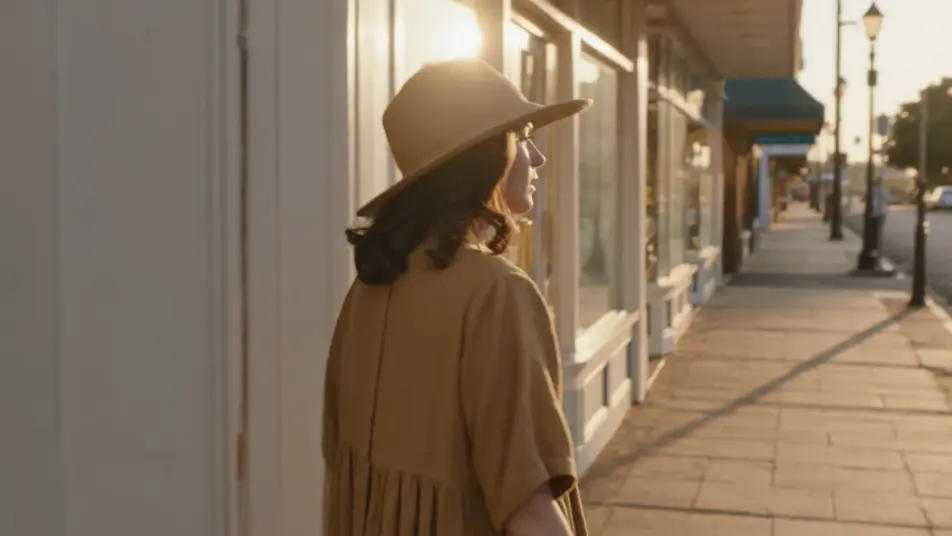
Syuting langsung di browser dengan generator video AI film 16mm dari Morphic. Buat jalan handheld menyusuri jalanan bermandi matahari, sosok di rerumputan saat golden hour, atau potret close-up di jendela berhias jejak hujan. Tambahkan suara dan skor dengan Speech dan Music, lalu rangkai film pendek bergrain ini di Canvas.
Shot tracking handheld film 16mm mengikuti sosok menyusuri jalanan bermandi matahari, grain organik, gate-weave samar, halasi hangat pada jendela toko.
Edit promptShot lebar film 16mm sosok di rerumputan tinggi saat golden hour, fokus lembut, debu melayang dalam cahaya, warna film-stock yang kaya dan bloom.
Edit prompt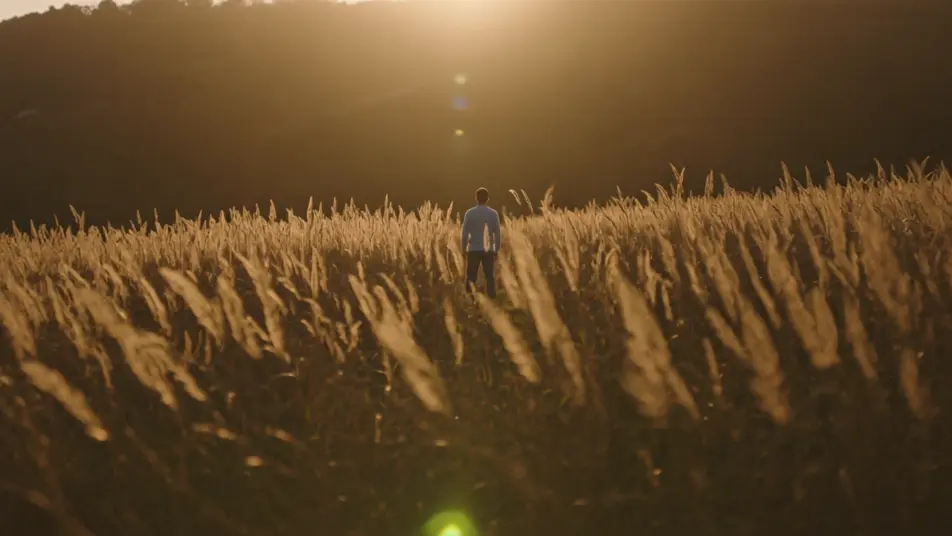
Interior yang nyaman dalam film 16mm, lampu tungsten hangat, grain terlihat di bayangan, dorongan kamera perlahan dan lembut.
Edit prompt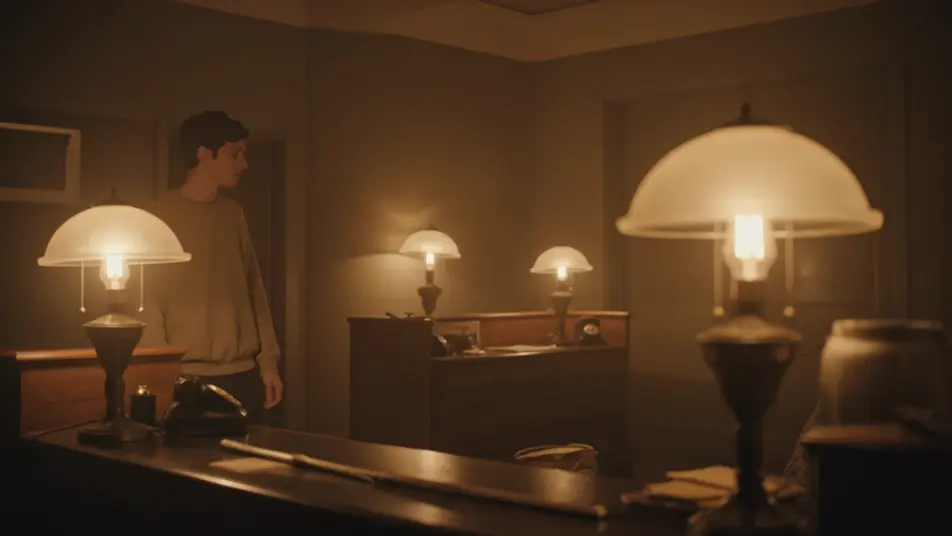
Close-up film 16mm yang ketat pada wajah di jendela berhias jejak hujan, cahaya siang yang sejuk, grain halus, fokus dangkal, dan jeda yang tenang.
Edit prompt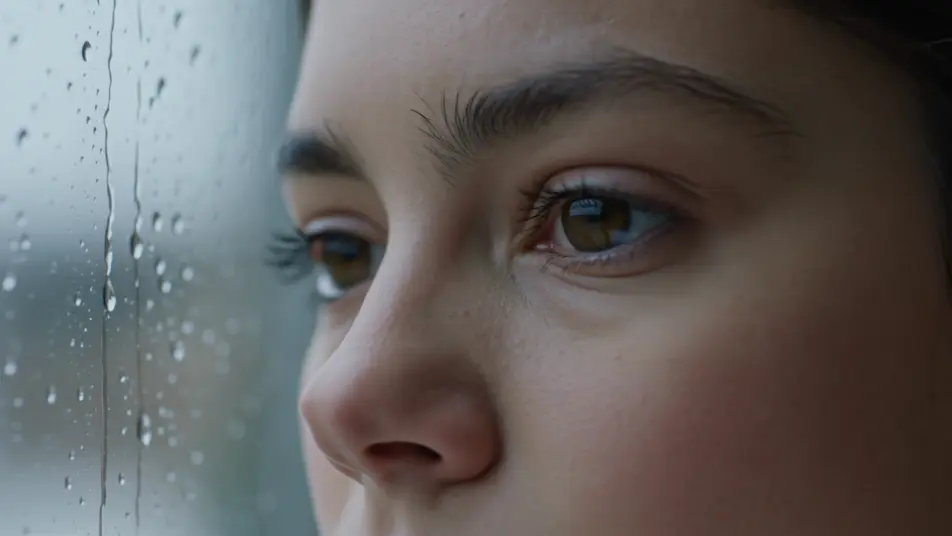
Tuliskan adegan film 16mm yang Anda inginkan, dengan kata-kata sederhana.
Morphic membuat klip sinematik yang siap dijadikan frame di canvas Anda dalam hitungan detik.
Ubah prompt, buat ulang variasi, lalu unduh atau bagikan shot-nya.
Cinematic time-freeze short film for any scene

Dramatize any text conversation into a cinematic multi-shot video.
One image to a 9-scene cinematic video.
Drop in a photo of yourself. Get a 12-second cinematic movie with animation and a matched soundtrack.

Share a scene description with character references. Get a full storyboard with shot angles and mood.

Feed in a single image. Get 9 cinematic beats laid out as a 3x3 storyboard grid.
Video AI Film Bisu
Hasilkan video AI film bisu bersama Morphic. Bayangan lukis ala Caligari, kamera bebas Murnau, montase Eisenstein, dan tipografi intertitle.
Video AI Film Noir
Buat video AI film noir yang memukau dengan generator video film noir kami. Temukan adegan sinematik unik untuk proyek apa pun dalam hitungan detik.
Video AI Retro
Buat video retro dengan generator video AI Morphic. Grain film, warna pudar, detail periode, dan nuansa nostalgia era 70-90an dari prompt sederhana.
80s AI videos
Generate 80s videos on Morphic. Neon grids, synthwave horizons, malls, arcades, and VHS-textured scenes from plain-language prompts, no software needed.
Mulai gratis hari ini, dengan opsi untuk upgrade atau membatalkan kapan saja.
Basic
2400 bulanan kredit
1 pengguna saja
Semua model
Workflows
Standard
3625 bulanan kredit
1 pengguna saja
Semua model
Workflows
Pro
6350 bersama bulanan kredit
1 pengguna
Semua model
Workflows
Max
24650 bersama bulanan kredit
1 pengguna
Semua model
Workflows
Enterprise
Untuk batas yang lebih tinggi
Khusus
ketentuan harga dan penagihan

Free
Untuk bereksperimen
$0
gratis selamanya