A pastel chrome diner at dusk
A classic chrome-and-pastel diner glowing under a neon sign at dusk, finned cars in the lot and patrons in booths, hyper-saturated Technicolor color and a glossy film sheen.
Edit prompt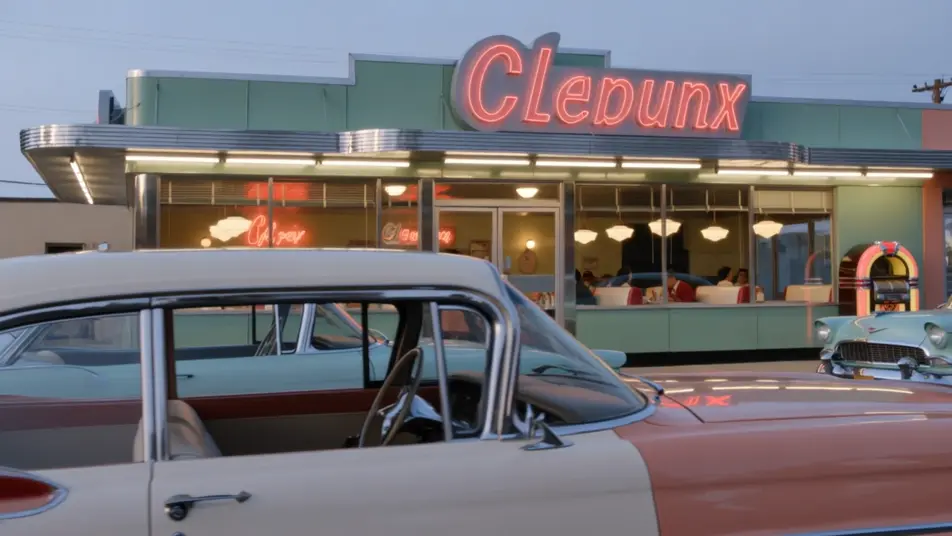
Direct the 1950s in your browser with Morphic's 1950s Technicolor AI video generator. Generate a pastel chrome diner at dusk, a packed drive-in theater, or a sunny suburban street. Score it with Speech and Music, then stitch the shots into a full 1950s short on the Canvas.
A classic chrome-and-pastel diner glowing under a neon sign at dusk, finned cars in the lot and patrons in booths, hyper-saturated Technicolor color and a glossy film sheen.
Edit promptA busy drive-in at twilight, rows of finned cars facing a giant screen, a neon snack-bar sign and string lights, saturated color and a warm glossy mid-century glow.
Edit prompt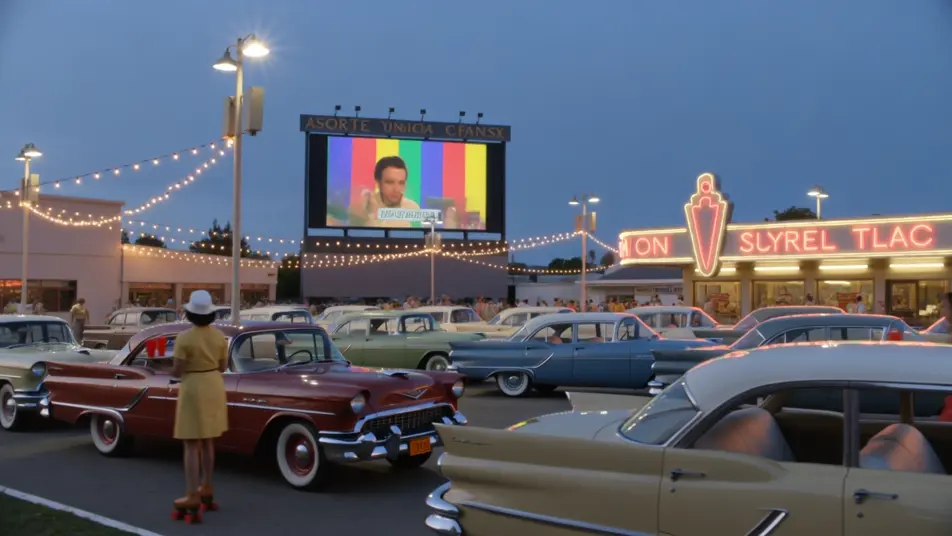
A bright 1950s suburban street of pastel houses and manicured lawns, finned cars in driveways and kids on bikes, hyper-saturated Technicolor and clean midday light.
Edit prompt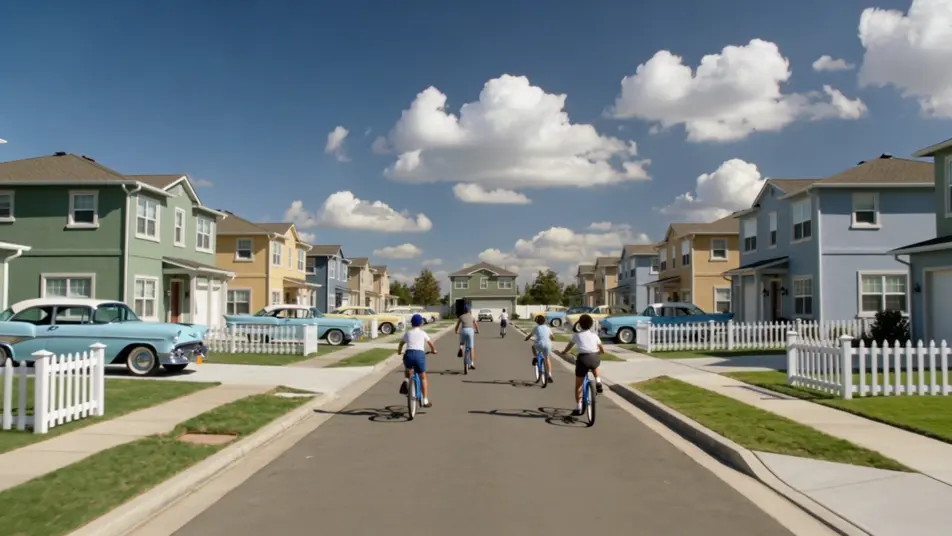
A high-school gym sock-hop with teens in poodle skirts and letterman jackets dancing under streamers, a band on a small stage, saturated color and bright glossy light.
Edit prompt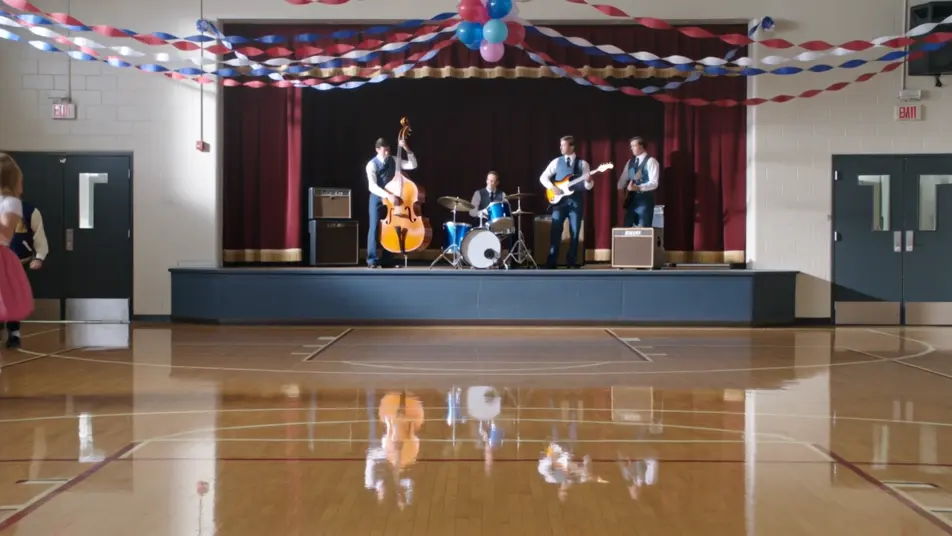
Tuliskan adegan 1950s Technicolor yang Anda inginkan, dengan kata-kata sederhana.
Morphic membuat klip sinematik yang siap dijadikan frame di canvas Anda dalam hitungan detik.
Ubah prompt, buat ulang variasi, lalu unduh atau bagikan shot-nya.
Cinematic time-freeze short film for any scene

Dramatize any text conversation into a cinematic multi-shot video.
One image to a 9-scene cinematic video.
Drop in a photo of yourself. Get a 12-second cinematic movie with animation and a matched soundtrack.

Share a scene description with character references. Get a full storyboard with shot angles and mood.

Feed in a single image. Get 9 cinematic beats laid out as a 3x3 storyboard grid.
1920s Jazz Age AI Videos
Generate 1920s Jazz Age videos on Morphic. Speakeasies, flappers, art-deco glamour, and hot-jazz scenes with period film grain from plain-language prompts.
1960s Mod AI Videos
Generate 1960s Mod videos on Morphic. Op-art boutiques, scooters, go-go clubs, and color-block Swinging London scenes from plain-language prompts.
1970s Film AI Videos
Generate 1970s film videos on Morphic. Warm grainy stock, muted earth tones, anamorphic flares, and gritty New-Hollywood scenes from plain-language prompts.
Video AI Retro
Buat video retro dengan generator video AI Morphic. Grain film, warna pudar, detail periode, dan nuansa nostalgia era 70-90an dari prompt sederhana.
Mulai gratis hari ini, dengan opsi untuk upgrade atau membatalkan kapan saja.
Basic
2400 bulanan kredit
1 pengguna saja
Semua model
Workflows
Standard
3625 bulanan kredit
1 pengguna saja
Semua model
Workflows
Pro
6350 bersama bulanan kredit
1 pengguna
Semua model
Workflows
Max
24650 bersama bulanan kredit
1 pengguna
Semua model
Workflows
Enterprise
Untuk batas yang lebih tinggi
Khusus
ketentuan harga dan penagihan

Free
Untuk bereksperimen
$0
gratis selamanya