Pesta ulang tahun bergaris tracking
Pesta ulang tahun video rumahan di ruangan berlapis kayu, kue dengan lilin dan anak-anak bertopi pesta, garis tracking VHS yang tebal, chroma bleed, fokus lembut dan timestamp di sudut.
Edit prompt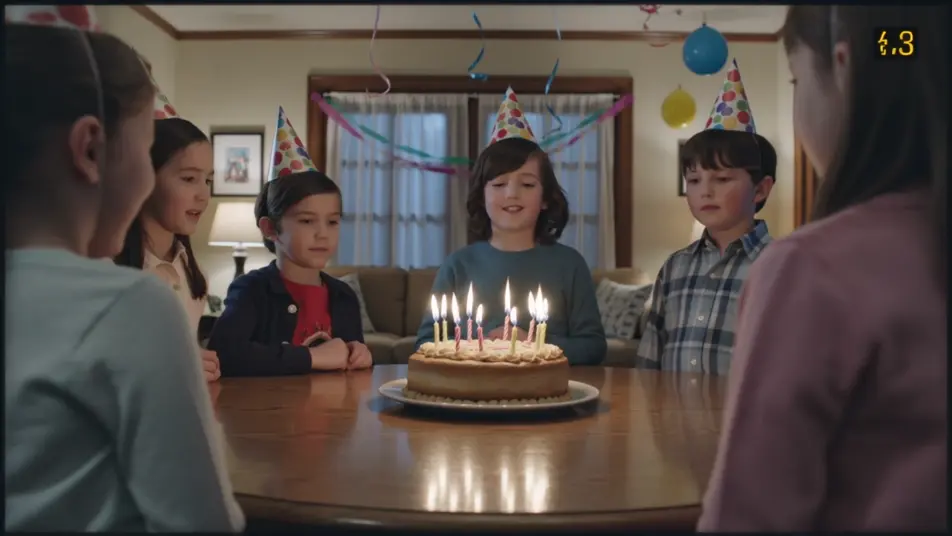
Arahkan tampilan video rumahan era 1980-an langsung di browser dengan generator video AI VHS 1980-an dari Morphic. Buat pesta ulang tahun bergaris tracking, siaran TV bertepi statis, atau perjalanan mal lewat camcorder. Beri suara dan musik dengan Speech dan Music, lalu satukan video pendek VHS 1980-an di Canvas.
Pesta ulang tahun video rumahan di ruangan berlapis kayu, kue dengan lilin dan anak-anak bertopi pesta, garis tracking VHS yang tebal, chroma bleed, fokus lembut dan timestamp di sudut.
Edit promptMeja siaran TV 80-an tiruan dengan chyron dan logo stasiun, scanline dan tape warble di seluruh bingkai, chroma smear lembut dan timecode samar, tampilan siaran analog.
Edit prompt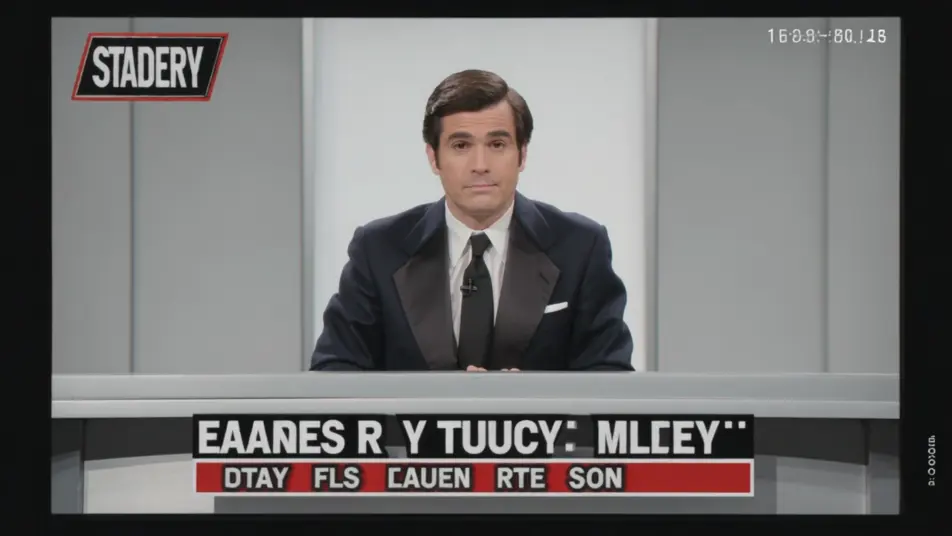
Jalan-jalan camcorder handheld melintasi mal 80-an yang cerah, toko-toko neon dan air mancur, garis tracking dan chroma bleed VHS, auto-focus yang mencari fokus dan timestamp berkedip.
Edit prompt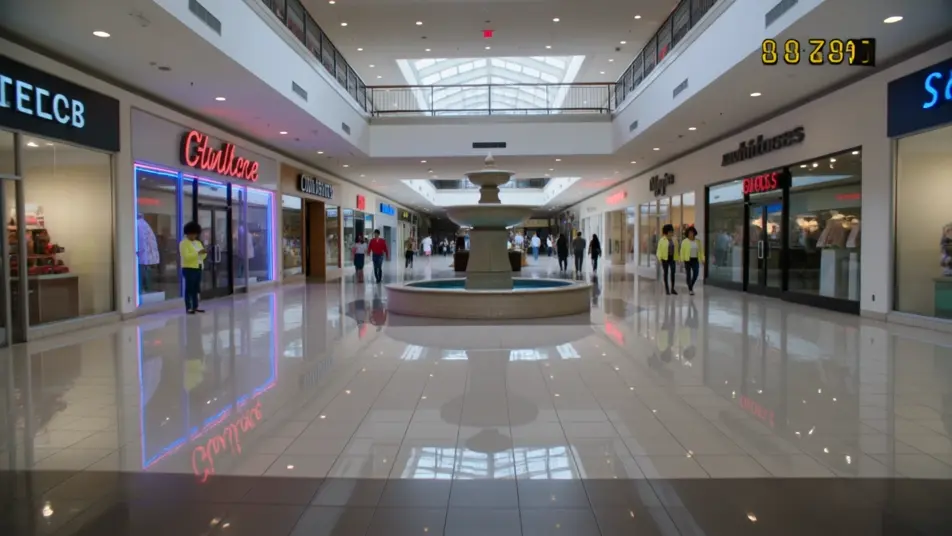
Adegan video rumahan halaman belakang dengan kolam anak dan panggangan barbeku di siang yang cerah, warna VHS yang pudar, garis tracking, fokus lembut dan stempel tanggal di sudut.
Edit prompt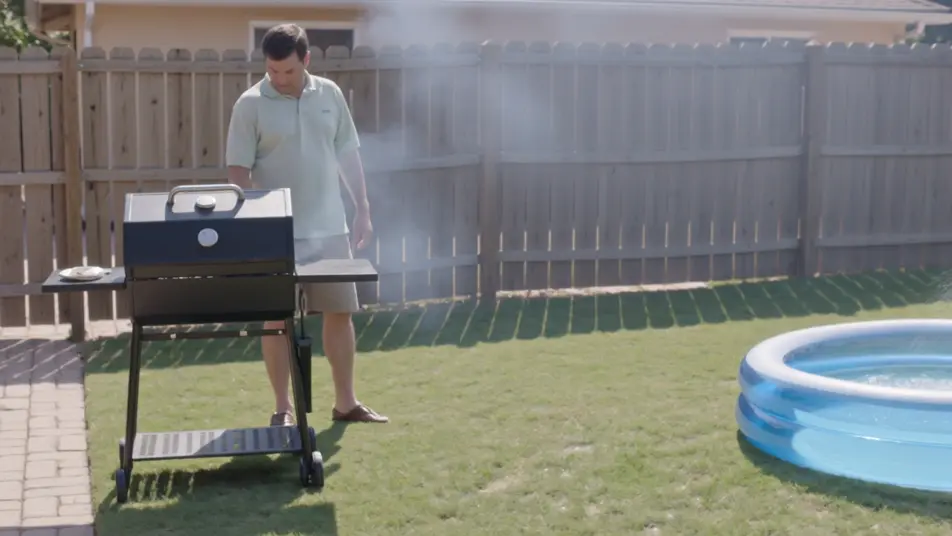
Tuliskan adegan VHS 1980-an yang Anda inginkan, dengan kata-kata sederhana.
Morphic membuat klip sinematik yang siap dijadikan frame di canvas Anda dalam hitungan detik.
Ubah prompt, buat ulang variasi, lalu unduh atau bagikan shot-nya.
Cinematic time-freeze short film for any scene

Dramatize any text conversation into a cinematic multi-shot video.
One image to a 9-scene cinematic video.
Drop in a photo of yourself. Get a 12-second cinematic movie with animation and a matched soundtrack.

Share a scene description with character references. Get a full storyboard with shot angles and mood.

Feed in a single image. Get 9 cinematic beats laid out as a 3x3 storyboard grid.
Video AI Neon 1980-an
Buat video neon 1980-an di Morphic. Deretan lampu neon, arcade retro, jalanan synthwave, dan kehidupan malam magenta-cyan dari prompt bahasa sederhana.
Video AI Handycam 1990-an
Buat video AI gaya handycam 1990-an di Morphic. Gambar 4:3, fokus lembut, stempel tanggal, dan nuansa video keluarga jadul dari deskripsi teks sederhana.
80s AI videos
Generate 80s videos on Morphic. Neon grids, synthwave horizons, malls, arcades, and VHS-textured scenes from plain-language prompts, no software needed.
Video AI Retro
Buat video retro dengan generator video AI Morphic. Grain film, warna pudar, detail periode, dan nuansa nostalgia era 70-90an dari prompt sederhana.
Mulai gratis hari ini, dengan opsi untuk upgrade atau membatalkan kapan saja.
Basic
2400 bulanan kredit
1 pengguna saja
Semua model
Workflows
Standard
3625 bulanan kredit
1 pengguna saja
Semua model
Workflows
Pro
6350 bersama bulanan kredit
1 pengguna
Semua model
Workflows
Max
24650 bersama bulanan kredit
1 pengguna
Semua model
Workflows
Enterprise
Untuk batas yang lebih tinggi
Khusus
ketentuan harga dan penagihan

Free
Untuk bereksperimen
$0
gratis selamanya