The school wheels
A tight group of small silver fish turning together above swaying eelgrass under cool overhead light, nothing swimming out of frame. The turn never completes, so the loop holds.
Edit prompt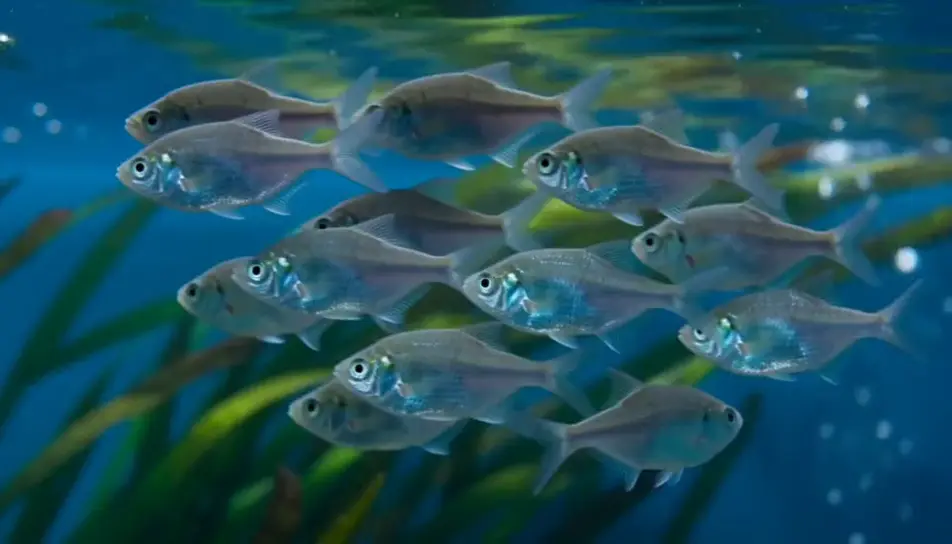
Generate an aquarium screensaver in your browser with Morphic's aquarium screensaver AI video generator. Render a school turning above a bed of eelgrass, or caustic light rippling across clean sand, then trim the loop on Compose.
A tight group of small silver fish turning together above swaying eelgrass under cool overhead light, nothing swimming out of frame. The turn never completes, so the loop holds.
Edit promptA steady column of fine bubbles rising through a densely planted corner, broad leaves nodding in the flow. Constant rate, camera locked, blue-white light above.
Edit prompt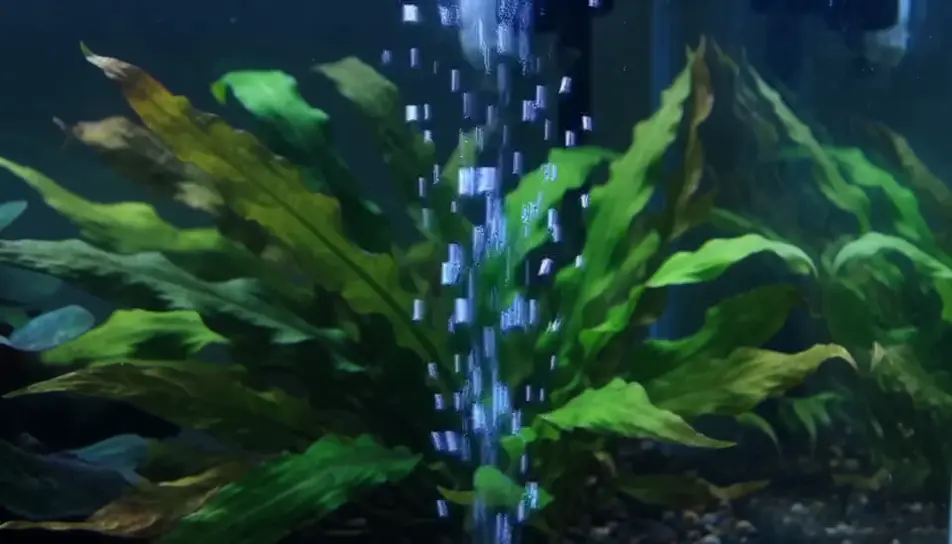
Close on a pale sand bed while surface ripple throws a shifting net of light over it. No fish and no plants, which makes it the calmest plate to sit behind text.
Edit prompt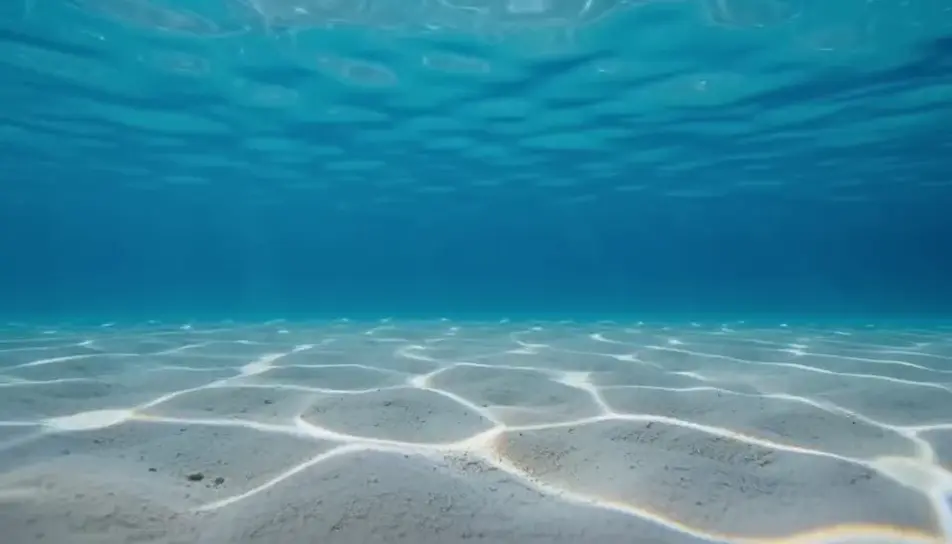
A wide, quiet hold on a lit tank glowing in a dark room, cool light spilling across the floor and a thin highlight on the glass. Gentle motion inside, stillness everywhere else.
Edit prompt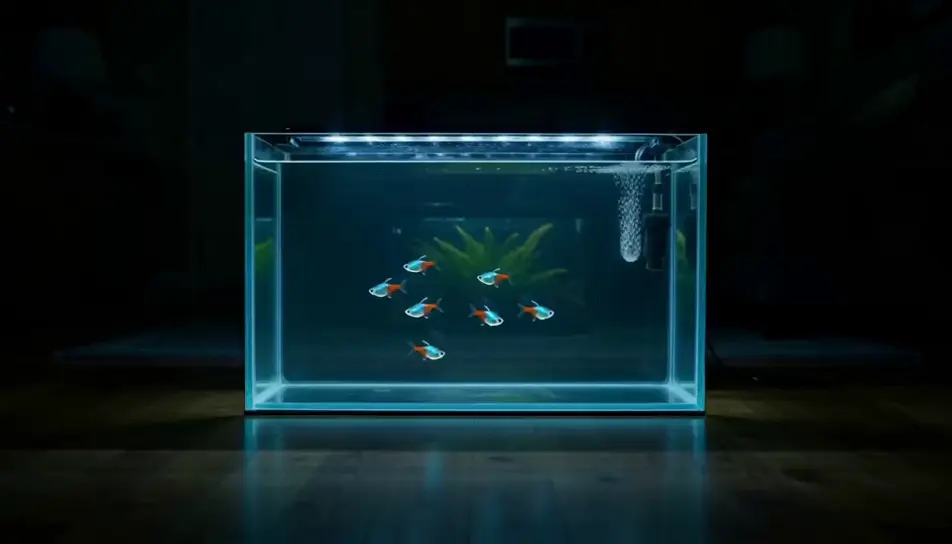
Tuliskan adegan aquarium screensaver yang Anda inginkan, dengan kata-kata sederhana.
Morphic membuat klip sinematik yang siap dijadikan frame di canvas Anda dalam hitungan detik.
Ubah prompt, buat ulang variasi, lalu unduh atau bagikan shot-nya.

Dramatize any text conversation into a cinematic multi-shot video.
Cinematic time-freeze short film for any scene

Generate a professional film title card from scratch, with optional cinematic animation.
Photo of any real-estate becomes a cinematic renovation timelapse video with construction SFX and music.
One image to a 9-scene cinematic video.
Drop in a photo of yourself. Get a 12-second cinematic movie with animation and a matched soundtrack.
AI Screensaver videos
Generate AI screensaver videos with Morphic. Slow-drifting abstract loops, calm gradients, and seamless ambient screensaver prompts that just run.
AI Nature Ambience videos
Generate AI nature ambience videos with Morphic. Sunlit forests, mountain streams, and calming nature loops for sleep, focus, and background screens.
AI Ambient Loop videos
Generate AI ambient loop videos with Morphic. Seamless looping backdrops, slow-motion scenes, and calm perpetual visuals for streams, screens, and focus.
Video AI ASMR
Buat video AI ASMR di Morphic. Loop pemicu close-up, soundscape ambient, narasi berbisik, dan klip siap unggah untuk YouTube dan TikTok.
Mulai gratis hari ini, dengan opsi untuk upgrade atau membatalkan kapan saja.
Basic
2400 bulanan kredit
1 pengguna saja
Semua model
Workflows
Standard
3625 bulanan kredit
1 pengguna saja
Semua model
Workflows
Pro
6350 bersama bulanan kredit
1 pengguna
Semua model
Workflows
Max
24650 bersama bulanan kredit
1 pengguna
Semua model
Workflows
Enterprise
Untuk batas yang lebih tinggi
Khusus
ketentuan harga dan penagihan

Free
Untuk bereksperimen
$0
gratis selamanya