Afternoon window, one cat, no cuts
A Maine Coon in a bay window, dust visible in the shaft of light, the cat shifting weight once and settling. Slow push-in over fifteen seconds.
Edit prompt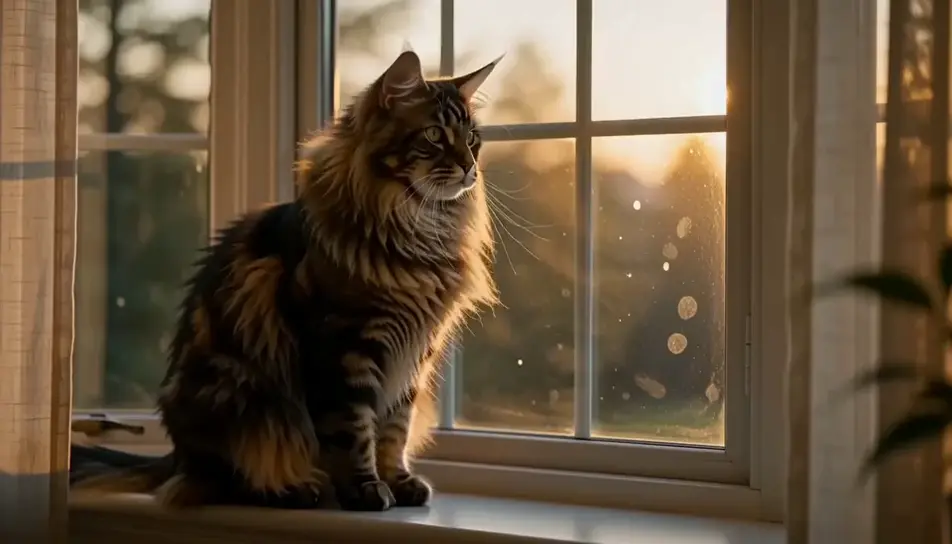
Direct a cat in your browser with Morphic's cat video AI generator. Generate a Maine Coon's ruff catching low window light, or a kitten asleep in a laundry basket, then score the sequence with the Music tool.
A Maine Coon in a bay window, dust visible in the shaft of light, the cat shifting weight once and settling. Slow push-in over fifteen seconds.
Edit promptLiving room at dusk, a Siamese on the back of a sofa following a moth along the ceiling. The camera stays on the cat, never on the moth.
Edit prompt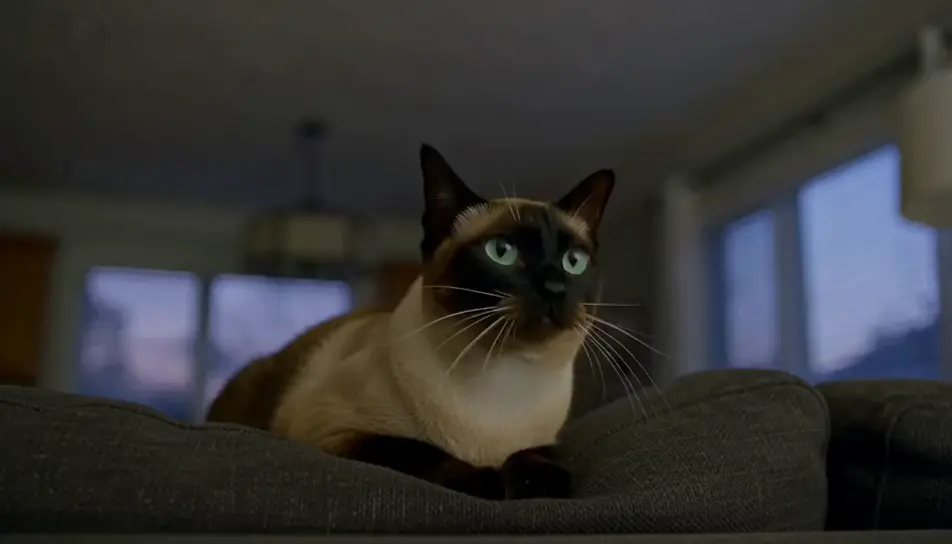
Close on a basket of folded washing with a black kitten asleep in the fold. Warm daylight, very shallow focus, only the breathing moves.
Edit prompt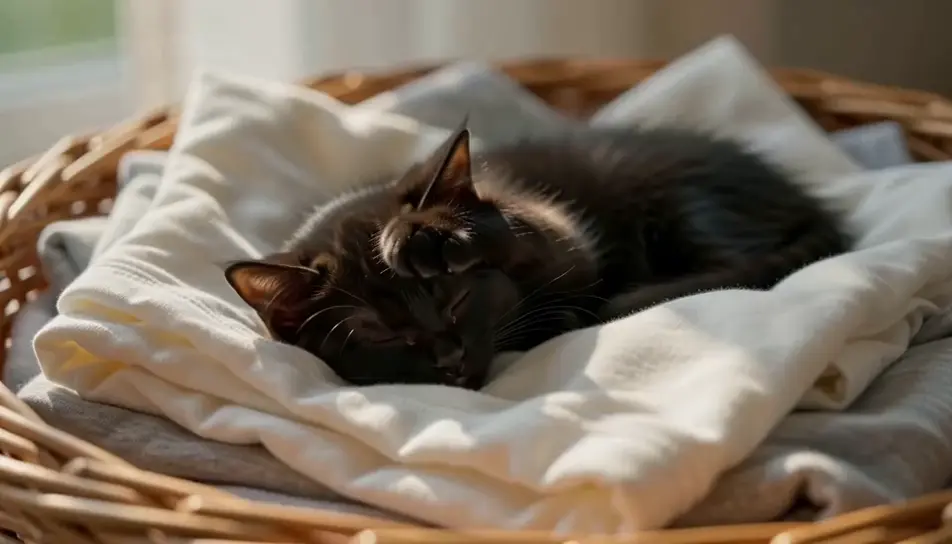
A grey cat silhouetted against a rain-streaked window in flat grey light, drops running down the pane in front of its face, reflections doubling the eyes.
Edit prompt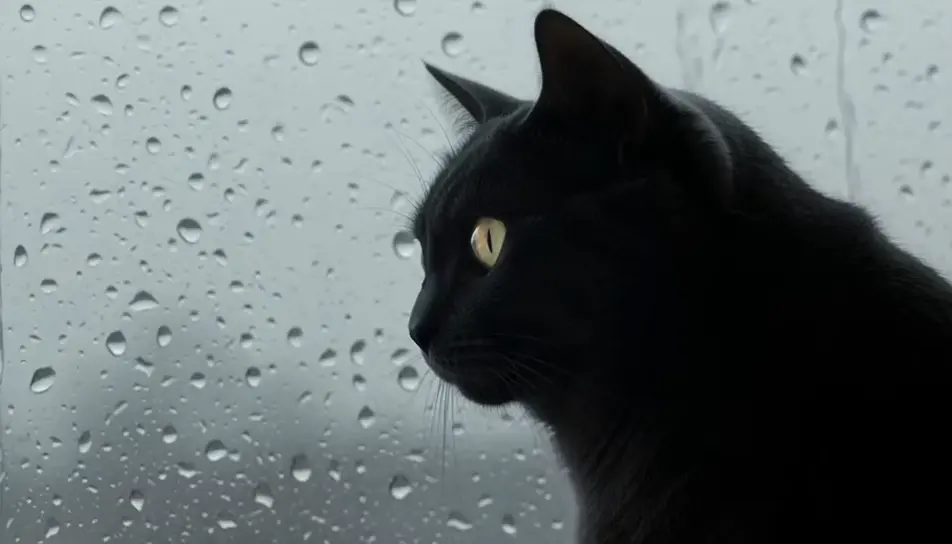
Tuliskan adegan cat yang Anda inginkan, dengan kata-kata sederhana.
Morphic membuat klip sinematik yang siap dijadikan frame di canvas Anda dalam hitungan detik.
Ubah prompt, buat ulang variasi, lalu unduh atau bagikan shot-nya.

Dramatize any text conversation into a cinematic multi-shot video.
Cinematic time-freeze short film for any scene

Generate a professional film title card from scratch, with optional cinematic animation.
Photo of any real-estate becomes a cinematic renovation timelapse video with construction SFX and music.
One image to a 9-scene cinematic video.
Drop in a photo of yourself. Get a 12-second cinematic movie with animation and a matched soundtrack.
AI funny cat videos
Browse funny cat videos and generate your own shots at the exact length, ratio and look the cut needs. Morphic makes video, image, voice and sound.
AI funny videos
Browse funny videos and generate your own shots at the length, ratio and look the cut needs. Morphic makes video, image, voice and sound in one workspace.
AI Nature Ambience videos
Generate AI nature ambience videos with Morphic. Sunlit forests, mountain streams, and calming nature loops for sleep, focus, and background screens.
Video AI ASMR
Buat video AI ASMR di Morphic. Loop pemicu close-up, soundscape ambient, narasi berbisik, dan klip siap unggah untuk YouTube dan TikTok.
Mulai gratis hari ini, dengan opsi untuk upgrade atau membatalkan kapan saja.
Basic
2400 bulanan kredit
1 pengguna saja
Semua model
Workflows
Standard
3625 bulanan kredit
1 pengguna saja
Semua model
Workflows
Pro
6350 bersama bulanan kredit
1 pengguna
Semua model
Workflows
Max
24650 bersama bulanan kredit
1 pengguna
Semua model
Workflows
Enterprise
Untuk batas yang lebih tinggi
Khusus
ketentuan harga dan penagihan

Free
Untuk bereksperimen
$0
gratis selamanya