Neon night portrait
Close shot of a face under wet neon where every bright edge splits into red and cyan ghosts, the fringe swelling toward the corners, cool saturated key, slow push-in that lets the color bleed intensify.
Edit prompt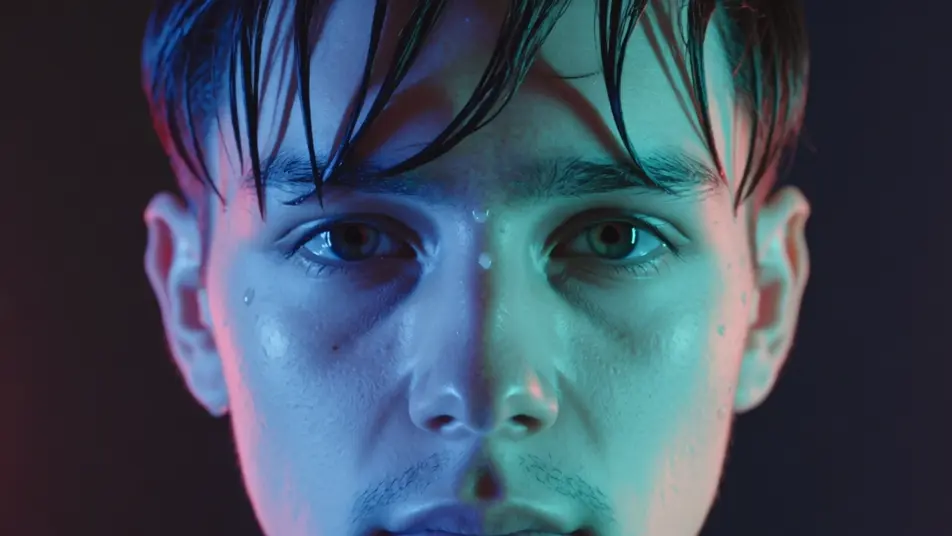
Direct chromatic aberration, color-fringed and RGB-split, in your browser with Morphic's AI video generator. Generate a sodium-lit sign smearing red and cyan ghosts, or a face pulsing apart into color channels on a bass hit. Pair them with Music to snap the split to the beat on the Canvas.
Close shot of a face under wet neon where every bright edge splits into red and cyan ghosts, the fringe swelling toward the corners, cool saturated key, slow push-in that lets the color bleed intensify.
Edit promptTight framing on a subject locked still until the channels jolt apart on the drop and snap back, hard RGB stabs punctuating the cut, dark stage light, static frame so the split reads clean.
Edit prompt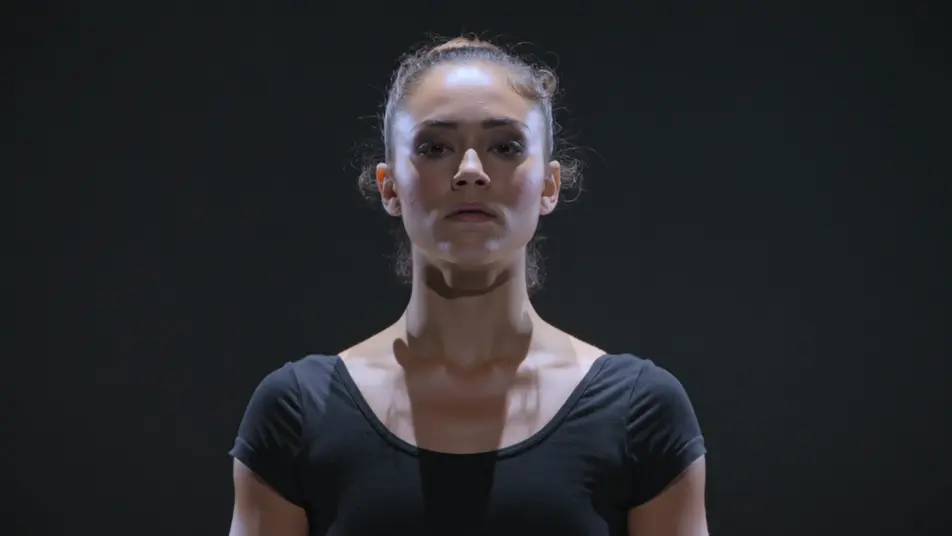
Forward tracking shot down a rain-slick street where color fringing streaks radially outward from the vanishing point, red and cyan smearing along the buildings, cool blue key, steady dolly into the depth.
Edit prompt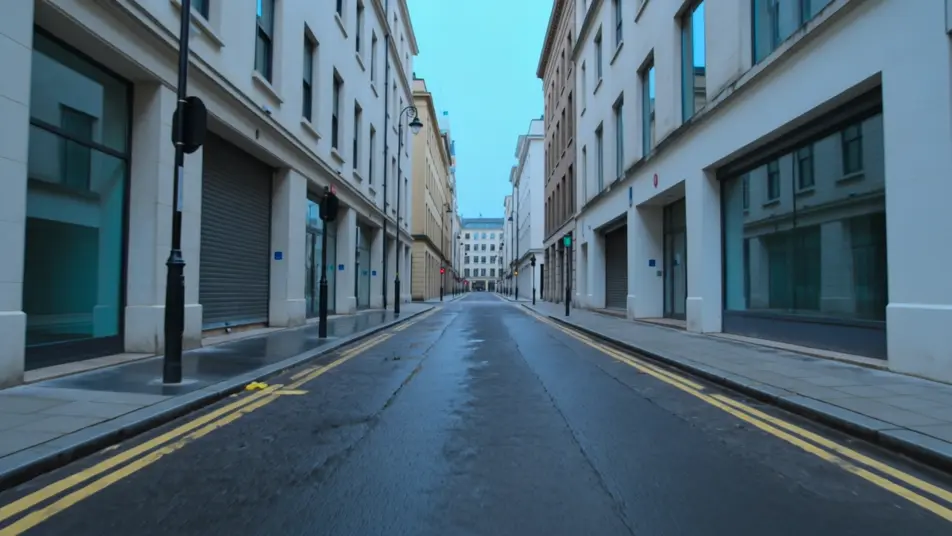
Handheld feel through a sunlit room where a soft uneven red-blue bleed drifts over everything like an old zoom lens, warm nostalgic grade, gentle sway that shifts the fringe as the frame moves.
Edit prompt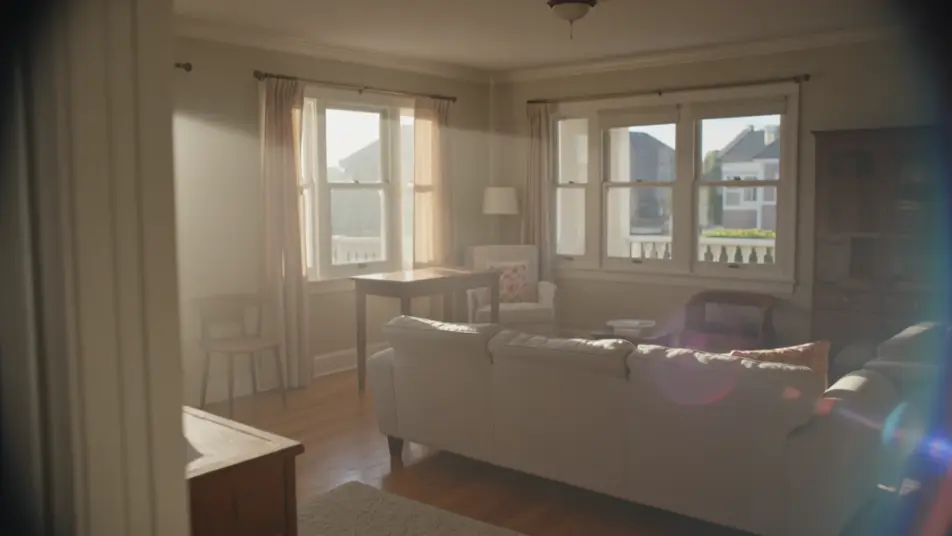
Tuliskan adegan chromatic aberration yang Anda inginkan, dengan kata-kata sederhana.
Morphic membuat klip sinematik yang siap dijadikan frame di canvas Anda dalam hitungan detik.
Ubah prompt, buat ulang variasi, lalu unduh atau bagikan shot-nya.

Dramatize any text conversation into a cinematic multi-shot video.
Cinematic time-freeze short film for any scene

Generate a professional film title card from scratch, with optional cinematic animation.
Photo of any real-estate becomes a cinematic renovation timelapse video with construction SFX and music.
One image to a 9-scene cinematic video.
Drop in a photo of yourself. Get a 12-second cinematic movie with animation and a matched soundtrack.
AI Glitch Effect videos
Generate AI glitch videos with Morphic. Block corruption, signal dropout, RGB tears, and paste-ready glitch prompts that run end to end in your browser.
AI lens flare
Generate AI lens flare videos with Morphic. Anamorphic streaks, sun bloom, spotlight halos, and paste-ready flare prompts that run end to end in your browser.
Video AI VFX
Buat video AI VFX dengan Morphic. Ledakan, efek energi, kehancuran sci-fi, partikel, dan adegan makhluk dari sebuah prompt. Tanpa green screen, tanpa.
Video Morph AI
Buat video morph AI dengan Morphic. Transisi morph yang halus, reveal berubah bentuk, morph penuaan wajah, dan prompt morph-cut selaras ketukan yang tinggal jalan.
Mulai gratis hari ini, dengan opsi untuk upgrade atau membatalkan kapan saja.
Basic
2400 bulanan kredit
1 pengguna saja
Semua model
Workflows
Standard
3625 bulanan kredit
1 pengguna saja
Semua model
Workflows
Pro
6350 bersama bulanan kredit
1 pengguna
Semua model
Workflows
Max
24650 bersama bulanan kredit
1 pengguna
Semua model
Workflows
Enterprise
Untuk batas yang lebih tinggi
Khusus
ketentuan harga dan penagihan

Free
Untuk bereksperimen
$0
gratis selamanya