Direct Stoker's gothic in your browser with Morphic's Dracula AI video generator. Generate the count crawling down the Carpathian wall or the brides circling Jonathan, add epistolary narration and organ with Speech and Music, and cut a vampire-horror episode.

Dracula characters you can direct

Dracula scenes you can stage

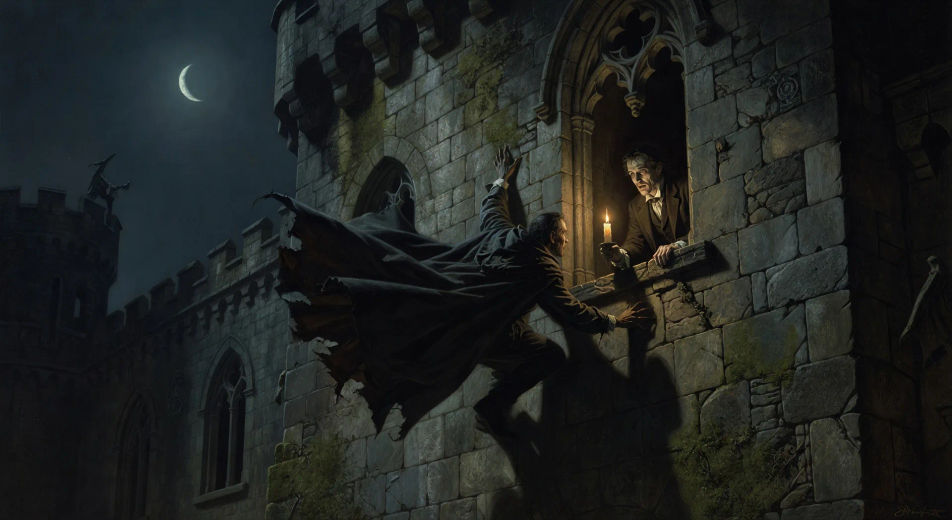
Dracula crawls head-first down the castle wall

Under a thin moon at the Carpathian castle, the count descends the sheer outer wall head-first like a lizard, cloak flowing upward against gravity, Jonathan watching frozen from the high window.

Edit prompt
Dracula crawls head-first down the castle wall

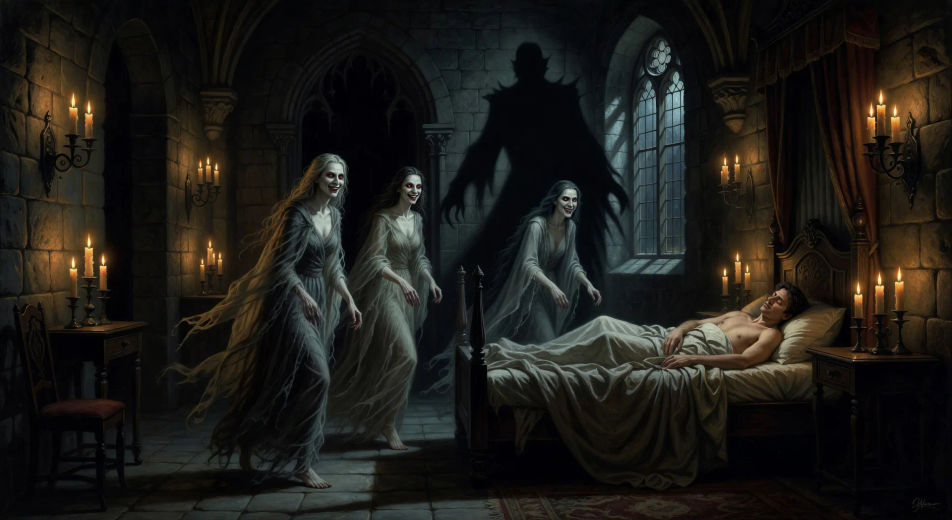
The three brides at the foot of the bed

In a candle-lit chamber of Castle Dracula at midnight, three vampire sisters in shrouds advance on the sleeping Jonathan, red mouths smiling, the count's shadow rising in the doorway behind them.

Edit prompt
The three brides at the foot of the bed

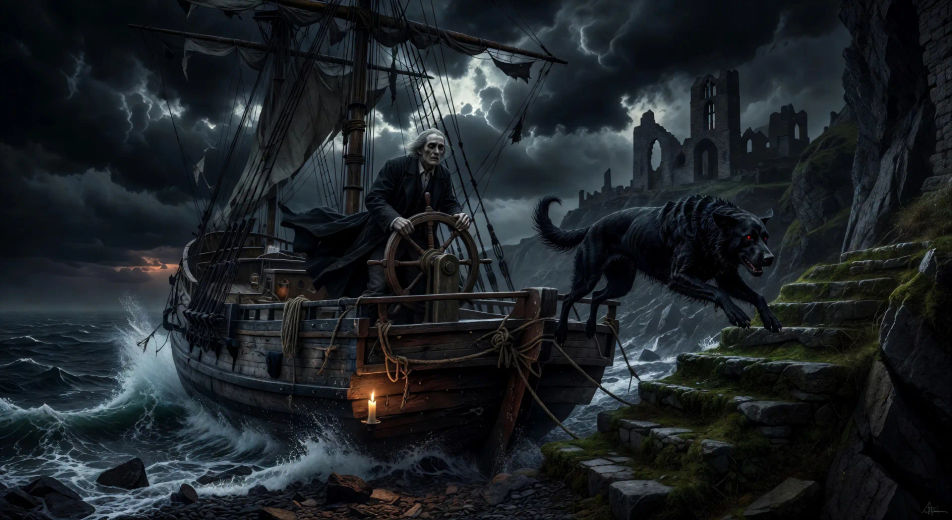
The Demeter arrives at Whitby

In a black storm at dawn off Whitby Abbey, the schooner Demeter drives ashore with her dead captain lashed to the wheel and a great black dog leaping from the deck onto the cliff stairs.

Edit prompt
The Demeter arrives at Whitby

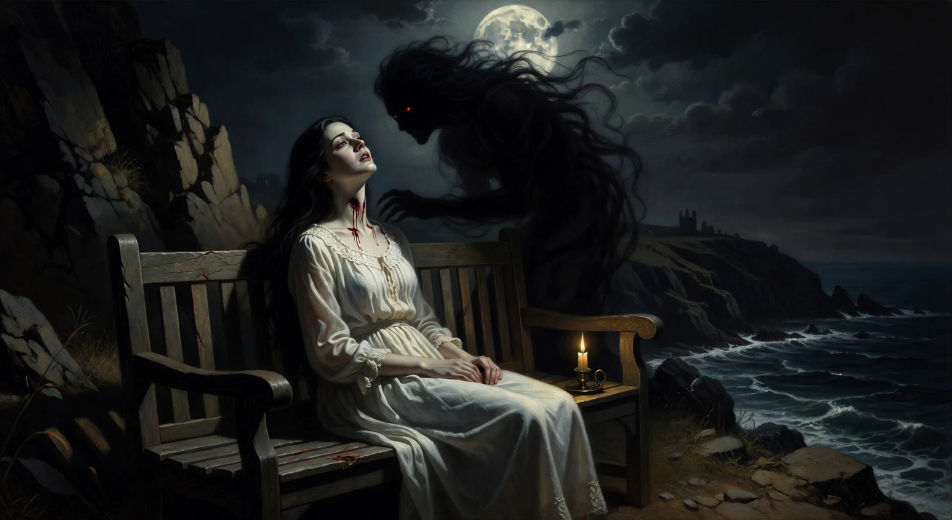
Lucy at the East Cliff bench

On the bench above East Cliff at Whitby in moonlight, Lucy in white nightdress sits with her head tilted back, a red-eyed shadow leaning over her, two punctures opening at her throat.

Edit prompt
Lucy at the East Cliff bench

Buat video Dracula dalam tiga langkah

  1. 01

    Jelaskan adegan Dracula Anda

    Tuliskan adegan Dracula yang Anda inginkan, dengan kata-kata sederhana.

  2. 02

    Buat video

    Morphic membuat klip sinematik yang siap dijadikan frame di canvas Anda dalam hitungan detik.

  3. 03

    Sempurnakan video Dracula Anda

    Ubah prompt, buat ulang variasi, lalu unduh atau bagikan shot-nya.

Workflow terkait

Anda mungkin juga suka

Harga sederhana

Mulai gratis hari ini, dengan opsi untuk upgrade atau membatalkan kapan saja.

Basic

$9/ bulan
ditagih sebagai $0 per tahun

900 bulanan kredit

1 pengguna saja

Semua model

Workflows

Standard

$24/ bulan
ditagih sebagai $0 per tahun

3200 bulanan kredit

1 pengguna saja

Semua model

Workflows

Pro

$45/ bulan
ditagih sebagai $0 per tahun

6200 bersama bulanan kredit

1 pengguna

+ hingga 4 lainnya dengan biaya tambahan

Semua model

Workflows

Pro Max

$170/ bulan
ditagih sebagai $0 per tahun

24000 bersama bulanan kredit

1 pengguna

+ hingga 9 lainnya dengan biaya tambahan

Semua model

Workflows

Enterprise

Untuk batas yang lebih tinggi

Khusus

ketentuan harga dan penagihan

High-volume credits
Batas kursi khusus
Semua model
Workflows
Pricing Gradient

Free

Untuk bereksperimen

$0

gratis selamanya

Hingga 20 kredit
Hanya 1 pengguna
Model terbatas
Workflows

FAQ

Where can I make Dracula videos with AI?
You can create Dracula scenes directly in your browser on Morphic. Open the Text to Video tool, describe the moment you want, and Morphic produces the clip. No installs and no specialist software needed.
What kinds of Dracula scenes work best with AI video?
Single-shot moments tend to work best: the count's head-first descent of the castle wall, the three brides advancing in candlelight, the Demeter driving ashore at Whitby, Lucy at the East Cliff bench, Renfield at the asylum bars, the Borgo Pass hunt at sundown. Anchor each Dracula scene to a specific location, light source, and weather.
How do I keep Dracula characters consistent across scenes?
Use the Character Lineup workflow to lock the count, Jonathan, Mina, Lucy, Van Helsing, and Renfield before producing scenes, then reference those character cards in every prompt. Morphic preserves the design across the chase so a Dracula series feels continuous.
How do I make my Dracula videos feel like the novel, not a film?
Anchor your prompts to Stoker's actual locations and beats: Borgo Pass, Castle Dracula, Whitby Abbey, Carfax, the asylum, the train across Europe. Reference late-Victorian dress and Symbolist or Pre-Raphaelite painting as the visual anchor. Avoid actor-likeness language for any film adaptation, and avoid franchise iconography.
Can I add narration and music to my Dracula videos?
Yes. The Speech tool generates a Jonathan-Harker journal voiceover from your script in the voice you choose, and the Music tool produces an original gothic soundtrack. Layer them onto your generated video to publish a complete Dracula episode.
What visual style works best for a Dracula video?
Three styles consistently land. Cinematic photoreal in the spirit of high-budget gothic period drama delivers the prestige look. Painterly oil with chiaroscuro echoes the Symbolist painters of Stoker's era. Expressionist black-and-white with hard shadows lands as homage to the silent-film vampire genre. Name the style directly in the prompt.