Ganti set green screen ke kantor kaca
Seorang presenter yang bicara ke kamera ditempatkan di kantor kaca yang bermandi cahaya dengan pemandangan kota, cahaya siang lembut membungkus subjeknya, dolly lateral perlahan melewati meja kerja.
Edit prompt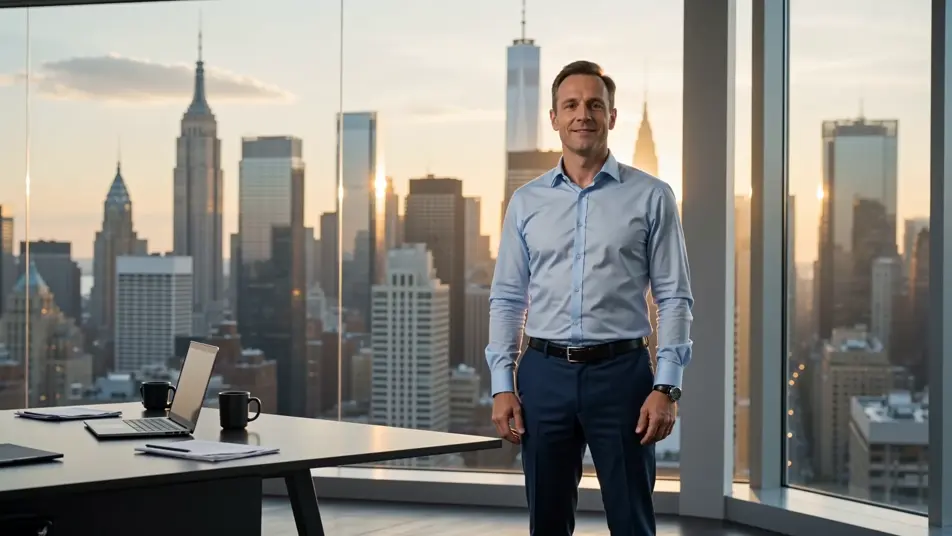
Ganti latar belakang apa pun langsung di browser dengan generator video AI green screen dari Morphic. Buat presenter yang muncul di depan skyline kota atau host yang berpindah ke kanopi hutan hujan, narasikan setiap potongan dengan Speech, lalu ganti set dan terbitkan dari Canvas.
Seorang presenter yang bicara ke kamera ditempatkan di kantor kaca yang bermandi cahaya dengan pemandangan kota, cahaya siang lembut membungkus subjeknya, dolly lateral perlahan melewati meja kerja.
Edit promptSeorang host pendaki berdiri sambil bicara sementara latar aslinya digantikan dengan punggung gunung alpine yang luas saat golden hour, awan rendah bergulir lewat, ayunan handheld yang lembut.
Edit prompt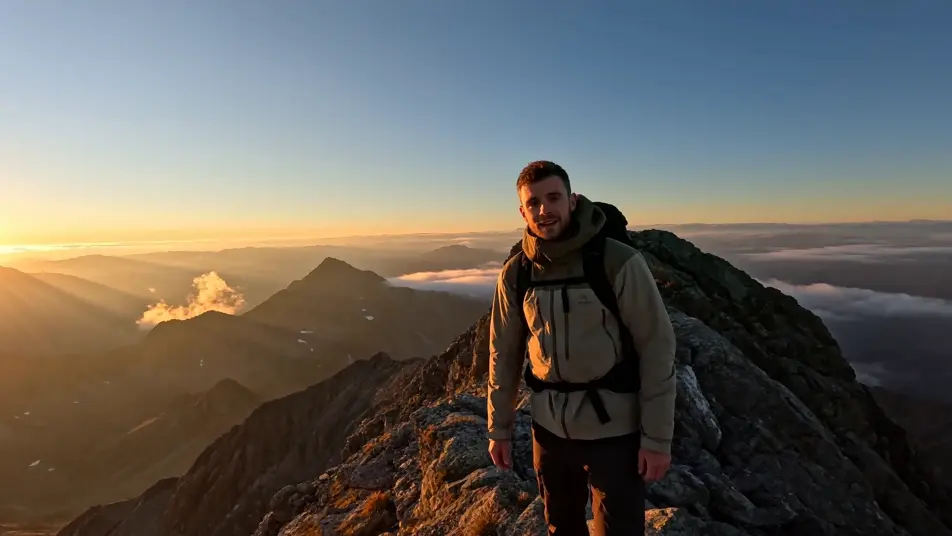
Seorang subjek yang diangkat dari ruangan polos dan ditempatkan di tengah panggung konser arena yang penuh sesak, lampu panggung menyapu, kabut di berkas cahaya, push-in perlahan dari arah penonton.
Edit prompt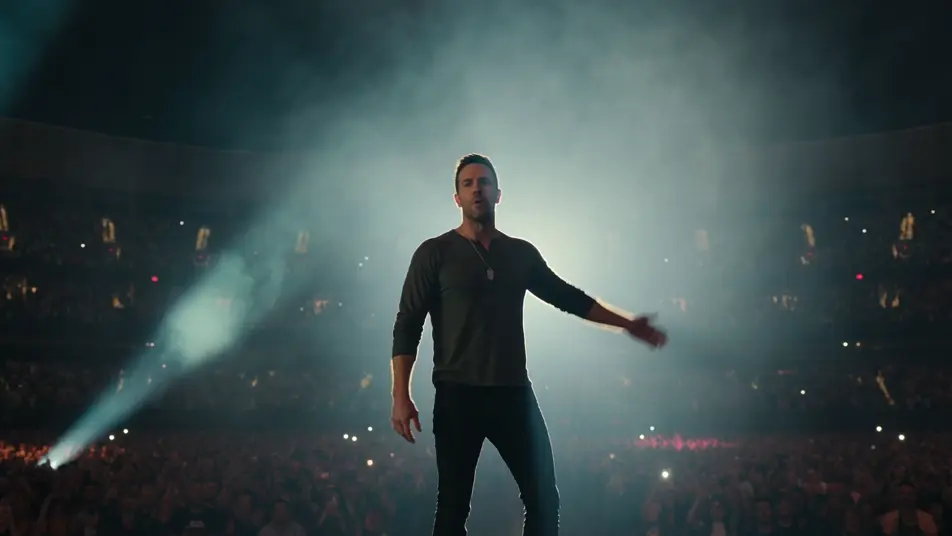
Seorang host awak kapal dibingkai di tengah shot, ditempatkan di dek pesawat luar angkasa bergaya sci-fi dengan konsol yang berpendar dan jendela berlatar bintang, cahaya kunci biru sejuk, shot terkunci yang stabil.
Edit prompt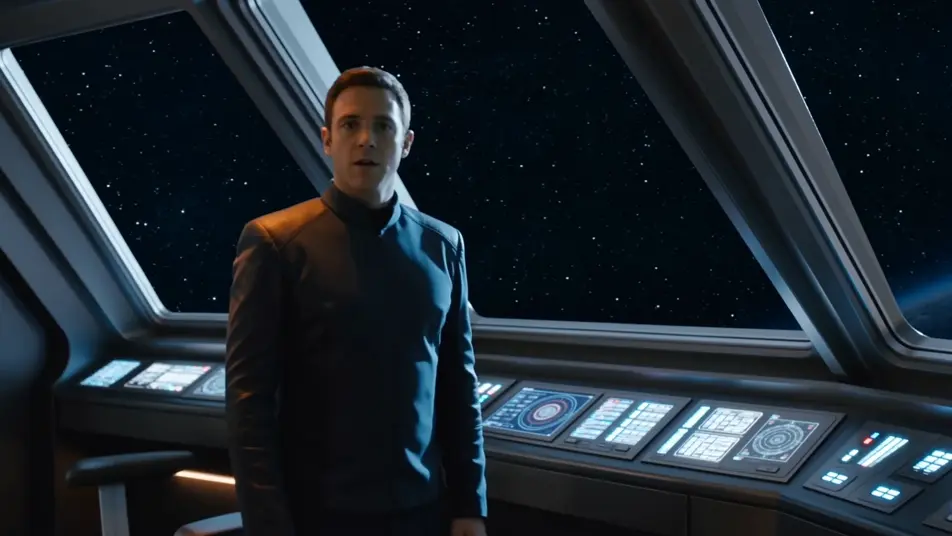
Tuliskan adegan green screen yang Anda inginkan, dengan kata-kata sederhana.
Morphic membuat klip sinematik yang siap dijadikan frame di canvas Anda dalam hitungan detik.
Ubah prompt, buat ulang variasi, lalu unduh atau bagikan shot-nya.

Dramatize any text conversation into a cinematic multi-shot video.
Cinematic time-freeze short film for any scene

Generate a professional film title card from scratch, with optional cinematic animation.
Photo of any real-estate becomes a cinematic renovation timelapse video with construction SFX and music.
One image to a 9-scene cinematic video.
Drop in a photo of yourself. Get a 12-second cinematic movie with animation and a matched soundtrack.
Video AI VFX
Buat video AI VFX dengan Morphic. Ledakan, efek energi, kehancuran sci-fi, partikel, dan adegan makhluk dari sebuah prompt. Tanpa green screen, tanpa.
Video AI POV
Buat video AI POV dengan Morphic. Arahkan jalan-jalan orang pertama yang imersif, ketukan aksi, dan momen keseharian setinggi mata. Ada adegan contoh, tanpa perlu pengalaman editing.
Video AI Film Pendek
Buat video AI film pendek bersama Morphic. Susun alur cerita, jaga karakter konsisten, arahkan tiap adegan, dan beri musik. Tanpa pengalaman edit.
Video Morph AI
Buat video morph AI dengan Morphic. Transisi morph yang halus, reveal berubah bentuk, morph penuaan wajah, dan prompt morph-cut selaras ketukan yang tinggal jalan.
Mulai gratis hari ini, dengan opsi untuk upgrade atau membatalkan kapan saja.
Basic
2400 bulanan kredit
1 pengguna saja
Semua model
Workflows
Standard
3625 bulanan kredit
1 pengguna saja
Semua model
Workflows
Pro
6350 bersama bulanan kredit
1 pengguna
Semua model
Workflows
Max
24650 bersama bulanan kredit
1 pengguna
Semua model
Workflows
Enterprise
Untuk batas yang lebih tinggi
Khusus
ketentuan harga dan penagihan

Free
Untuk bereksperimen
$0
gratis selamanya