Hanuman melompat ke Lanka dari puncak Mahendra
Hanuman membesar sebesar gunung dan meluncur dari pesisir selatan Mahendra. Jejak awan di belakangnya, samudra di bawah, menara-menara Lanka di cakrawala saat cahaya pertama.
Edit prompt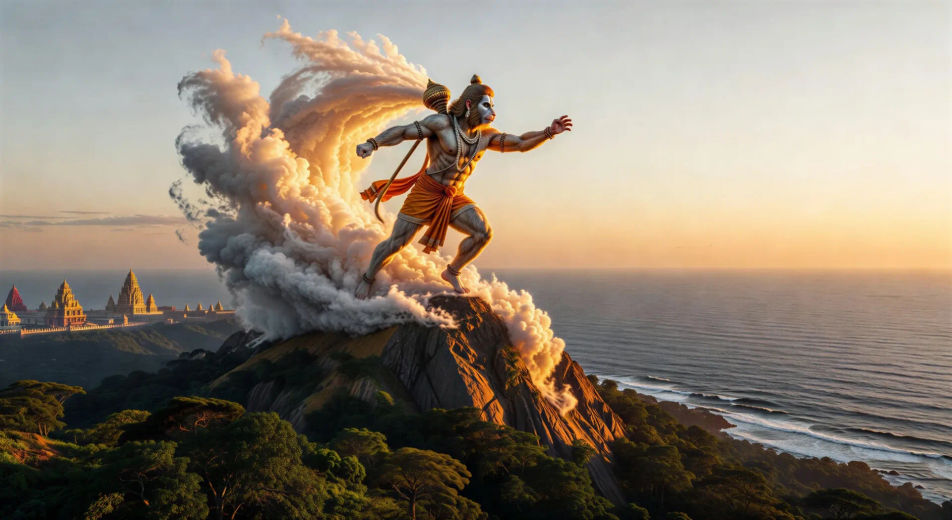
Arahkan sang wanara peloncat langsung di browser dengan generator video AI Hanuman dari Morphic. Buat lompatan menuju Lanka, terbakarnya Lanka dengan ekornya yang menjulurkan api, atau Hanuman yang membuka dadanya untuk memperlihatkan Rama dan Sita. Beri suara dan iringan dengan Speech dan Music, lalu jahit satu episode Ramayana.
Hanuman membesar sebesar gunung dan meluncur dari pesisir selatan Mahendra. Jejak awan di belakangnya, samudra di bawah, menara-menara Lanka di cakrawala saat cahaya pertama.
Edit promptDi dalam taman istana Ravana saat senja, Hanuman turun dari pohon membawa cincin Rama. Sita di bawah pohon ashoka, sari merah dan emas, para raksasi tertidur di sekelilingnya.
Edit prompt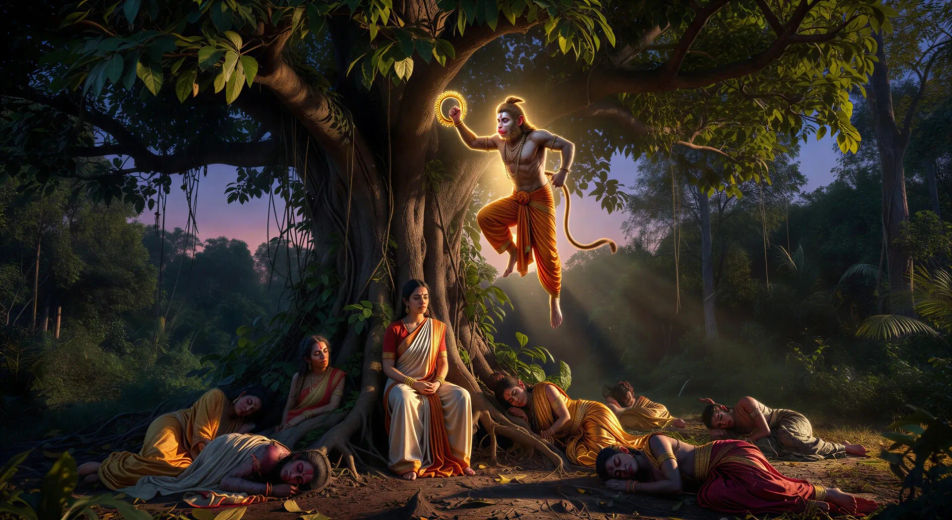
Hanuman berpindah dari atap ke atap dengan ekornya yang menjulurkan api. Kolom-kolom asap membubung ke langit malam di atas kota emas, bara berpusar, para raksasa berlarian di jalanan.
Edit prompt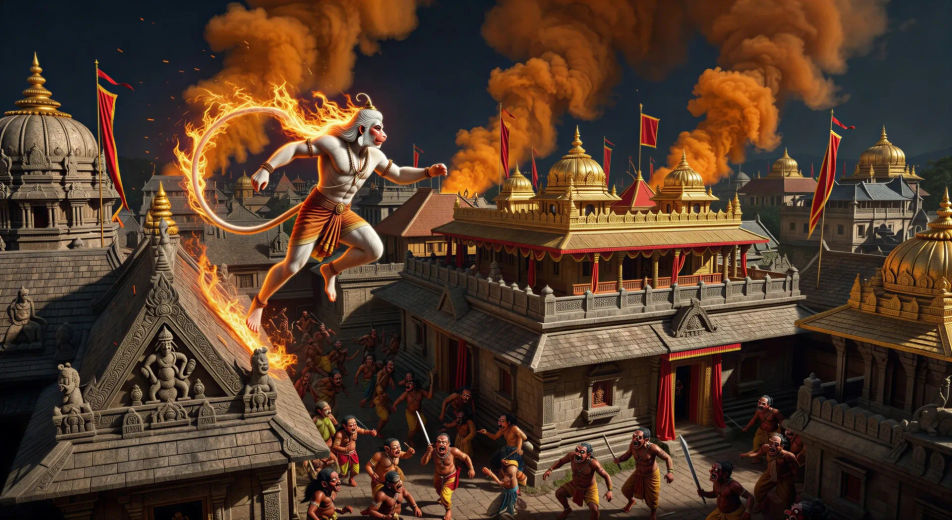
Lakshmana terbaring terluka di medan perang. Hanuman terbang kembali dari Himalaya saat fajar sambil membawa seluruh puncak Sanjeevani, tumbuhan bercahaya menangkap cahaya pertama, awan menyibak di sekelilingnya.
Edit prompt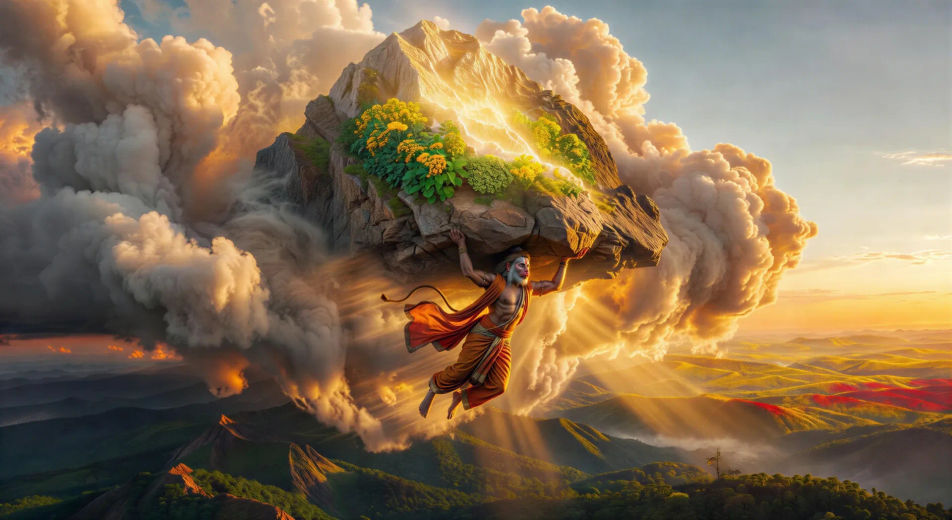
Tuliskan adegan Hanuman yang Anda inginkan, dengan kata-kata sederhana.
Morphic membuat klip sinematik yang siap dijadikan frame di canvas Anda dalam hitungan detik.
Ubah prompt, buat ulang variasi, lalu unduh atau bagikan shot-nya.

Share a scene description with character references. Get a full storyboard with shot angles and mood.

Feed in a single image. Get 9 cinematic beats laid out as a 3x3 storyboard grid.
One image to a 9-scene cinematic video.

Take any character image and generate 6 distinct facial expressions on a single reference sheet.
Cinematic time-freeze short film for any scene
Drop in a photo of yourself. Get a 12-second cinematic movie with animation and a matched soundtrack.
Video AI Ramayana
Buat adegan, potret karakter, dan episode utuh Ramayana dengan Morphic. Hasilkan, narasikan, dan beri musik video Ramayana dari satu prompt.
Video AI Krishna
Buat adegan, potret karakter, dan episode devosi atau epos utuh Krishna dengan Morphic. Hasilkan, narasikan, dan beri musik video Krishna dari satu prompt.
Video AI Durga
Buat adegan Durga, kemenangan atas Mahishasura, dan momen Navratri dengan Morphic. Hasilkan, narasikan, dan beri musik pada video Durga dari satu prompt.
Video AI Ganesh
Buat adegan Ganesh, pemulihan kepala gajah, dan kisah gading patah Mahabharata dengan Morphic. Hasilkan dan beri musik video Ganesh dari satu prompt.
Mulai gratis hari ini, dengan opsi untuk upgrade atau membatalkan kapan saja.
Basic
2400 bulanan kredit
1 pengguna saja
Semua model
Workflows
Standard
3625 bulanan kredit
1 pengguna saja
Semua model
Workflows
Pro
6350 bersama bulanan kredit
1 pengguna
Semua model
Workflows
Max
24650 bersama bulanan kredit
1 pengguna
Semua model
Workflows
Enterprise
Untuk batas yang lebih tinggi
Khusus
ketentuan harga dan penagihan

Free
Untuk bereksperimen
$0
gratis selamanya