Turn any still into a moving clip in your browser with Morphic's image to video AI. Drop in concept art or a comic panel, write the motion you want, and Morphic generates the clip. Narrate it with Speech and Music, and ship the sequence on the Canvas.

Image to video clips you can spin up

Image to video moments you can drop in

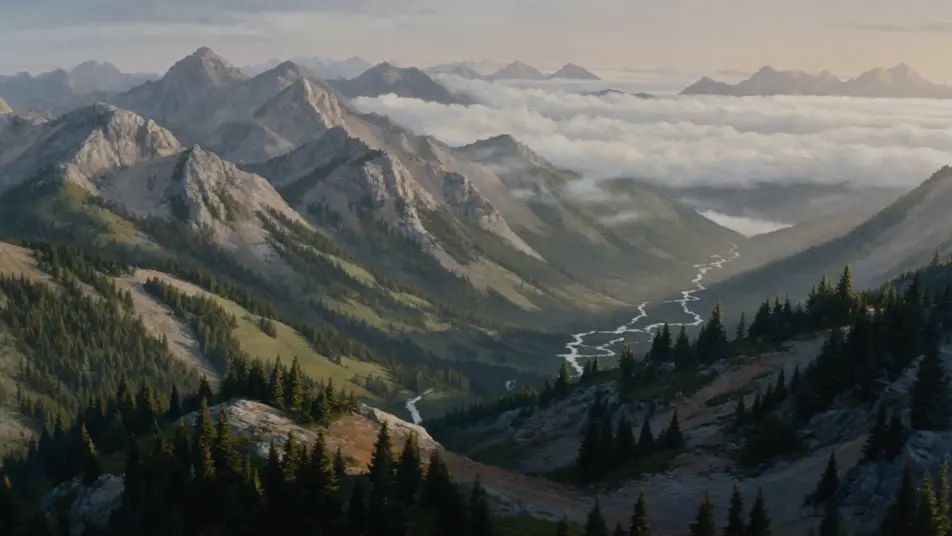
Painted landscape resolves into motion

A wide painted landscape of misty mountain valleys resolves out of a still frame, cloud banks rolling between the peaks, a river catching the morning light, the camera doing a slow lateral drift across the vista. Image to video done at landscape scale, with the painting still reading on every frame.

Edit prompt

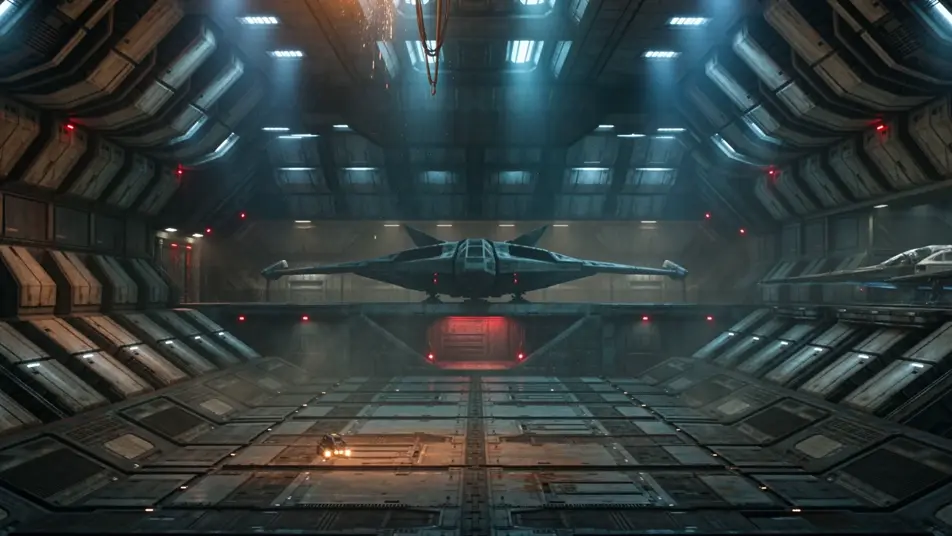
Sci-fi keyframe progresses into a shot

A sci-fi keyframe of a derelict starship bay locks in, then progresses: a service drone glides past, sparks fall from a severed cable, distant warning lights pulse on the bulkhead. The single concept frame extends into a held cinematic beat with depth and atmosphere.

Edit prompt

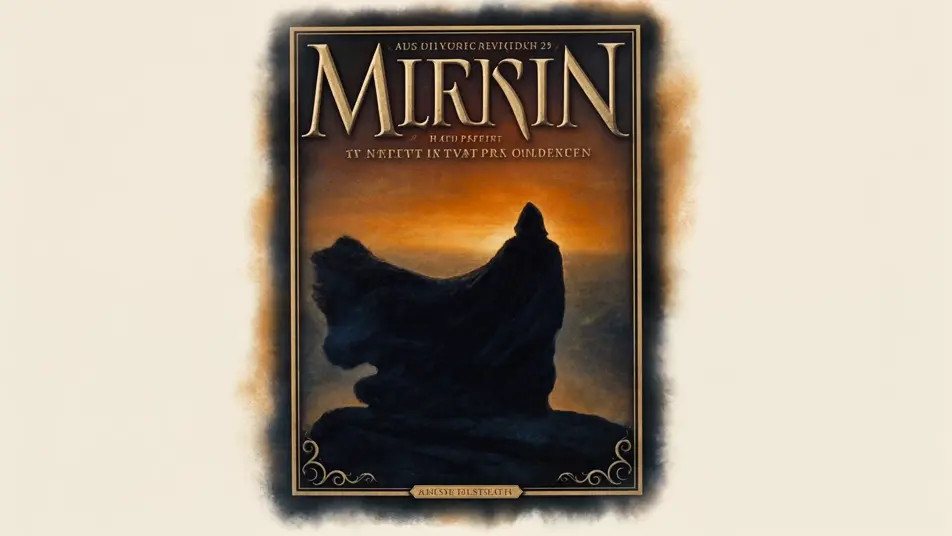
Fantasy book cover unfolds

A fantasy book cover of a hooded figure on a clifftop opens out into a moving shot: the cloak shifts in the wind, distant dragons cross a blood-orange sky, the camera pulls back to reveal a ruined kingdom below. The cover composition becomes a teaser opening shot.

Edit prompt

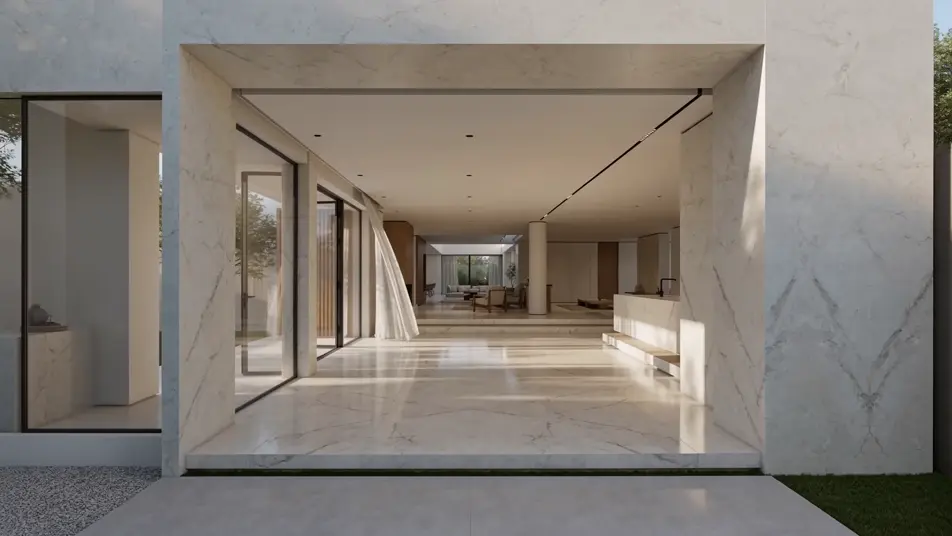
Architectural render walks the camera through

A still architectural render of a sunlit modern villa becomes a walkthrough, the camera drifting through the entryway, daylight tracking across the marble floor, a curtain stirring at an open glass door. The render quality holds while the shot moves the viewer through the space.

Edit prompt

Buat video image to video dalam tiga langkah

  1. 01

    Jelaskan adegan image to video Anda

    Tuliskan adegan image to video yang Anda inginkan, dengan kata-kata sederhana.

  2. 02

    Buat video

    Morphic membuat klip sinematik yang siap dijadikan frame di canvas Anda dalam hitungan detik.

  3. 03

    Sempurnakan video image to video Anda

    Ubah prompt, buat ulang variasi, lalu unduh atau bagikan shot-nya.

Workflow terkait

Anda mungkin juga suka

Harga sederhana

Mulai gratis hari ini, dengan opsi untuk upgrade atau membatalkan kapan saja.

Basic

$9/ bulan
ditagih sebagai $0 per tahun

900 bulanan kredit

1 pengguna saja

Semua model

Workflows

Standard

$24/ bulan
ditagih sebagai $0 per tahun

3200 bulanan kredit

1 pengguna saja

Semua model

Workflows

Pro

$45/ bulan
ditagih sebagai $0 per tahun

6200 bersama bulanan kredit

1 pengguna

+ hingga 4 lainnya dengan biaya tambahan

Semua model

Workflows

Pro Max

$170/ bulan
ditagih sebagai $0 per tahun

24000 bersama bulanan kredit

1 pengguna

+ hingga 9 lainnya dengan biaya tambahan

Semua model

Workflows

Enterprise

Untuk batas yang lebih tinggi

Khusus

ketentuan harga dan penagihan

High-volume credits
Batas kursi khusus
Semua model
Workflows
Pricing Gradient

Free

Untuk bereksperimen

$0

gratis selamanya

Hingga 20 kredit
Hanya 1 pengguna
Model terbatas
Workflows

FAQ

What is image to video AI?
Image to video AI takes a still image as the starting point and generates a real video clip from it, adding character motion, camera moves, and lighting changes. On Morphic, you bring the image and describe the motion you want, and the model produces a clip that keeps the source frame on model.
What kinds of images work with image to video AI?
Almost any flat image works as a source: concept art, illustrations, movie posters, comic panels, 3D renders, screenshots, key art, book covers, and architectural mockups. Morphic reads the composition and animates inside it, so the image to video clip looks like the still extended into a real shot.
How is image to video AI different from a still with a pan?
A pan-and-zoom moves the camera across a frozen image. Image to video AI generates new motion inside the frame itself, such as a character turning, fabric shifting, rain falling, a vehicle rotating. The source image is the starting point, not the only thing that moves.
How do I write a good image to video prompt?
Name three things in your prompt: the type of source image, the motion you want inside the frame, and the camera move. A line like "animate this comic panel with a slight head turn and a slow push-in" gives Morphic the source, the action, and the framing for a clean image to video result.
Can I keep my character or style consistent across image to video clips?
Yes. Use the Character Lineup workflow to lock a subject from one image, then reference that card on the next image to video prompt. Morphic holds the wardrobe and look steady while you generate the next clip from a different source frame.
Can I add narration and music to my image to video clips?
Yes. Run the Speech tool to generate voiceover in the voice you pick, then score the cut with the Music tool. Stack both onto your image to video clips on the Canvas to publish a finished sequence with sound.