A silent-era iris-in on a face
A fully black frame opens as a circle grows from the center to reveal a smiling face in soft warm light, the vignette edge crisp in the vintage style. Locked framing, steady circular expansion.
Edit prompt
Direct classic iris wipes in your browser with Morphic's iris wipe AI video generator. Generate a circle opening on a new scene or closing to a pinpoint, a silent-era iris-in on a smiling face, or a storybook iris-out. Score the swell with Music, then stitch a vintage sequence on the Canvas.
A fully black frame opens as a circle grows from the center to reveal a smiling face in soft warm light, the vignette edge crisp in the vintage style. Locked framing, steady circular expansion.
Edit promptA wide of a small figure waving farewell in a meadow as the circle slowly closes around them to a black pinpoint, the surrounding frame darkening evenly. Static shot, gentle iris collapse for a chapter close.
Edit prompt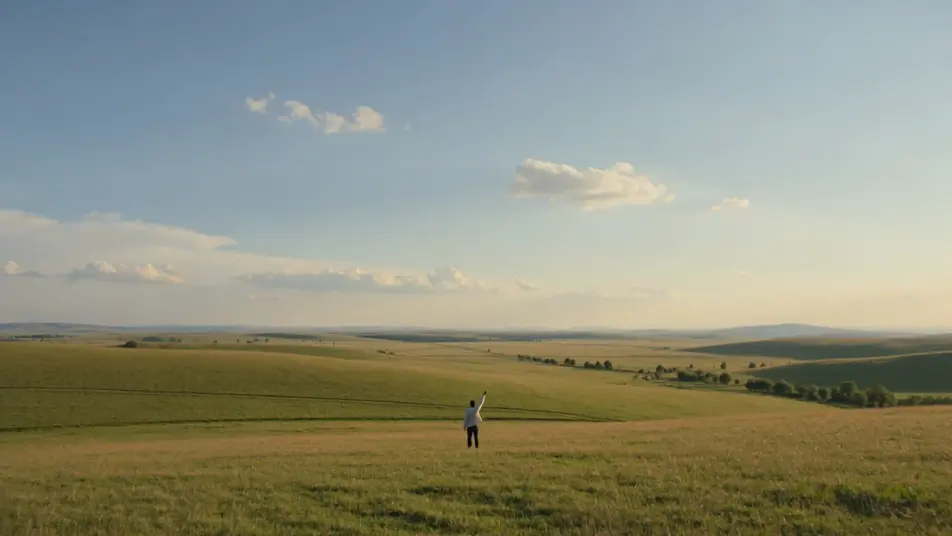
A tight circle isolates a flickering candle flame in an otherwise black frame, then the iris widens to reveal a dim, cluttered study around it. Warm low light, slow circular open.
Edit prompt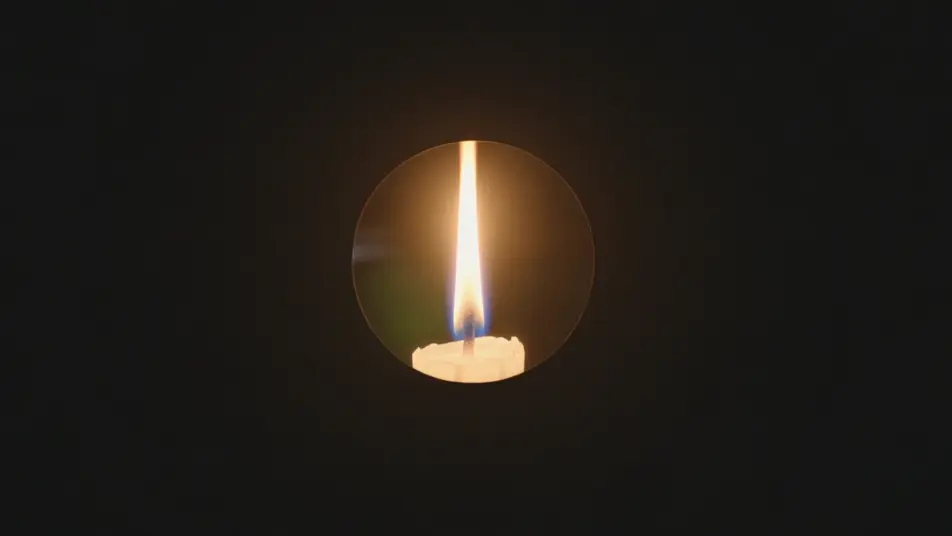
A sepia-tinted iris opens from a corner onto a bustling cobblestone street, the warm vintage border ringing the reveal. Held wide framing, unhurried off-center expansion for a period feel.
Edit prompt
Tuliskan adegan iris wipe yang Anda inginkan, dengan kata-kata sederhana.
Morphic membuat klip sinematik yang siap dijadikan frame di canvas Anda dalam hitungan detik.
Ubah prompt, buat ulang variasi, lalu unduh atau bagikan shot-nya.

Dramatize any text conversation into a cinematic multi-shot video.
Cinematic time-freeze short film for any scene

Generate a professional film title card from scratch, with optional cinematic animation.
Photo of any real-estate becomes a cinematic renovation timelapse video with construction SFX and music.
One image to a 9-scene cinematic video.
Drop in a photo of yourself. Get a 12-second cinematic movie with animation and a matched soundtrack.
AI Star Wipe videos
Generate AI star wipe videos with Morphic. Retro star-shaped transitions, sparkly starbursts, and campy wipe reveals timed to a music sting that just run.
AI Cross Dissolve videos
Generate AI cross dissolve videos with Morphic. Soft fades between shots, dreamlike overlaps, and time-passing dissolves timed to music that just run.
Video AI VFX
Buat video AI VFX dengan Morphic. Ledakan, efek energi, kehancuran sci-fi, partikel, dan adegan makhluk dari sebuah prompt. Tanpa green screen, tanpa.
Video Morph AI
Buat video morph AI dengan Morphic. Transisi morph yang halus, reveal berubah bentuk, morph penuaan wajah, dan prompt morph-cut selaras ketukan yang tinggal jalan.
Mulai gratis hari ini, dengan opsi untuk upgrade atau membatalkan kapan saja.
Basic
2400 bulanan kredit
1 pengguna saja
Semua model
Workflows
Standard
3625 bulanan kredit
1 pengguna saja
Semua model
Workflows
Pro
6350 bersama bulanan kredit
1 pengguna
Semua model
Workflows
Max
24650 bersama bulanan kredit
1 pengguna
Semua model
Workflows
Enterprise
Untuk batas yang lebih tinggi
Khusus
ketentuan harga dan penagihan

Free
Untuk bereksperimen
$0
gratis selamanya