Aktivasi lingkaran pemanggilan
Komposisi dari atas, protagonis jatuh melalui lingkaran pemanggilan bercahaya, rune menyala dalam lingkaran konsentris, mage berjubah merapal mantra di sekelilingnya.
Edit prompt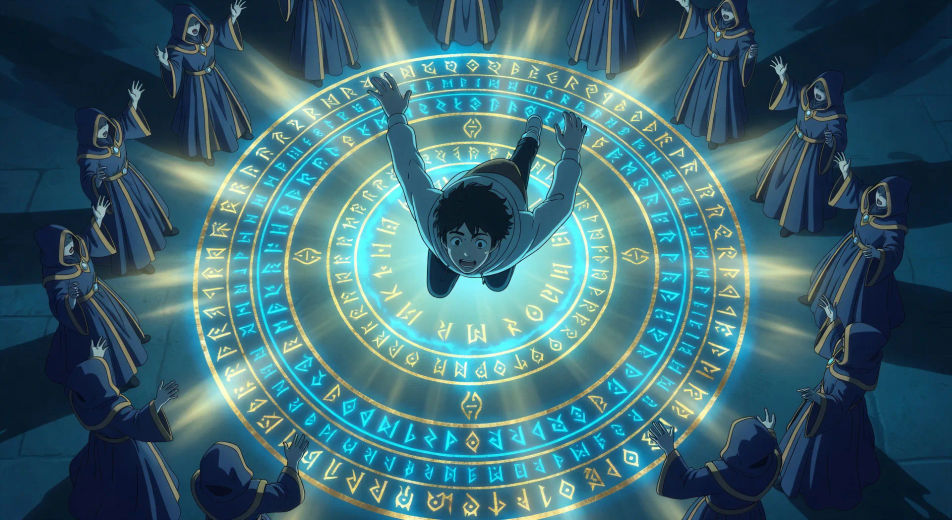
Arahkan kedatangan ke dunia lain langsung di browser Anda dengan generator video AI Isekai dari Morphic. Buat lingkaran pemanggilan dengan rune melingkar atau pertarungan bos akhir di ruang takhta, tambahkan Speech dan Music, lalu kunci palet medieval-RPG dengan Video Style Transfer.
Komposisi dari atas, protagonis jatuh melalui lingkaran pemanggilan bercahaya, rune menyala dalam lingkaran konsentris, mage berjubah merapal mantra di sekelilingnya.
Edit promptBingkai dari belakang bahu, protagonis menatap panel status semi-transparan yang melayang: nama, level 1, pohon skill yang berkembang, bar statistik setengah kosong.
Edit prompt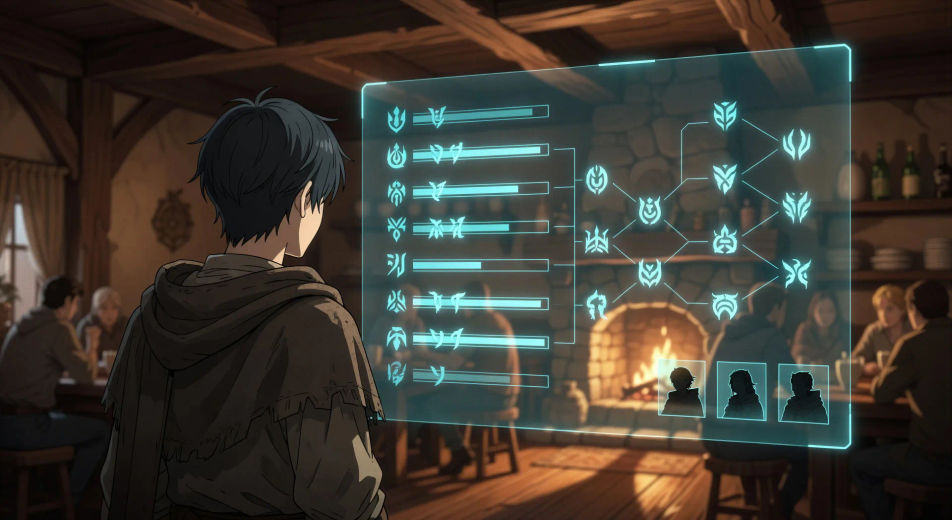
Bidikan pahlawan dari sudut rendah, party berjumlah empat berdiri di ambang pintu kedai yang bermandi cahaya matahari: ksatria, mage, pendeta, pendekar beast-folk, debu melayang dalam cahaya.
Edit prompt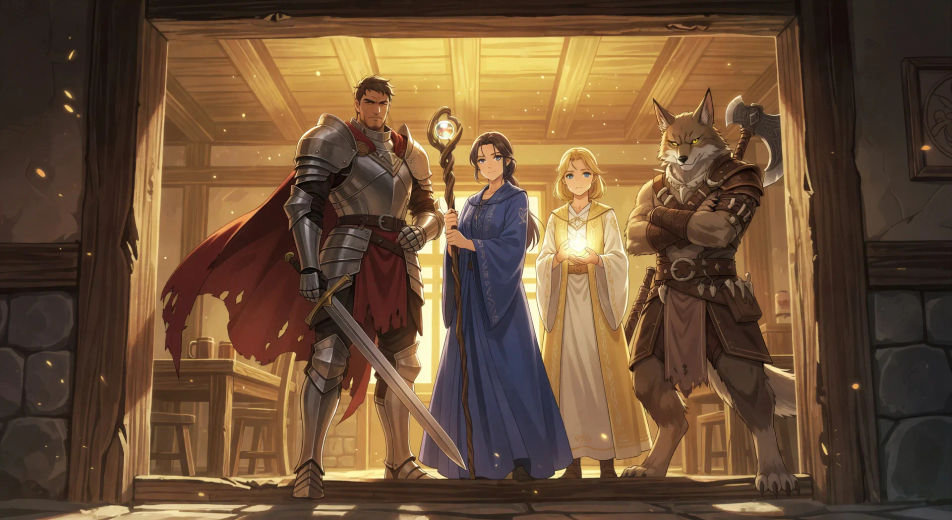
Bidikan lebar party menuruni tangga batu dungeon, api obor menyinari dinding basah, mata bercahaya terlihat dalam kegelapan di bawah anak tangga.
Edit prompt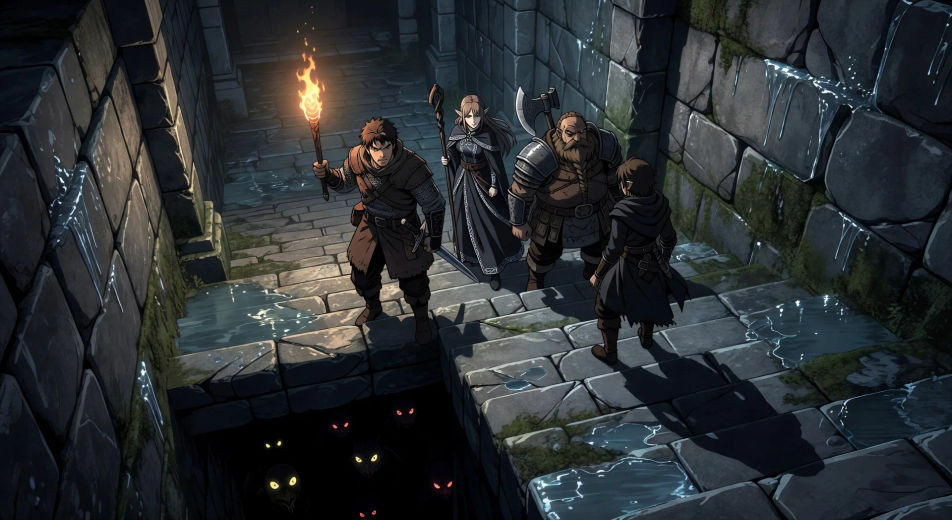
Tuliskan adegan Isekai yang Anda inginkan, dengan kata-kata sederhana.
Morphic membuat klip sinematik yang siap dijadikan frame di canvas Anda dalam hitungan detik.
Ubah prompt, buat ulang variasi, lalu unduh atau bagikan shot-nya.

Pick any anime illustration as your style guide. Apply its look to any image.

Turn any sketch or drawing into a finished render.

Take any character image and generate 6 distinct facial expressions on a single reference sheet.

All your characters on a single lineup image, side by side with height comparison.

Turn any photo or description into an animated chibi sprite. Dance, jump, wave, attack, and more.
Upload a character image and make it dance in any style.
Video AI Anime
Buat video AI Anime dengan Morphic. Hasilkan adegan slice-of-life, shot Mecha, transformasi gadis ajaib, dan episode Anime lengkap dari satu prompt.
Video AI Anime
Buat adegan pertarungan anime, duel pedang, pertempuran sihir, dan bentrokan Mecha dengan Morphic. Hasilkan, animasikan, narasikan, dan beri musik dari satu prompt.
Video AI Magical Girl
Buat video anime Magical Girl dengan Morphic. Adegan transformasi, jurus pamungkas, dan reveal kostum dihasilkan dari satu prompt, langsung di browser.
Video AI Mecha
Buat video AI Mecha bersama Morphic. Peluncuran kokpit, hangar raksasa, pertempuran skala kota, dan potret pilot, semua dari satu prompt.
Mulai gratis hari ini, dengan opsi untuk upgrade atau membatalkan kapan saja.
Basic
2400 bulanan kredit
1 pengguna saja
Semua model
Workflows
Standard
3625 bulanan kredit
1 pengguna saja
Semua model
Workflows
Pro
6350 bersama bulanan kredit
1 pengguna
Semua model
Workflows
Max
24650 bersama bulanan kredit
1 pengguna
Semua model
Workflows
Enterprise
Untuk batas yang lebih tinggi
Khusus
ketentuan harga dan penagihan

Free
Untuk bereksperimen
$0
gratis selamanya