Direct quiet domestic dread in your browser with Morphic's J-horror AI video generator. Generate a wet-haired onryō in an empty corridor or a soaked footprint on tile, add a whispered voice with Speech and Music, and stitch a J-horror short on the Canvas.
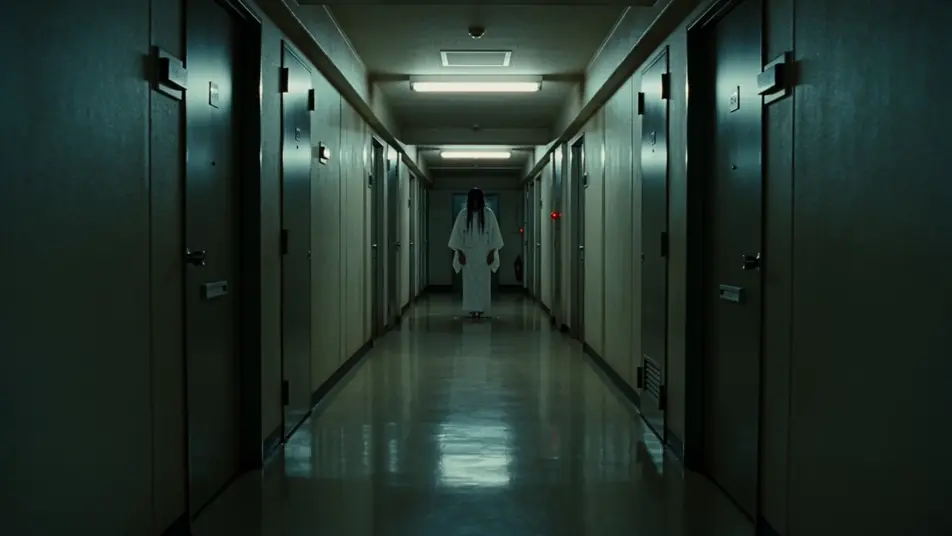
A long fluorescent-lit apartment-block corridor at 3am, lino floor, identical steel doors receding into the dark, the wet-haired onryō standing motionless at the far end, the nearest light tube ticking and flickering.
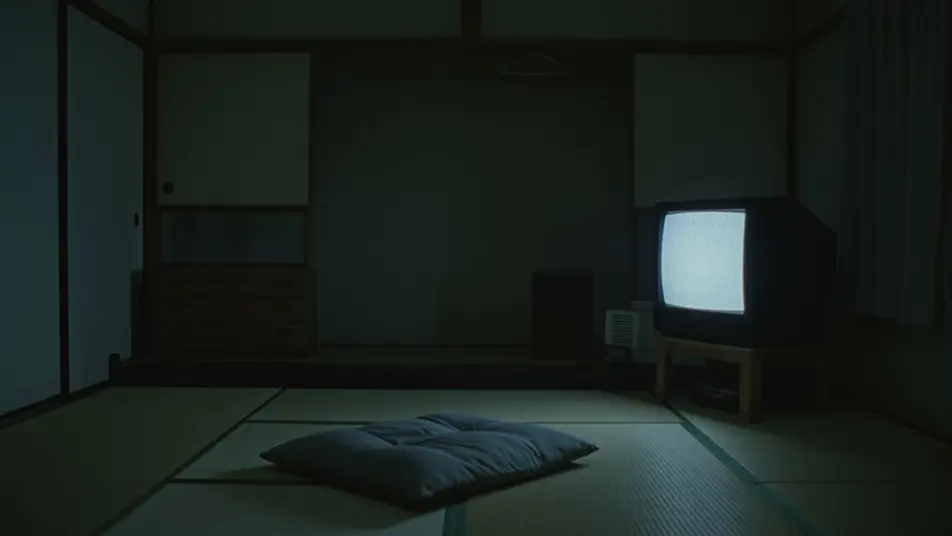
A small 90s Tokyo living room at night with no one in frame, a CRT television playing a static-flecked tape, the image slowly resolving into a single eye, the glow lighting an empty cushion on the floor.
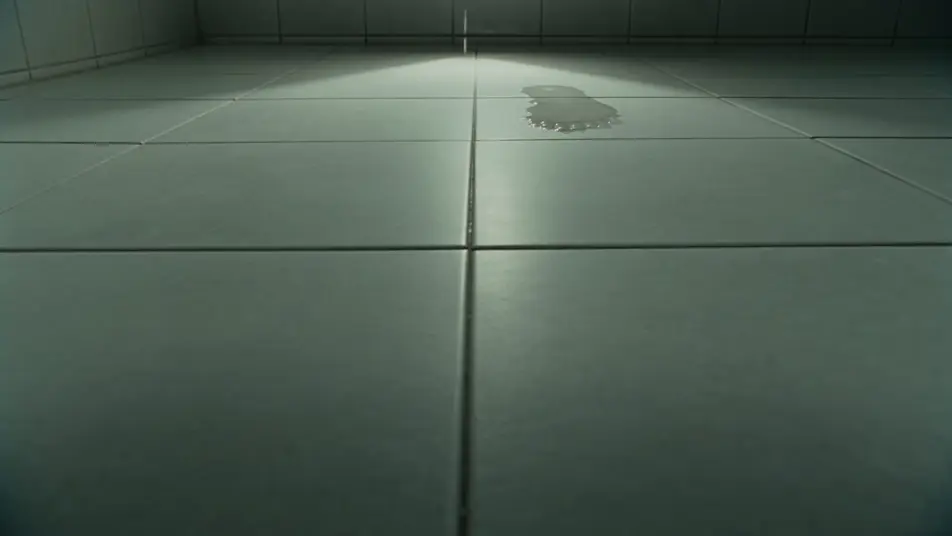
A small tiled apartment bathroom at midnight, a single bare soaked footprint visible on the white tile, then another half a metre closer, the camera holding low and still on the floor as a third appears.
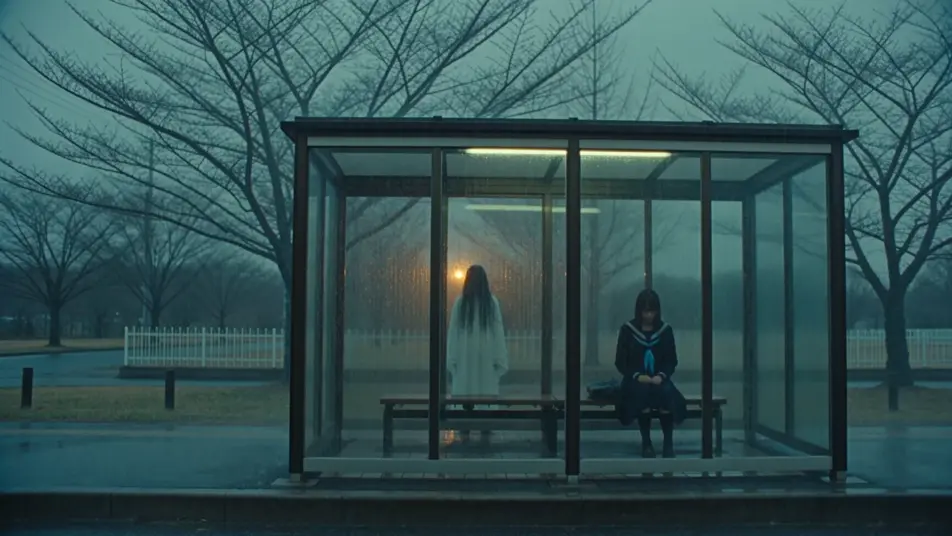
A covered bus stop on a quiet suburban road at dusk during heavy rain, the schoolgirl alone on the bench, a still wet-haired figure standing in the rain just beyond the shelter, neither moving for a long beat.
You can create J-horror scenes directly in your browser on Morphic. Open the Text to Video tool, describe the dread beat, the setting, and the camera move, and Morphic produces the clip. No installs and no specialist software needed.
What defines a J-horror scene for an AI prompt?
Four things: an action drawn from the genre (corridor stare, VHS playback, footprint advance, bus-stop encounter, stairwell stillness), a domestic Japanese setting (apartment block, 90s living room, tiled bathroom, tatami room), unforgiving low light (fluorescent flicker, CRT glow, single desk lamp), and a still archetype in frame. Name all four for the scene to read as genuine J-horror.
How do I get the quiet J-horror dread feel in a scene?
Hold the frame still, keep the figure motionless or moving in micro-increments, lean on a single light source (a flickering tube, a CRT screen, a desk lamp), and centre an analogue object (VHS tape, talisman, payphone, footprint). Name the stillness, the single light, and the analogue object directly so Morphic centres the slow build.
How do I keep my J-horror characters consistent across scenes?
Use the Character Lineup workflow to lock the burial robe, school uniform, trench coat, and pyjamas for each role (onryō, schoolgirl, journalist, child), then reference those cards in every prompt. Morphic preserves the crew across the corridor, the bathroom, and the stairwell.
What kinds of J-horror scenes work best with AI video?
Single-beat set pieces: an apartment-block corridor at 3am, a static-flecked VHS in a dark living room, a bathroom footprint at midnight, a rainy bus-stop encounter, a stairwell at dawn. Anchor each J-horror scene to one beat, one setting, and one camera move.
Can I add a whispered child voice and a thin dial-tone score to my J-horror videos?
Yes. The Speech tool generates the whispered child voice and a flat medium’s warning from your script, and the Music tool produces a thin dial-tone drone with sparse koto and detuned piano. Layer both onto the generated clip to publish a complete J-horror short.
Everything on this page is fictional depiction for film, games and creative work. It does not depict real events, and does not place real, identifiable people in them.
Results vary by model. Some models apply stricter content policies than others, so a shot one model declines may generate on another.