Direct on-screen lyrics in your browser with Morphic's lyric video AI generator. Generate kinetic typography on the downbeat, handwritten words over rain-streaked footage, or sodium-lit lyric text on a midnight drive. Pair with Music to lock the words to your track, then stitch it on the Canvas.

Lyric video clips you can animate

Lyric video looks you can direct

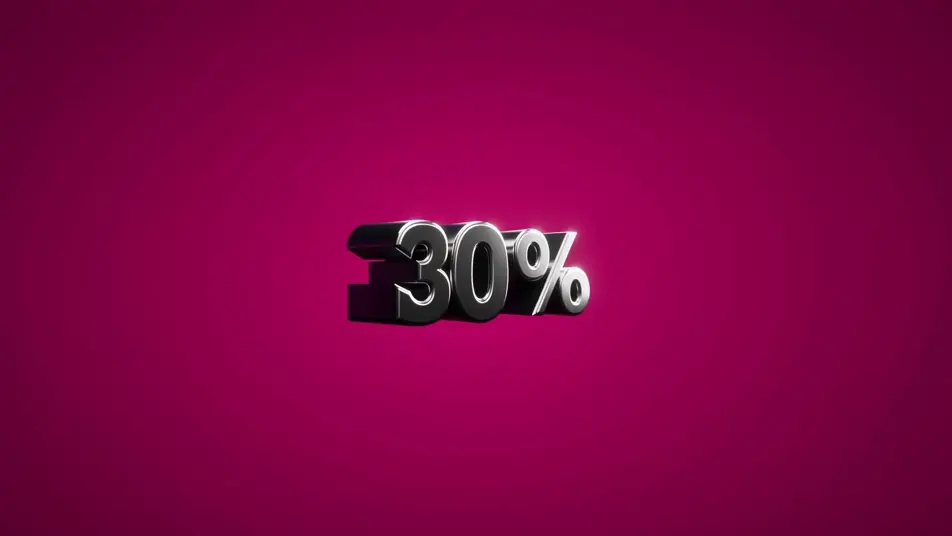
3D extruded kinetic typography

Thick 3D-extruded letterform shapes punching toward the lens in tight rhythmic bursts, beveled letters surging forward and snapping back on every accent as concentric shockwave ripples fan outward across a saturated colour field.

Edit prompt

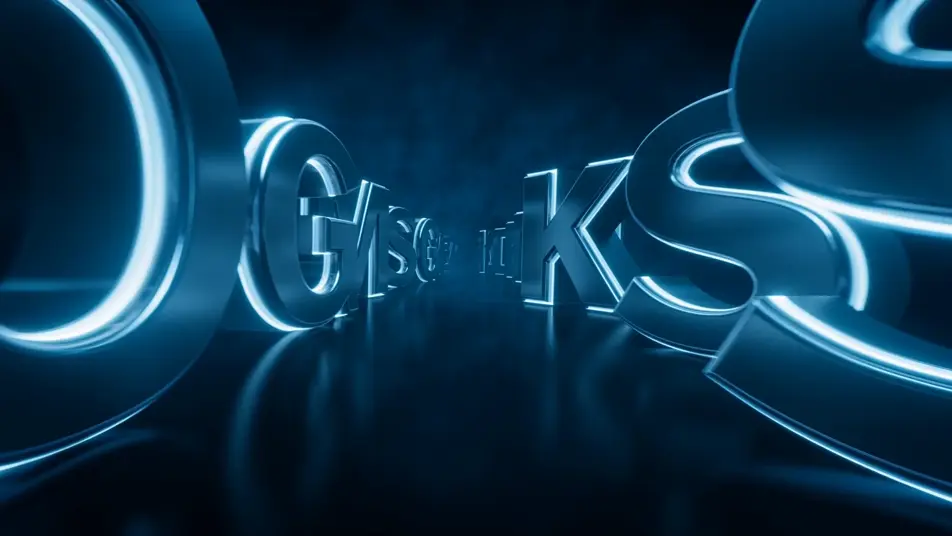
Letterform tunnel fly-through

A vast tunnel built from giant suspended letterform sculptures floating in dark space, the colossal letters drifting and slowly rotating as the camera glides forward down the centre, glowing edges trailing soft light streaks through volumetric haze.

Edit prompt

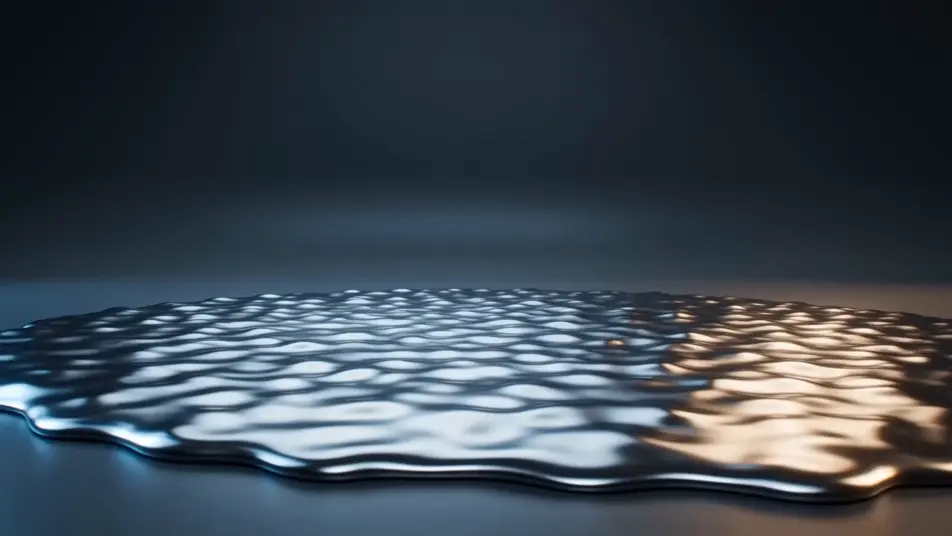
Liquid-chrome word reveal

One bold placeholder word forming out of a churning pool of liquid chrome, the molten metal rising and resolving into a crisp reflective word on the beat, mirror-bright droplets flicking off its surface against a dark gradient backdrop.

Edit prompt

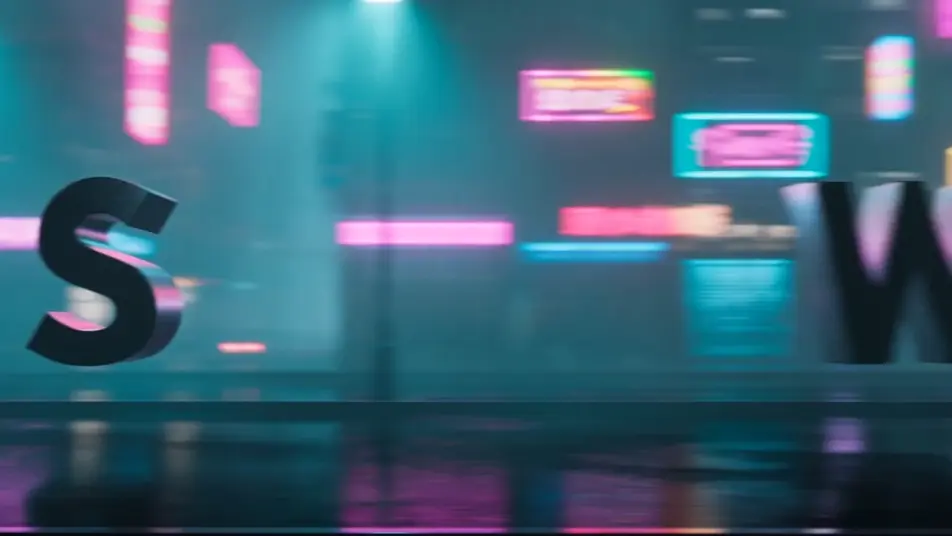
Kinetic type over a neon city

Bold sans-serif words sweeping and scaling across a moving plate of blurred neon city lights, the letters sliding in and snapping to scale on each accent as cyan and amber signage streaks past behind them in rain-slick haze.

Edit prompt

Buat video lyric video dalam tiga langkah

  1. 01

    Jelaskan adegan lyric video Anda

    Tuliskan adegan lyric video yang Anda inginkan, dengan kata-kata sederhana.

  2. 02

    Buat video

    Morphic membuat klip sinematik yang siap dijadikan frame di canvas Anda dalam hitungan detik.

  3. 03

    Sempurnakan video lyric video Anda

    Ubah prompt, buat ulang variasi, lalu unduh atau bagikan shot-nya.

Workflow terkait

Anda mungkin juga suka

Harga sederhana

Mulai gratis hari ini, dengan opsi untuk upgrade atau membatalkan kapan saja.

Basic

$9/ bulan
ditagih sebagai $0 per tahun

900 bulanan kredit

1 pengguna saja

Semua model

Workflows

Standard

$24/ bulan
ditagih sebagai $0 per tahun

3200 bulanan kredit

1 pengguna saja

Semua model

Workflows

Pro

$45/ bulan
ditagih sebagai $0 per tahun

6200 bersama bulanan kredit

1 pengguna

+ hingga 4 lainnya dengan biaya tambahan

Semua model

Workflows

Pro Max

$170/ bulan
ditagih sebagai $0 per tahun

24000 bersama bulanan kredit

1 pengguna

+ hingga 9 lainnya dengan biaya tambahan

Semua model

Workflows

Enterprise

Untuk batas yang lebih tinggi

Khusus

ketentuan harga dan penagihan

High-volume credits
Batas kursi khusus
Semua model
Workflows
Pricing Gradient

Free

Untuk bereksperimen

$0

gratis selamanya

Hingga 20 kredit
Hanya 1 pengguna
Model terbatas
Workflows

FAQ

Where can I make AI lyric videos online?
You can make lyric videos directly in your browser on Morphic. Open the Text to Video tool, describe the typography style, the backdrop, and how the words move on the beat, and Morphic produces the clip. No installs and no timeline editing needed.
What lyric video styles can I generate with AI?
Morphic handles the full range of lyric-video looks: kinetic typography bursting on the downbeat, handwritten lyrics drifting over moody footage, neon tube text on a night drive, retro poster word art, and glitch type. Name the type treatment in your prompt and Morphic lands that aesthetic.
How do I prompt for kinetic typography in a lyric video?
Describe the motion as well as the words. Specify how the letters behave on the beat ("words snap into place one at a time on the downbeat", "lines scale and rotate on each accent") and the backdrop they sit over. Naming the rhythm of the type is what separates a kinetic-typography lyric video from static on-screen text.
Can I sync the lyric video to my own music track?
Yes. Use the Music tool to generate an original track or score the section you need, then time the lyric clips to its beats and phrasing. Pairing the typography with the Music tool is what makes the words land on the rhythm instead of floating loosely over the footage.
How do I keep the typography consistent across a lyric video?
Pick one type treatment, palette, and motion style, then reuse those exact terms in every clip prompt. Describing the same font register, colour, and on-beat behaviour scene by scene keeps the lyric video on-style from the first verse to the final chorus.
Can I publish AI lyric videos to YouTube or Instagram?
Yes. Stitch the typographic clips together on the Canvas, export the finished lyric video, and upload it to YouTube, Instagram, or TikTok. The vertical clips suit Reels and Shorts, and the widescreen looks suit a standard YouTube lyric video.