Direct a mood film in your browser with Morphic's mood film generator, building the sequence shot by shot from a description. Generate a rain-lit window, a slow desert dusk, or a close study of hands and steam that carries a feeling with no dialogue. Hold the look across the cut, then assemble the shots on Compose.

Mood film shots you can direct

Mood film sequences you can stage

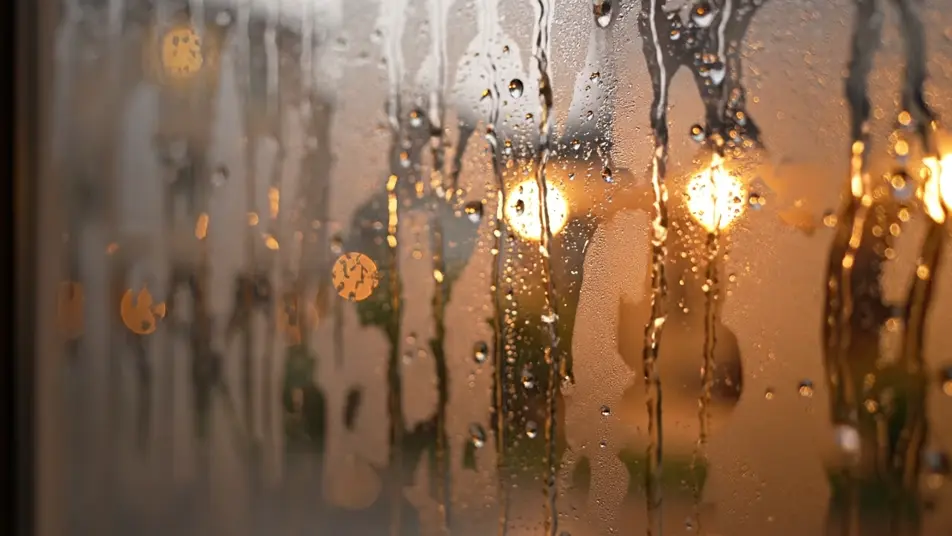
A rain-and-window opening

A soft slow push toward a fogged pane streaked with rain, warm interior light diffusing through the droplets as the world outside melts into gentle bokeh, the camera holding steady on the quiet texture. No text, no letters, no words, no numbers, no logos anywhere in frame.

Edit prompt

A desert dusk wide

A sweeping vista of rippled dunes under a fading orange sky, long raking shadows shifting as a light wind lifts thin veils of sand off the crests, the frame breathing slowly with the falling light. No text, no letters, no words, no numbers, no logos anywhere in frame.

Edit prompt

A hands-and-steam interior

A tight tactile study of hands wrapped around a warm mug in a dim room, steam curling upward through a single shaft of soft window light, the shallow focus holding on the small human gesture. No text, no letters, no words, no numbers, no logos anywhere in frame.

Edit prompt
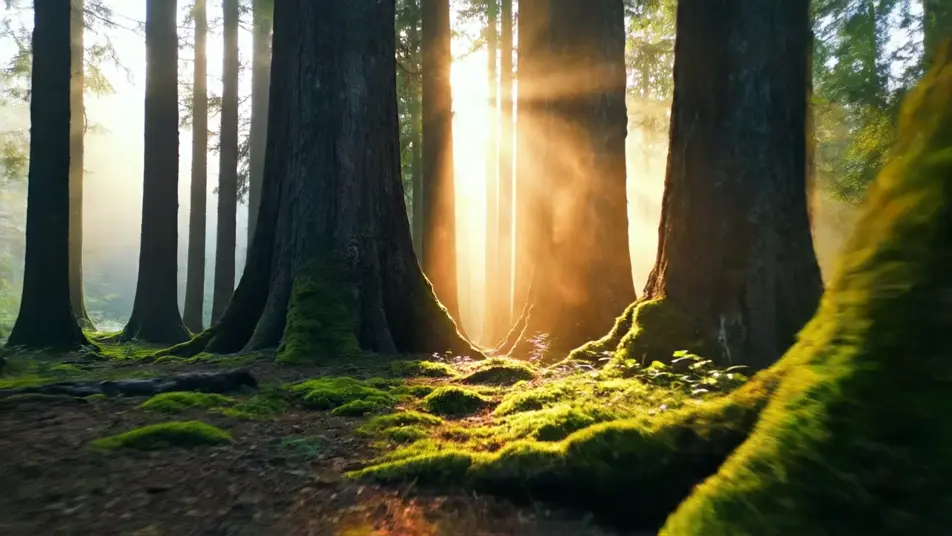
A forest light-shaft glide

A low gliding move through a misty forest where volumetric beams cut between tall trunks, dust and pollen drifting slowly through the light as the calm palette shifts from cool shadow to warm glow. No text, no letters, no words, no numbers, no logos anywhere in frame.

Edit prompt

Buat video mood film dalam tiga langkah

  1. 01

    Jelaskan adegan mood film Anda

    Tuliskan adegan mood film yang Anda inginkan, dengan kata-kata sederhana.

  2. 02

    Buat video

    Morphic membuat klip sinematik yang siap dijadikan frame di canvas Anda dalam hitungan detik.

  3. 03

    Sempurnakan video mood film Anda

    Ubah prompt, buat ulang variasi, lalu unduh atau bagikan shot-nya.

Harga sederhana

Mulai gratis hari ini, dengan opsi untuk upgrade atau membatalkan kapan saja.

Basic

$9/ bulan
ditagih sebagai $0 per tahun

900 bulanan kredit

1 pengguna saja

Semua model

Workflows

Standard

$24/ bulan
ditagih sebagai $0 per tahun

3200 bulanan kredit

1 pengguna saja

Semua model

Workflows

Pro

$45/ bulan
ditagih sebagai $0 per tahun

6200 bersama bulanan kredit

1 pengguna

+ hingga 4 lainnya dengan biaya tambahan

Semua model

Workflows

Pro Max

$170/ bulan
ditagih sebagai $0 per tahun

24000 bersama bulanan kredit

1 pengguna

+ hingga 9 lainnya dengan biaya tambahan

Semua model

Workflows

Enterprise

Untuk batas yang lebih tinggi

Khusus

ketentuan harga dan penagihan

Kredit volume tinggi
Batas kursi khusus
Semua model
Workflows
Pricing Gradient

Free

Untuk bereksperimen

$0

gratis selamanya

Hingga 20 kredit
Hanya 1 pengguna
Model terbatas
Workflows

FAQ

Where can I make a mood film with AI?
You can make a mood film directly in your browser on Morphic. Open the Text to Video tool, describe the setting, the light, and the camera move for each shot, and Morphic generates the beat. Build the sequence shot by shot with no crew and no shoot day.
What kinds of shots work best in a mood film?
Atmospheric beats read best: a rain-lit window, a desert dusk, hands and steam, forest light shafts, or a foggy horizon. Each carries a feeling without dialogue, so a mood film built from these holds its tone from the opening frame to the last.
How do I write a good prompt for a mood film?
Lead with the emotion, then name the setting, the light, and the camera move. Describe how the frame breathes, a slow push, a low glide, a steady hold. Naming the mood and the light together is what keeps every shot on the same emotional register.
How do I hold the look across a mood film cut?
Reuse the same palette, light direction, and camera pacing in every prompt so no shot breaks the tone. On Compose you order the beats and time each transition, keeping continuity between scenes without a colourist so the film reads as one held mood.
Can I add music to a mood film?
Yes. The Music tool generates an original bed that carries the atmosphere under the visuals. A mood film lands best when the track stays subtle and slow, letting the light and texture of each shot do the emotional work.


