Head-on star, gone in two frames
A short symmetrical star of light blooms straight at the lens from an unmarked prop barrel in a rig and is gone within two frames.
Edit prompt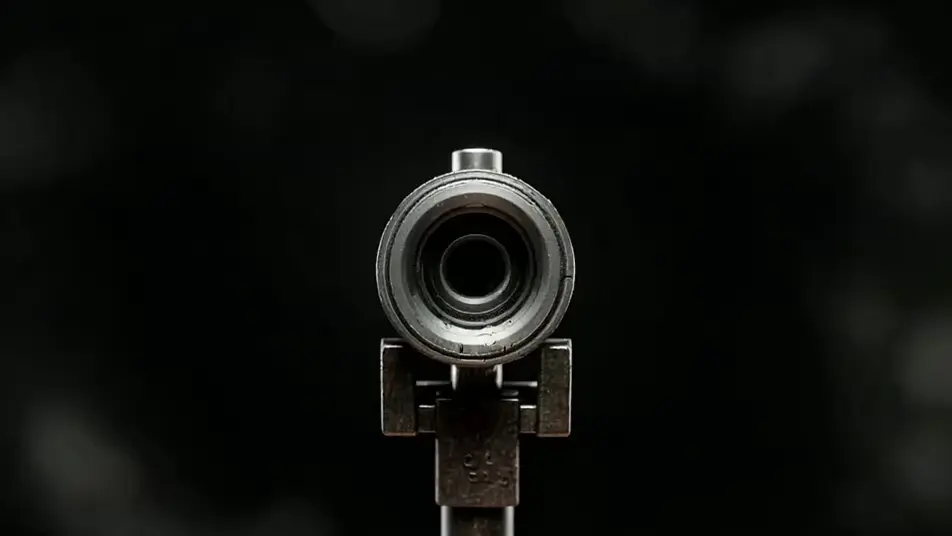
Generate muzzle flash stock footage in Morphic's AI video generator: a star bloom gone in two frames, or a warm pulse washing a bare wall. Screen the passes on Compose.
A short symmetrical star of light blooms straight at the lens from an unmarked prop barrel in a rig and is gone within two frames.
Edit promptSeen from ninety degrees, a brief sideways flare leaves an unmarked prop barrel in a rig and a thin curl of smoke follows it straight out.
Edit prompt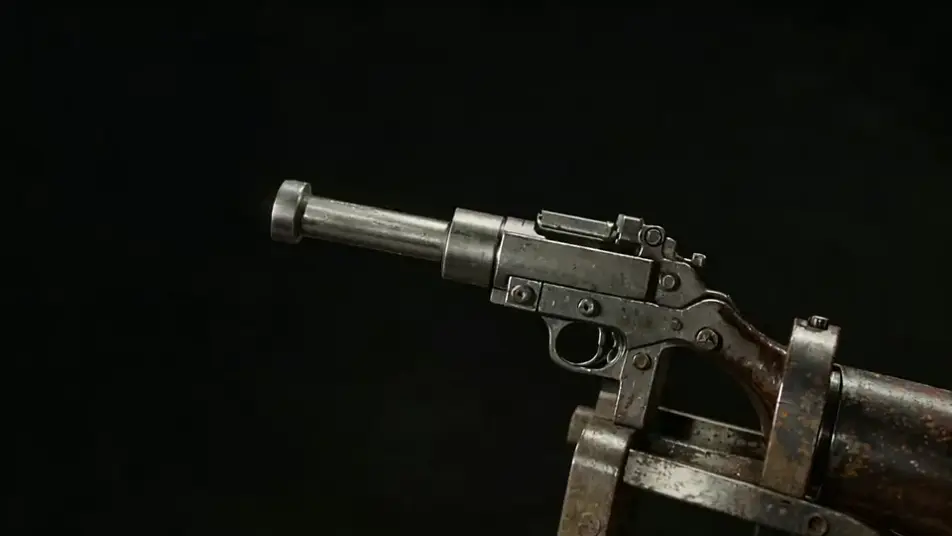
Three brief blooms of light fire in quick succession with full darkness returning between each, every bloom a slightly different shape.
Edit prompt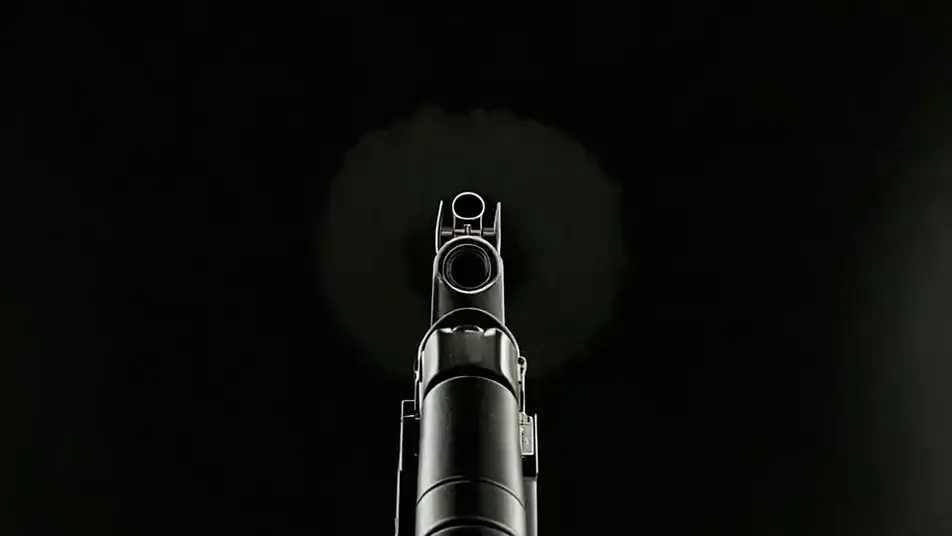
A single warm pulse sweeps over bare dark concrete with hard shadow edges and dies instantly, the source never visible in the frame.
Edit prompt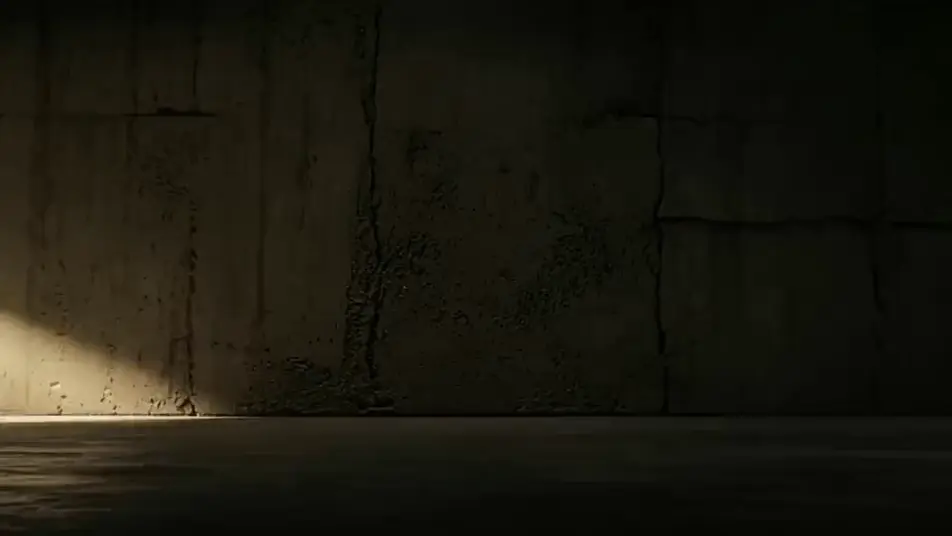
Tuliskan adegan muzzle flash stock footage yang Anda inginkan, dengan kata-kata sederhana.
Morphic membuat klip sinematik yang siap dijadikan frame di canvas Anda dalam hitungan detik.
Ubah prompt, buat ulang variasi, lalu unduh atau bagikan shot-nya.

Dramatize any text conversation into a cinematic multi-shot video.
Cinematic time-freeze short film for any scene

Generate a professional film title card from scratch, with optional cinematic animation.
Photo of any real-estate becomes a cinematic renovation timelapse video with construction SFX and music.
One image to a 9-scene cinematic video.
Drop in a photo of yourself. Get a 12-second cinematic movie with animation and a matched soundtrack.
AI black and white stock footage
Browse black and white stock footage and generate your own shots at the length, ratio and look the cut needs. Morphic makes video, image, voice and sound.
AI action stock footage
Browse action stock footage and generate your own shots at the exact length, ratio and look the cut needs. Morphic makes video, image, voice and sound.
AI ink splatter stock footage
Browse ink splatter stock footage and generate your own shots at the length, ratio and look the cut needs. Morphic makes video, image, voice and sound.
AI explosion stock footage
Browse explosion stock footage and generate your own shots at the exact length, ratio and look the cut needs. Morphic makes video, image, voice and sound.
Mulai gratis hari ini, dengan opsi untuk upgrade atau membatalkan kapan saja.
Basic
2400 bulanan kredit
1 pengguna saja
Semua model
Workflows
Standard
3625 bulanan kredit
1 pengguna saja
Semua model
Workflows
Pro
6350 bersama bulanan kredit
1 pengguna
Semua model
Workflows
Max
24650 bersama bulanan kredit
1 pengguna
Semua model
Workflows
Enterprise
Untuk batas yang lebih tinggi
Khusus
ketentuan harga dan penagihan

Free
Untuk bereksperimen
$0
gratis selamanya