Nibelungenlied AI Videos

Direct the Nibelungenlied in your browser with Morphic's Nibelungenlied AI video generator. Generate Siegfried bathing in the dragon's blood, murdered at the forest spring, or the Nibelung treasure sunk into the Rhine. Voice the vow and score the doom with Speech and Music, then stitch the Canvas.

Nibelungenlied figures you can create

Nibelungenlied scenes you can direct

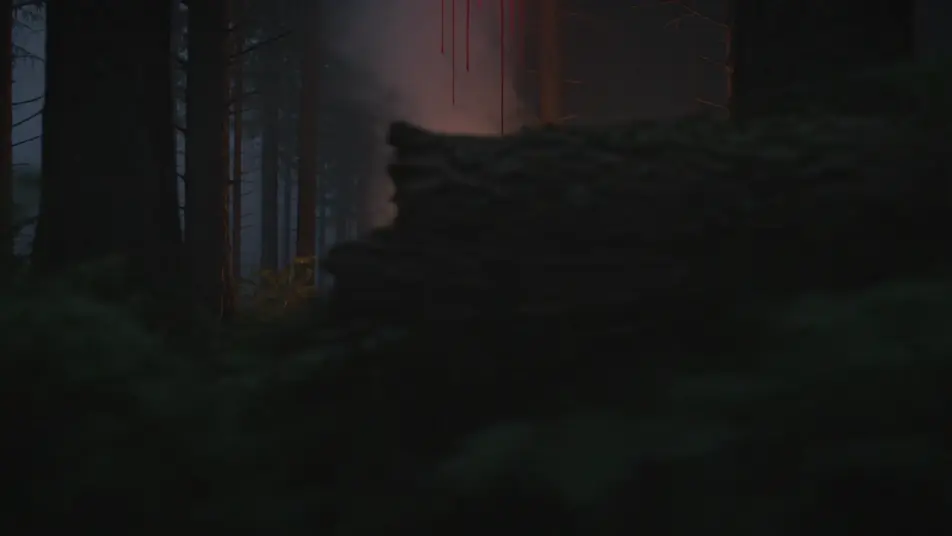
Siegfried bathes in the dragon’s blood

In a deep forest clearing at dusk, Siegfried stands beneath the streaming blood of the slain dragon as his skin hardens to horn, a single linden leaf falling to his shoulder. Slow rising shot through the dark trees, red light on the steaming blood.

Edit prompt
Siegfried murdered at the spring

At a cold forest spring in dappled light, Siegfried bends to drink as Hagen drives a spear into the one soft spot between his shoulders. Tight low angle behind the hero, the water clouding red.

Edit prompt

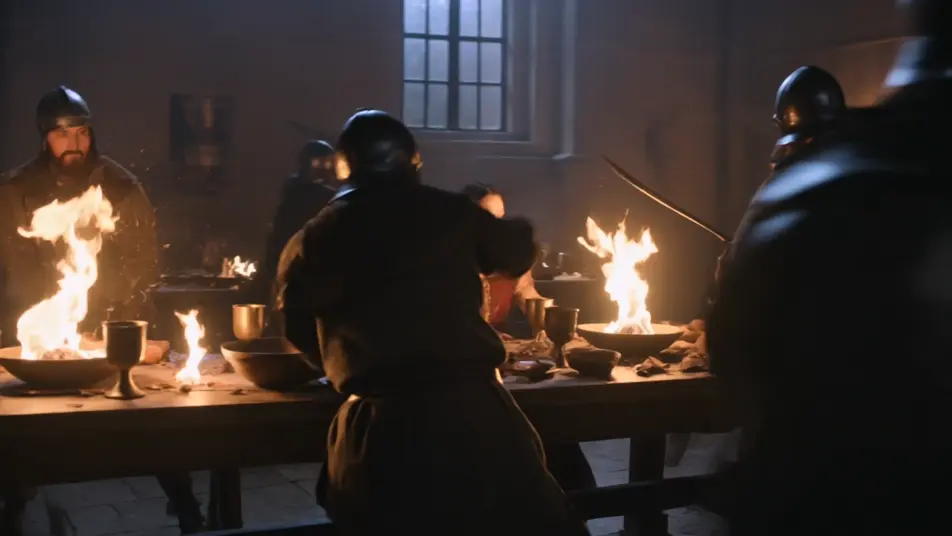
Kriemhild’s revenge at the feast

In a great torch-lit Burgundian feasting hall at night, Kriemhild rises among the burning tables as blades are drawn and the long-planned slaughter erupts around her. Slow orbit through the chaos, firelight and flying shadow.

Edit prompt

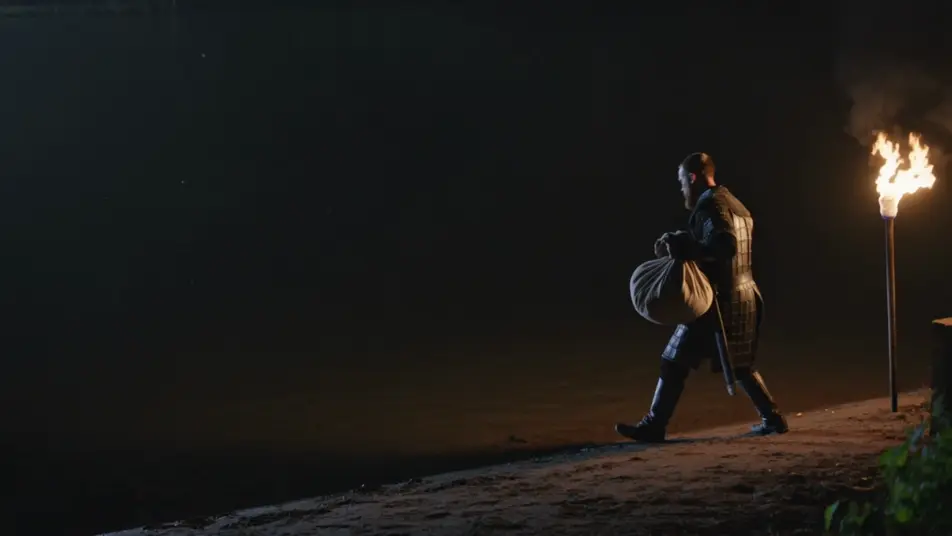
The Nibelung hoard sunk in the Rhine

On the dark bank of the Rhine at night, Hagen tips the last of the gold treasure into the black river, the hoard vanishing beneath the water forever. Wide still shot, torchlight glinting on the sinking gold.

Edit prompt

Buat video Nibelungenlied dalam tiga langkah

  1. 01

    Jelaskan adegan Nibelungenlied Anda

    Tuliskan adegan Nibelungenlied yang Anda inginkan, dengan kata-kata sederhana.

  2. 02

    Buat video

    Morphic membuat klip sinematik yang siap dijadikan frame di canvas Anda dalam hitungan detik.

  3. 03

    Sempurnakan video Nibelungenlied Anda

    Ubah prompt, buat ulang variasi, lalu unduh atau bagikan shot-nya.

Workflow terkait

Anda mungkin juga suka

Harga sederhana

Mulai gratis hari ini, dengan opsi untuk upgrade atau membatalkan kapan saja.

Basic

$9/ bulan
ditagih sebagai $0 per tahun

900 bulanan kredit

1 pengguna saja

Semua model

Workflows

Standard

$24/ bulan
ditagih sebagai $0 per tahun

3200 bulanan kredit

1 pengguna saja

Semua model

Workflows

Pro

$45/ bulan
ditagih sebagai $0 per tahun

6200 bersama bulanan kredit

1 pengguna

+ hingga 4 lainnya dengan biaya tambahan

Semua model

Workflows

Pro Max

$170/ bulan
ditagih sebagai $0 per tahun

24000 bersama bulanan kredit

1 pengguna

+ hingga 9 lainnya dengan biaya tambahan

Semua model

Workflows

Enterprise

Untuk batas yang lebih tinggi

Khusus

ketentuan harga dan penagihan

High-volume credits
Batas kursi khusus
Semua model
Workflows
Pricing Gradient

Free

Untuk bereksperimen

$0

gratis selamanya

Hingga 20 kredit
Hanya 1 pengguna
Model terbatas
Workflows

FAQ

Where can I make Nibelungenlied videos with AI?
You can create Nibelungenlied scenes directly in your browser on Morphic. Open the Text to Video tool, describe the moment you want, and Morphic produces the clip. No installs and no specialist software needed.
What kinds of Nibelungenlied scenes work best with AI video?
Single-shot moments from the epic tend to work best: Siegfried bathing in the dragon’s blood, his murder at the forest spring, Kriemhild’s revenge at the Burgundian feast, the Nibelung hoard sunk in the Rhine. Anchor each scene to a specific moment, location, time of day, and mood.
How do I keep Nibelungenlied figures consistent across scenes?
Use the Character Lineup workflow to lock each look once, such as Siegfried’s golden hair and bright mail or Hagen’s dark helm and cloak, then reference that character card in every prompt. Morphic preserves the design across the arc so a Nibelungenlied series feels continuous.
How do I write a good prompt for a Nibelungenlied scene?
Name the moment of the epic, the location, the lighting, and the camera direction. For example: "Hagen driving a spear into Siegfried’s one soft spot as the hero bends to drink at a cold forest spring, tight low angle, the water clouding red." The more specific your imagery, the closer the output matches your imagination.
Can I add narration and music to my Nibelungenlied videos?
Yes. The Speech tool generates a voiceover from your script in the voice you choose, and the Music tool produces an original soundtrack to score the scene. Layer them onto your generated video to publish a complete Nibelungenlied episode.
Will my Nibelungenlied videos look like a particular opera or film?
No. Morphic renders the medieval Germanic epic itself, drawn from the primary-source Nibelungenlied rather than any studio’s or opera’s design. Name the era and medium you want in the prompt, such as medieval manuscript color, painterly Romantic oil, or cinematic photoreal, and the result stays anchored to the legend.