Arrival at the window
A wide shot from inside a cozy room looking out at a red-suited figure passing a snowy window at blue hour, warm lamplight on the glass.
Edit prompt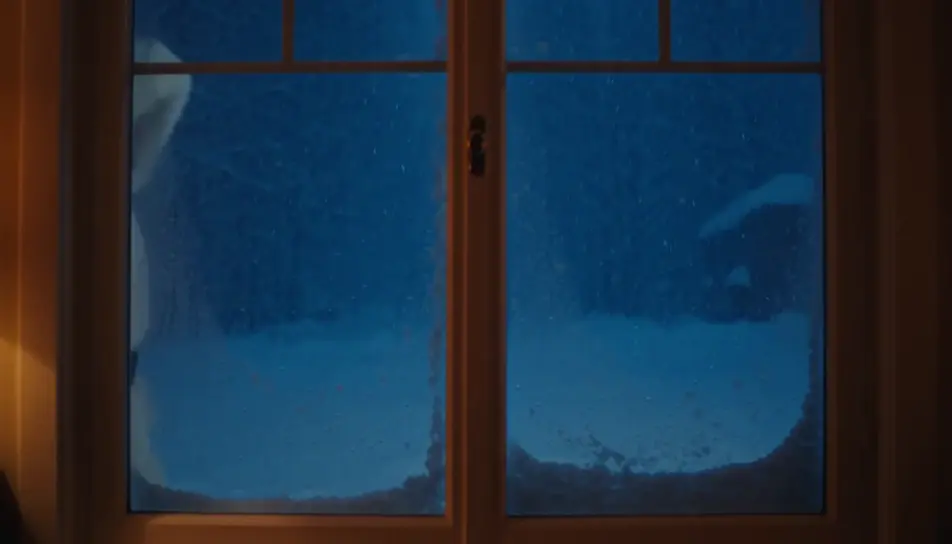
Create a personalized Santa video message in Morphic: write what Santa says, pick a voice from Morphic's voice library, and generate a short festive clip for your kids. No studio booking, no costume to source, no waiting on availability in the busiest week of the year.
A wide shot from inside a cozy room looking out at a red-suited figure passing a snowy window at blue hour, warm lamplight on the glass.
Edit promptA slow push toward an armchair by a low fire, a long blank scroll resting across the arm, a pair of black boots drying on the hearth beside it.
Edit prompt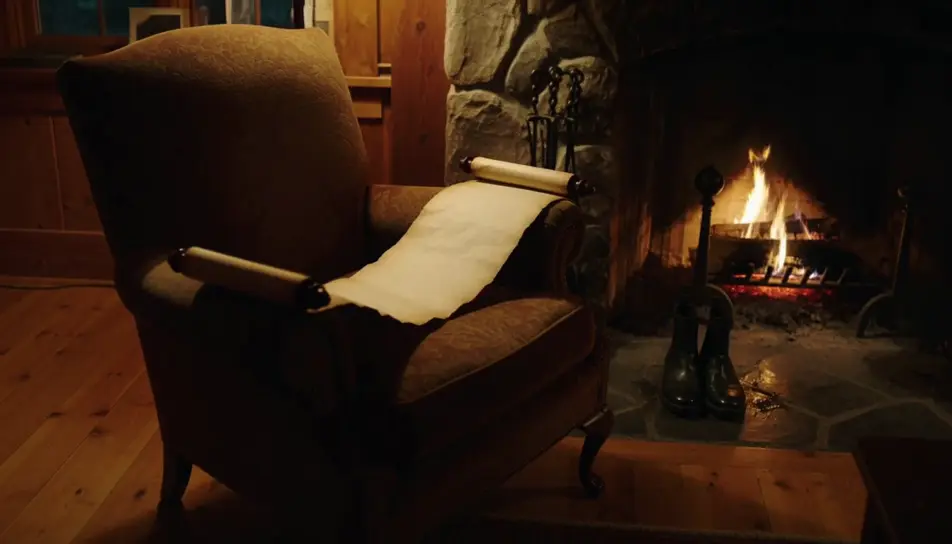
A wide shot from behind of a figure carrying a hessian sack over one shoulder toward a lit tree in a warmly decorated room.
Edit prompt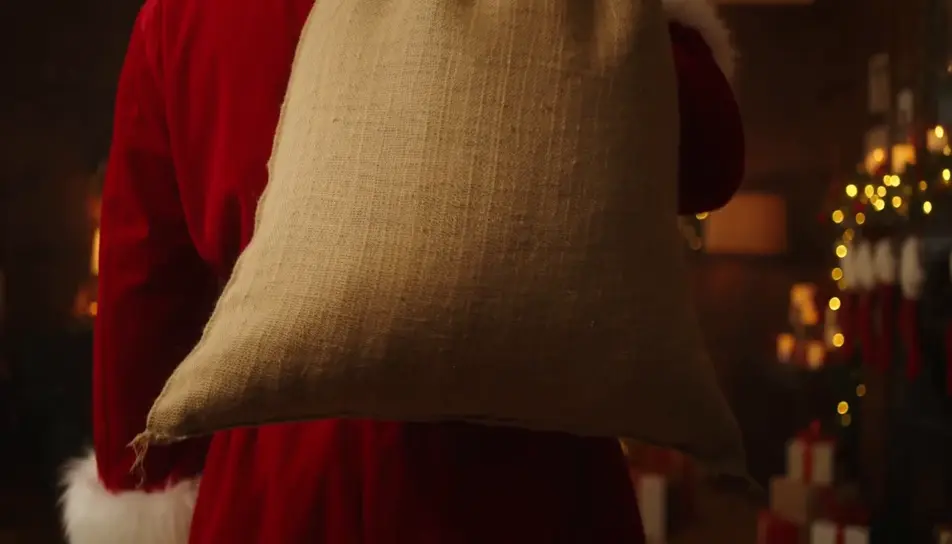
A quiet closing shot of a single wrapped gift under the tree at first light, soft dust motes drifting in a warm beam.
Edit prompt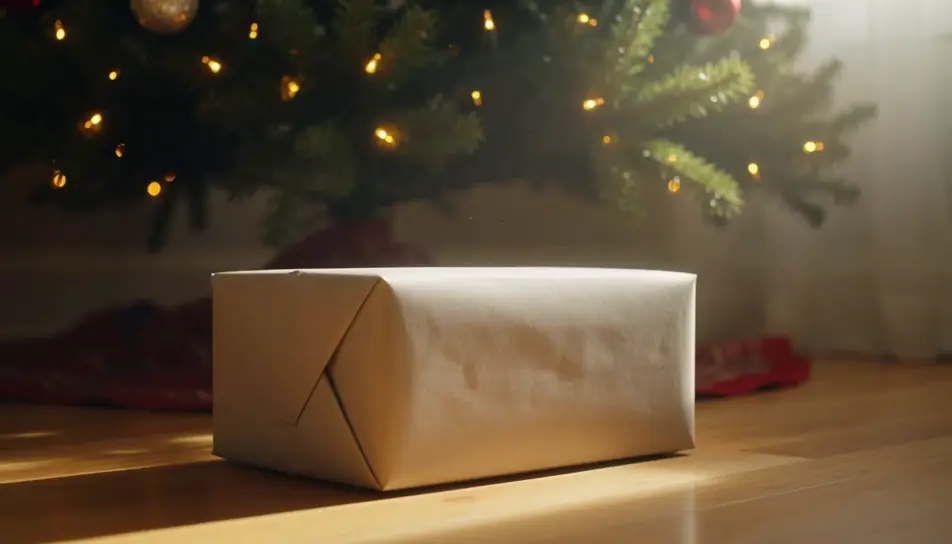
Tuliskan adegan personalized Santa video yang Anda inginkan, dengan kata-kata sederhana.
Morphic membuat klip sinematik yang siap dijadikan frame di canvas Anda dalam hitungan detik.
Ubah prompt, buat ulang variasi, lalu unduh atau bagikan shot-nya.

Dramatize any text conversation into a cinematic multi-shot video.
Cinematic time-freeze short film for any scene
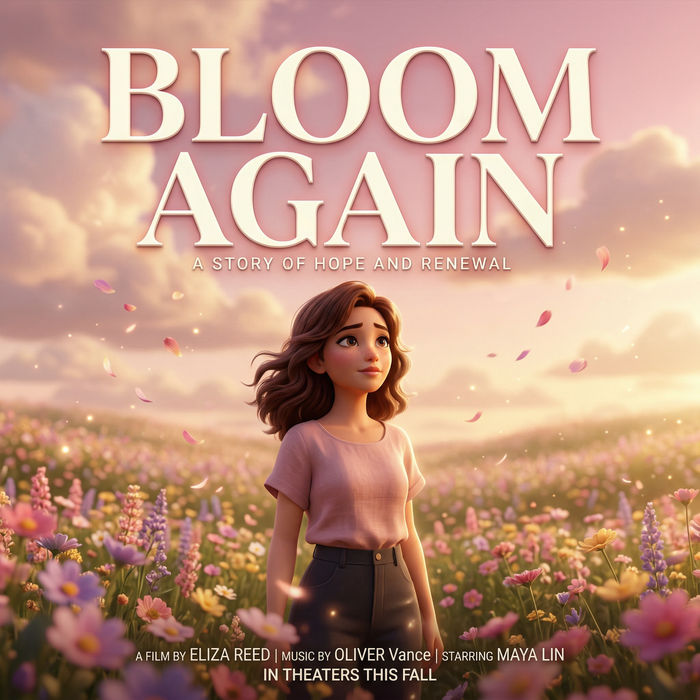
Generate a professional film title card from scratch, with optional cinematic animation.
Photo of any real-estate becomes a cinematic renovation timelapse video with construction SFX and music.
One image to a 9-scene cinematic video.
Drop in a photo of yourself. Get a 12-second cinematic movie with animation and a matched soundtrack.
Santa Claus AI images
santa claus images for the festive season. AI-generated designs in HD, ready to download, share, and customize with Morphic.
AI Santa stock video
Browse Santa stock video and generate your own shots at the exact length, ratio and look the cut needs. Morphic makes video, image, voice and sound.
Generator Video AI
Buat video AI menakjubkan dari teks. Video profesional dalam gaya apa pun.
Animated Christmas stories for kids
Create animated Christmas stories for kids in Morphic. Write or generate a story, add narration and turn it into a short video to watch together.
Mulai gratis hari ini, dengan opsi untuk upgrade atau membatalkan kapan saja.
Basic
2400 bulanan kredit
1 pengguna saja
Semua model
Workflows
Standard
3625 bulanan kredit
1 pengguna saja
Semua model
Workflows
Pro
6350 bersama bulanan kredit
1 pengguna
Semua model
Workflows
Max
24650 bersama bulanan kredit
1 pengguna
Semua model
Workflows
Enterprise
Untuk batas yang lebih tinggi
Khusus
ketentuan harga dan penagihan

Free
Untuk bereksperimen
$0
gratis selamanya