Raijin above the storm clouds
Raijin stands on a thunderhead, drums arranged in a halo around his shoulders, hammers raised. The first lightning forks below his feet.
Edit prompt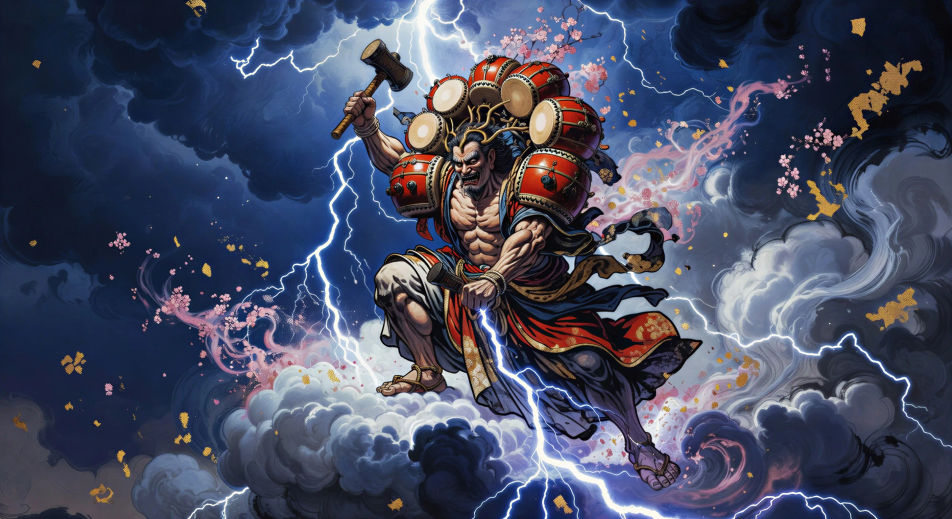
Direct the thunder god in your browser with Morphic's Raijin AI video generator. Generate Raijin haloed in taiko drums or the beast Raiju leaping cloud to cloud, chant invocations with Speech and Music, and stitch the storm into a Japanese mythology episode.
Raijin stands on a thunderhead, drums arranged in a halo around his shoulders, hammers raised. The first lightning forks below his feet.
Edit promptOn either edge of the sky, Raijin with his drums and Fujin with his wind bag lean toward each other, the storm widening between them.
Edit prompt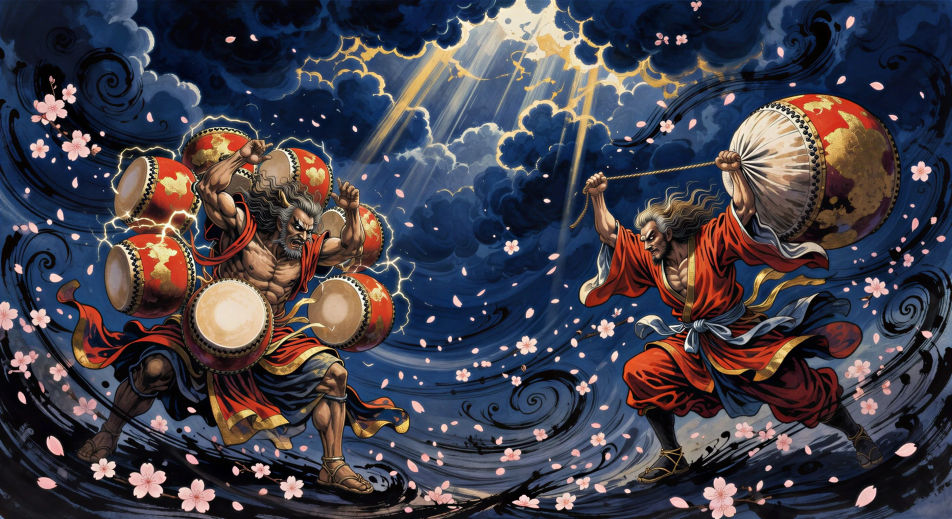
The lightning beast Raiju leaps from cloud to cloud, body crackling with white spark, Raijin’s drum halo distant in the upper frame.
Edit prompt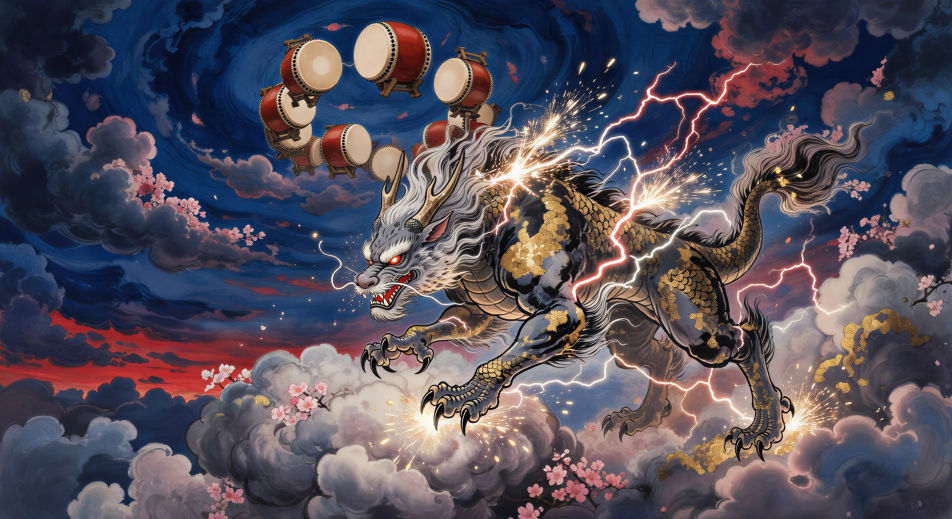
Close on Raijin’s hand bringing the hammer down. The drum face flares white. Lightning crawls out of the rim and into the cloud below.
Edit prompt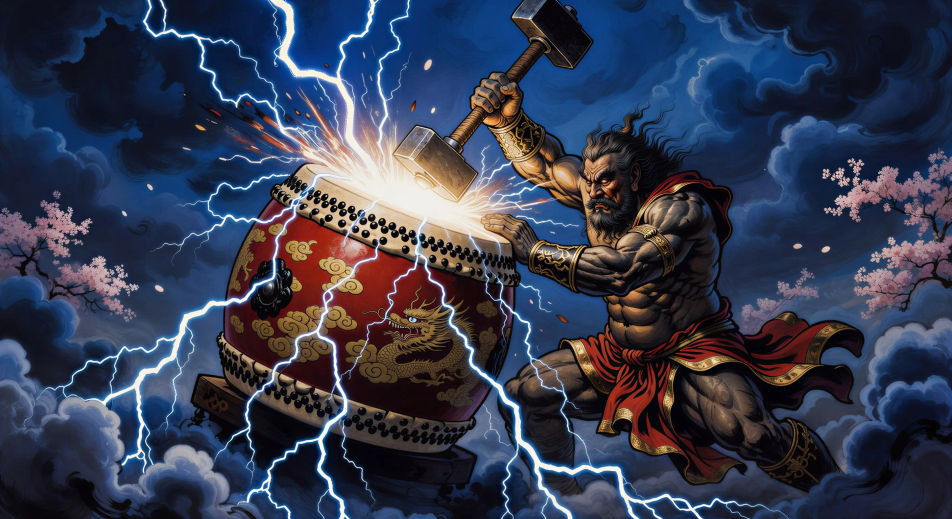
Tuliskan adegan Raijin yang Anda inginkan, dengan kata-kata sederhana.
Morphic membuat klip sinematik yang siap dijadikan frame di canvas Anda dalam hitungan detik.
Ubah prompt, buat ulang variasi, lalu unduh atau bagikan shot-nya.

Share a scene description with character references. Get a full storyboard with shot angles and mood.

Feed in a single image. Get 9 cinematic beats laid out as a 3x3 storyboard grid.
One image to a 9-scene cinematic video.

Take any character image and generate 6 distinct facial expressions on a single reference sheet.
Cinematic time-freeze short film for any scene
Drop in a photo of yourself. Get a 12-second cinematic movie with animation and a matched soundtrack.
Japanese mythology AI Videos
Create Japanese mythology scenes, Shinto deity portraits, and yokai shorts with Morphic. Generate, narrate, and score full episodes from a single prompt.
Video AI Susanoo
Buat adegan Susanoo, dewa badai, melawan Yamata no Orochi, dan episode mitologi Jepang. Hasilkan video AI Susanoo dari satu prompt di Morphic.
Amaterasu AI Videos
Create Amaterasu sun goddess scenes and the cave-of-withdrawal myth with Morphic. Generate, narrate, and score full Shinto episode videos from one prompt.
Video AI Ryujin
Buat adegan Ryujin sang raja naga, istana Ryugu-jo, dan episode dewa laut Shinto dengan Morphic. Hasilkan video Ryujin dari satu prompt.
Mulai gratis hari ini, dengan opsi untuk upgrade atau membatalkan kapan saja.
Basic
2400 bulanan kredit
1 pengguna saja
Semua model
Workflows
Standard
3625 bulanan kredit
1 pengguna saja
Semua model
Workflows
Pro
6350 bersama bulanan kredit
1 pengguna
Semua model
Workflows
Max
24650 bersama bulanan kredit
1 pengguna
Semua model
Workflows
Enterprise
Untuk batas yang lebih tinggi
Khusus
ketentuan harga dan penagihan

Free
Untuk bereksperimen
$0
gratis selamanya