The pour, start to finish
A tilted canvas under soft overhead light while three colours run down it into clean bands. The clip ends when the leading edge reaches the bottom corner.
Edit prompt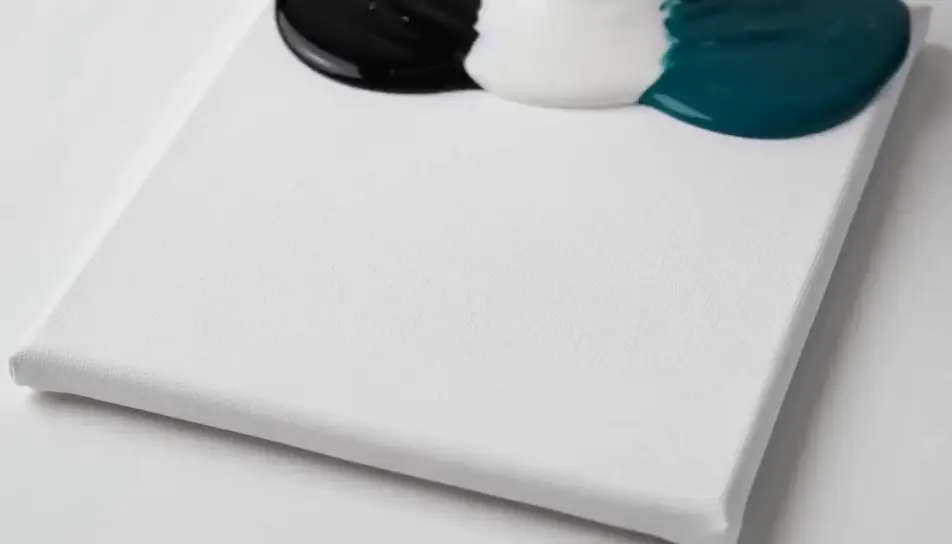
Generate satisfying videos in your browser with Morphic's satisfying AI video generator and let each clip resolve on screen. Render acrylic paint pouring across a tilted canvas, or a blade curling a ribbon off a soap bar, then chain the takes on Compose.
A tilted canvas under soft overhead light while three colours run down it into clean bands. The clip ends when the leading edge reaches the bottom corner.
Edit promptA blade passing through a block of coloured sand on a board in warm side light, the cut face holding for a beat and then collapsing into grains.
Edit prompt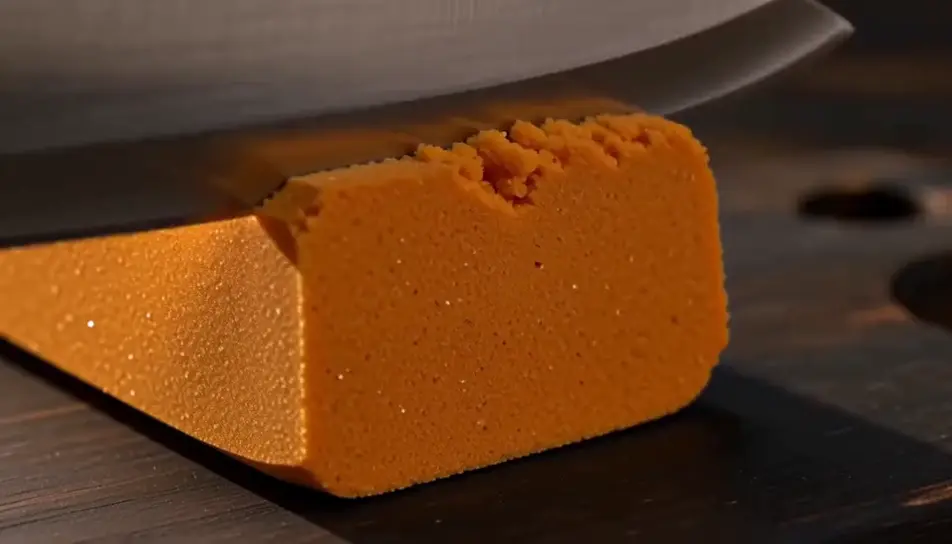
Hard industrial light on a press closing over a stack of plain washers, held wide and locked off, the whole compression running without a cut.
Edit prompt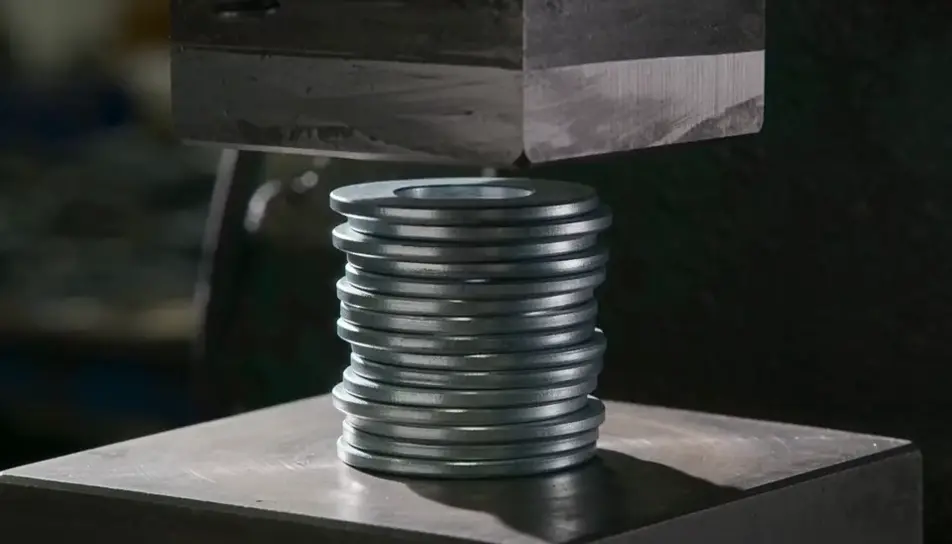
Grey daylight looking along a grimy stone path as a washer jet lays down clean strips in overlapping passes, the line between dirty and clean advancing.
Edit prompt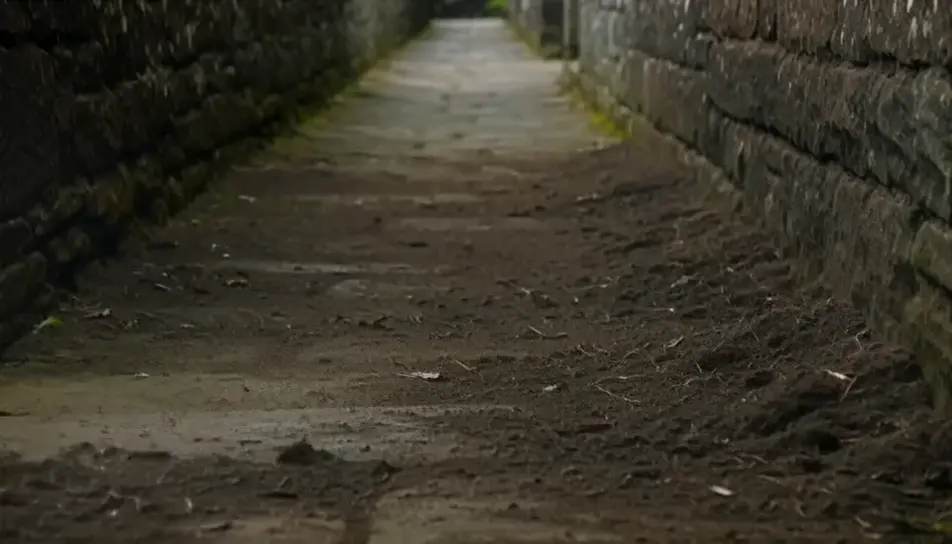
Tuliskan adegan satisfying yang Anda inginkan, dengan kata-kata sederhana.
Morphic membuat klip sinematik yang siap dijadikan frame di canvas Anda dalam hitungan detik.
Ubah prompt, buat ulang variasi, lalu unduh atau bagikan shot-nya.

Dramatize any text conversation into a cinematic multi-shot video.
Cinematic time-freeze short film for any scene

Generate a professional film title card from scratch, with optional cinematic animation.
Photo of any real-estate becomes a cinematic renovation timelapse video with construction SFX and music.
One image to a 9-scene cinematic video.
Drop in a photo of yourself. Get a 12-second cinematic movie with animation and a matched soundtrack.
AI slime videos
Browse slime videos and generate your own shots at the length, ratio and look the cut needs. Morphic makes video, image, voice and sound in one workspace.
Video AI ASMR
Buat video AI ASMR di Morphic. Loop pemicu close-up, soundscape ambient, narasi berbisik, dan klip siap unggah untuk YouTube dan TikTok.
AI Ambient Loop videos
Generate AI ambient loop videos with Morphic. Seamless looping backdrops, slow-motion scenes, and calm perpetual visuals for streams, screens, and focus.
AI Material close-up videos
Create a material close-up video with Morphic. Shoot macro passes over fabric, metal, leather, and liquid that sell the feel without a crew or a shoot day.
Mulai gratis hari ini, dengan opsi untuk upgrade atau membatalkan kapan saja.
Basic
2400 bulanan kredit
1 pengguna saja
Semua model
Workflows
Standard
3625 bulanan kredit
1 pengguna saja
Semua model
Workflows
Pro
6350 bersama bulanan kredit
1 pengguna
Semua model
Workflows
Max
24650 bersama bulanan kredit
1 pengguna
Semua model
Workflows
Enterprise
Untuk batas yang lebih tinggi
Khusus
ketentuan harga dan penagihan

Free
Untuk bereksperimen
$0
gratis selamanya