Hook, turn, payoff in one run
Opens tight on hands lifting a pan off a flame, pulls back to show the kitchen is a film set, then settles on the crew watching. Three beats, no dead frames.
Edit prompt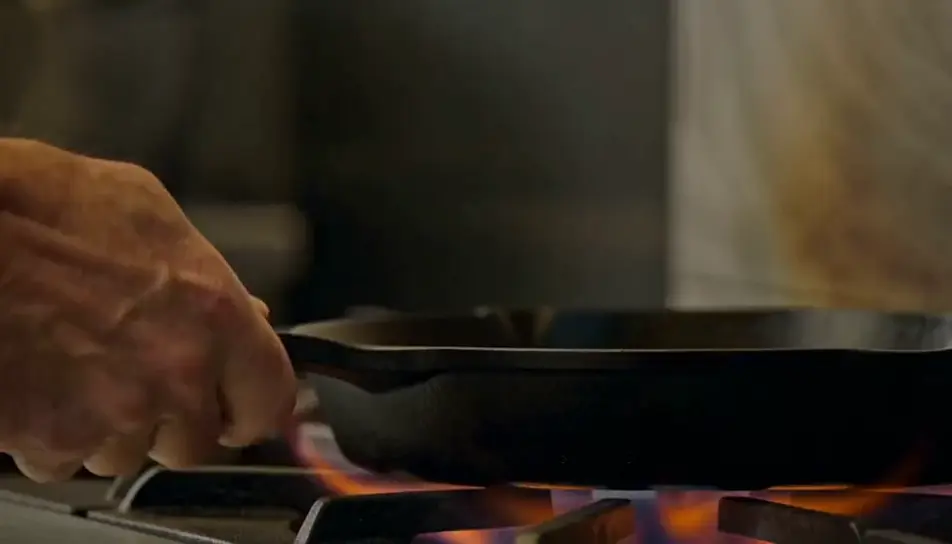
Direct a feed-ready cut in your browser with Morphic's short video AI generator. Generate a three-second hook that opens mid-action and a closing frame that loops back to the first, then assemble the run on Compose.
Opens tight on hands lifting a pan off a flame, pulls back to show the kitchen is a film set, then settles on the crew watching. Three beats, no dead frames.
Edit promptOverhead, locked off. Paint pours in a single ribbon, spreads, and settles into a pattern. The shot does not cut and does not need to.
Edit prompt
Starts as an ordinary home-office shot, then the camera pulls steadily back until the desk is alone in an empty warehouse. The light changes as the frame widens.
Edit prompt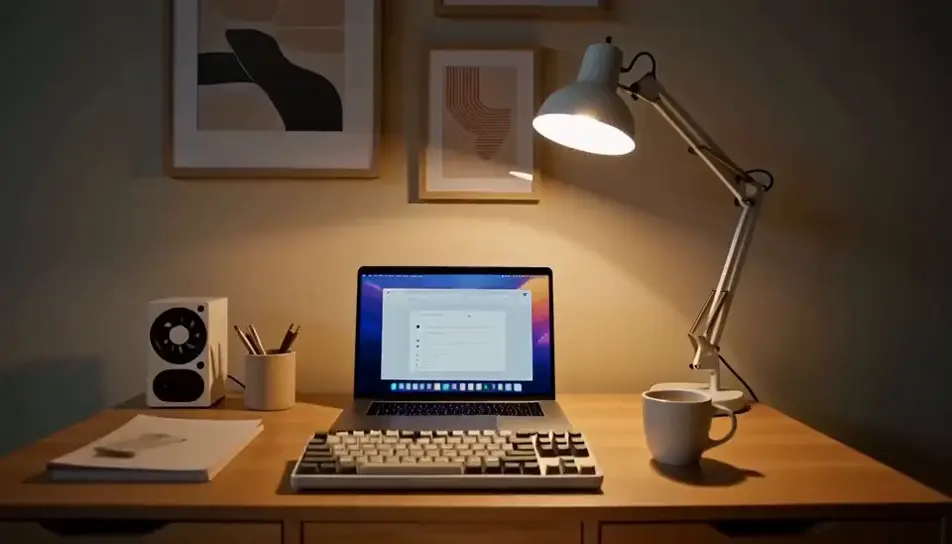
A ceramic bowl turns on a potters wheel, wet hands shaping the rim. The final frame matches the first exactly, so the replay has no visible seam.
Edit prompt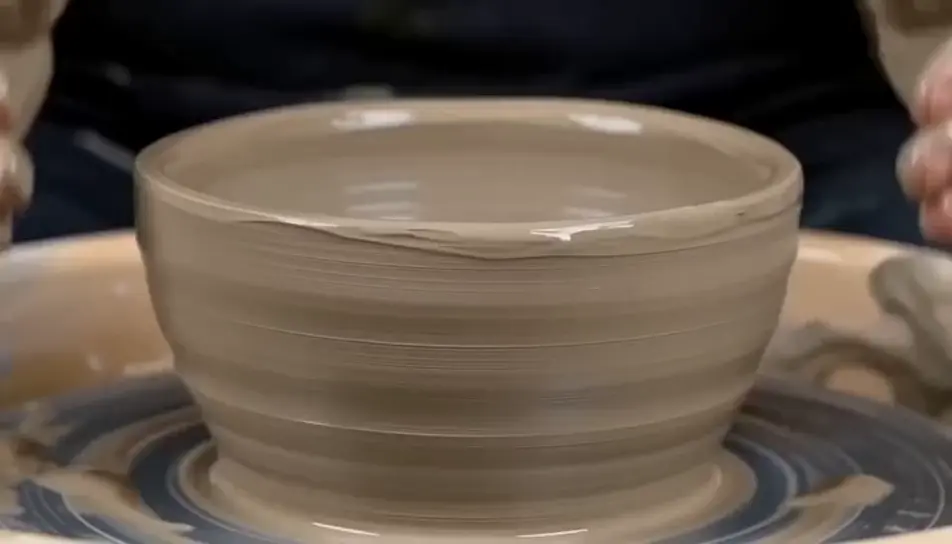
Tuliskan adegan short yang Anda inginkan, dengan kata-kata sederhana.
Morphic membuat klip sinematik yang siap dijadikan frame di canvas Anda dalam hitungan detik.
Ubah prompt, buat ulang variasi, lalu unduh atau bagikan shot-nya.

Dramatize any text conversation into a cinematic multi-shot video.
Cinematic time-freeze short film for any scene
Photo of any real-estate becomes a cinematic renovation timelapse video with construction SFX and music.
One image to a 9-scene cinematic video.

Describe a first-person scenario. Get sequential POV frames animated into video clips with audio.

Generate a professional film title card from scratch, with optional cinematic animation.
Video AI Film Pendek
Buat video AI film pendek bersama Morphic. Susun alur cerita, jaga karakter konsisten, arahkan tiap adegan, dan beri musik. Tanpa pengalaman edit.
AI YouTube Shorts ads
Produce a YouTube Shorts ad with AI on Morphic. Build a fast 9:16 hook, product beat, and loop-ready end card, then cut 6, 15, and 30 second versions.
AI Travel Vlog videos
Generate AI travel vlog videos with Morphic. Arrival montages, walking POV, food close-ups, and golden-hour b-roll with a warm voiceover and upbeat score.
AI scary videos
Browse scary videos and generate your own shots at the length, ratio and look the cut needs. Morphic makes video, image, voice and sound in one workspace.
Mulai gratis hari ini, dengan opsi untuk upgrade atau membatalkan kapan saja.
Basic
2400 bulanan kredit
1 pengguna saja
Semua model
Workflows
Standard
3625 bulanan kredit
1 pengguna saja
Semua model
Workflows
Pro
6350 bersama bulanan kredit
1 pengguna
Semua model
Workflows
Max
24650 bersama bulanan kredit
1 pengguna
Semua model
Workflows
Enterprise
Untuk batas yang lebih tinggi
Khusus
ketentuan harga dan penagihan

Free
Untuk bereksperimen
$0
gratis selamanya