Direct a survival film in your browser with Morphic's survival AI video generator. Generate a trekker's fire in Alaskan snow or a capsized raft at dawn, add a hoarse voiceover and sparse strings with Speech and Music, and cut a survival short on the Canvas.

Survival characters you can direct

Survival scenes you can stage

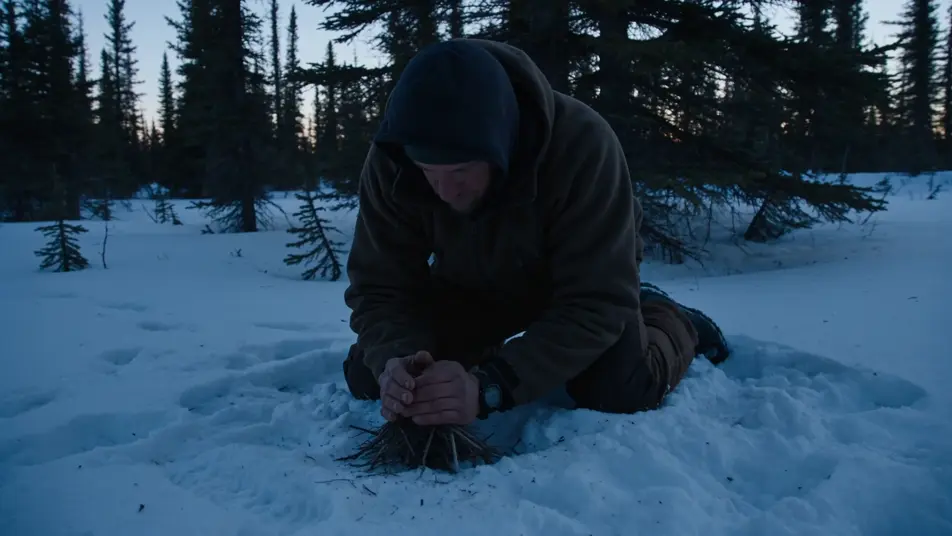
Fire-building in fresh snow

A lone trekker kneeling in fresh Alaskan snowfall at dusk, hands cupped around a struggling tinder bundle, sparks catching, breath fogging, the dark spruces closing in around the small circle of orange light.

Edit prompt

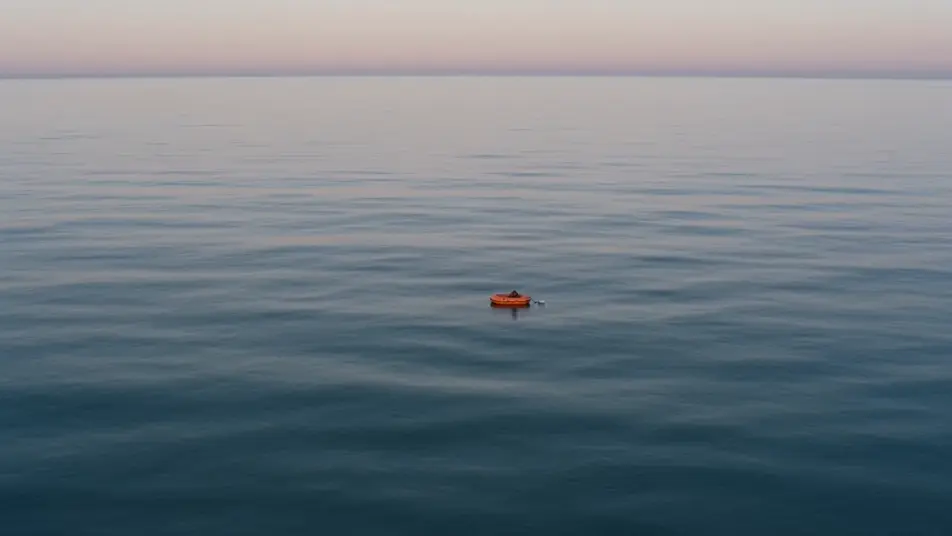
Capsized life raft at first light

A small orange life raft rocking on a glassy Pacific swell at first light, a single sunburned figure huddled inside, an empty water bottle floating tethered to the side, no land in any direction.

Edit prompt

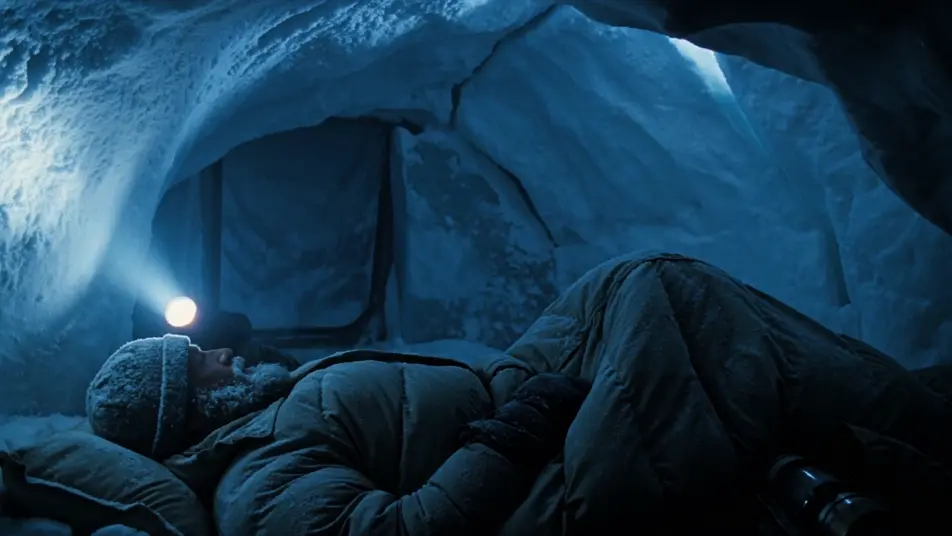
Snow-cave bivouac at night

A cramped snow-cave bivouac at night high on a mountain, the head-torch beam fogging the close air, a climber wrapped in a frosted sleeping bag, the storm muffled to a low roar outside the entrance.

Edit prompt

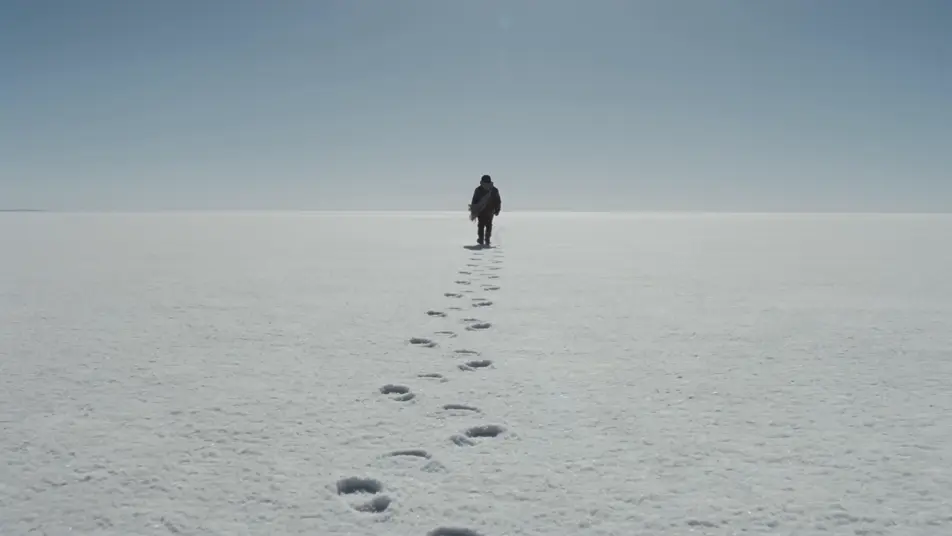
Salt-flat crossing at midday

A wide low-angle shot of a single figure crossing an empty white salt flat at midday, heat shimmer warping the horizon, a long line of footprints trailing back into nothing, the sky a hard pale blue.

Edit prompt

Buat video survival dalam tiga langkah

  1. 01

    Jelaskan adegan survival Anda

    Tuliskan adegan survival yang Anda inginkan, dengan kata-kata sederhana.

  2. 02

    Buat video

    Morphic membuat klip sinematik yang siap dijadikan frame di canvas Anda dalam hitungan detik.

  3. 03

    Sempurnakan video survival Anda

    Ubah prompt, buat ulang variasi, lalu unduh atau bagikan shot-nya.

Workflow terkait

Anda mungkin juga suka

Harga sederhana

Mulai gratis hari ini, dengan opsi untuk upgrade atau membatalkan kapan saja.

Basic

$9/ bulan
ditagih sebagai $0 per tahun

900 bulanan kredit

1 pengguna saja

Semua model

Workflows

Standard

$24/ bulan
ditagih sebagai $0 per tahun

3200 bulanan kredit

1 pengguna saja

Semua model

Workflows

Pro

$45/ bulan
ditagih sebagai $0 per tahun

6200 bersama bulanan kredit

1 pengguna

+ hingga 4 lainnya dengan biaya tambahan

Semua model

Workflows

Pro Max

$170/ bulan
ditagih sebagai $0 per tahun

24000 bersama bulanan kredit

1 pengguna

+ hingga 9 lainnya dengan biaya tambahan

Semua model

Workflows

Enterprise

Untuk batas yang lebih tinggi

Khusus

ketentuan harga dan penagihan

High-volume credits
Batas kursi khusus
Semua model
Workflows
Pricing Gradient

Free

Untuk bereksperimen

$0

gratis selamanya

Hingga 20 kredit
Hanya 1 pengguna
Model terbatas
Workflows

FAQ

Where can I make survival videos with AI?
You can create survival scenes directly in your browser on Morphic. Open the Text to Video tool, describe the survival beat, the harsh setting, and the camera move, and Morphic produces the clip. No installs and no specialist software needed.
What defines a survival scene for an AI prompt?
Four things: a survival action (fire-building, signalling, shelter, crossing, rescue), an exposed setting (tundra, ridge, open ocean, salt flat, deep forest), unforgiving light (storm grey, hard midday, fogged head-torch), and a tailored archetype in frame. Name all four for the scene to read as genuine survival.
How do I get the cold-exposure feel in a scene?
Use visible breath, ice-rimed beards or frosted parkas, a low blue-grey palette, and one small warm source (a tinder bundle, a head-torch beam, a rescue flare). Name those props directly so Morphic centres the beat on the cold rather than the snow alone.
How do I keep my survivors consistent across scenes?
Use the Character Lineup workflow to lock the parka, headscarf, or red shell for each role (trekker, castaway, mountaineer, wanderer), then reference those cards in every prompt. Morphic preserves the figures across the fire, the raft, and the rescue.
What kinds of survival scenes work best with AI video?
Single-shot survival beats: fire-building in fresh snow, a capsized life raft at first light, a snow-cave bivouac, a salt-flat crossing, a rescue winch over a glacier. Anchor each survival scene to one beat, one setting, and one camera move.
Can I add a sparse string score and hoarse voice-over to my survival videos?
Yes. The Speech tool generates a hoarse internal voice-over from your script, and the Music tool produces a sparse string and low-drone survival score. Layer both onto the generated clip to publish a complete survival short.