A symptom close-up
A cleanly lit device showing the fault the user would recognise, a warning light or an error screen, a slow push-in that lets the symptom register before the fix begins.
Edit prompt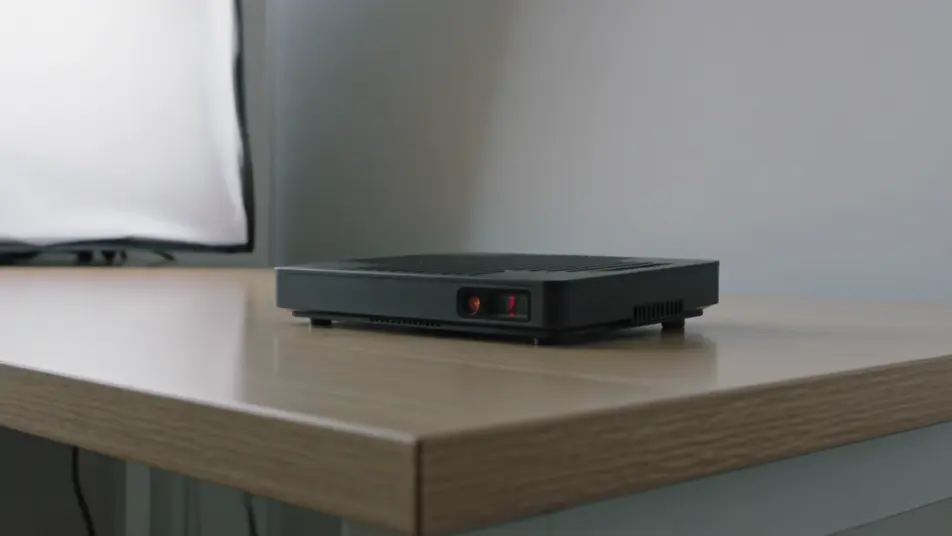
Direct a troubleshooting video in your browser with Morphic's video generator and walk a user from symptom to fix without a support call. Generate a symptom beat, a step-by-step repair, a close-up on the control, and a verification check. Voice it with Speech, then assemble the segments into one clear guide on Compose.
A cleanly lit device showing the fault the user would recognise, a warning light or an error screen, a slow push-in that lets the symptom register before the fix begins.
Edit promptA clear frame where hands work through the numbered fix on the device, even light and a steady camera holding each action long enough to follow without pausing.
Edit prompt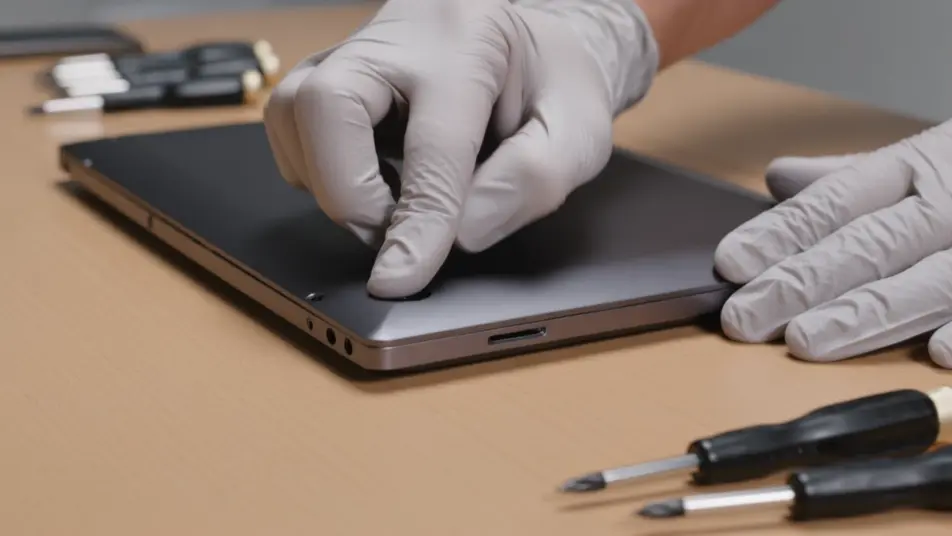
A tight macro shot of a finger pressing the exact button that matters, soft product lighting picking out the label, the frame calm so the critical step is unmistakable.
Edit prompt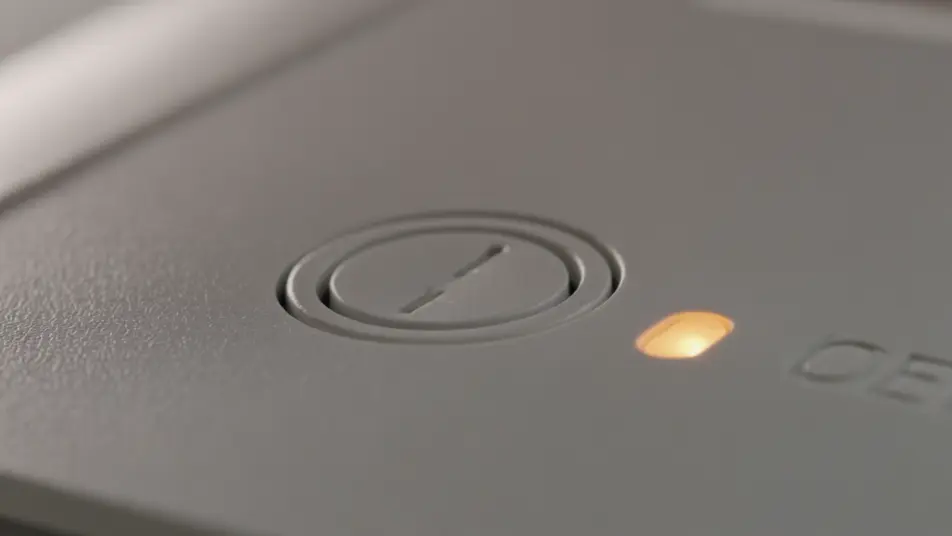
A bright clean frame where a green light or a normal reading confirms the fix held, a short satisfying beat that tells the user the job is done.
Edit prompt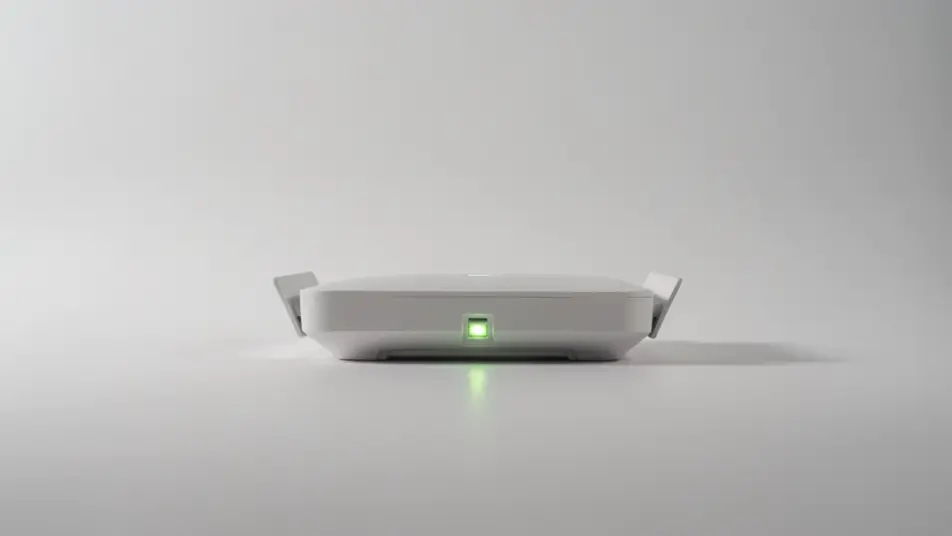
Tuliskan adegan troubleshooting video yang Anda inginkan, dengan kata-kata sederhana.
Morphic membuat klip sinematik yang siap dijadikan frame di canvas Anda dalam hitungan detik.
Ubah prompt, buat ulang variasi, lalu unduh atau bagikan shot-nya.

Dramatize any text conversation into a cinematic multi-shot video.
Cinematic time-freeze short film for any scene

Generate a professional film title card from scratch, with optional cinematic animation.
Photo of any real-estate becomes a cinematic renovation timelapse video with construction SFX and music.
One image to a 9-scene cinematic video.

Describe a first-person scenario. Get sequential POV frames animated into video clips with audio.
AI Maintenance guide videos
Maintenance guide videos from a description. Cover the checks, the service steps, and the reset, then update the cut when the procedure changes. Make it.
AI Installation guide videos
Installation guide videos from a description. Show unboxing, each fitting step, and the final check, then update it when the product changes. Make it now.
AI Equipment operation videos
Produce an equipment operation video in minutes, not weeks. Direct startup steps, controls, and safe shutdown, then update it anytime. Produce.
AI Help centre videos
Help centre video without a crew or shoot day. Build screen walkthroughs, single-task how-tos, and quick answer clips on Morphic, ship the same sprint.
Mulai gratis hari ini, dengan opsi untuk upgrade atau membatalkan kapan saja.
Basic
2400 bulanan kredit
1 pengguna saja
Semua model
Workflows
Standard
3625 bulanan kredit
1 pengguna saja
Semua model
Workflows
Pro
6350 bersama bulanan kredit
1 pengguna
Semua model
Workflows
Max
24650 bersama bulanan kredit
1 pengguna
Semua model
Workflows
Enterprise
Untuk batas yang lebih tinggi
Khusus
ketentuan harga dan penagihan

Free
Untuk bereksperimen
$0
gratis selamanya