AI Werewolf Transformation videos

Direct the werewolf change in your browser with Morphic's werewolf transformation AI video generator. Generate a hand elongating into a clawed paw as fur floods the arm, or a face pushing into a snout under moonlight. Build the score to the howl with Music, then stitch the stages on the Canvas.

Werewolf transformation variations you can direct

Werewolf transformation sequences you can stage

A change in a moonlit clearing

A kneeling figure in a forest clearing begins to change as fur surges up the arms and the spine wrenches under a full moon. Cold blue backlight through the trees, a slow arc around the hunching silhouette.

Edit prompt

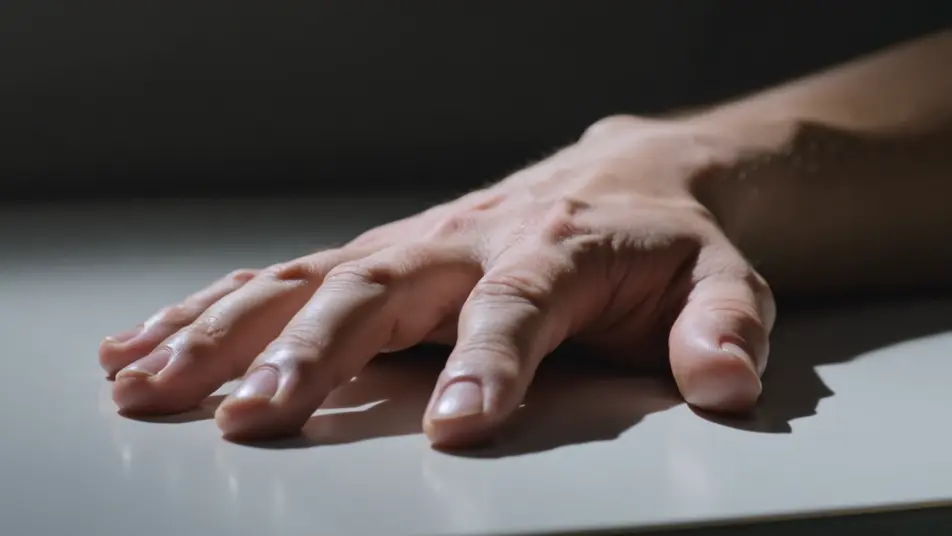
A hand transforming in close-up

A tight tabletop shot of a human hand as the fingers elongate, claws curl out, and fur floods over the knuckles. A single hard side light, shallow depth of field, a slow push-in on the reshaping paw.

Edit prompt

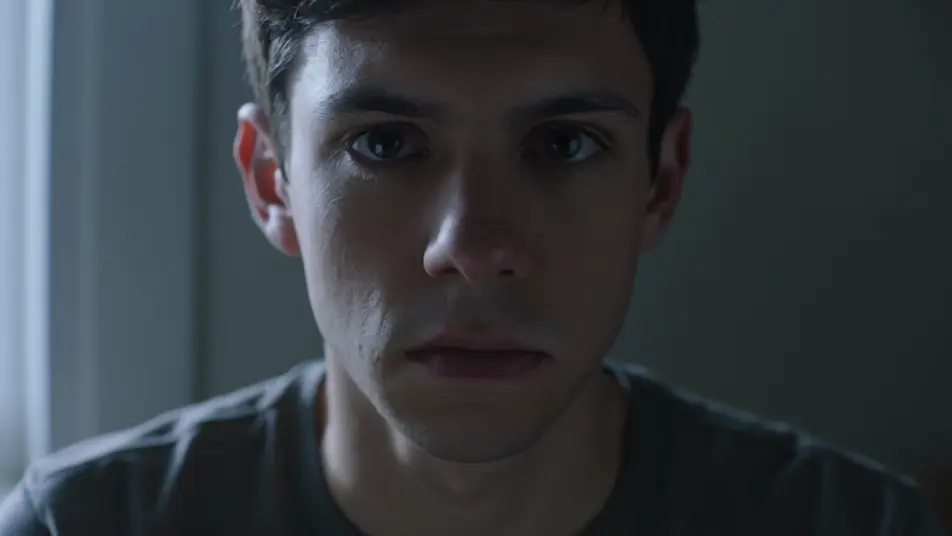
A face becoming a snout

A dim room where a face stretches forward into a lupine snout, teeth lengthening as the eyes ignite amber. Low cold key from one side, a locked frame that holds on the muzzle forming.

Edit prompt

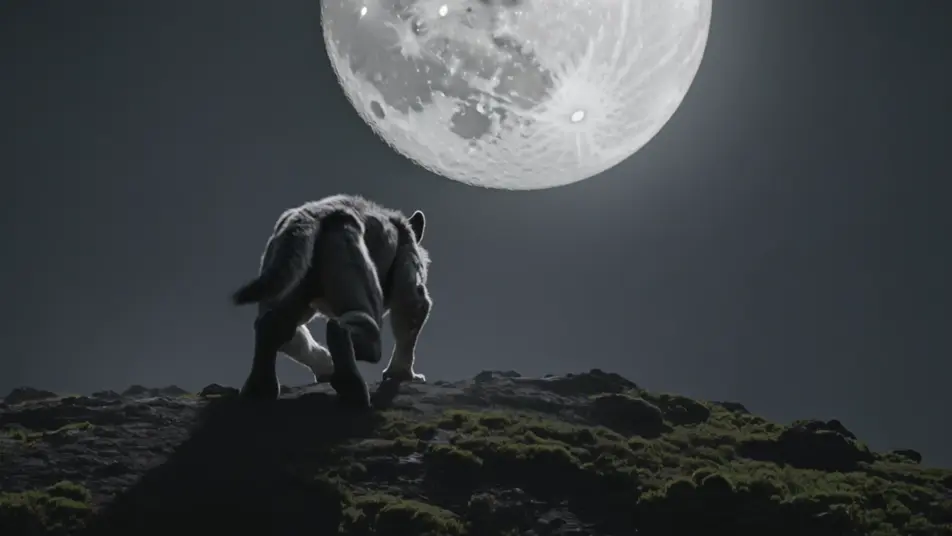
The full beast rising under the moon

A hilltop where the completed werewolf straightens to full height and turns toward a huge low moon, fur rippling in the wind. Silver rim light, a low wide shot craning up as it lifts its head to howl.

Edit prompt

Buat video werewolf transformation effect dalam tiga langkah

  1. 01

    Jelaskan adegan werewolf transformation effect Anda

    Tuliskan adegan werewolf transformation effect yang Anda inginkan, dengan kata-kata sederhana.

  2. 02

    Buat video

    Morphic membuat klip sinematik yang siap dijadikan frame di canvas Anda dalam hitungan detik.

  3. 03

    Sempurnakan video werewolf transformation effect Anda

    Ubah prompt, buat ulang variasi, lalu unduh atau bagikan shot-nya.

Workflow terkait

Anda mungkin juga suka

Harga sederhana

Mulai gratis hari ini, dengan opsi untuk upgrade atau membatalkan kapan saja.

Basic

$9/ bulan
ditagih sebagai $0 per tahun

900 bulanan kredit

1 pengguna saja

Semua model

Workflows

Standard

$24/ bulan
ditagih sebagai $0 per tahun

3200 bulanan kredit

1 pengguna saja

Semua model

Workflows

Pro

$45/ bulan
ditagih sebagai $0 per tahun

6200 bersama bulanan kredit

1 pengguna

+ hingga 4 lainnya dengan biaya tambahan

Semua model

Workflows

Pro Max

$170/ bulan
ditagih sebagai $0 per tahun

24000 bersama bulanan kredit

1 pengguna

+ hingga 9 lainnya dengan biaya tambahan

Semua model

Workflows

Enterprise

Untuk batas yang lebih tinggi

Khusus

ketentuan harga dan penagihan

High-volume credits
Batas kursi khusus
Semua model
Workflows
Pricing Gradient

Free

Untuk bereksperimen

$0

gratis selamanya

Hingga 20 kredit
Hanya 1 pengguna
Model terbatas
Workflows

FAQ

Where can I make werewolf transformation videos with AI?
You can create transformation videos directly in your browser on Morphic. Open the Text to Video tool, describe the subject and the stage of the change, fur surge, snout push, full reveal, and Morphic produces the clip. No makeup, prosthetics, or compositing needed.
What kinds of transformation shots work best with AI video?
Staged close-ups read cleanest: a hand becoming a paw, a face pushing into a snout, fur surging up an arm. Break the change into stages rather than asking for the whole thing at once, and keep the light on the part that is changing so the eye follows one continuous reshape.
How do I write a good prompt for a transformation video?
Name the subject, the single body part that changes in this shot, and how fast. Add the moonlight and camera move. The tighter the stage, the more convincing the transformation Morphic returns. Chain several staged clips for the full change.
How do I keep the transformation consistent between scenes?
Keep the subject, the fur and skin look, and the moonlight direction consistent across clips, and describe them the same way in each prompt. On the Canvas you can order the staged shots, fur surge, hand, face, full reveal, and refine each into one continuous transformation sequence.
Can I add music and narration to my transformation videos?
Yes. The Music tool produces an original soundtrack, and a transformation lands hardest when the score builds through the stages to the final howl. The Speech tool generates narration or a low growl in the voice you choose, layered onto the clip.
Do I need video editing experience to make a transformation video?
No. Morphic runs in your browser and you direct it with plain-language prompts. If you can describe the subject and which part changes, you can produce a transformation clip. The prompts on this page are written so anyone can paste and run.