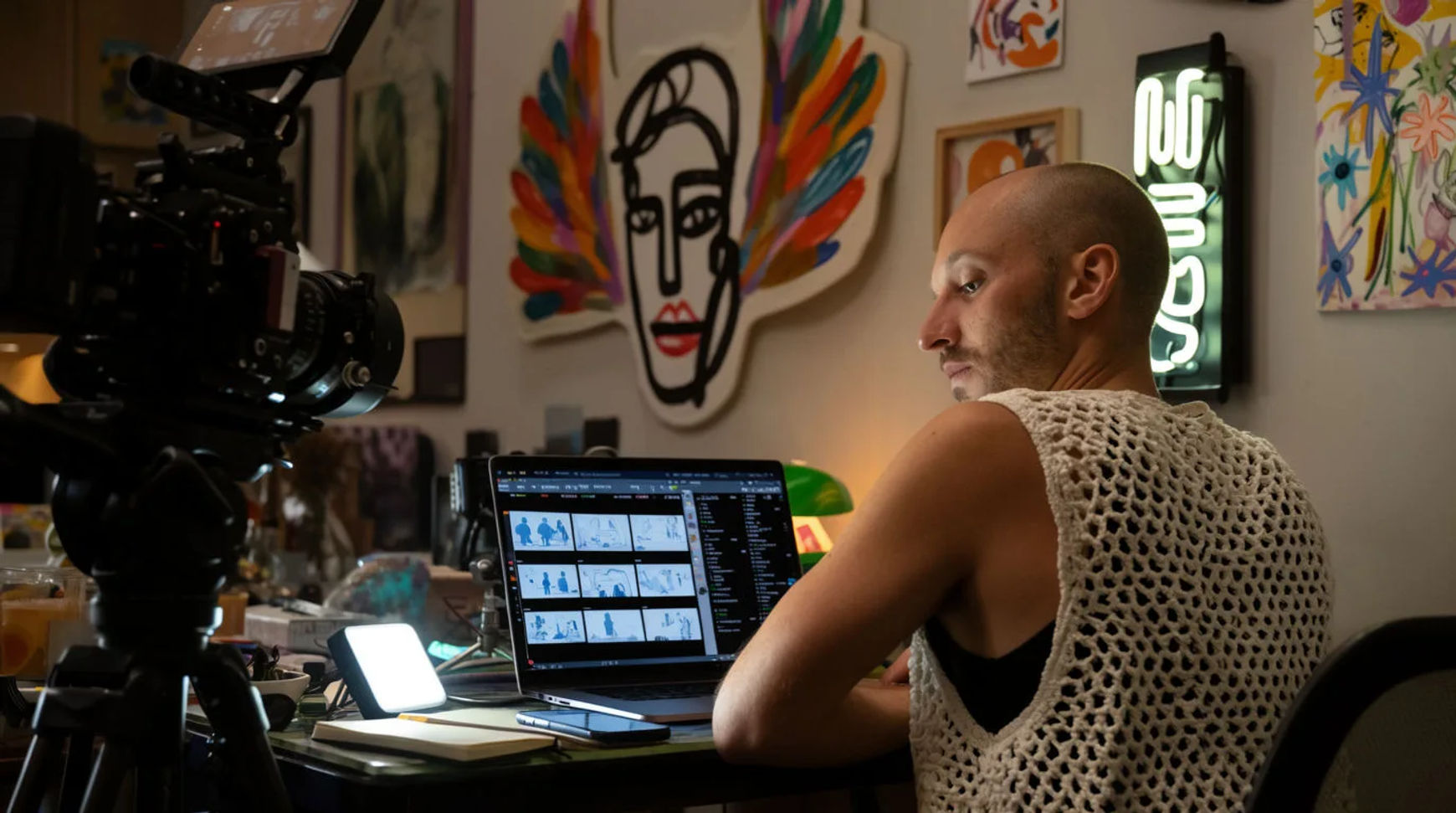
Independent filmmakers previsualize and storyboard a shoot with AI by breaking the scene down into shots, generating a storyboard frame for each, animating the key ones into short previz clips, and assembling a shot-list reel the crew can watch, all before the shoot day. The workflow is short: break down the scene, generate the storyboard frames, animate a previz clip, then assemble the reel. Where previz once meant a budget line an indie could not spare, generated frames and clips let you see the scene, judge the coverage, and fix a wrong angle for the cost of a few prompts, so the shoot day is spent executing a plan rather than discovering one.
Steps at a glance
- Break the scene down into shots
- Generate the storyboard frames
- Animate a previz clip from the key frames
- Assemble a shot-list reel for the crew
- Hold characters and locations steady with reference sheets
How a filmmaker previsualizes a shoot, step by step
Break the scene down into shots
Work the scene the way you will shoot it: list the setups, the coverage, and the order, and describe each shot the way you would brief your DP, naming the lens feel, the light, the camera move, and the beat it has to land. This is the part that stays yours, because it is the direction itself. Written down, the scene becomes an ordered shot list you can visualize one setup at a time instead of a page of intention.
Generate the storyboard frames
Turn each shot description into a still and treat it as the storyboard frame for that setup. Generate a few options, keep the composition that reads, and adjust one thing on the rest rather than rewriting the whole prompt. This is where the scene first becomes something you can look at and argue with on a laptop, which is the entire point of previz: catching the wrong direction while it is still free to change.
Animate a previz clip from the key frames
Take a key frame and generate motion from it, or place a first and last frame and describe the move between them to get a continuous clip. You are not chasing a finished shot, only enough movement to judge pacing, blocking, and whether the beat lands. A push-in that felt right on the board often reads too slow once it moves, and previz is where you find that out before the crew is waiting on you.
Assemble a shot-list reel for the crew
Bring the clips onto the Compose timeline in shot order, add a scratch voiceover or a temp music bed, set per-clip volume, and cut for rhythm. The result is a previz reel you hand to your DP, your gaffer, and your producer so everyone arrives seeing the same film. Because it all lives in one place, a note becomes a regeneration and a fresh cut the same day rather than a redraw next week.
Here are a few previz frames brought to motion, each generated from a shot description rather than filmed:
Establishing shot
Coverage angle
Camera move
Hand-drawn or hired versus AI previz
The change is less about any single frame and more about what previz costs an independent production to attempt at all. Here is the shift, honestly drawn.
| Stage | Hand-drawn or hired | AI previz |
|---|---|---|
| A storyboard frame | An artist or a sketch | A directed prompt |
| Testing a move | Hard to see pre-shoot | A short generated clip |
| A revision | Redraw the panel | Regenerate the frame |
| The shot list | Notes and boards | A reel the crew watches |
| Best used for | A funded previz house | An indie shoot day |
Put it together
Previsualizing with AI does not replace directing; it moves the discovery earlier, onto a laptop, where a wrong angle costs nothing instead of a location fee and a day of daylight. Break the scene down, generate the storyboard frames, animate enough motion to judge the beat, and assemble a reel the crew can actually watch. The value is not the frames themselves but the shoot-day mistakes you catch before anyone is on set. The lowest-risk way to try it is to previz one scene from your next shoot and see what the reel changes about your plan. The image-to-video generator turns a storyboard frame into motion, and AI previsualization and storyboarding covers taking a scene from script to shot list.