Towering shan-shui landscape
Layered mountains receding into white mist, a thin thread of waterfall down a far cliff, a tiny pavilion at the base, the sky left as open paper.
Edit prompt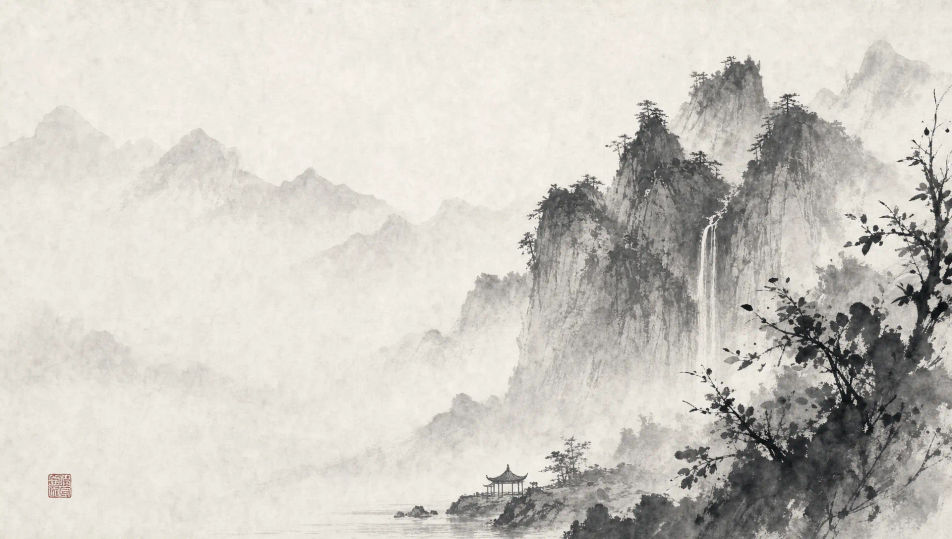
Paint Chinese ink wash images in your browser with Morphic's AI image generator. Generate a scholar dwarfed by misty cliffs or a horse with a splashed-ink mane, lock the five-tone ink register with Style Transfer, then animate any still with Image to Video.
Layered mountains receding into white mist, a thin thread of waterfall down a far cliff, a tiny pavilion at the base, the sky left as open paper.
Edit promptA wide river at first light with two fishing boats, reeds drawn in dark calligraphic strokes, the far bank swallowed by a band of pale mist.
Edit prompt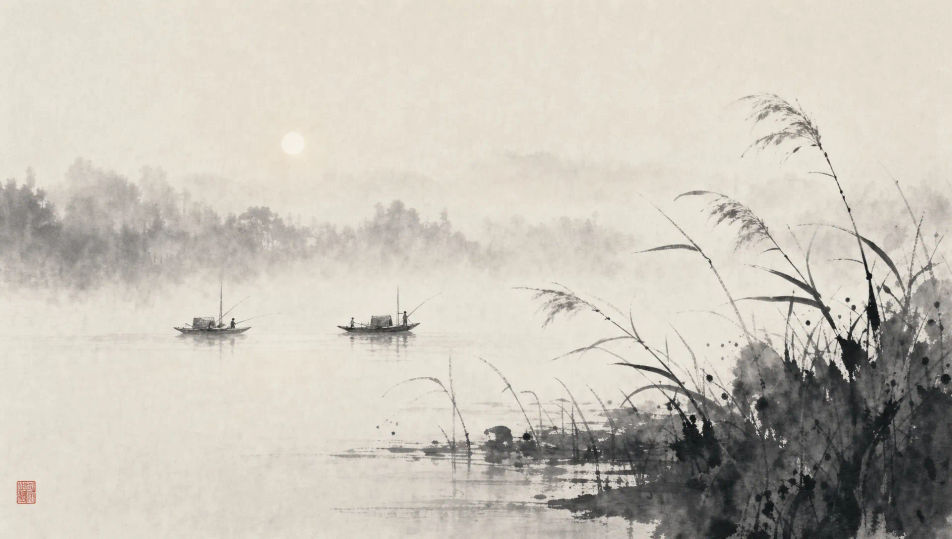
A pine-clad cliff with a small thatched hut, the foliage dropped in as splashed ink, a vast empty sky holding the composition open.
Edit prompt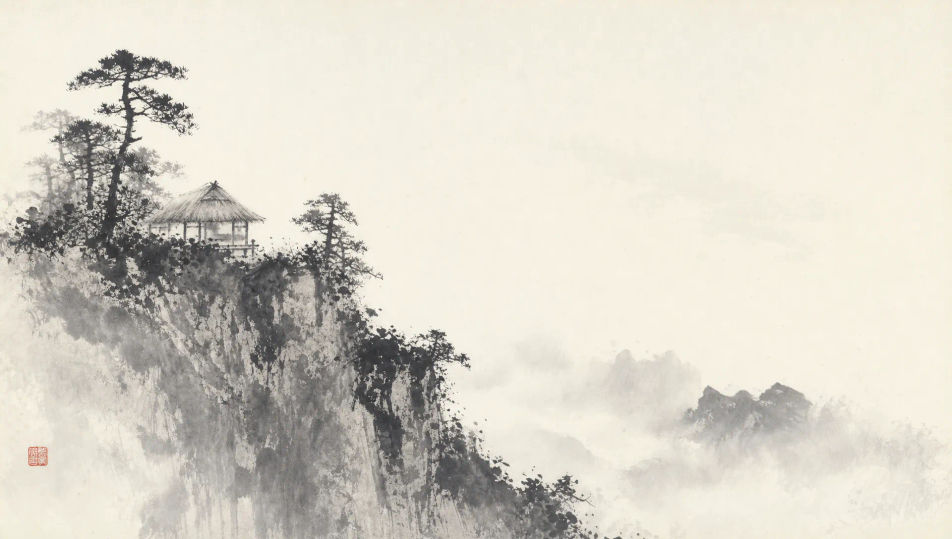
A lotus pond in full summer, broad leaves in splashed boneless wash, two blossoms in fine line, a dragonfly hovering over the still water.
Edit prompt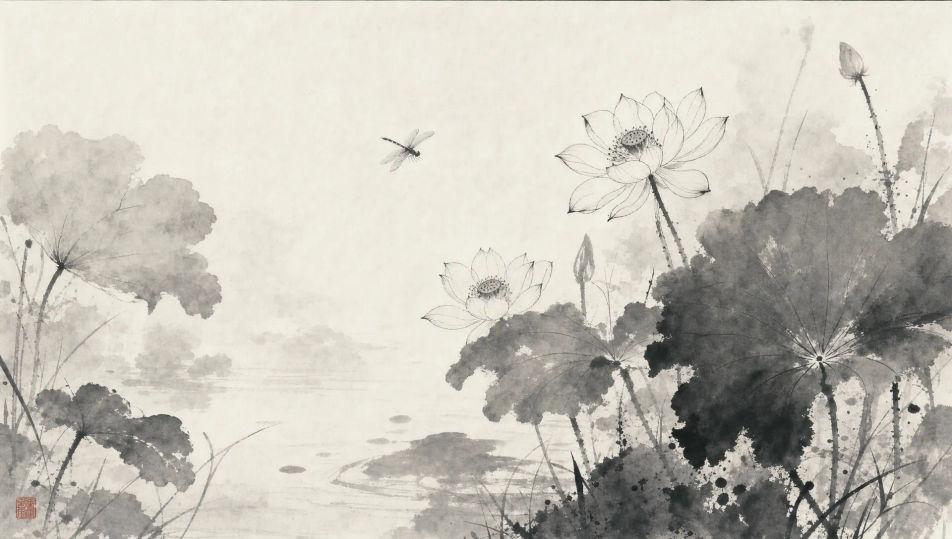
Describe the Chinese ink wash you want, in plain words.
Morphic generates a clean, ready-to-publish image on your canvas in seconds.
Tweak the prompt, regenerate variations, then download or share the frame.
Pick a reference image, apply its visual style to your own photo or artwork.
Convert any image to a new aspect ratio. Smart crop or extend the edges to fit.
Restyle any video in a completely new visual style. Every frame transforms, all motion stays intact.
Reimagine any anime character as a photorealistic, high-fashion live-action portrait.
One selfie becomes a set of professional headshots. Studio-quality, multiple styles.
Get a detailed prompt extracted from a reference image, and then a fresh recreation.
Sumi-e ink painting AI images
Create AI Sumi-e Ink Painting images with Morphic. Generate authentic Sumi-e Ink Painting artworks, scenes, and visuals for any project in seconds.
Ink Drawing AI Images
Create AI Ink Drawing illustrations with Morphic. Generate Ink Drawing artwork, characters, and scenes for any project in seconds.
Watercolor AI Images
Create AI Watercolor illustrations with Morphic. Generate Watercolor artwork, characters, and scenes for any project in seconds.
Ukiyo-e AI art
Create ukiyo-e art with Morphic. Cresting waves, kabuki actors, Edo travel scenes, and Japanese woodblock compositions from a single prompt.
Get started for free today, with the option to upgrade or cancel anytime.
Basic
2400 monthly credits
1 user only
All models
Workflows
Standard
3625 monthly credits
1 user only
All models
Workflows
Pro
6350 shared monthly credits
1 user
All models
Workflows
Max
24650 shared monthly credits
1 user
All models
Workflows
Enterprise
For higher limits
Custom
pricing and billing terms

Free
For playing around
$0
forever free