Cresting wave over a fishing boat
A great curling wave with white-foam fingers reaching over a small fishing boat, a single triangular mountain on the horizon, sky in line-block indigo.
Edit prompt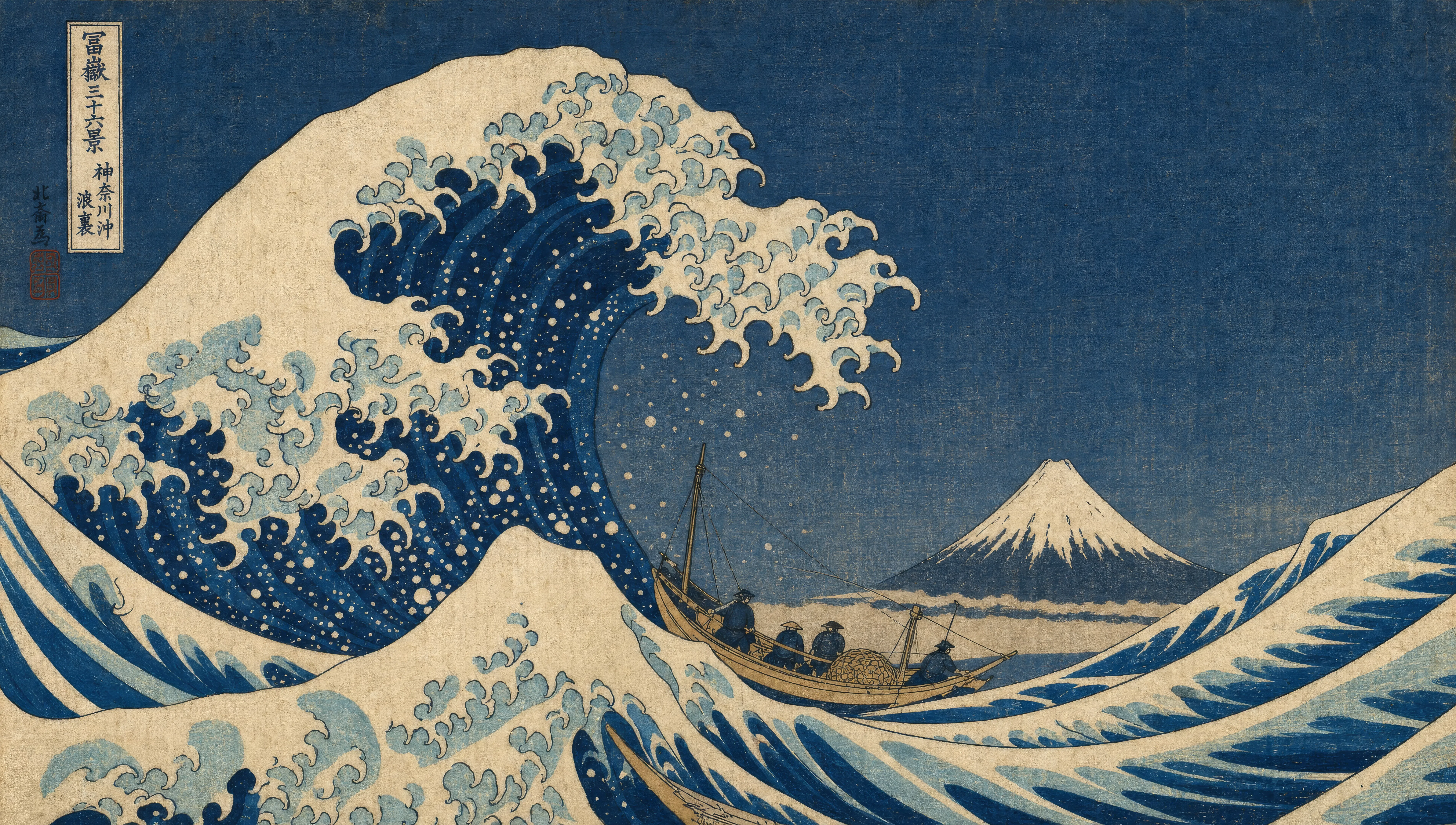
Design ukiyo-e art in your browser with Morphic's ukiyo-e AI image generator. Generate a cresting wave over a fishing boat or a samurai crossing a moonlit bridge, lock the woodblock grain with Style Transfer, then animate any still with Image to Video.
A great curling wave with white-foam fingers reaching over a small fishing boat, a single triangular mountain on the horizon, sky in line-block indigo.
Edit promptA long wooden bridge over a still river under a full moon, two figures crossing, a single pine tree leaning over the rail, indigo sky and silver moon-circle.
Edit prompt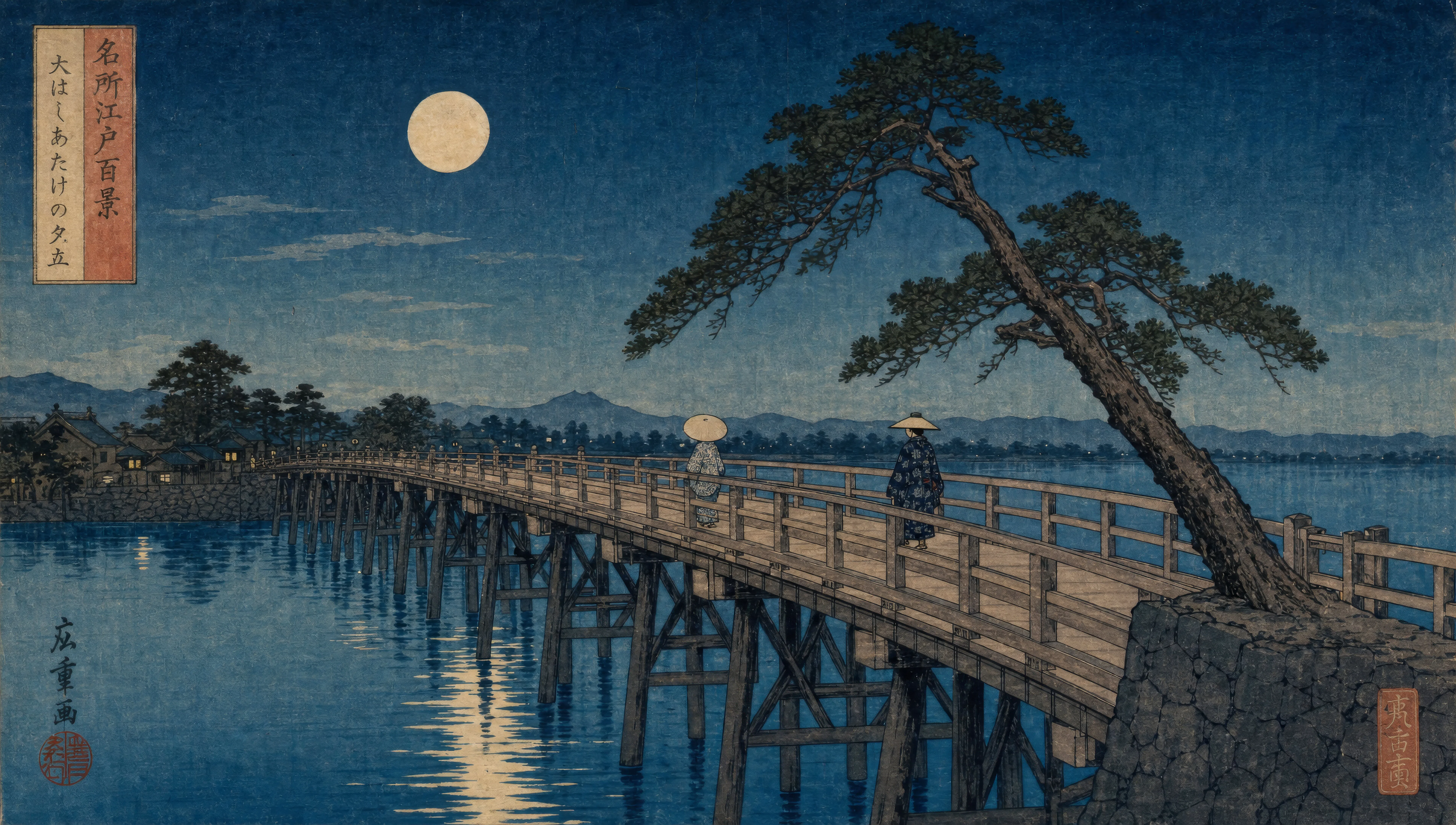
A mountain pass with stylised pine silhouettes in two flat layers, a small pagoda half-visible on a far ridge, gradient sky from pale rose to soft yellow.
Edit prompt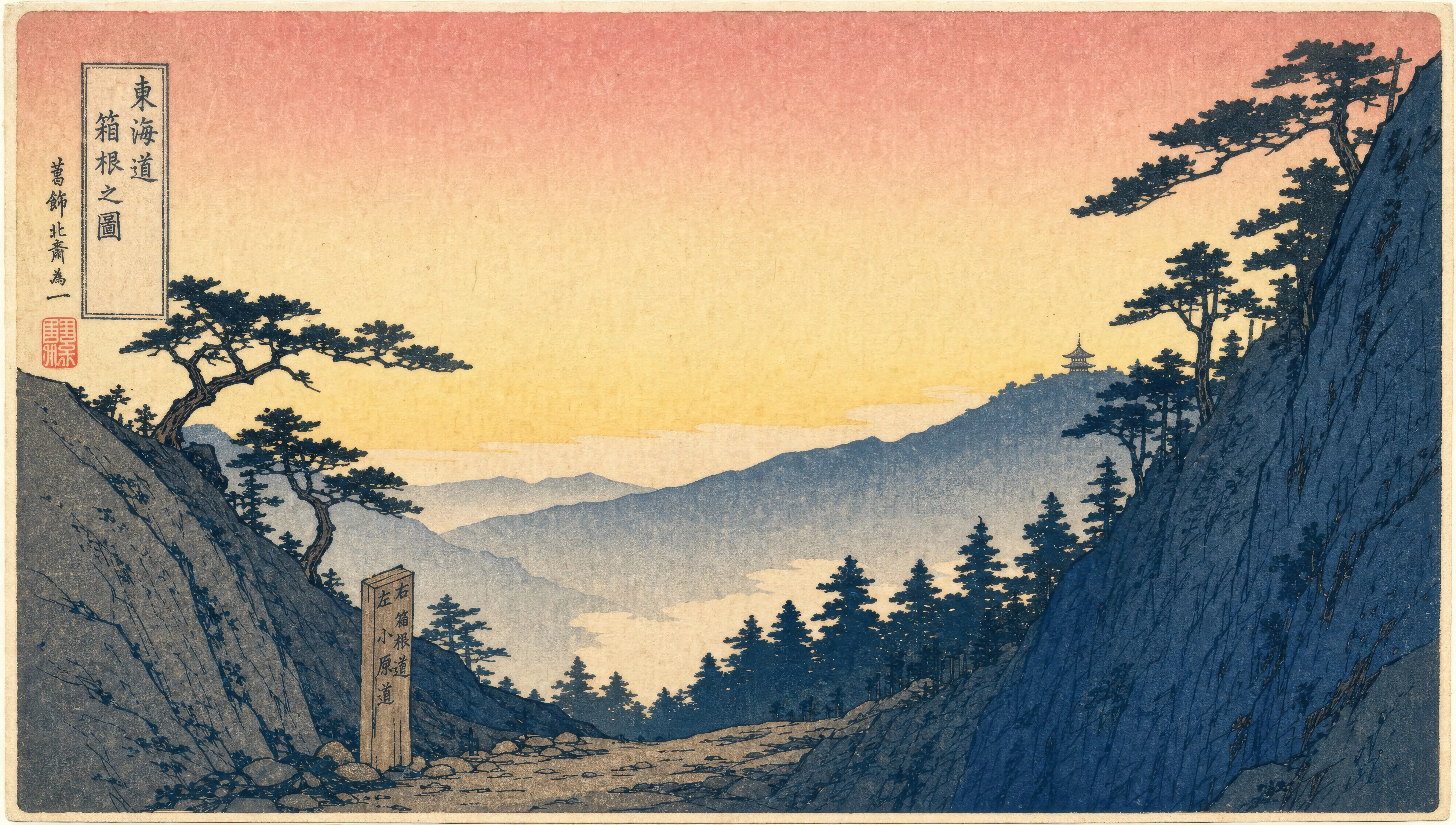
A narrow Edo street at evening with paper lanterns hanging from eaves, rain in fine parallel diagonal lines, two travellers passing under one shared umbrella.
Edit prompt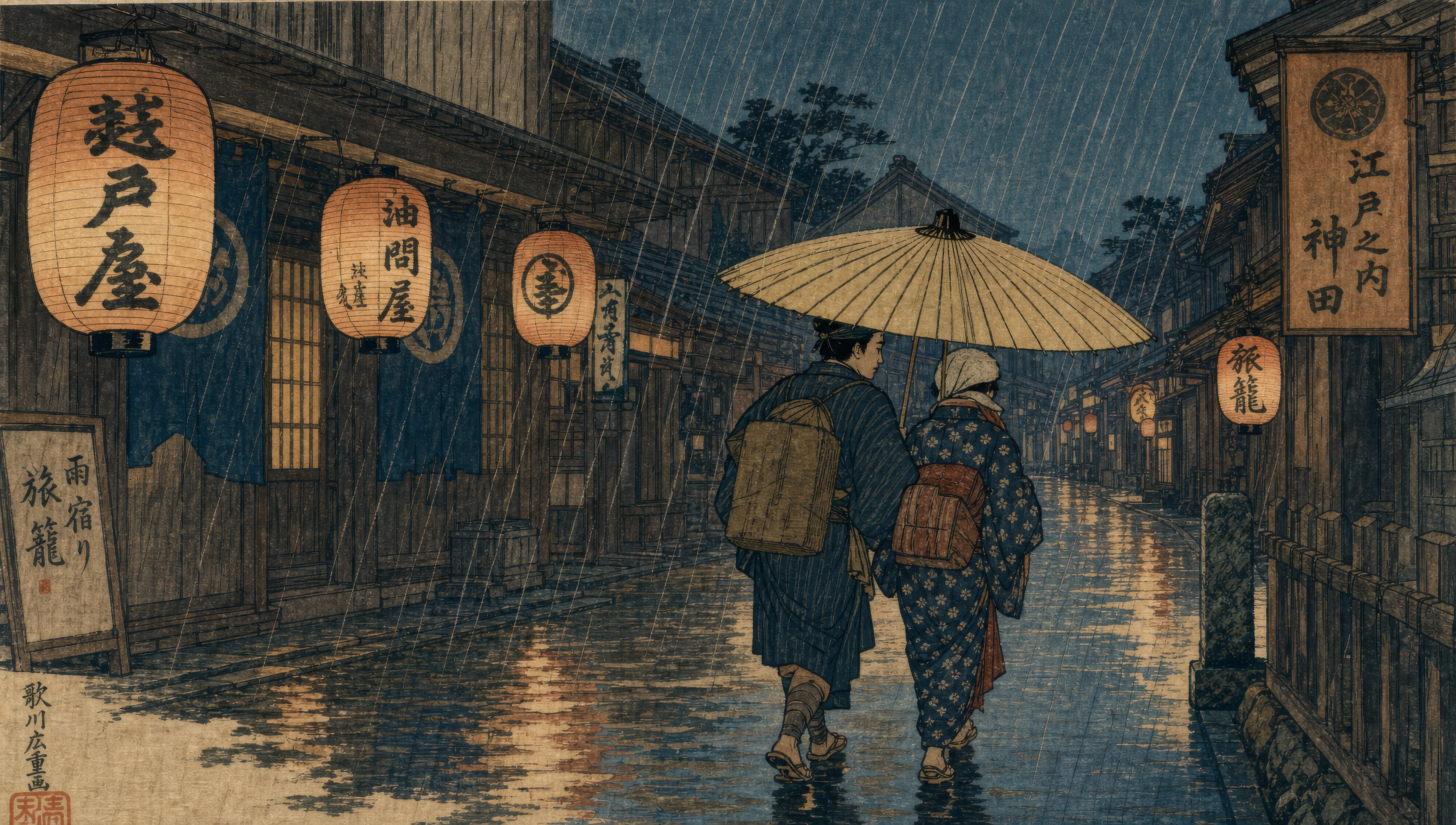
Describe the Ukiyo-e you want, in plain words.
Morphic generates a clean, ready-to-publish image on your canvas in seconds.
Tweak the prompt, regenerate variations, then download or share the frame.
Pick a reference image, apply its visual style to your own photo or artwork.
Convert any image to a new aspect ratio. Smart crop or extend the edges to fit.

Turn any sketch or drawing into a finished render.

Pick any anime illustration as your style guide. Apply its look to any image.
Restyle any video in a completely new visual style. Every frame transforms, all motion stays intact.

Take any character image and generate 6 distinct facial expressions on a single reference sheet.
Greek pottery art AI Images
Create Greek pottery art with Morphic: black-figure and red-figure vase painting on amphora, krater, hydria, kylix, and lekythos shapes, generated from a single prompt.
Celtic knot art with AI
Create Celtic knot art with Morphic: La Tène spirals, Book of Kells interlace, Irish high-cross stonework, Arts and Crafts revival ornament. Direct the visual grammar of two thousand years of Celtic decoration.
Arthurian illuminated manuscripts AI Images
Create Arthurian illuminated manuscript art with Morphic: Vulgate Cycle miniatures, Lancelot-Grail page-spreads, marginalia, Pre-Raphaelite revival. Direct medieval Arthurian iconography from a single prompt.
Ancient Greek art AI Images
Create ancient Greek art with Morphic: marble sculpture, fresco, mosaic, and architectural relief, all generated from plain-language prompts. Direct the visual language of the classical world.
Get started for free today, with the option to upgrade or cancel anytime.
Basic
2400 monthly credits
1 user only
All models
Workflows
Standard
3625 monthly credits
1 user only
All models
Workflows
Pro
6350 shared monthly credits
1 user
All models
Workflows
Max
24650 shared monthly credits
1 user
All models
Workflows
Enterprise
For higher limits
Custom
pricing and billing terms

Free
For playing around
$0
forever free