Every image model
One workspaceMade with Flux 3
Make an image in three steps
- 01
Open Morphic
Sign up and start creating on a free-flowing, infinite visual canvas.
- 02
Describe the image
Subject, composition, light, and any on-image text. The more specific, the closer the first render lands.
- 03
Generate and refine
Render in seconds. Edit one region in place, or compare models side by side on the Canvas.
What Flux 3 generates
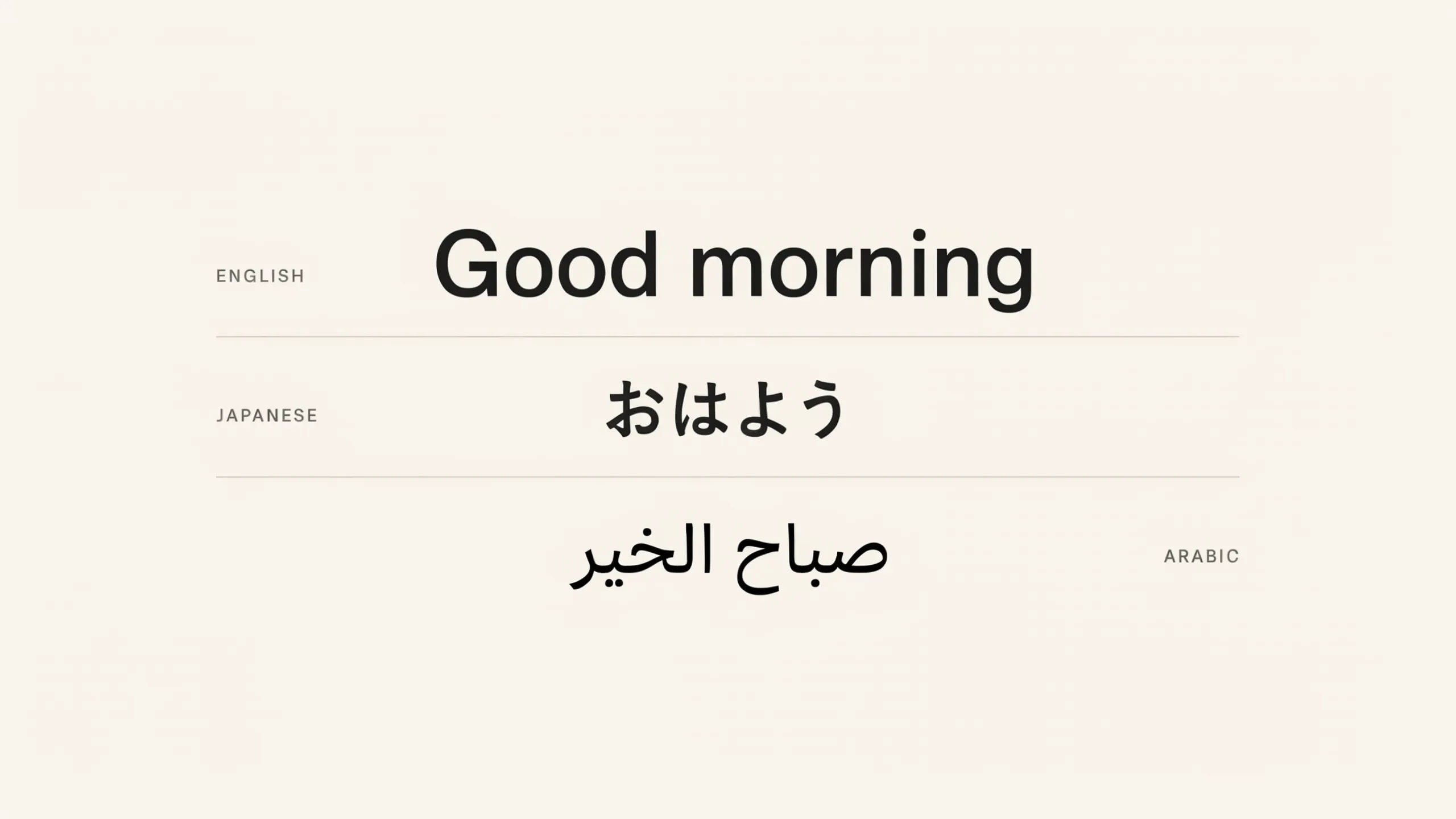
Crisp multilingual text
Posters, packaging, and title cards render with the words reading correctly in multiple languages, a clear step up over earlier Flux.
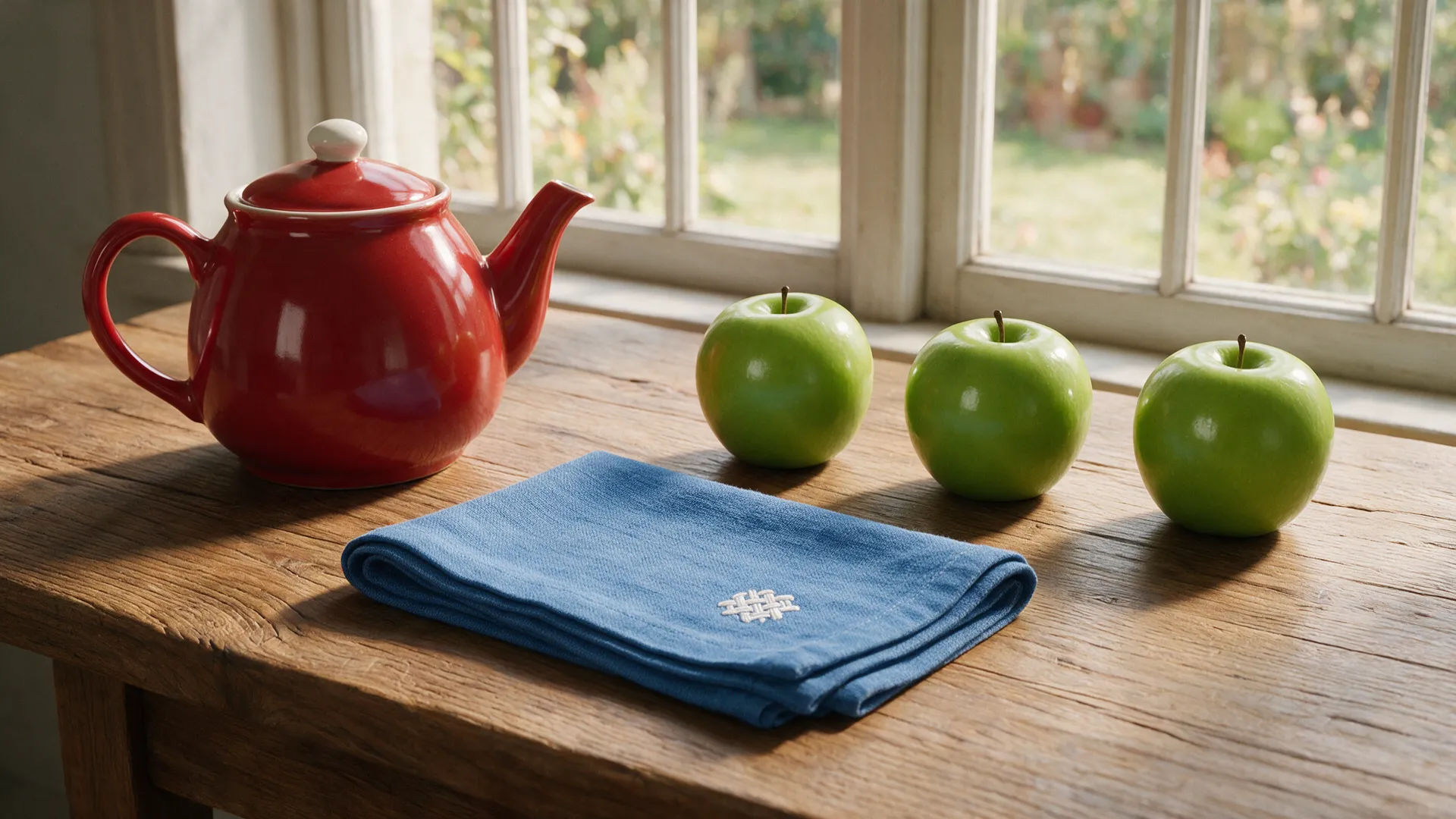
Strong prompt adherence
Multi-element scenes and specific compositions land as described, with the world model keeping every part consistent.
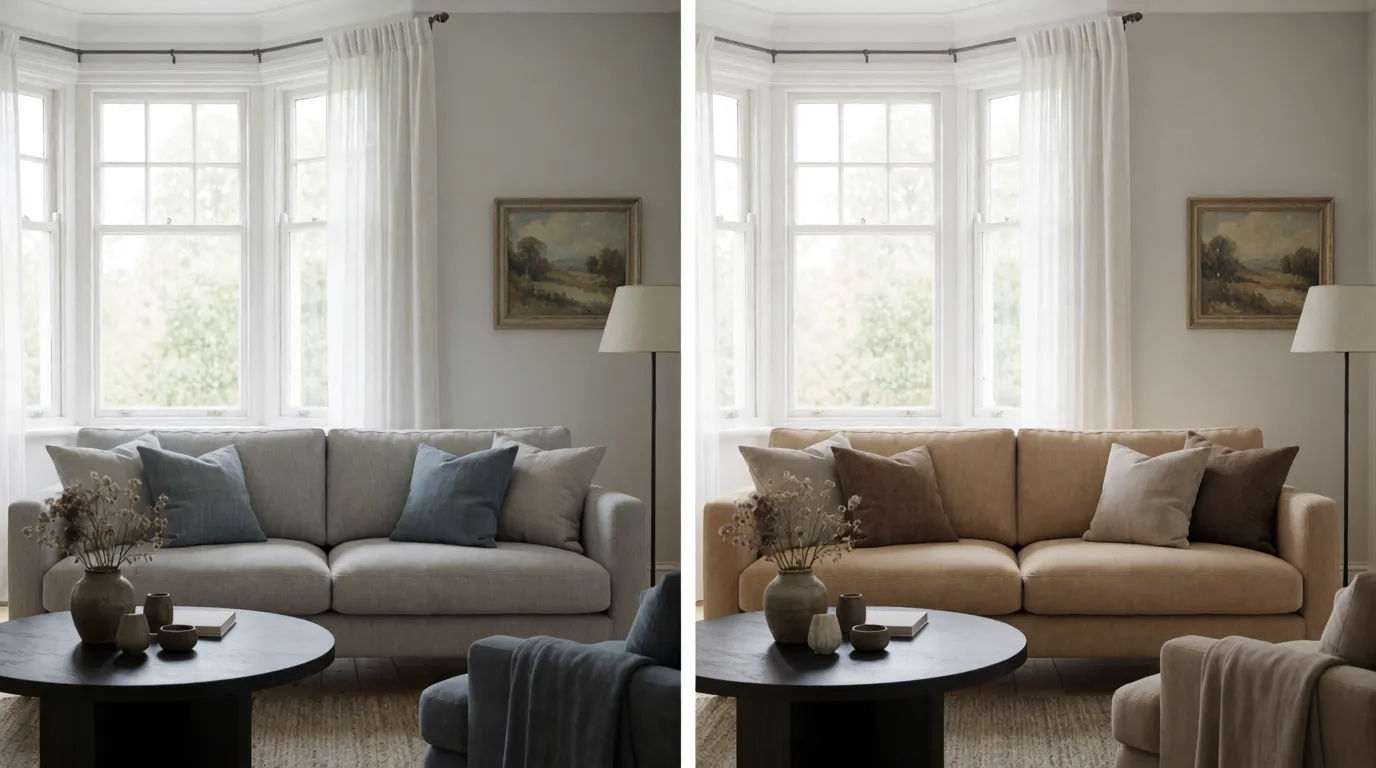
In-context editing
Change one element and leave the rest of the frame intact, skipping the full re-roll and keeping a result you like.
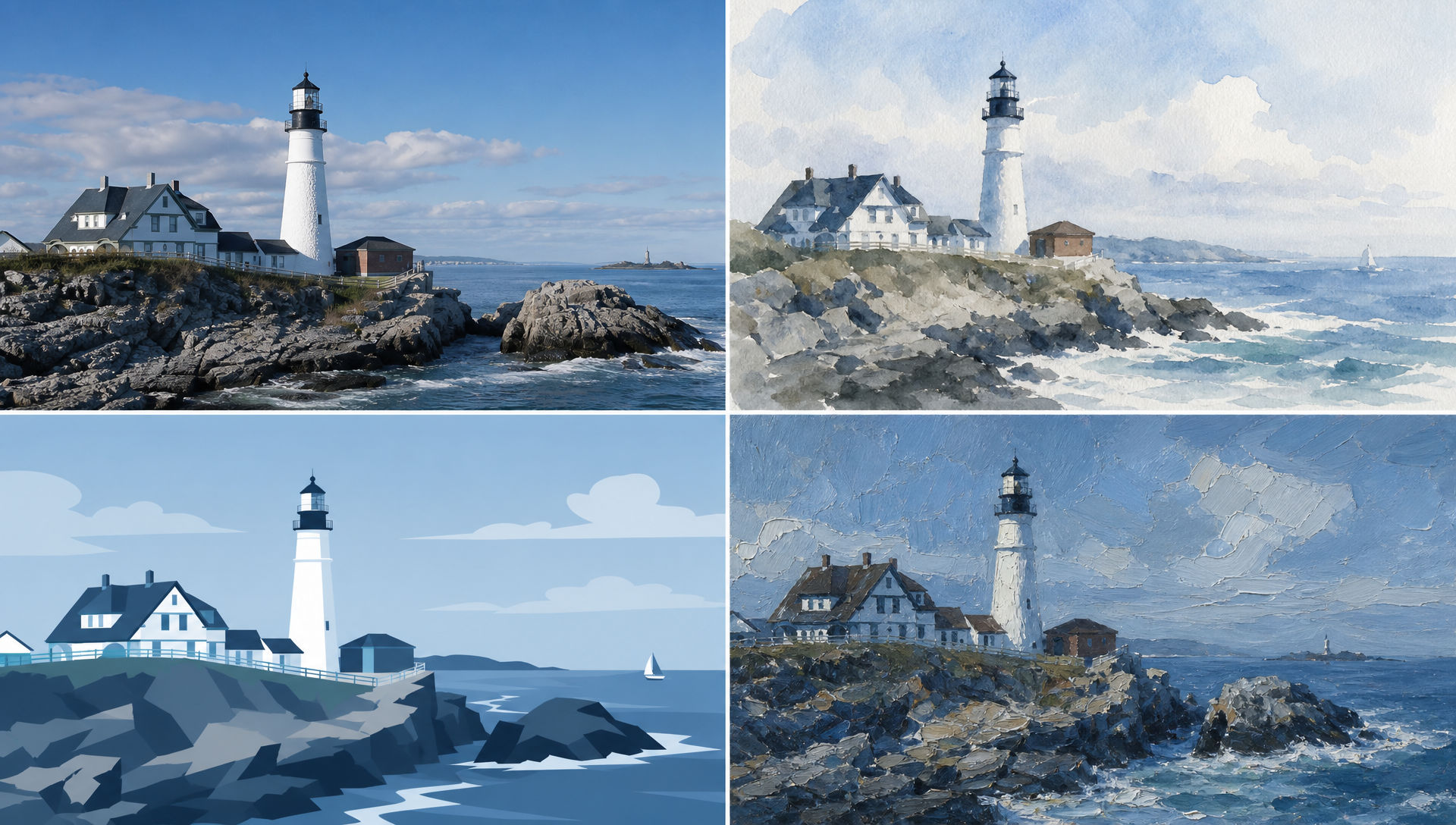
Any style
One subject, many looks. Render the same scene as a photograph, a watercolor, a flat vector, or an oil painting from a single prompt.
Prompt examples

Gig poster
Concert gig poster, bold headline 'MIDNIGHT ECHO' and a date, halftone print style, high contrast
Edit prompt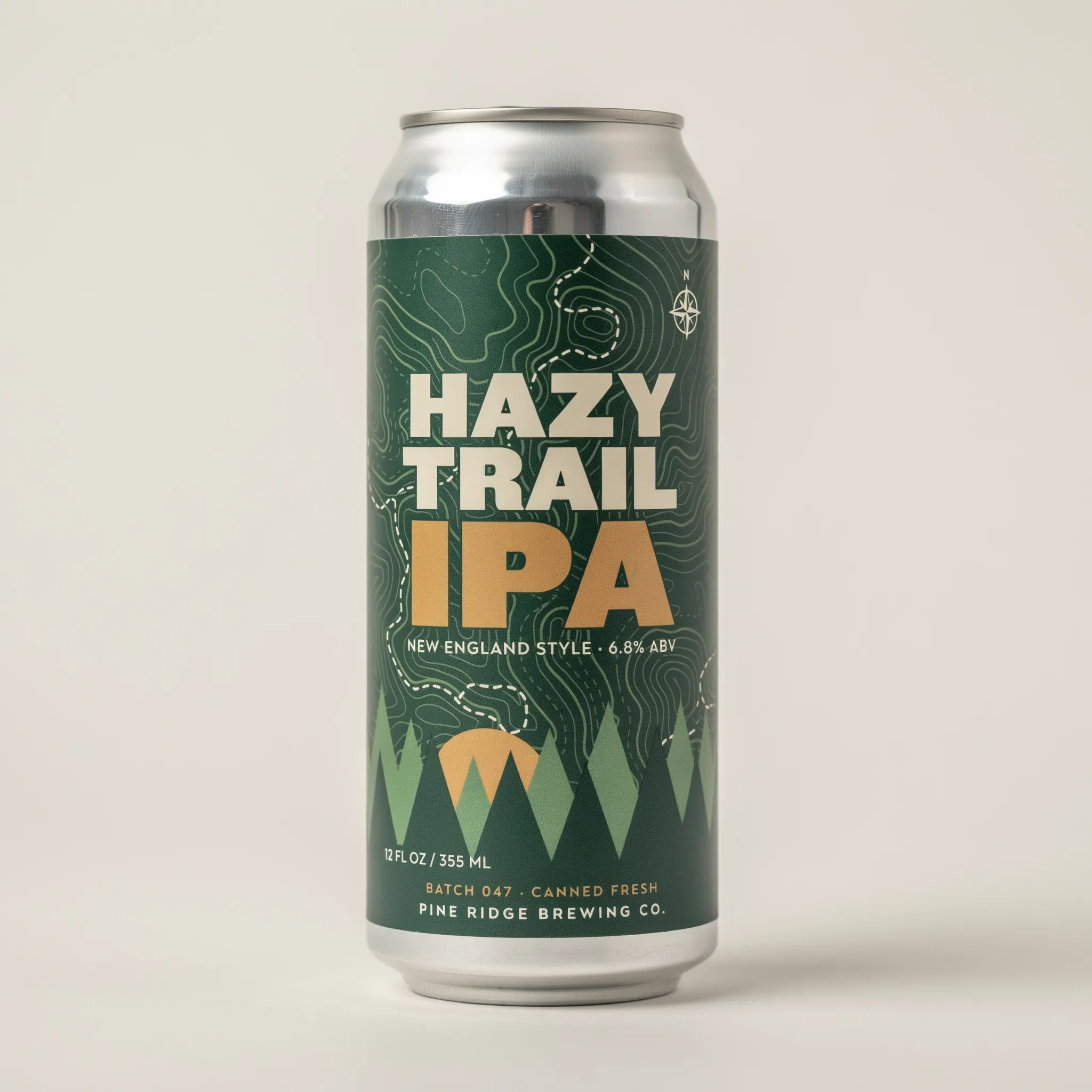
Product label
Craft beer can label reading 'HAZY TRAIL IPA', clean modern branding, brushed aluminium
Edit prompt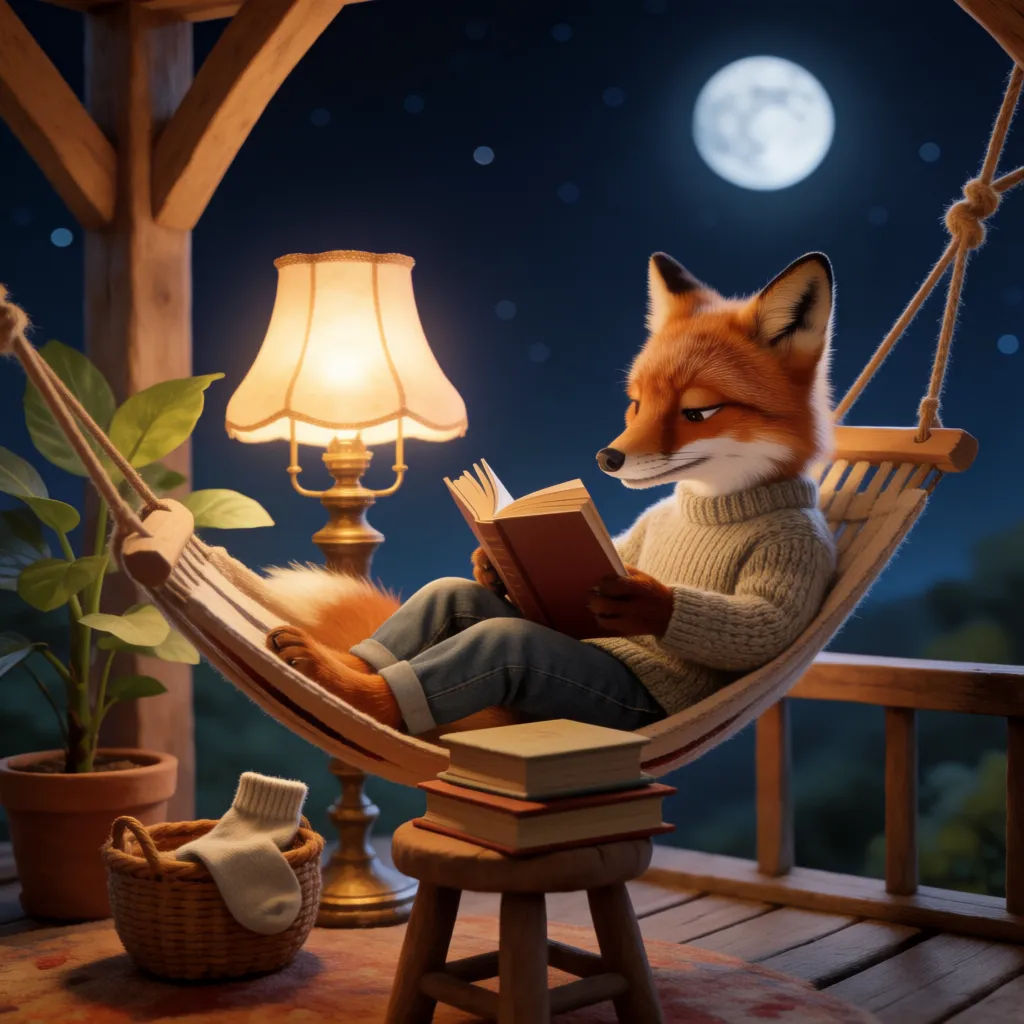
Children's book
Cozy children's book illustration, a fox in a knitted sweater reading under a warm lamp
Edit prompt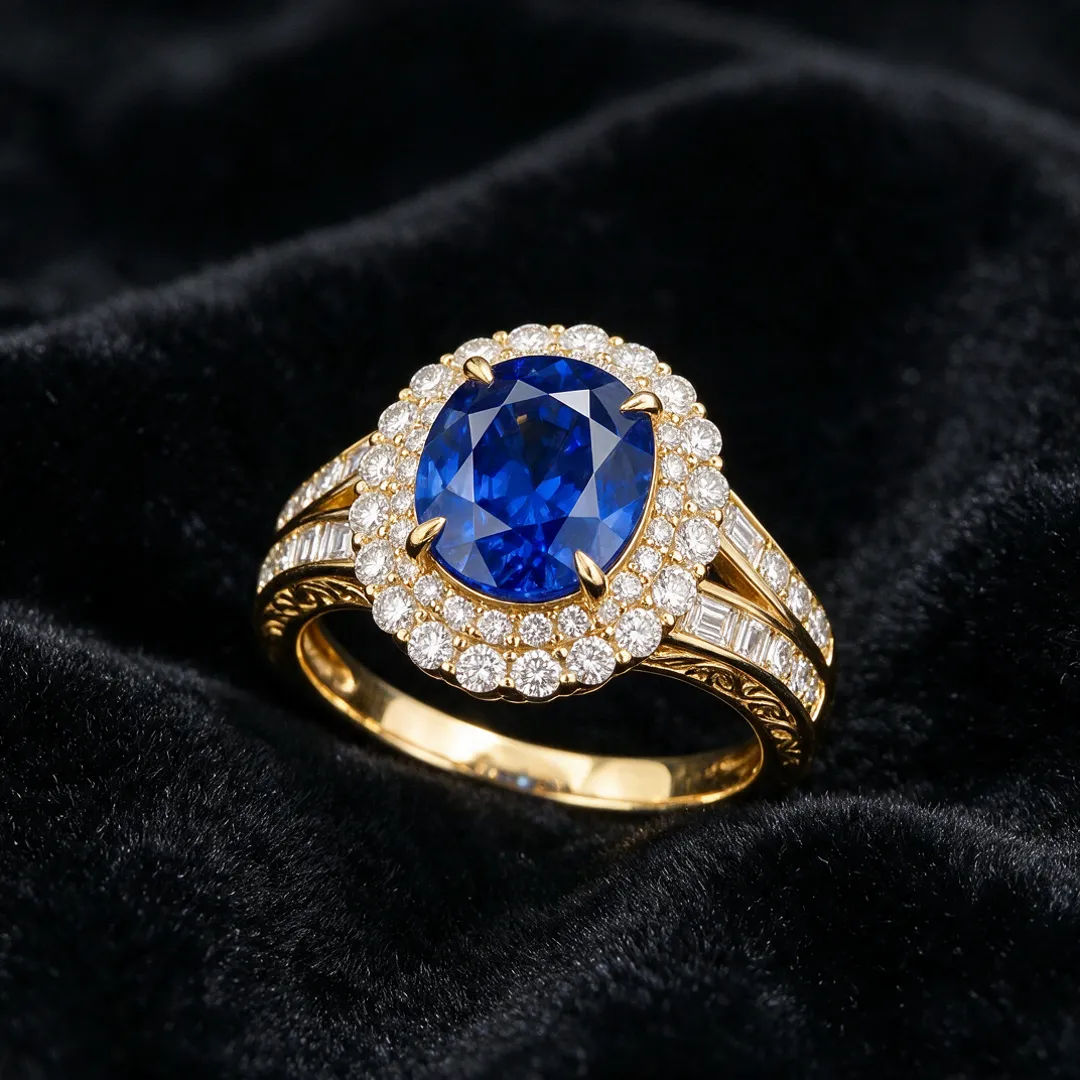
Jewelry macro
Macro jewelry shot, a gold ring set with a blue sapphire on black velvet, crisp reflections
Edit prompt
Travel cover
Travel-magazine photo of a whitewashed hilltop village at blue hour, calm sea below
Edit prompt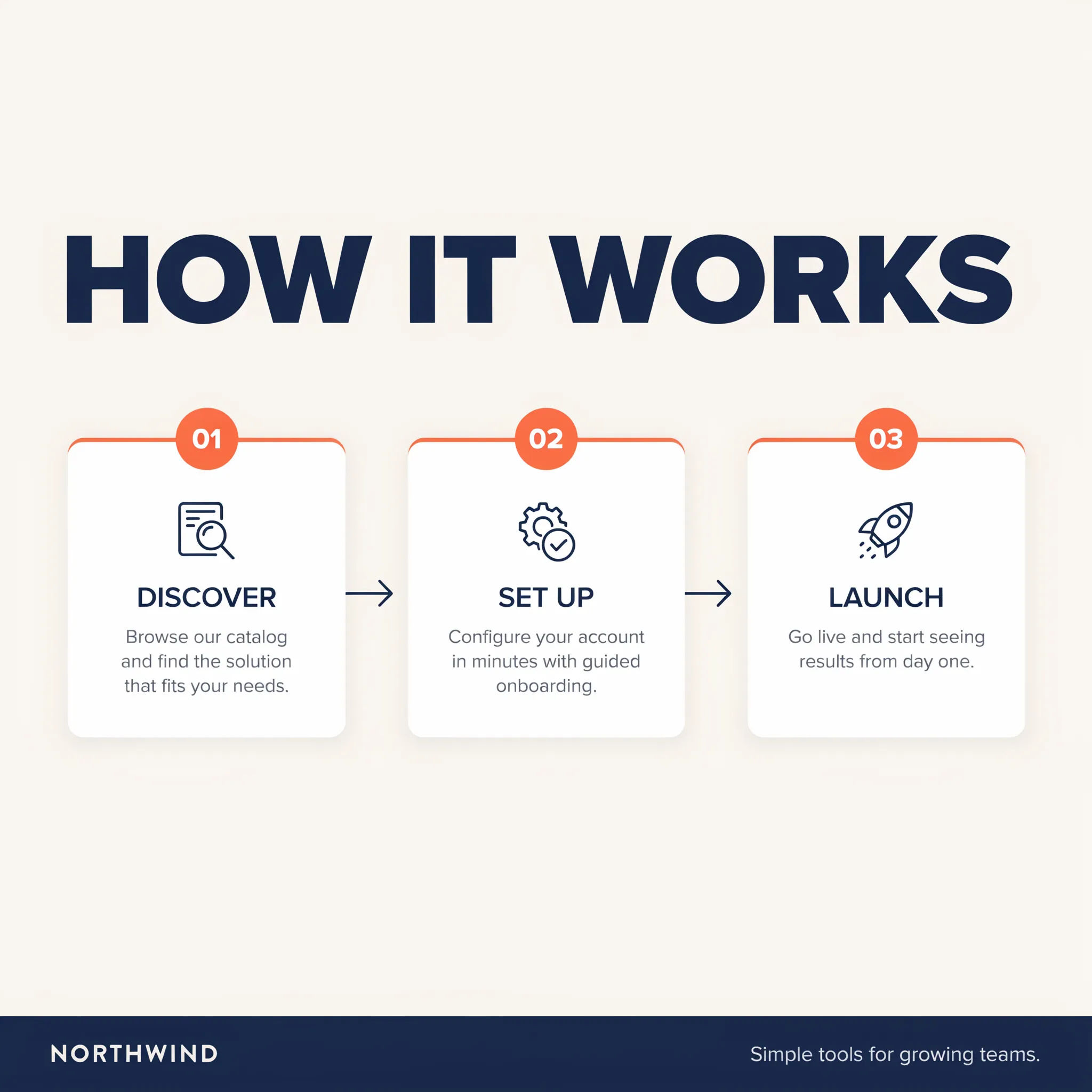
Infographic
Flat-design infographic titled 'HOW IT WORKS' with three numbered steps and simple icons
Edit promptTime-freeze effect
Cinematic time-freeze short film for any scene
Dance your character
Upload a character image and make it dance in any style.
Put yourself in a movie
Drop in a photo of yourself. Get a 12-second cinematic movie with animation and a matched soundtrack.
Video style transfer
Restyle any video in a completely new visual style. Every frame transforms, all motion stays intact.
Motion transfer
Pair a character image with a reference video. Your character picks up that exact motion.
Renovation timelapse
Photo of any real-estate becomes a cinematic renovation timelapse video with construction SFX and music.
All on Morphic
Your complete image stackModels
Flux 3, Flux 2 Pro, Nano Banana Pro, Seedream 5, and more. Pick the look and swap mid-project.
Edit in place
Take any render into image-to-image to adjust a region, restyle, or clean up without a full re-roll.
Compare models
Run one prompt across models on a single Canvas and keep the render with the best detail and text.
Workflows
Turn a finished image into a one-click Workflow. Rerun, share, or favorite it for fast reuse.