Edits you can make
Fill an image in three steps
- 01
Open Morphic
Sign up and start creating on a free-flowing, infinite visual canvas.
- 02
Mark the area
Brush the spot you want to add to, remove, or replace.
- 03
Describe and fill
Say what belongs there and download the blended result.
Use cases
Remove distractions
Erase a photobomber, a sign, or clutter and fill the gap cleanly. The background rebuilds itself so nothing looks removed.

Add what is missing
Drop in an object, a person, or a prop that blends with the scene. New elements match the existing light and perspective automatically.

Swap a background
Replace a busy backdrop with something clean while keeping the subject. Swap the setting without cutting anyone out by hand.

Fix product shots
Clean surfaces, remove reflections, and tidy a scene for a catalog. Get retouched product shots without a full editing pass.

Edits you can make
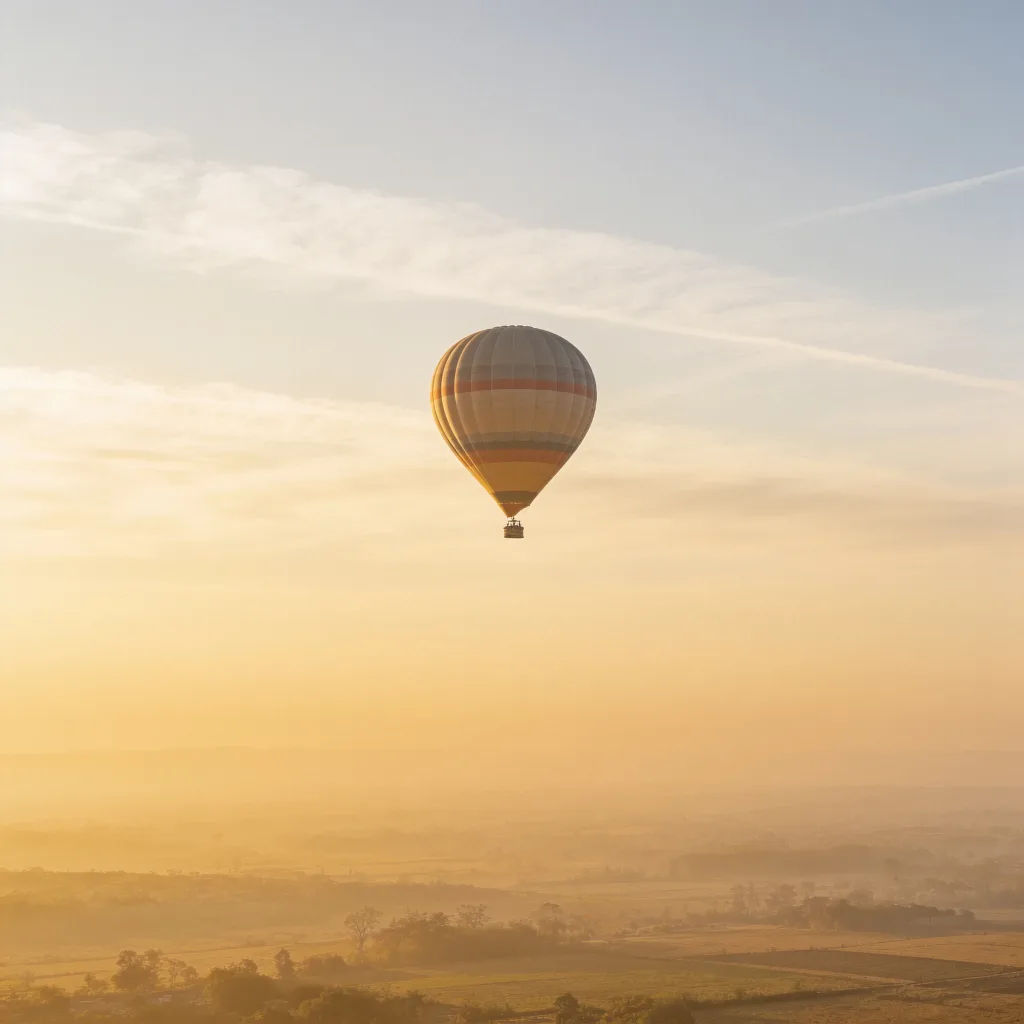
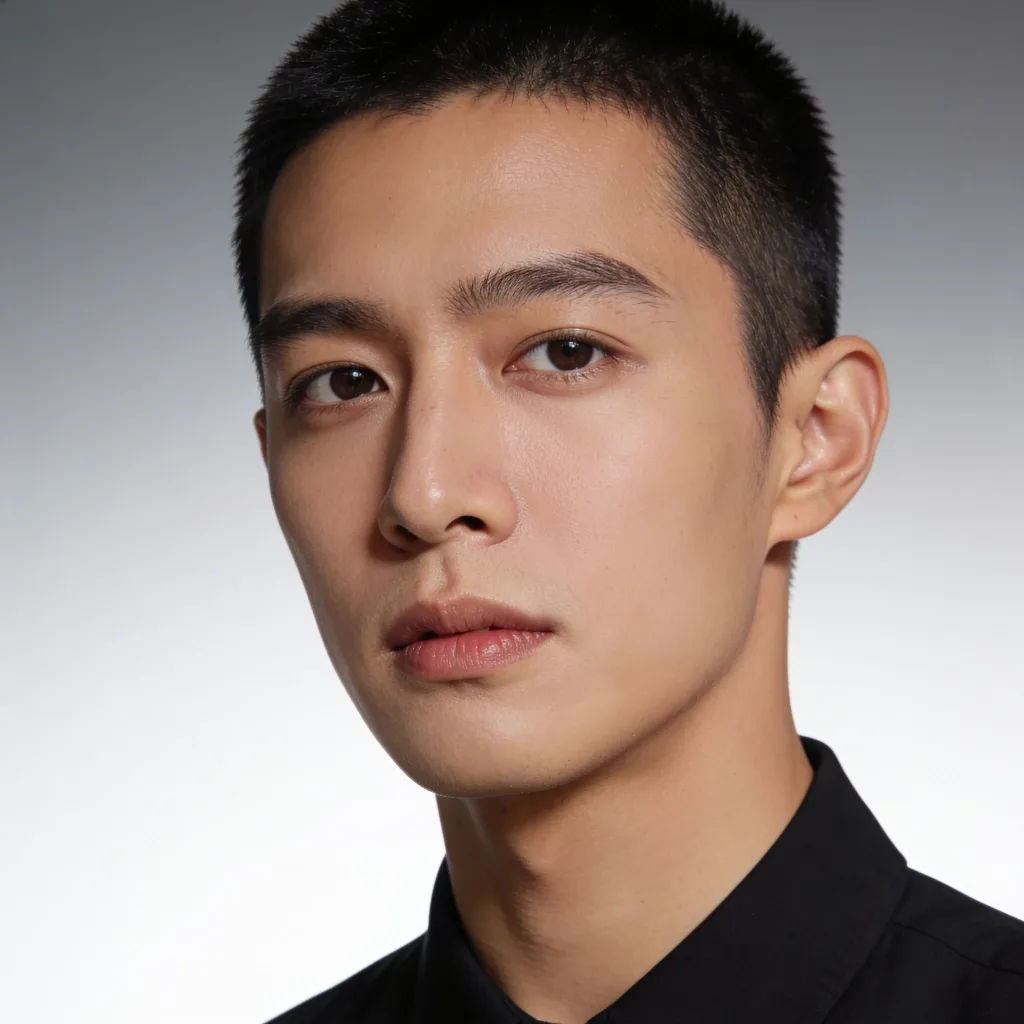
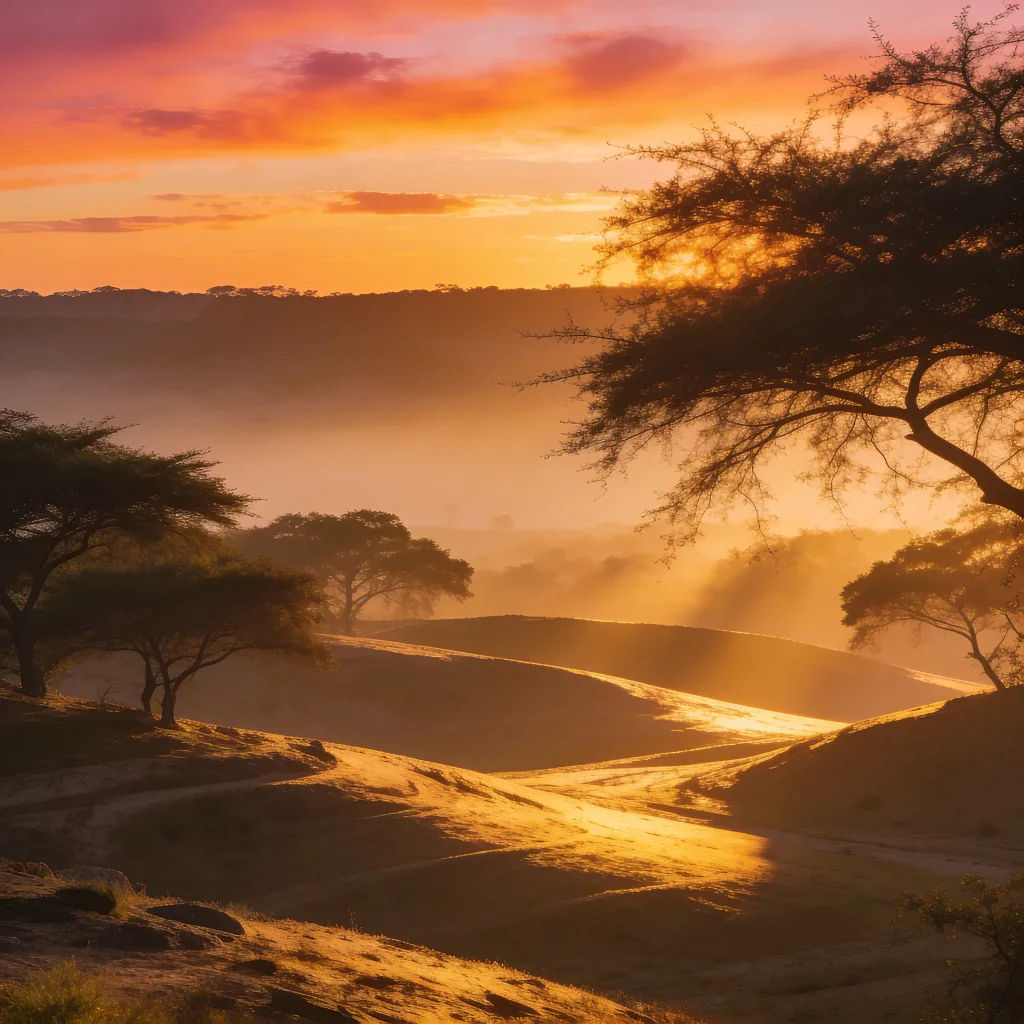
Each starts from your own image. Open any prompt to tweak it and generate your own.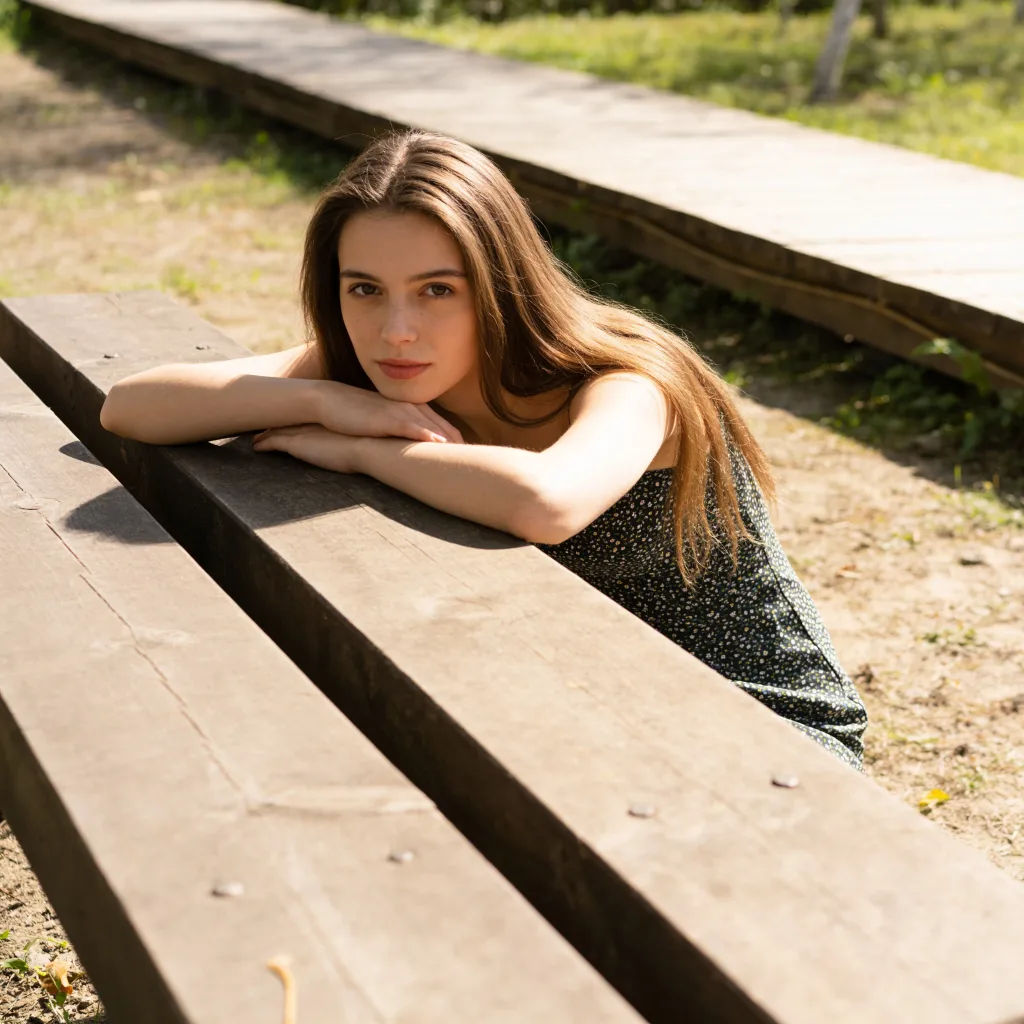

Sketch to render
Turn any sketch or drawing into a finished render.

Expressions
Take any character image and generate 6 distinct facial expressions on a single reference sheet.

Anime style transfer
Pick any anime illustration as your style guide. Apply its look to any image.

Image reverse engineer
Get a detailed prompt extracted from a reference image, and then a fresh recreation.

Cinematic storyboard
Share a scene description with character references. Get a full storyboard with shot angles and mood.

Chibi sprite animation
Turn any photo or description into an animated chibi sprite. Dance, jump, wave, attack, and more.
All on Morphic
Add, remove, and reshape anything in an imageModels
Nano Banana 2, Flux 2 Pro, Seedream 5, and more. Pick the model that blends edits most cleanly, and swap anytime.
Seamless blending
Fills read the surrounding light and texture, so changes sit naturally in the image.
Add or remove
Take objects out or add new ones in the same edit, all from a short description.
Workflows
Save a common edit as a Workflow and apply it across a batch of images.
Edit any photo with AI
Filling a gap is one edit among many. Describe any other change to the same photo and it is applied in place.
