Camcorder POV in a black forest at 3am
First-person handheld camcorder POV in a black forest at 3am, the lens battery red-light reflected off twigs and breath, a single headlamp beam tunnelling ahead, the timestamp burned in.
Edit prompt
This page covers mature themes for adult audiences making film, games and other creative work.
Direct the recovered tape in your browser with Morphic's found footage horror AI video generator. Create a red-light camcorder in a black forest or a body-cam in a stairwell, add breathy narration with Speech and Music, then cut a short on the Canvas.
First-person handheld camcorder POV in a black forest at 3am, the lens battery red-light reflected off twigs and breath, a single headlamp beam tunnelling ahead, the timestamp burned in.
Edit promptA body-cam view in an evacuated apartment stairwell, fluorescent strip light, an officer's tactical glove on the rail, a flashlight ahead crossing onto graffiti on the wall, burned-in timecode.
Edit prompt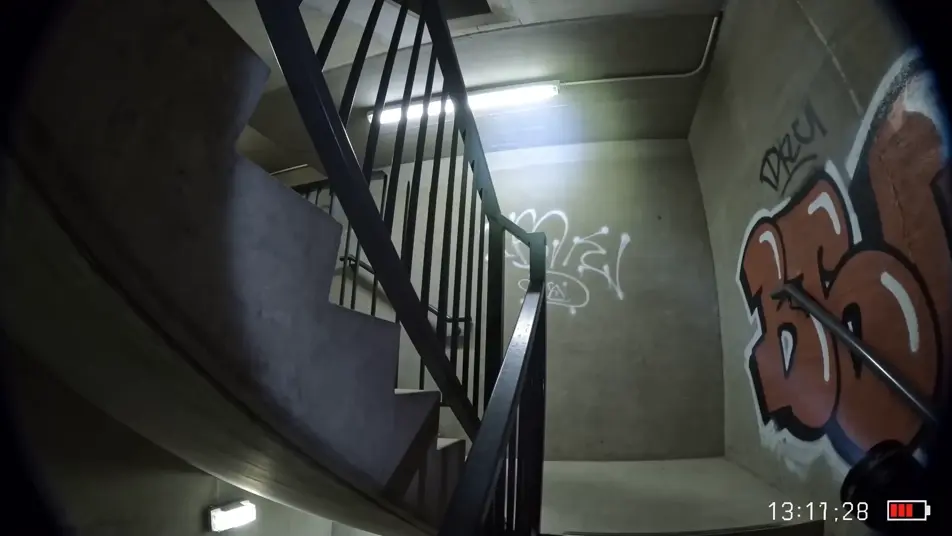
A first-person action-camera POV in the corridor of an abandoned hospital at night, headlamp beam crossing peeling green-tile walls, dust in the beam, doors at intervals slightly ajar.
Edit prompt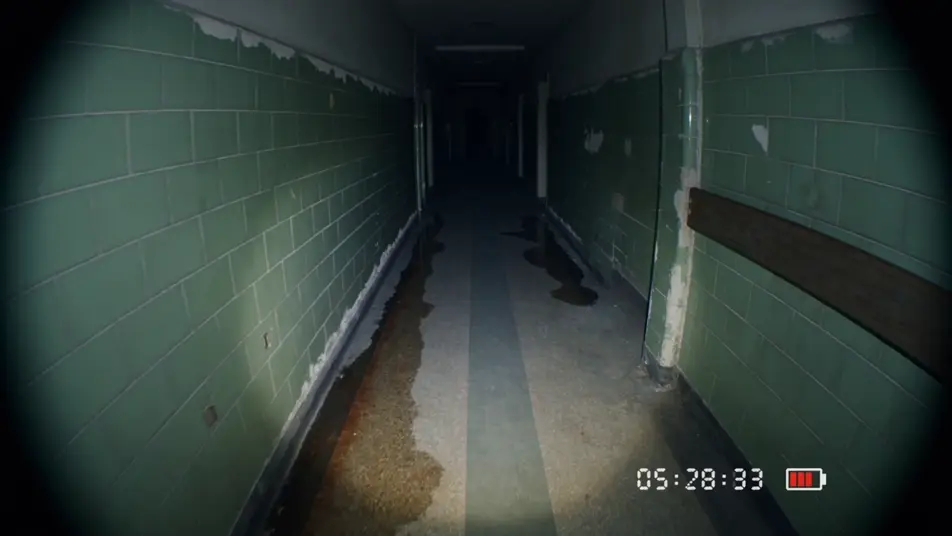
A grainy black-and-white CCTV plate of a quiet warehouse aisle at 2am, timestamp burned in the corner, a tall figure standing perfectly still at the far end of the aisle between two pallet stacks.
Edit prompt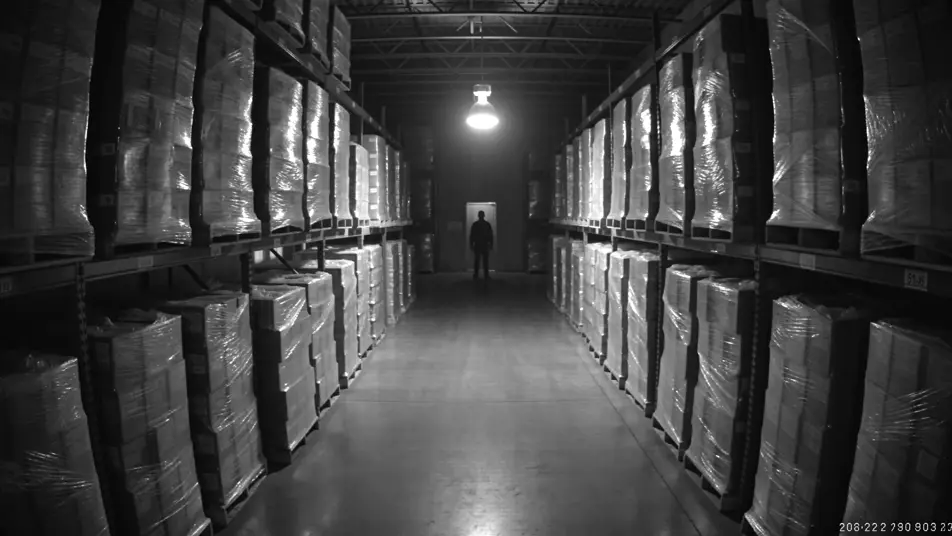
Write the found footage horror scene you want, in plain words.
Morphic generates a cinematic, frame-ready clip on your canvas in seconds.
Tweak the prompt, regenerate variations, then download or share the shot.
Drop in a photo of yourself. Get a 12-second cinematic movie with animation and a matched soundtrack.
Cinematic time-freeze short film for any scene

Dramatize any text conversation into a cinematic multi-shot video.
One image to a 9-scene cinematic video.

Share a scene description with character references. Get a full storyboard with shot angles and mood.

Feed in a single image. Get 9 cinematic beats laid out as a 3x3 storyboard grid.
Horror AI videos
Generate horror videos on Morphic. Haunted houses, fog-bound forests, flickering hallways, and slow-burn dread scenes from plain-language prompts.
Slasher Horror AI Videos
Create powerful AI Slasher Horror videos with our Slasher Horror video generator. Find unique, cinematic Slasher Horror scenes for any project in seconds.
Cosmic Horror AI Videos
Create powerful AI Cosmic Horror videos with our Cosmic Horror video generator. Find unique, cinematic Cosmic Horror scenes for any project in seconds.
Body Horror AI Videos
Create powerful AI Body Horror videos with our Body Horror video generator. Find unique, cinematic Body Horror scenes for any project in seconds.
Get started for free today, with the option to upgrade or cancel anytime.
Basic
2400 monthly credits
1 user only
All models
Workflows
Standard
3625 monthly credits
1 user only
All models
Workflows
Pro
6350 shared monthly credits
1 user
All models
Workflows
Max
24650 shared monthly credits
1 user
All models
Workflows
Enterprise
For higher limits
Custom
pricing and billing terms

Free
For playing around
$0
forever free
Everything on this page is fictional depiction for film, games and creative work. It does not depict real events, and does not place real, identifiable people in them.
Results vary by model. Some models apply stricter content policies than others, so a shot one model declines may generate on another.